Crestron, headquartered in New Jersey, offers the Crestron Mercury line of conference phones, a tabletop solution providing voice capabilities along with other collaboration features for the conference room.
N/A
GoTo Meeting
Score8.2 out of 10
N/A
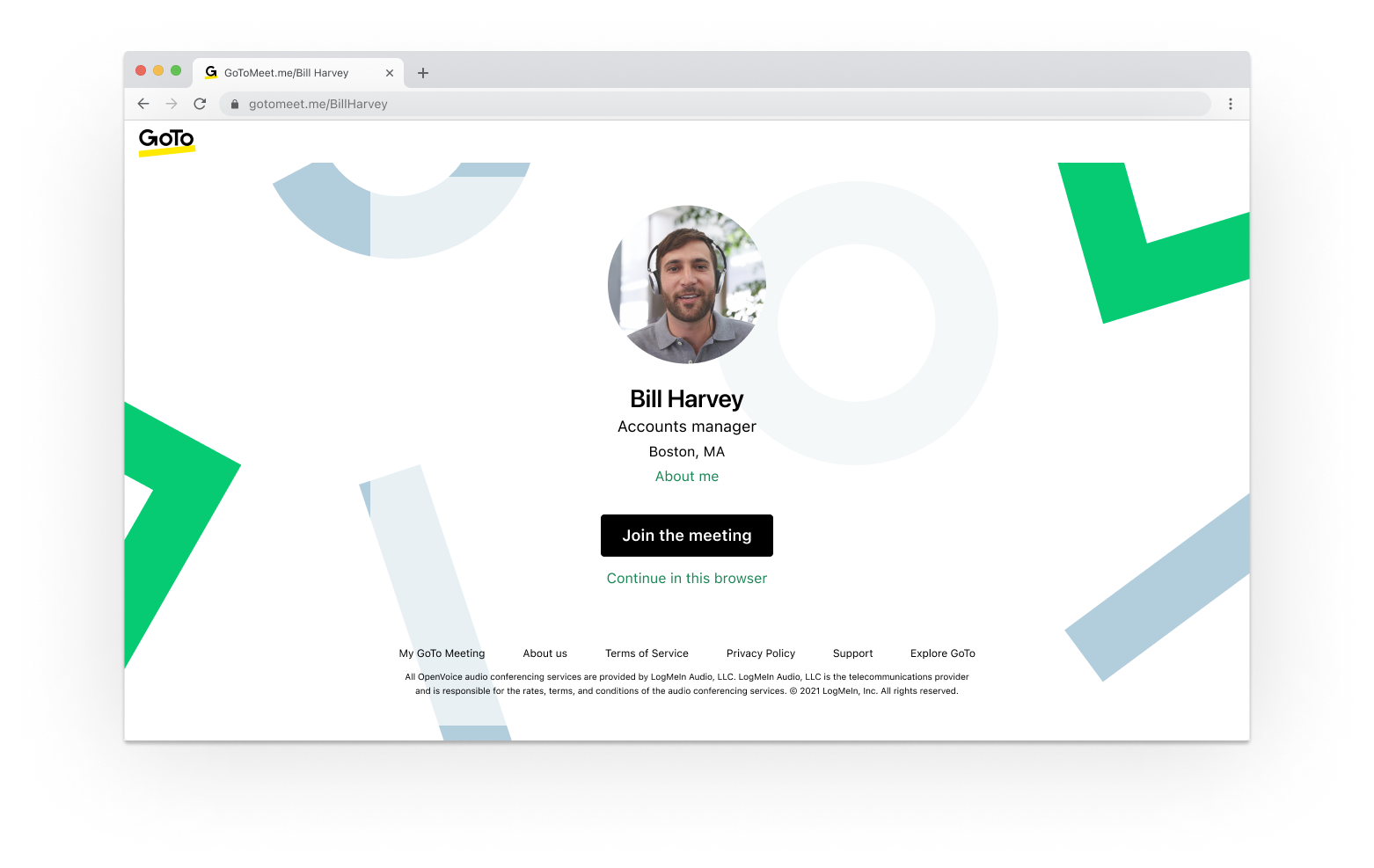
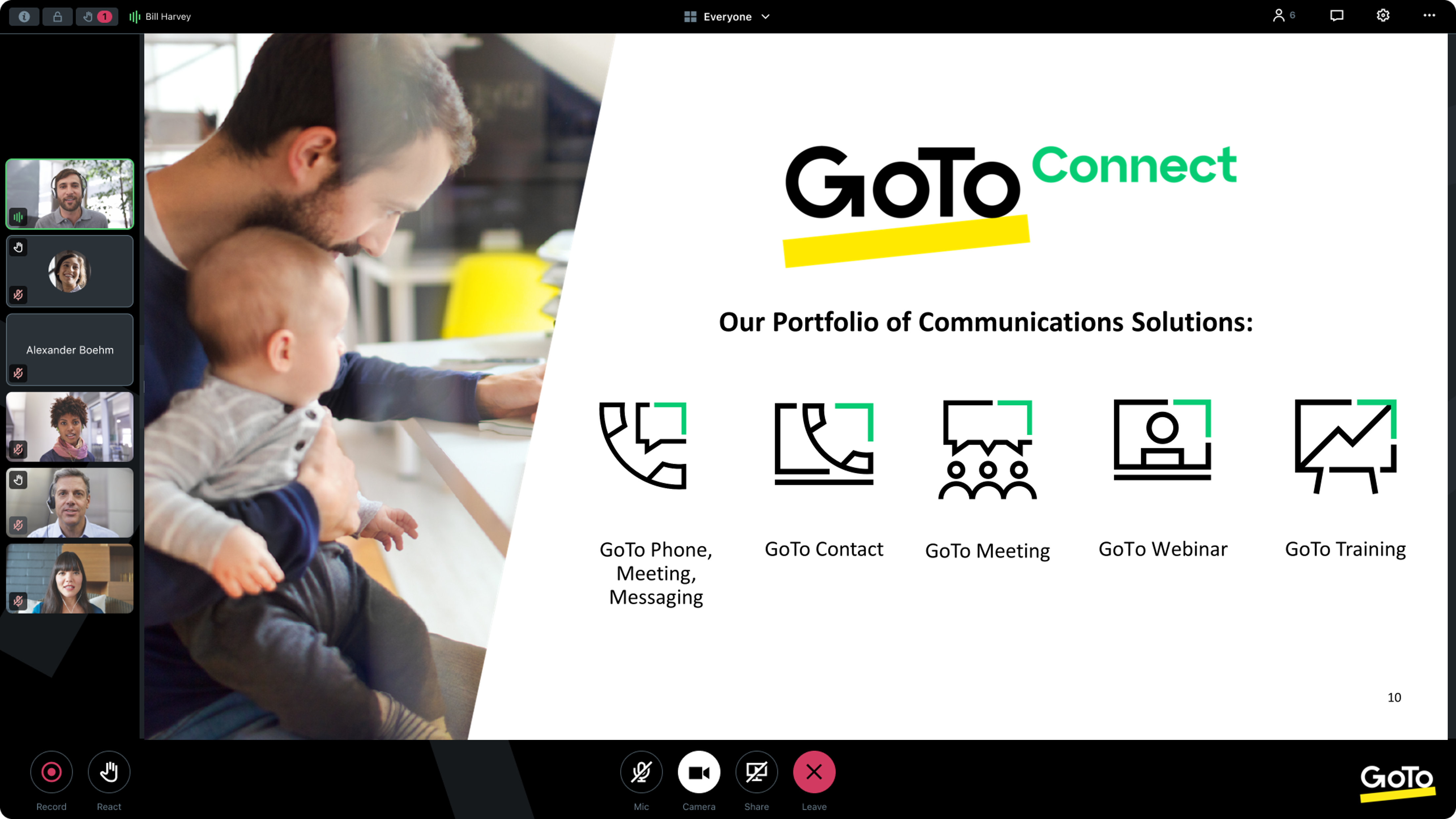
From GoTo (formerly LogMeIn), GoToMeeting is an online meeting, desktop sharing, and video conferencing software that enables users to connect via the internet. It hosts a suite of online meeting tools, including real-time screen sharing and integrated audio.
$12
per month
Pricing
Crestron Mercury
GoTo Meeting
Editions & Modules
No answers on this topic
Professional
$12.00
Per Organizer / Per Month for 150 Participants [billed annually]
Business
$16.00
Per Organizer / Per Month for 250 Participants [billed annually]
Enterprise
Custom Pricing
3,000 Participants
Offerings
Pricing Offerings
Crestron Mercury
GoTo Meeting
Free Trial
No
Yes
Free/Freemium Version
No
No
Premium Consulting/Integration Services
No
Yes
Entry-level Setup Fee
No setup fee
No setup fee
Additional Details
—
Pricing available by monthly or annual subscription, with discounts for annual commitments.
More Pricing Information
Features
Crestron Mercury
GoTo Meeting
Performance & Compatibility of Online Events Software
Comparison of Performance & Compatibility of Online Events Software features of Crestron Mercury and GoTo Meeting
Feature
Crestron Mercury
-
Ratings
GoTo Meeting
8.1
408 Ratings
2% above category average
High quality audio
00 Ratings
8.8408 Ratings
High quality video
00 Ratings
8.8401 Ratings
Low bandwidth requirements
00 Ratings
6.9376 Ratings
Mobile support
00 Ratings
8.0323 Ratings
Screen Sharing
Comparison of Screen Sharing features of Crestron Mercury and GoTo Meeting
Feature
Crestron Mercury
-
Ratings
GoTo Meeting
8.2
399 Ratings
3% above category average
Desktop sharing
00 Ratings
8.2399 Ratings
Whiteboards
00 Ratings
8.1273 Ratings
Online Meetings / Events
Comparison of Online Meetings / Events features of Crestron Mercury and GoTo Meeting
Feature
Crestron Mercury
-
Ratings
GoTo Meeting
8.1
400 Ratings
2% below category average
Calendar integration
00 Ratings
8.0356 Ratings
Meeting initiation
00 Ratings
8.4387 Ratings
Integrates with social media
00 Ratings
7.7199 Ratings
Record meetings / events
00 Ratings
8.1363 Ratings
Slideshows
00 Ratings
8.1313 Ratings
Online Events Collaboration
Comparison of Online Events Collaboration features of Crestron Mercury and GoTo Meeting
Feature
Crestron Mercury
-
Ratings
GoTo Meeting
8.3
369 Ratings
2% above category average
Live chat
00 Ratings
8.3359 Ratings
Audience polling
00 Ratings
8.1262 Ratings
Q&A
00 Ratings
8.4286 Ratings
Online Events Security
Comparison of Online Events Security features of Crestron Mercury and GoTo Meeting
It is well suited for small to medium sized conference room where video calls with your own device can be utilized. The Mercury essentially allows you to use any communication platform that you currently are using on your own devices. Works well as a stand alone speaker phone as well
A de minimis incentive was given to thank the reviewer for their time. The incentive was not used to bias or drive a particular response, nor was the incentive contingent on a positive endorsement. More Info
I provide regular training as a big portion of my job. There is weekly training with an infinite number of users in attendance on any given date—GoTo Meeting is not the best option for this because I would have to mute users as they join the meeting. However, I also provide frequent training sessions to a small number of users that feature more individualized content, and having them able to mute/unmute at will is a better fit for a smaller group with in-depth materials.
A de minimis incentive was given to thank the reviewer for their time. The incentive was not used to bias or drive a particular response, nor was the incentive contingent on a positive endorsement. More Info
A de minimis incentive was given to thank the reviewer for their time. The incentive was not used to bias or drive a particular response, nor was the incentive contingent on a positive endorsement. More Info
A de minimis incentive was given to thank the reviewer for their time. The incentive was not used to bias or drive a particular response, nor was the incentive contingent on a positive endorsement. More Info
A de minimis incentive was given to thank the reviewer for their time. The incentive was not used to bias or drive a particular response, nor was the incentive contingent on a positive endorsement. More Info
A de minimis incentive was given to thank the reviewer for their time. The incentive was not used to bias or drive a particular response, nor was the incentive contingent on a positive endorsement. More Info
A de minimis incentive was given to thank the reviewer for their time. The incentive was not used to bias or drive a particular response, nor was the incentive contingent on a positive endorsement. More Info
We used other software like goto meetings but found it best because of its user friendly interface and easy interfacing. It helped us in COVID and now we can say we are depending on it and love it. We recommend it to our friends company and they are also using it. It is very affordable and easy to integrate with system
A de minimis incentive was given to thank the reviewer for their time. The incentive was not used to bias or drive a particular response, nor was the incentive contingent on a positive endorsement. More Info
The simplicity of GoToMeetings desktop, mobile, and web-based applications make it a very robust and user-friendly meeting solution. At times, it may be more complex than needed, but it is nice to have so many features that can be used if needed. Once installed, it is very easy to use and navigate.
A de minimis incentive was given to thank the reviewer for their time. The incentive was not used to bias or drive a particular response, nor was the incentive contingent on a positive endorsement. More Info
A de minimis incentive was given to thank the reviewer for their time. The incentive was not used to bias or drive a particular response, nor was the incentive contingent on a positive endorsement. More Info
A de minimis incentive was given to thank the reviewer for their time. The incentive was not used to bias or drive a particular response, nor was the incentive contingent on a positive endorsement. More Info
When we have issues, they seem to respond quickly and do everything they can to help us. They have even tried to find other ways we could get more use out of their product, or improve the way we are currently using it. Overall, their support has been fairly good for us.
A de minimis incentive was given to thank the reviewer for their time. The incentive was not used to bias or drive a particular response, nor was the incentive contingent on a positive endorsement. More Info
A de minimis incentive was given to thank the reviewer for their time. The incentive was not used to bias or drive a particular response, nor was the incentive contingent on a positive endorsement. More Info
The Poly can use any video platform, but you have to pick only one. You do not have the ability to BYOD and use a different platform. Both the camera unit and the controller are connected to your network separately and sometime come un-paired and will not "speak" to each other and must be reset
A de minimis incentive was given to thank the reviewer for their time. The incentive was not used to bias or drive a particular response, nor was the incentive contingent on a positive endorsement. More Info
Many times, it seems like GoTo Meeting requires less bandwidth to run. We noticed with a few test machines that if you have over twenty video streams, this product could handle the load better than if we used Microsoft Teams and had many video streams.
A de minimis incentive was given to thank the reviewer for their time. The incentive was not used to bias or drive a particular response, nor was the incentive contingent on a positive endorsement. More Info
It has allowed us to continue with hybrid working with remote customers or workers still working from home
being able to use my own device in a conference room for video calls help bring back together the workforce that has been able to return to the office onsite with those who are not.
Reduced travel when fully functioning options like are a great solution for meetings.
A de minimis incentive was given to thank the reviewer for their time. The incentive was not used to bias or drive a particular response, nor was the incentive contingent on a positive endorsement. More Info
Any collaboration app these days are now a great addition for those organizations which have more than one office and they need to collaborate with each other.
GoTo Meeting can contribute to cost savings by reducing the need for extensive travel, accommodation, and related expenses associated with in-person meetings especially in case like us as we have multiple branches.
A de minimis incentive was given to thank the reviewer for their time. The incentive was not used to bias or drive a particular response, nor was the incentive contingent on a positive endorsement. More Info