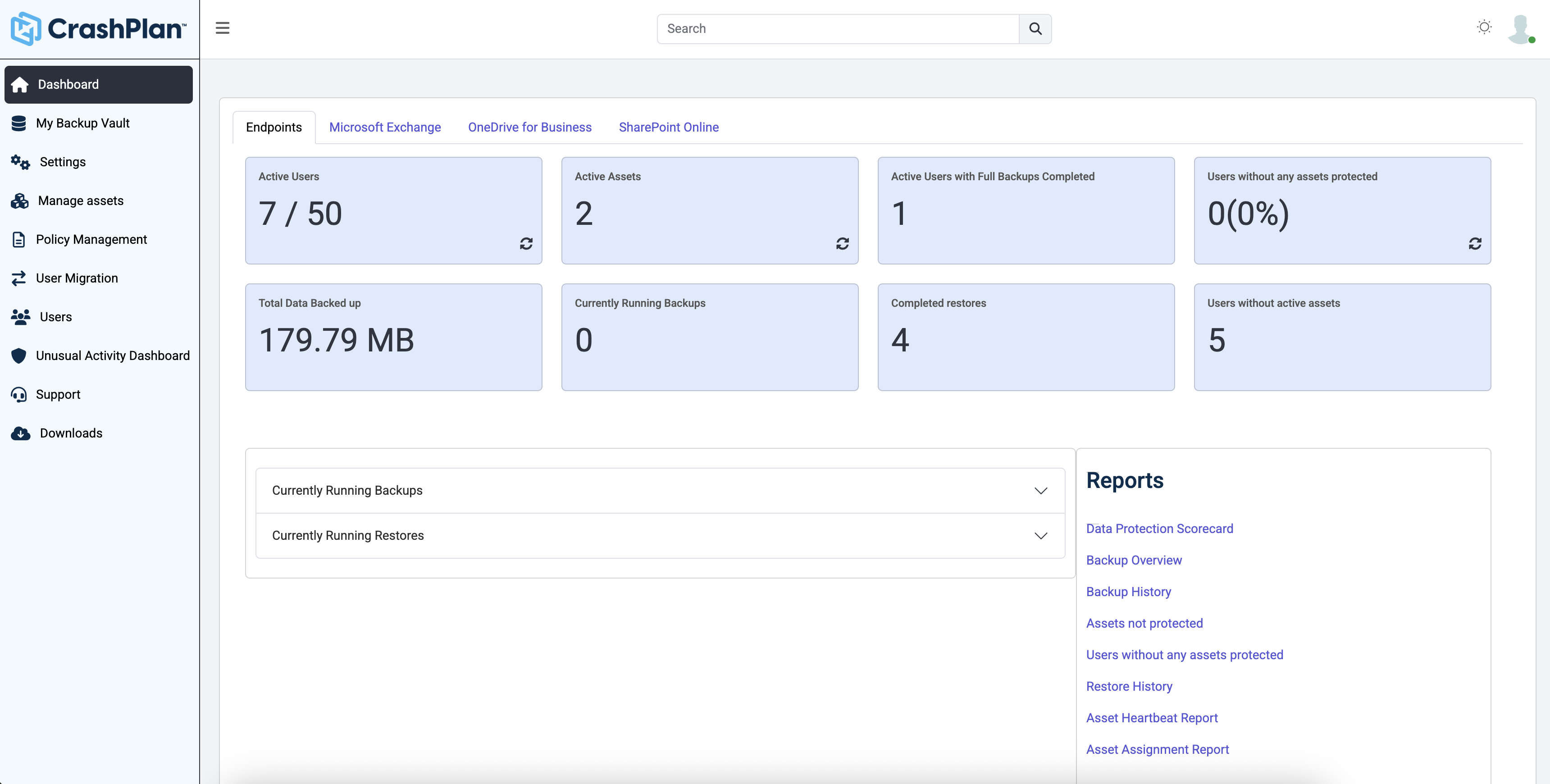
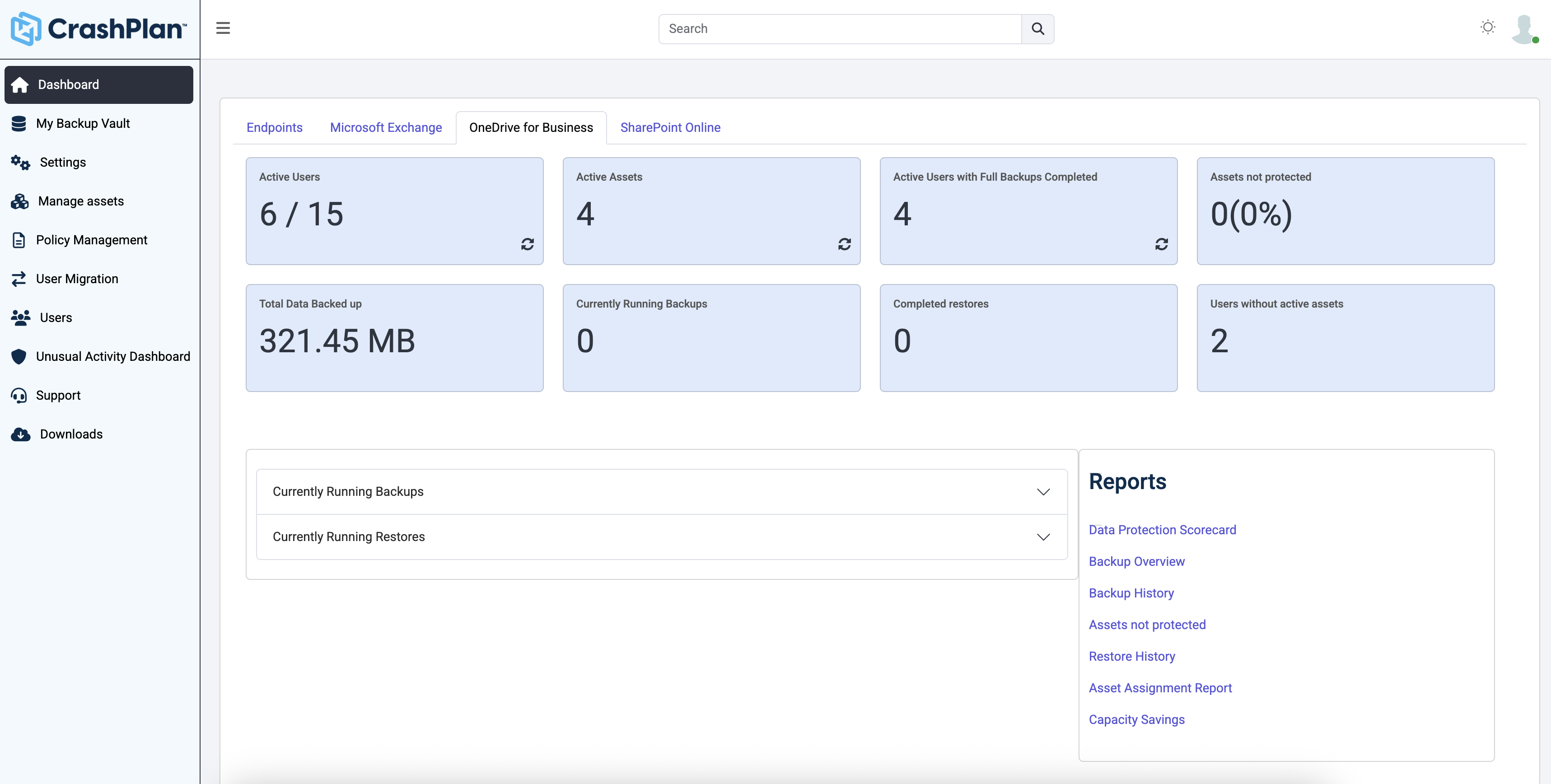
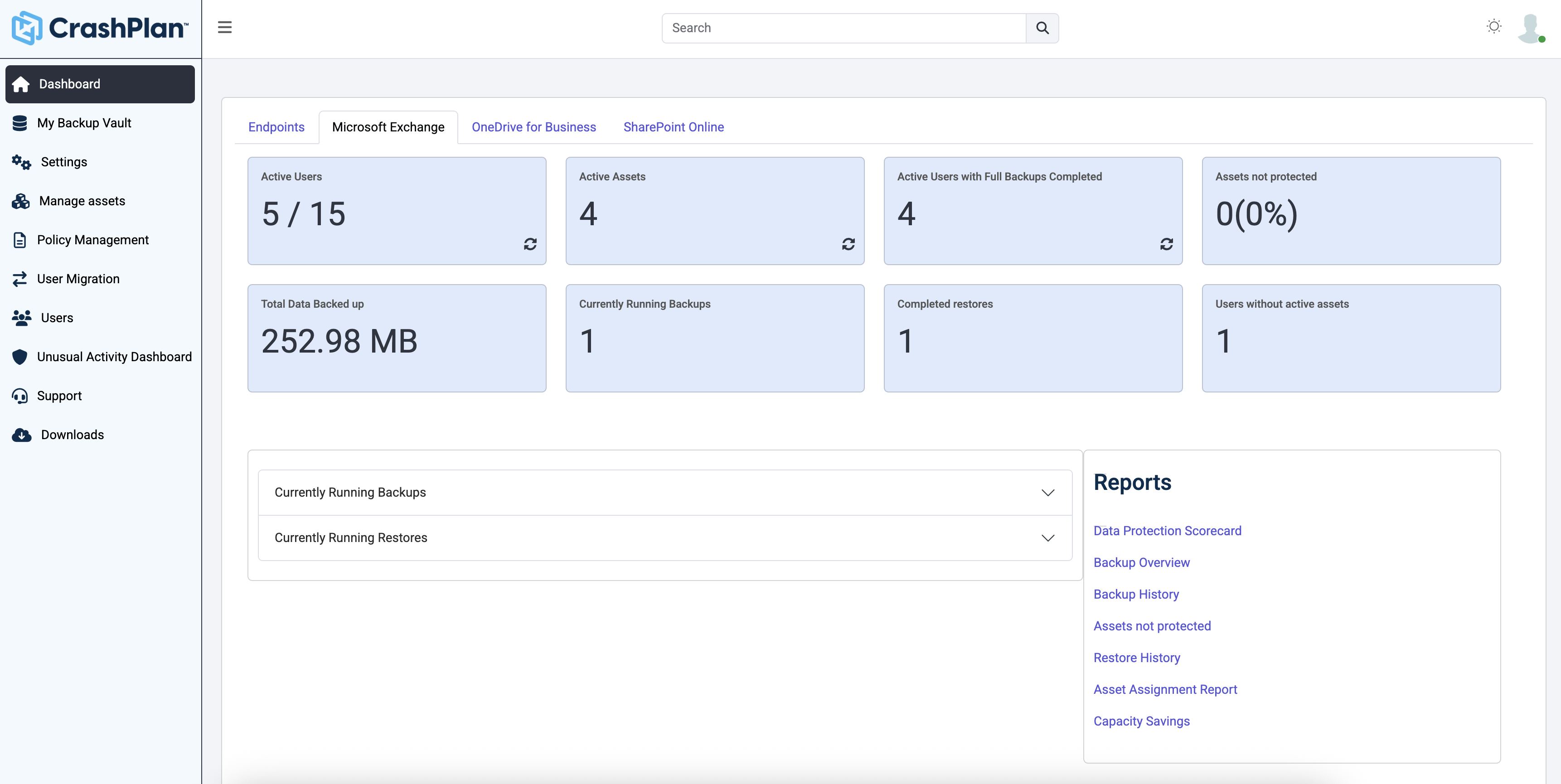
CrashPlan® provides secure, scalable, and straightforward endpoint data backup, to help organizations recover from any worst-case scenario, whether it is a disaster, simple human error, a stolen laptop, ransomware, or an as-of-yet-undiscovered calamity.
$8
per month per user
Datto SIRIS
Score9.8 out of 10
N/A
Datto SIRIS is a BCDR solution built for MSPs to prevent data loss and minimize downtime. Utilizing a cloud-first approach, MSPs can offer their clients local backup and recovery with a cloud-based repository and full disaster recovery in the cloud. All of this administered from a multi-tenant cloud portal that allows MSPs to view, manage and recover client data from a single interface.
N/A
Pricing
CrashPlan
Datto SIRIS
Editions & Modules
No answers on this topic
No answers on this topic
Offerings
Pricing Offerings
CrashPlan
Datto SIRIS
Free Trial
Yes
Yes
Free/Freemium Version
No
No
Premium Consulting/Integration Services
No
No
Entry-level Setup Fee
No setup fee
No setup fee
Additional Details
Discount available for annual billing.
Datto sells 100% through the channel. Specifically, Datto partners with managed service providers (MSPs). The MSPs then sell direct to small and mid-sized businesses, worldwide.
More Pricing Information
Community Pulse
CrashPlan
Datto SIRIS
Considered Both Products
CrashPlan
Verified User
Chose CrashPlan
I have not used the product, but it appears to be in the same league as the Crashplan product. I tend to think Crashplan is better only because of naivete of the other product and the fact that the entire experience with Crashplan has been fantastic from setup to updating to …
A de minimis incentive was given to thank the reviewer for their time. The incentive was not used to bias or drive a particular response, nor was the incentive contingent on a positive endorsement. More Info
Kaseya
Verified User
Chose Datto SIRIS
Datto and Barracuda Backup are very similar in design/purpose (both appliance-based with local backups and pushing to an offsite cloud), though Barracuda handles vCenter with a centralized backup console while Datto does not. VEEAM does a better job of backing up VMware than …
A de minimis incentive was given to thank the reviewer for their time. The incentive was not used to bias or drive a particular response, nor was the incentive contingent on a positive endorsement. More Info
Managing Partner in Corporate at Delaware Micro-Computer (Information Technology and Services, 11-50 employees)
Chose Datto SIRIS
Datto beats Replibit hands down, but the software isn't the biggest differentiator. Support at Datto is FANTASTIC. eFolder hardly provides anything you can call support.
A de minimis incentive was given to thank the reviewer for their time. The incentive was not used to bias or drive a particular response, nor was the incentive contingent on a positive endorsement. More Info
Individuals (SOHO), families and SMBs, who have a tight budget for offsite critical company data backup are well suited to this product. Especially if you want your data to be hosted locally (Australia in our case). Larger companies, with higher requirements and budgets would be better served elsewhere. Especially when you consider the poor technical support. Although, to be fair, their poor support may just be issues with their Pro/SMB products, as opposed to their enterprise products. However, if that is the case it's a pretty poor show/indicator still.
Datto is a fantastic option for smaller businesses who don't have as large of a budget. It might work well for larger businesses as well, but the features are not exactly on par with more prevalent backup solutions. So, that should be kept in mind while determining a good fit for a company. But if selling a backup solution is met with push back, this can be a great option to give a good working backup solution. It offers the main features solutions should have, so it's definitely not a compromise. Just keep in mind the features it does not offer.
A de minimis incentive was given to thank the reviewer for their time. The incentive was not used to bias or drive a particular response, nor was the incentive contingent on a positive endorsement. More Info
Code42 is the most affordable backup system offering unlimited storage that I could find. I came from SOS Online Backup, which I ultimately decided to drop after my monthly rate for their unlimited plan increased by 20x.
With Code42's unlimited storage option, I don't have to worry about the fact that my backups are significant in space. As a photographer with thousands of images at stake, I need to run large backups often.
Code42 runs continuously and silently in the background of my desktop computer. It is truly "set and go", so I don't have to think about it when I'm away. It runs until the designated drive has been fully backed up to my cloud storage. It will then automatically email me once the backup is complete (or, it will email me if it encounters any errors).
Customer service is above par. Anytime I need help, a chat agent is available (chat is my communication preference), they are always friendly, and go above and beyond to resolve my needs.
A de minimis incentive was given to thank the reviewer for their time. The incentive was not used to bias or drive a particular response, nor was the incentive contingent on a positive endorsement. More Info
Simple agent setup for new machines to be protected. A new machine can be setup on the server in under a minute whether it be a Linux or Windows based machine.
Local virtualization on the Datto is quick to start up. After a physical problem with a server I had the machine locally virtualized on the Datto before users had a chance to report service issues to me.
Nothing to do on my end to get backups shifted to offsite data center. Schedules are setup for each machine or group of machines and I sleep well knowing all our backups are safely stored offsite.
A de minimis incentive was given to thank the reviewer for their time. The incentive was not used to bias or drive a particular response, nor was the incentive contingent on a positive endorsement. More Info
The CrashPlan program installed on your computer is Java-based vs. a native application. While this makes development for CrashPlan easier, there are a lot of drawbacks to Java programs including more resources usage, less stability, and overall more clunky interface.
While this was also in the Pros category - CrashPlan is an extremely powerful and flexible program, which adds a great deal of complexity. Setting up CrashPlan isn't always a simple procedure, and depending on the complexity of your backup set, can take a while to tinker around with the settings to get everything to work properly.
The CrashPlan desktop program consists of a Java program front end, as well as a backend service - there are times when the backend service will crash, and the front end Java program will refuse to load. Typically, restarting the service or restarting the computer will resolve the issue, but sometimes more in-depth troubleshooting is required.
Perhaps one of the biggest downsides to CrashPlan is its price - at $10/month/computer CrashPlan is more than double the price of some existing backup services such as Backblaze (priced at $50/year/computer). To add salt to the wound, about a year and a half ago, CrashPlan discontinued their consumer options - which were very reasonably priced at $60/year for a single computer or a family plan priced at $150/year for up to 10 computers. When these options were discontinued, the cost of backing up with CrashPlan was effectively doubled for the same feature set.
Along with the previous example, CrashPlan had the option to back up to a remote machine on a different network with a free Crashplan account. This option was eliminated when the consumer line of services were discontinued.
While the backup service provided by CrashPlan are still first in class, the above two controversial changes have broken some trust between CrashPlan and its clients.
Initial backup sync: The downside to the cloud backup is that, if you have a lot of data, you need an external hard drive to seed to the cloud. And you usually have to request this after you've already got everything else working.
Unsyncing: We have pretty decent bandwidth, but with 8TB of data, we'd get syncing issues with the cloud servers every 3 months or so. The only way to address it was to request another external drive and resync it, but that also meant losing the older data.
Availability and support: Datto only operates through MSPs and VARs, and will not help you directly without putting in a ticket with your provider. This causes delays, and extra epenses, and if you grow beyond the need for an MSP, you have to keep them around for at least that piece.
A de minimis incentive was given to thank the reviewer for their time. The incentive was not used to bias or drive a particular response, nor was the incentive contingent on a positive endorsement. More Info
A de minimis incentive was given to thank the reviewer for their time. The incentive was not used to bias or drive a particular response, nor was the incentive contingent on a positive endorsement. More Info
A de minimis incentive was given to thank the reviewer for their time. The incentive was not used to bias or drive a particular response, nor was the incentive contingent on a positive endorsement. More Info
Usability is great. The web interface is simple and easy to use. While various options are available for client backups, it is very easy to re-use settings of the existing client, so adding new clients is a very fast process. Configuration of the agent on the client-side cannot be easier as well. Datto dashboard provides an overview of the client status, and email notifications can be configured for various events.
A de minimis incentive was given to thank the reviewer for their time. The incentive was not used to bias or drive a particular response, nor was the incentive contingent on a positive endorsement. More Info
Friendly and knowledgeable support team available to assist with this product. Code 42 (formerly CrashPlan) offers unlimited storage options for reasonable costs, so you really can't go wrong with this product. They have been a reliable resource for our company, and I would recommend to others looking for an easy setup with unlimited storage.
A de minimis incentive was given to thank the reviewer for their time. The incentive was not used to bias or drive a particular response, nor was the incentive contingent on a positive endorsement. More Info
My specific example or reason for this rating goes back to a need for support after a client on this platform has a fire. In a nutshell, Datto had no idea how to BMR the image back to the server correctly, and as a result, the RAID on the server was lost, due to the Datto BDR environment not being able to see the RAID card, and the support technician knowing how to inject drivers.
A de minimis incentive was given to thank the reviewer for their time. The incentive was not used to bias or drive a particular response, nor was the incentive contingent on a positive endorsement. More Info
Unitrends is our primary backup solution here at my place of employment, and I have no complaints. It does on-prem backups to a storage pool and with that, we chose not to also use Unitrends could storage as the cost was pretty high. Crashplan has a low cost and we were familiar with it. We found a great fit for Crashplan at a remote office with a web server, file share server, and a Domain Controller in addition to the Unitrends solution there. I also set up CrashPlan for a nonprofit org, as well as a Health foods store. I felt like I could stand behind the CrashPlan solution with my experience with it, in places like these where every dollar mattered.
A de minimis incentive was given to thank the reviewer for their time. The incentive was not used to bias or drive a particular response, nor was the incentive contingent on a positive endorsement. More Info
Datto seemed to be better than other vendors I trialed, and I inherited an Alto device, so it was easy to stay with them. I also assumed the backups had been working with the previous contractor, but it turns out they had been failing for months and no one knew it.
Tremendous cost savings as the amount of data you backup doesn't impact cost. One flat rate!
Implementation time was minimal and requires little to no maintenance. Since installation, I've not had to correct or fix any issues. It just works.
We opted to supplement Code42 with another solution that allowed us to backup data to a local repository due to the amount for data that changes in our firm.
A de minimis incentive was given to thank the reviewer for their time. The incentive was not used to bias or drive a particular response, nor was the incentive contingent on a positive endorsement. More Info
In most cases, Datto will provide the appliance free of charge with a 3-5 year contract which results in a modest monthly fee instead of a large initial outlay and monthly fees.
The contract's warranty is top-notch. Failed drives or issues with the appliances are replaced/corrected with free replacements and shipping.
A de minimis incentive was given to thank the reviewer for their time. The incentive was not used to bias or drive a particular response, nor was the incentive contingent on a positive endorsement. More Info