
Crank Storyboard vs. InVision
| Product | Rating | Most Used By | Product Summary | Starting Price |
|---|---|---|---|---|
 Crank Storyboard | N/A | N/A | Crank Storyboard is GUI Design and Development software that enables engineers and designers to create optimized GUIs for embedded devices. Crank Storyboard can be used to create touch screens for their smart kitchens, white goods, cars, and industrial devices. Its proprietary design and development platform encourages GUI designers and software engineers to work side-by-side for efficiency, yet independently so they can validate designs and performance earlier, handle iterations in… | N/A |
 InVision | Score5.8 out of 10 | N/A | InVision is a collaborative design and prototyping platform with features such as freehand drafting mode and interactive mockups, collaboration, idea management, user testing, and integration with Slack and other collaboration tools. According to the vendor, 1 million designers are using the free version. | $0 |
| Crank Storyboard | InVision | |||||||||||||||
|---|---|---|---|---|---|---|---|---|---|---|---|---|---|---|---|---|
| Editions & Modules | No answers on this topic |
| ||||||||||||||
| Offerings |
| |||||||||||||||
| Entry-level Setup Fee | No setup fee | No setup fee | ||||||||||||||
| Additional Details | — | — | ||||||||||||||
| More Pricing Information | ||||||||||||||||
| Crank Storyboard | InVision | |
|---|---|---|
| Considered Both Products | No answer on this topic | No answer on this topic |
| Key User Insights | ||
| Would buy again | ||
No answers on this topic | 78% Would buy again 14 Answers | |
| Delivers good value for the price | ||
No answers on this topic | 83% Delivers good value for the price 10 Answers | |
| Happy with the feature set | ||
No answers on this topic | 83% Happy with the feature set 15 Answers | |
| Lived up to sales and marketing promises | ||
No answers on this topic | 60% Lived up to sales and marketing promises 6 Answers | |
| Implementation went as expected | ||
No answers on this topic | 100% Implementation went as expected 10 Answers | |
| Crank Storyboard | InVision | |
|---|---|---|
| Small Businesses |  Figma Score8.9 out of 10 | Figma Score8.9 out of 10 |
| Medium-sized Companies | Figma Score8.9 out of 10 | Figma Score8.9 out of 10 |
| Enterprises | Figma Score8.9 out of 10 | Figma Score8.9 out of 10 |
| All Alternatives | View all alternatives | View all alternatives |
| Crank Storyboard | InVision | |
|---|---|---|
| Likelihood to Recommend | - | 8.0 |
| Likelihood to Renew | - | 8.0 |
| Usability | - | 9.0 |
| Support Rating | - | 8.8 |
| Crank Storyboard | InVision | |
|---|---|---|
| Likelihood to Recommend | No answers on this topic |
|
| Pros | No answers on this topic |
|
| Cons | No answers on this topic |
|
| Likelihood to Renew | No answers on this topic |
|
| Usability | No answers on this topic |
|
| Support Rating | No answers on this topic |
|
| Alternatives Considered | No answers on this topic |
|
| Return on Investment | No answers on this topic |
|
| ScreenShots | Crank Storyboard Screenshots 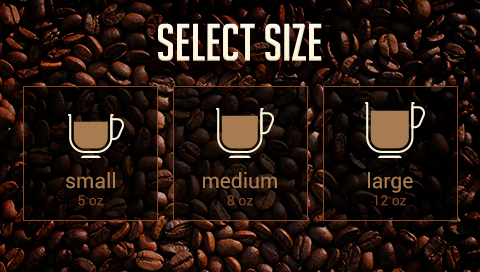 | InVision Screenshots   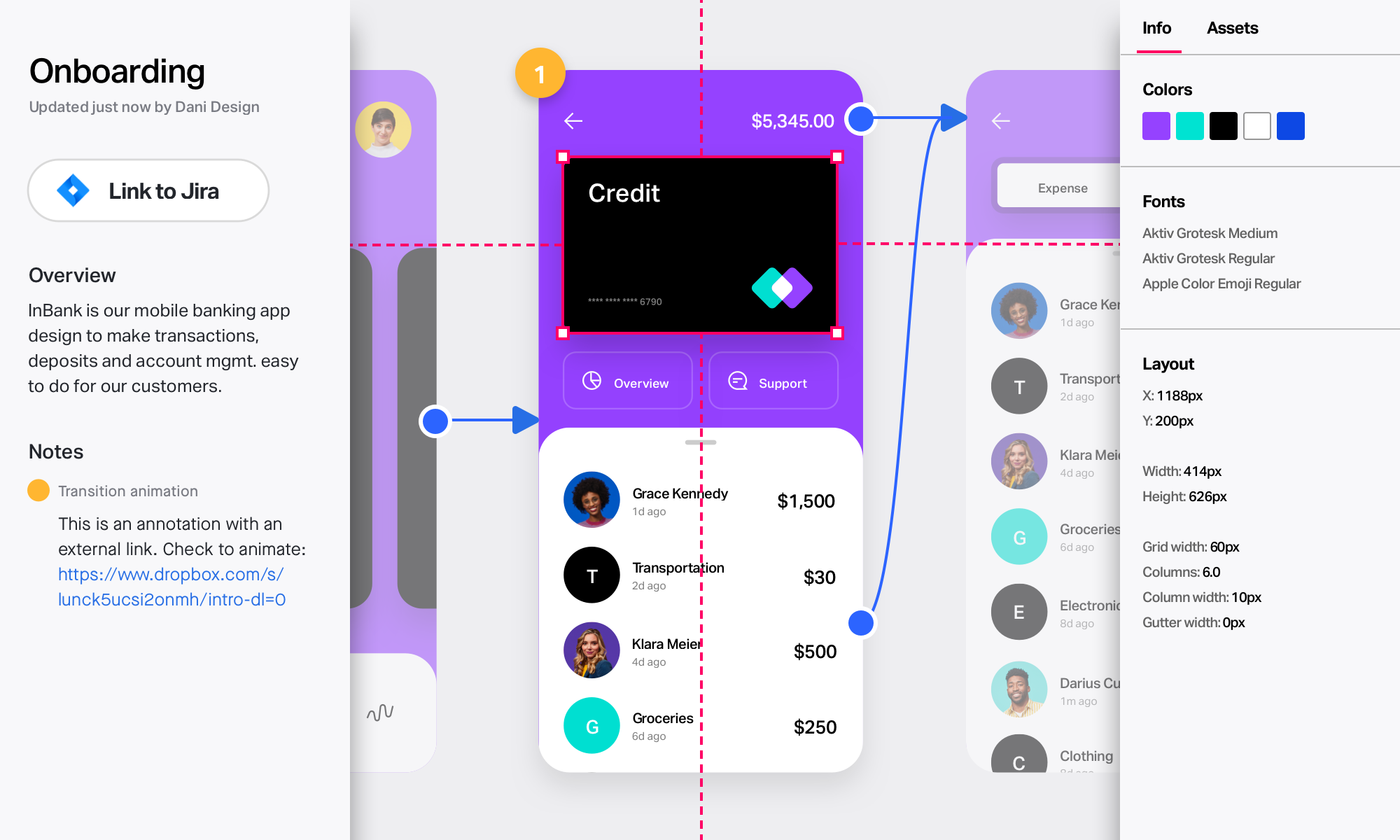 |


