
Couchdrop vs. Fortra's GoAnywhere MFT
| Product | Rating | Most Used By | Product Summary | Starting Price |
|---|---|---|---|---|
 Couchdrop | N/A | N/A | Couchdrop is a cloud-native b2b file exchange platform that simplifies secure file transfers across organizations with zero infrastructure management. Supporting direct SFTP, FTP/S, and AS2 transfers, Couchdrop includes multiple file ingestion methods, file sharing, and a no-code automation builder. | $50 per month |
 Fortra's GoAnywhere MFT | Score9.7 out of 10 | N/A | Fortra's GoAnywhere MFT is a secure file transfer solution that automates and encrypts data using industry standard protocols (e.g. OpenPGP, SFTP, HTTPS). With auditing and reporting, GoAnywhere can help organizations meet compliance regulations like PCI DSS and HIPAA. GoAnywhere can be deployed on-premises or in the cloud. As a VMware-validated product, it also runs in several virtualized environments including VMware, Amazon AWS, and Microsoft Azure. GoAnywhere exchanges batch and ad… | N/A |
| Couchdrop | Fortra's GoAnywhere MFT | |||||||||||||||
|---|---|---|---|---|---|---|---|---|---|---|---|---|---|---|---|---|
| Editions & Modules |
| No answers on this topic | ||||||||||||||
| Offerings |
| |||||||||||||||
| Entry-level Setup Fee | No setup fee | Optional | ||||||||||||||
| Additional Details | Prices are month-to-month with no lock-in. Couchdrop is self-serve and does not have a set-up fee. | — | ||||||||||||||
| More Pricing Information | ||||||||||||||||
| Couchdrop | Fortra's GoAnywhere MFT | |
|---|---|---|
| Considered Both Products | No answer on this topic | No answer on this topic |
| Key User Insights | ||
| Would buy again | ||
No answers on this topic | 100% Would buy again 6 Answers | |
| Delivers good value for the price | ||
No answers on this topic | 100% Delivers good value for the price 6 Answers | |
| Happy with the feature set | ||
No answers on this topic | 100% Happy with the feature set 6 Answers | |
| Lived up to sales and marketing promises | ||
No answers on this topic | 100% Lived up to sales and marketing promises 5 Answers | |
| Implementation went as expected | ||
No answers on this topic | 100% Implementation went as expected 6 Answers | |
| Couchdrop | Fortra's GoAnywhere MFT | |
|---|---|---|
| Small Businesses |  FileZilla Score9.4 out of 10 | FileZilla Score9.4 out of 10 |
| Medium-sized Companies | FileZilla Score9.4 out of 10 | FileZilla Score9.4 out of 10 |
| Enterprises | Fortra's GoAnywhere MFT Score9.7 out of 10 | FileZilla Score9.4 out of 10 |
| All Alternatives | View all alternatives | View all alternatives |
| Couchdrop | Fortra's GoAnywhere MFT | |
|---|---|---|
| Likelihood to Recommend | - | 9.9 |
| Likelihood to Renew | - | 10.0 |
| Usability | - | 8.1 |
| Availability | - | 9.0 |
| Performance | - | 10.0 |
| Support Rating | - | 8.6 |
| Implementation Rating | - | 10.0 |
| Configurability | - | 8.0 |
| Product Scalability | - | 9.0 |
| Vendor post-sale | - | 10.0 |
| Vendor pre-sale | - | 10.0 |
| Couchdrop | Fortra's GoAnywhere MFT | |
|---|---|---|
| Likelihood to Recommend | No answers on this topic |
|
| Pros | No answers on this topic |
|
| Cons | No answers on this topic |
|
| Usability | No answers on this topic |
|
| Support Rating | No answers on this topic |
|
| Implementation Rating | No answers on this topic |
|
| Alternatives Considered | No answers on this topic |
|
| Return on Investment | No answers on this topic |
|
| ScreenShots | Couchdrop Screenshots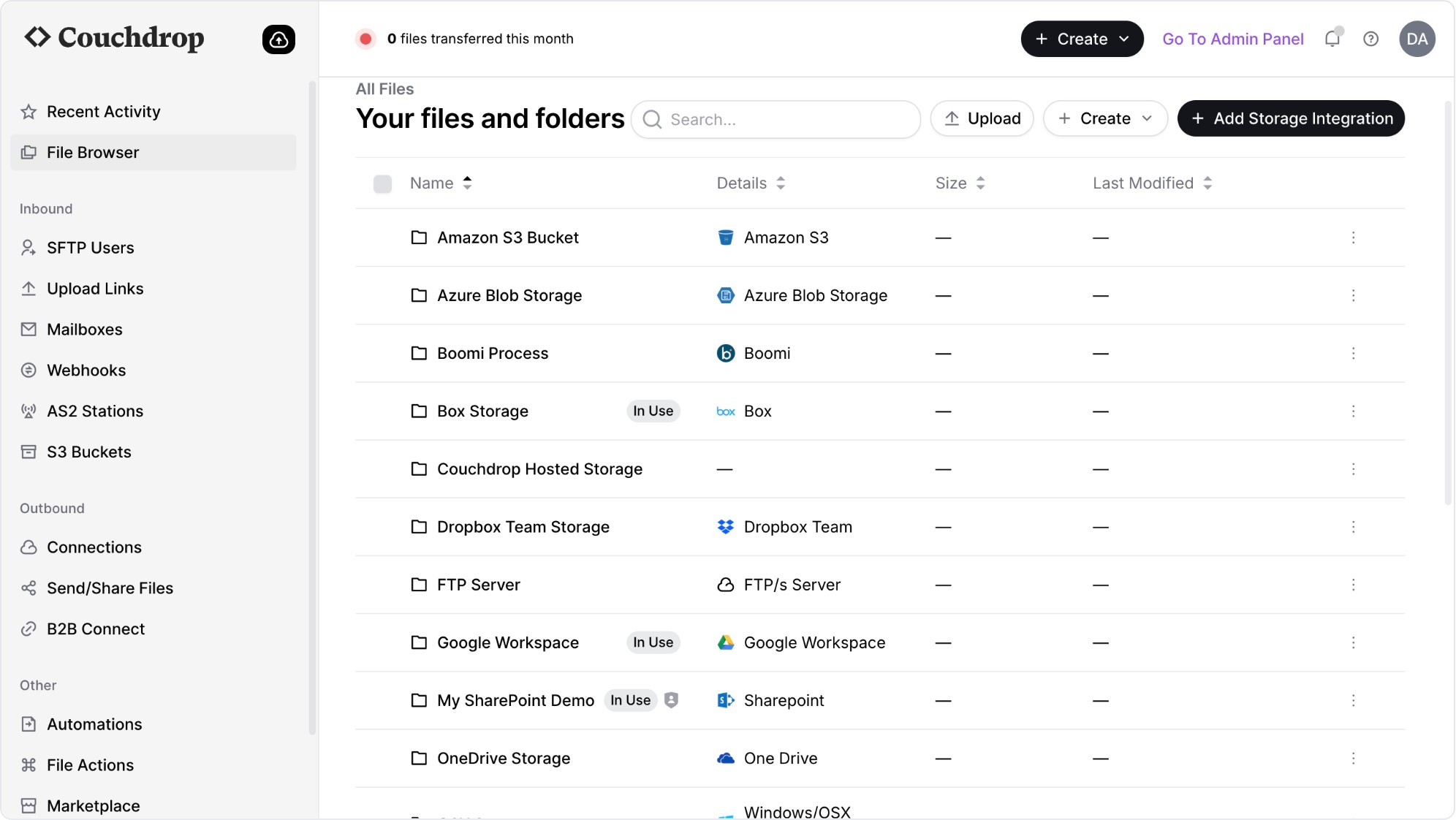 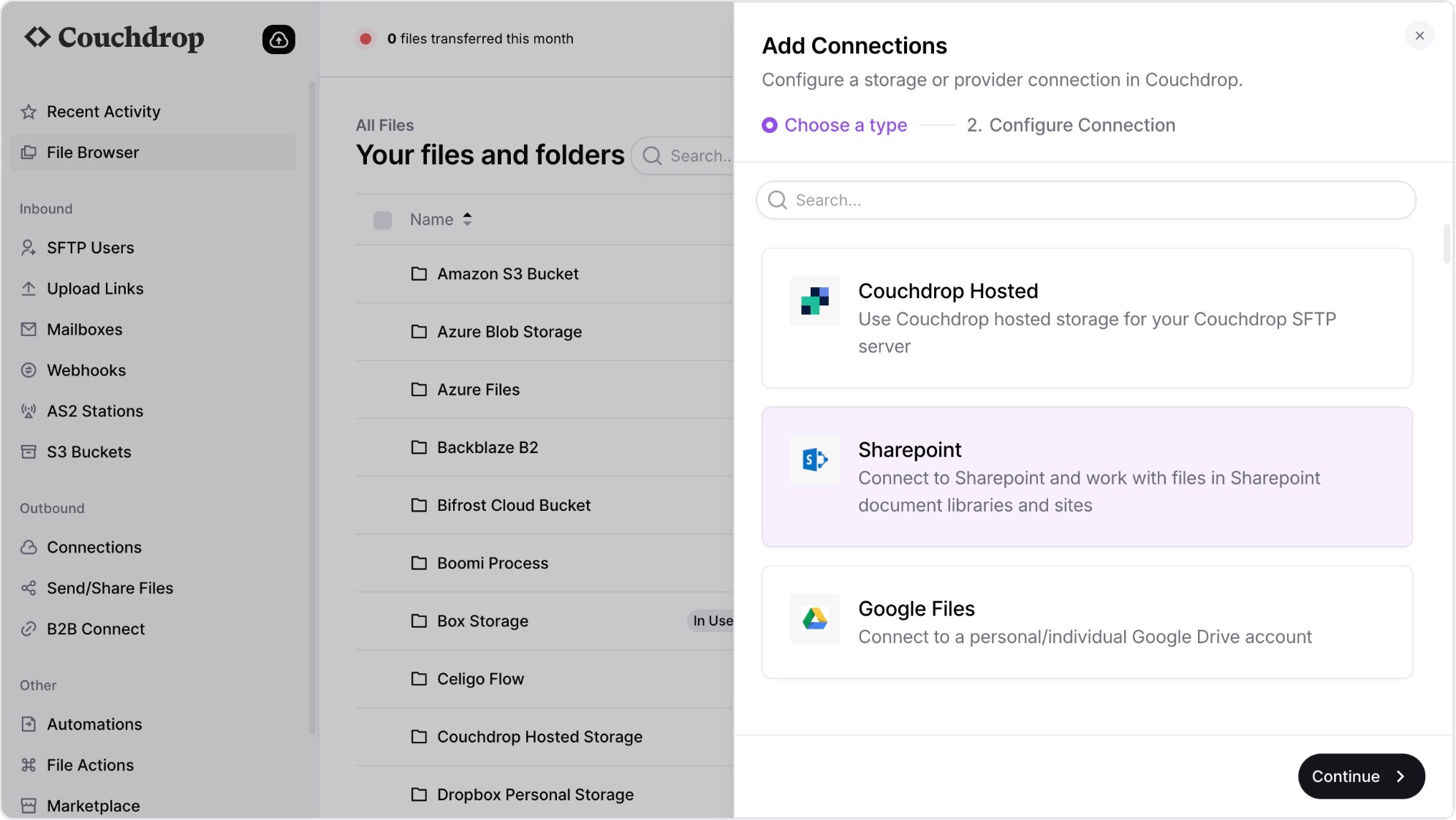 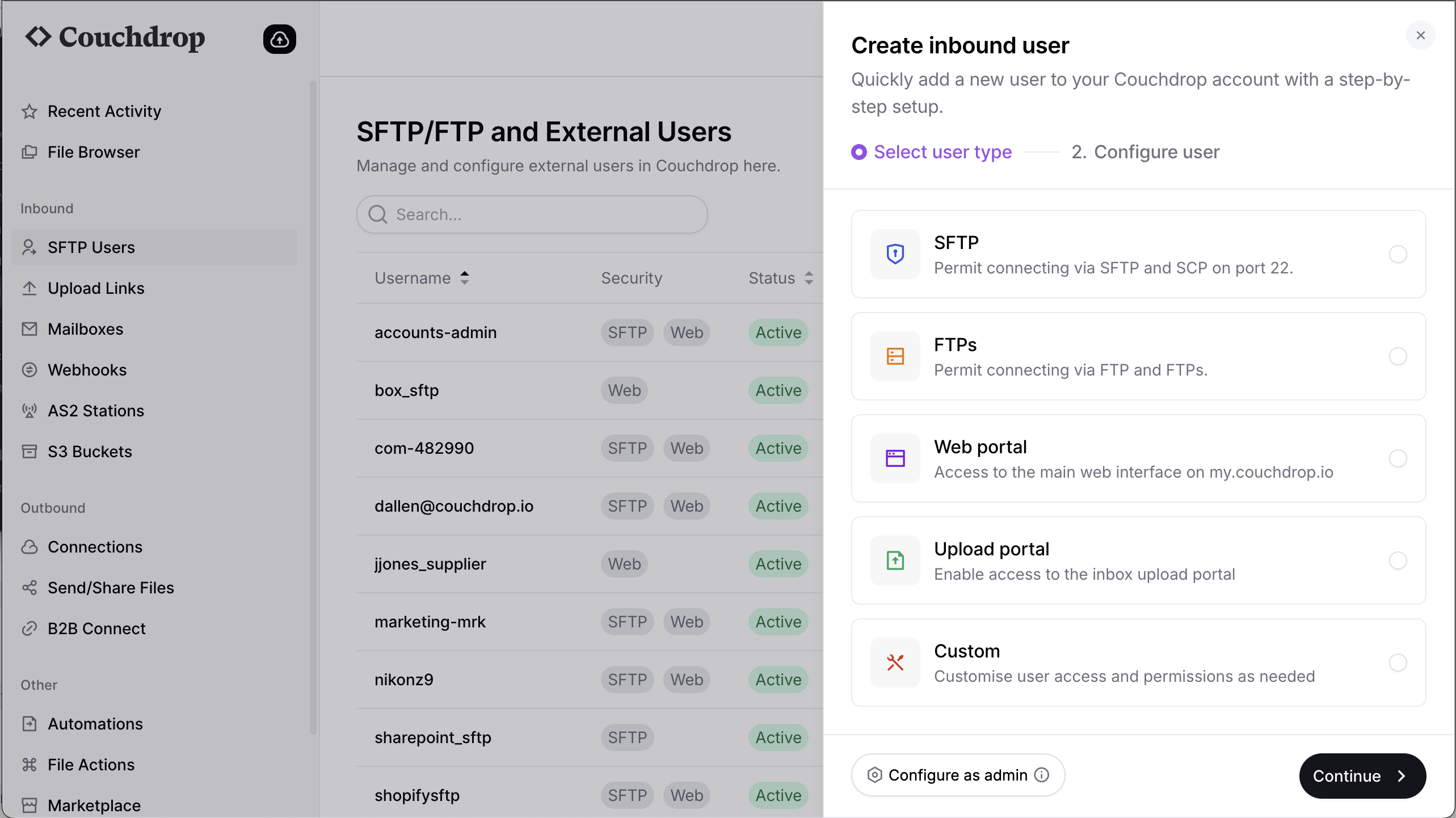 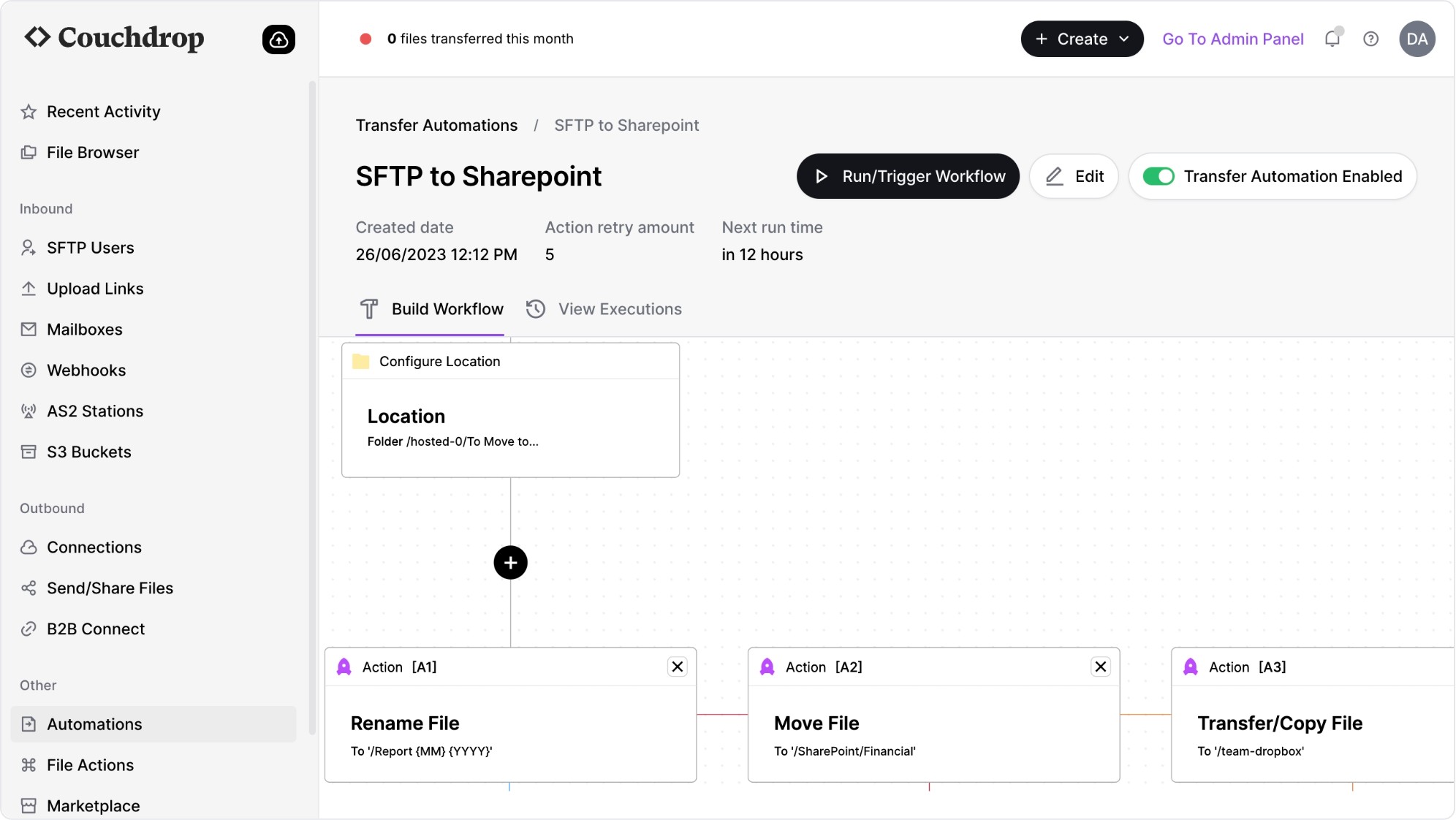 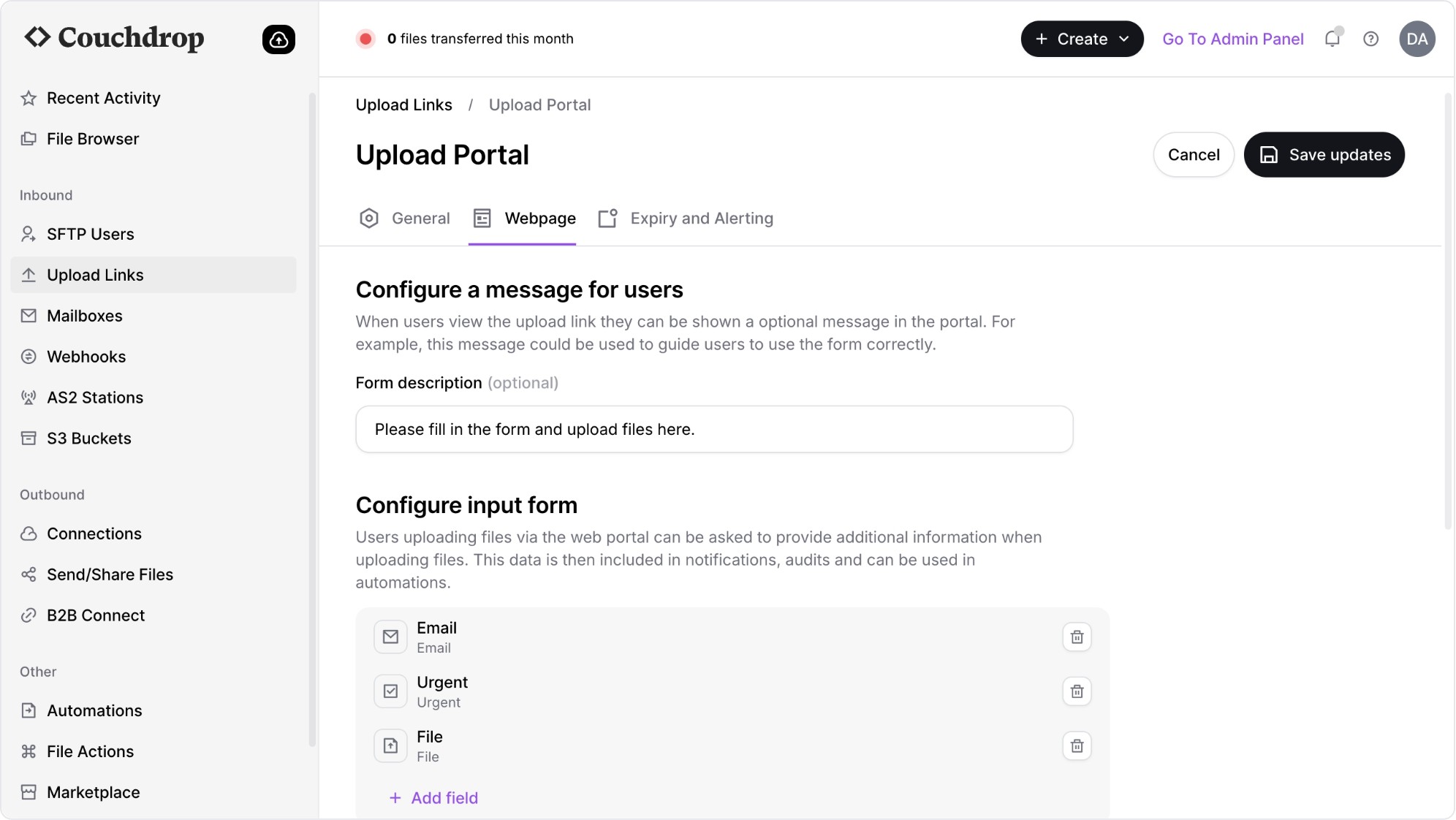 | Fortra's GoAnywhere MFT Screenshots |


