
CoSchedule Marketing Suite vs. Trello
| Product | Rating | Most Used By | Product Summary | Starting Price |
|---|---|---|---|---|
 CoSchedule Marketing Suite | Score10 out of 10 | N/A | CoSchedule provides a content calendar, content optimization, and contentmarketing products, with users among 50,000 marketers worldwide, helping them organize their work, deliver projects on time, and prove marketing team value. | N/A |
 Trello | Score8.4 out of 10 | N/A | Trello from Atlassian is a project management tool based on a Kanban framework. Trello is ideal for task-management in a to-do list format. It supports sharing boards and cards across users or teams. The product offers a free version, and paid versions add greater automation, collaboration, and administrative control. | $6 per month per user |
| CoSchedule Marketing Suite | Trello | |||||||||||||||
|---|---|---|---|---|---|---|---|---|---|---|---|---|---|---|---|---|
| Editions & Modules | No answers on this topic |
| ||||||||||||||
| Offerings |
| |||||||||||||||
| Entry-level Setup Fee | No setup fee | No setup fee | ||||||||||||||
| Additional Details | — | A discount is offered for annual billing and for larger numbers of users. | ||||||||||||||
| More Pricing Information | ||||||||||||||||
| CoSchedule Marketing Suite | Trello | |
|---|---|---|
| Considered Both Products | No answer on this topic | No answer on this topic |
| Key User Insights | ||
| Would buy again | ||
No answers on this topic | 97% Would buy again 102 Answers | |
| Delivers good value for the price | ||
No answers on this topic | 99% Delivers good value for the price 92 Answers | |
| Happy with the feature set | ||
No answers on this topic | 99% Happy with the feature set 104 Answers | |
| Lived up to sales and marketing promises | ||
No answers on this topic | 98% Lived up to sales and marketing promises 63 Answers | |
| Implementation went as expected | ||
No answers on this topic | 100% Implementation went as expected 83 Answers | |
| CoSchedule Marketing Suite | Trello | ||||||||||||||||||||||||||||||||||||||||||||||
|---|---|---|---|---|---|---|---|---|---|---|---|---|---|---|---|---|---|---|---|---|---|---|---|---|---|---|---|---|---|---|---|---|---|---|---|---|---|---|---|---|---|---|---|---|---|---|---|
| Content Creation |
| ||||||||||||||||||||||||||||||||||||||||||||||
| Content Publishing |
| ||||||||||||||||||||||||||||||||||||||||||||||
| Content Reporting & Analytics |
| ||||||||||||||||||||||||||||||||||||||||||||||
| Project Management |
| ||||||||||||||||||||||||||||||||||||||||||||||
| Professional Services Automation |
| ||||||||||||||||||||||||||||||||||||||||||||||
| CoSchedule Marketing Suite | Trello | |
|---|---|---|
| Likelihood to Recommend | 10.0 | 9.8 |
| Likelihood to Renew | - | 10.0 |
| Usability | 10.0 | 9.6 |
| Availability | - | 10.0 |
| Performance | - | 10.0 |
| Support Rating | 9.0 | 10.0 |
| In-Person Training | - | 10.0 |
| Implementation Rating | - | 8.0 |
| Configurability | - | 5.0 |
| Product Scalability | - | 10.0 |
| Vendor post-sale | - | 10.0 |
| CoSchedule Marketing Suite | Trello | |
|---|---|---|
| Likelihood to Recommend |
|
|
| Pros | No answers on this topic | No answers on this topic |
| Cons |
|
|
| Likelihood to Renew | No answers on this topic |
|
| Usability | No answers on this topic | No answers on this topic |
| Reliability and Availability | No answers on this topic | No answers on this topic |
| Performance | No answers on this topic | No answers on this topic |
| Support Rating |
|
|
| In-Person Training | No answers on this topic | No answers on this topic |
| Implementation Rating | No answers on this topic |
|
| Alternatives Considered | No answers on this topic |
|
| Scalability | No answers on this topic | No answers on this topic |
| Professional Services | No answers on this topic | No answers on this topic |
| Return on Investment |
|
|
| ScreenShots | CoSchedule Marketing Suite Screenshots  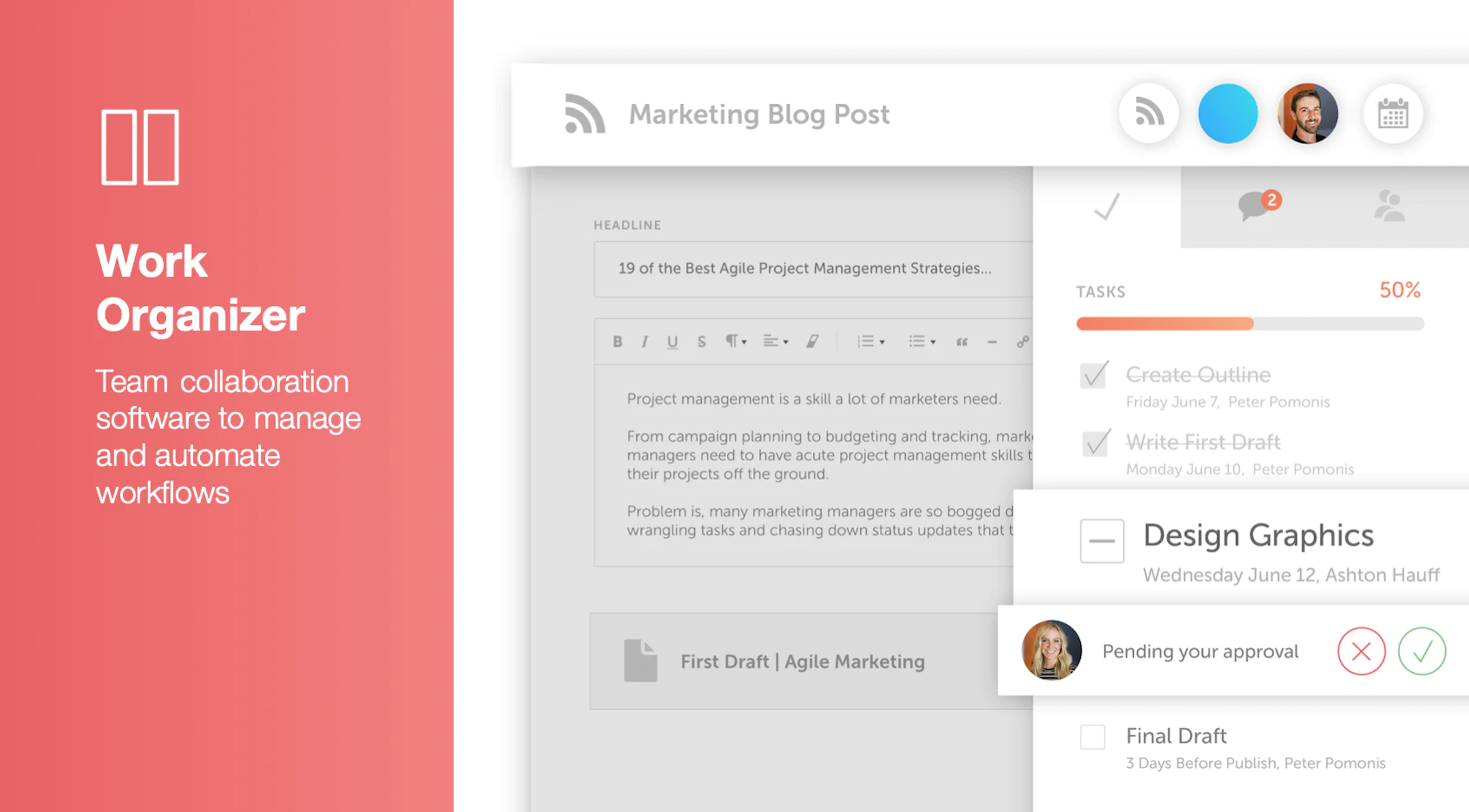    |


