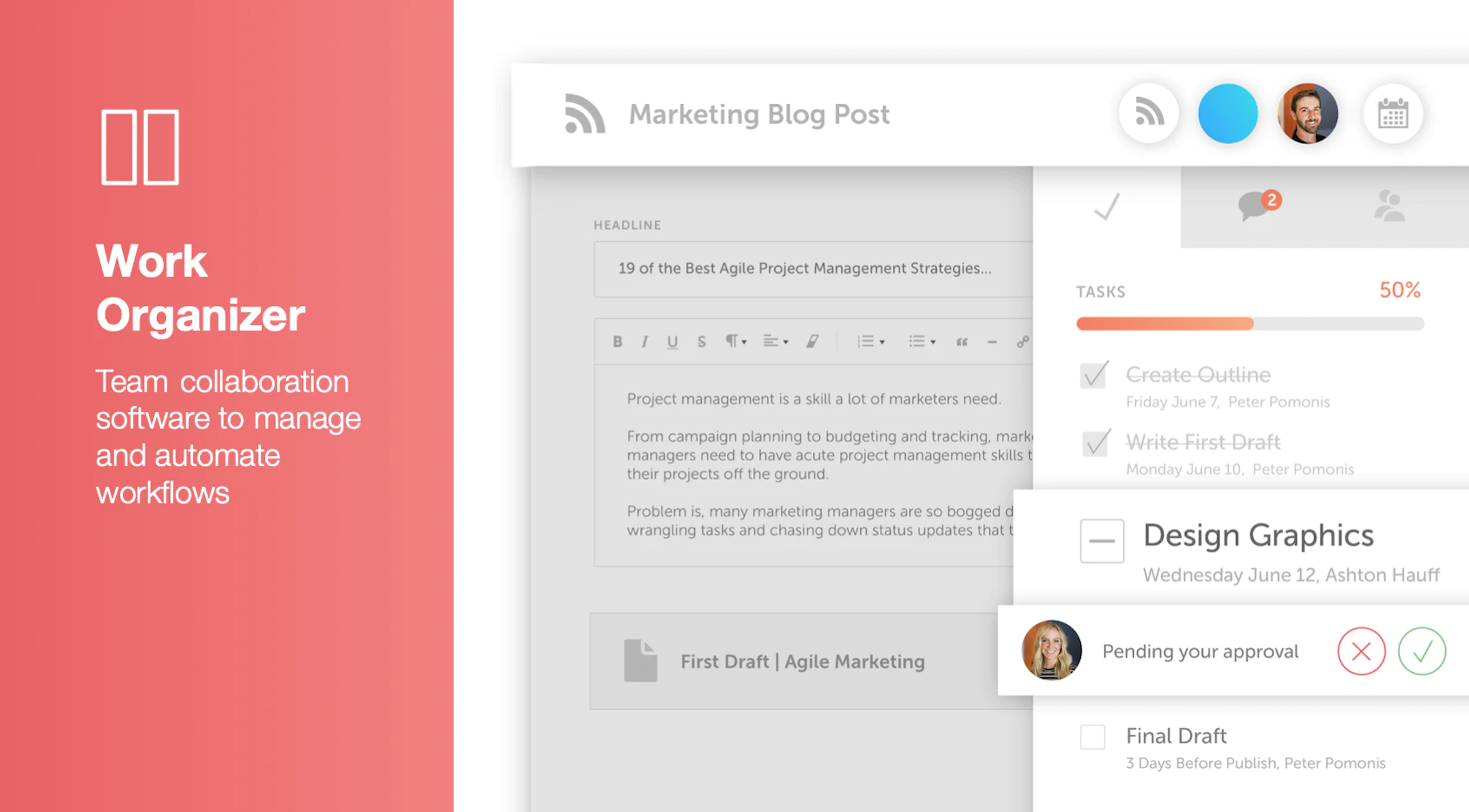
CoSchedule provides a content calendar, content optimization, and contentmarketing products, with users among 50,000 marketers worldwide, helping them organize their work, deliver projects on time, and prove marketing team value.
N/A
OpenText MediaBin
Score9 out of 10
N/A
HP MediaBin is a digital asset management (DAM) offering from Hewlett-Packard.
N/A
Pricing
CoSchedule Marketing Suite
OpenText MediaBin
Editions & Modules
No answers on this topic
No answers on this topic
Offerings
Pricing Offerings
CoSchedule Marketing Suite
OpenText MediaBin
Free Trial
No
No
Free/Freemium Version
Yes
No
Premium Consulting/Integration Services
No
No
Entry-level Setup Fee
No setup fee
No setup fee
Additional Details
—
—
More Pricing Information
Features
CoSchedule Marketing Suite
OpenText MediaBin
Content Creation
Comparison of Content Creation features of CoSchedule Marketing Suite and OpenText MediaBin
Feature
CoSchedule Marketing Suite
7.3
1 Ratings
10% below category average
OpenText MediaBin
-
Ratings
Ideation
5.01 Ratings
00 Ratings
Content collaboration
7.01 Ratings
00 Ratings
Content calendar
10.01 Ratings
00 Ratings
Content Publishing
Comparison of Content Publishing features of CoSchedule Marketing Suite and OpenText MediaBin
Feature
CoSchedule Marketing Suite
10.0
1 Ratings
21% above category average
OpenText MediaBin
-
Ratings
Content distribution
10.01 Ratings
00 Ratings
Content promotion
10.01 Ratings
00 Ratings
Content automation
10.01 Ratings
00 Ratings
Content Reporting & Analytics
Comparison of Content Reporting & Analytics features of CoSchedule Marketing Suite and OpenText MediaBin
CoSchedule is great for businesses or agencies who need an overview of all their marketing efforts, and who want to establish collaboration between multiple departments. The calendar view is one of the best we've worked with and makes it easy to see exactly what's happening. There is some slight clunkiness when it comes to admin-related tasks, and a few things aren't easy to find, but there's great support.
A de minimis incentive was given to thank the reviewer for their time. The incentive was not used to bias or drive a particular response, nor was the incentive contingent on a positive endorsement. More Info
If you want to share (or access) the most current version of any content MediaBin can be useful for ensuring that you are getting the right thing - assuming you can find it. Another useful functionality - OS sharing or exporting different file formats for a file. Often PDF works, but sometimes you need a file in a different image format and the software can allow that.
A de minimis incentive was given to thank the reviewer for their time. The incentive was not used to bias or drive a particular response, nor was the incentive contingent on a positive endorsement. More Info
A de minimis incentive was given to thank the reviewer for their time. The incentive was not used to bias or drive a particular response, nor was the incentive contingent on a positive endorsement. More Info
A de minimis incentive was given to thank the reviewer for their time. The incentive was not used to bias or drive a particular response, nor was the incentive contingent on a positive endorsement. More Info
The platform seems sluggish as of late, likely as a result of the robust amount of data we are entering and the number of filters we're creating.
Social media scheduling exists, but we do run into publishing errors more often then we'd like.
Task templates when updated are not retroactive, so when you create projects for an entire year and then change a template, you need to go back and change them manually.
A de minimis incentive was given to thank the reviewer for their time. The incentive was not used to bias or drive a particular response, nor was the incentive contingent on a positive endorsement. More Info
A de minimis incentive was given to thank the reviewer for their time. The incentive was not used to bias or drive a particular response, nor was the incentive contingent on a positive endorsement. More Info
The interface is very intuitive, from setting up social profiles, to posting, to tags, to optimizing for best day/time to post. It's super easy to scan the aggregate analytics. The calendar is very easy to grok at a glance, and the more advanced functionality is intuitive to set up.
A de minimis incentive was given to thank the reviewer for their time. The incentive was not used to bias or drive a particular response, nor was the incentive contingent on a positive endorsement. More Info
I didn't have to use their official support, but I can say that they put out a lot of content online to help users. Their YouTube page has quite an array of tutorial videos explaining how things work and how to get the most out of their tools. If you're struggling, before picking up a phone or blasting off an email, try searching for your problem on YouTube or their forums.
A de minimis incentive was given to thank the reviewer for their time. The incentive was not used to bias or drive a particular response, nor was the incentive contingent on a positive endorsement. More Info
CoSchedule provides collaborative planning of projects. The calendar view is very well designed. Meetings and tasks can be scheduled and tracked easily. Whatever is being done, no matter how big the task/project is, it gives a bird-eye view of everything. Additionally, it also integrated very well with WordPress. Their customer service team is also very helpful.
A de minimis incentive was given to thank the reviewer for their time. The incentive was not used to bias or drive a particular response, nor was the incentive contingent on a positive endorsement. More Info
I was not involved in the selection process but MediaBin seems to be more of a "repository" than a "file-folder" system. It also displays thumbnail previews of files making it useful for sorting through visual elements, like photos or PDFs. I am not certain how it compares with regard to version history.
A de minimis incentive was given to thank the reviewer for their time. The incentive was not used to bias or drive a particular response, nor was the incentive contingent on a positive endorsement. More Info
It has saved me about 1 hour per day to keep things organized from Asana to WordPress.
By not having a functioning Google Doc import feature, it costs me about 30 minutes for each blog post to copy paste all the content, images, etc.
By bundling too many features into their plans, many of which we don't use (e.g. social media scheduling), we lose a little ROI because we are not using the full feature set. We use and prefer Buffer for social media, so when CoSchedule raised their price $40+ per month on features we would not be using, that hurt.
A de minimis incentive was given to thank the reviewer for their time. The incentive was not used to bias or drive a particular response, nor was the incentive contingent on a positive endorsement. More Info
A de minimis incentive was given to thank the reviewer for their time. The incentive was not used to bias or drive a particular response, nor was the incentive contingent on a positive endorsement. More Info