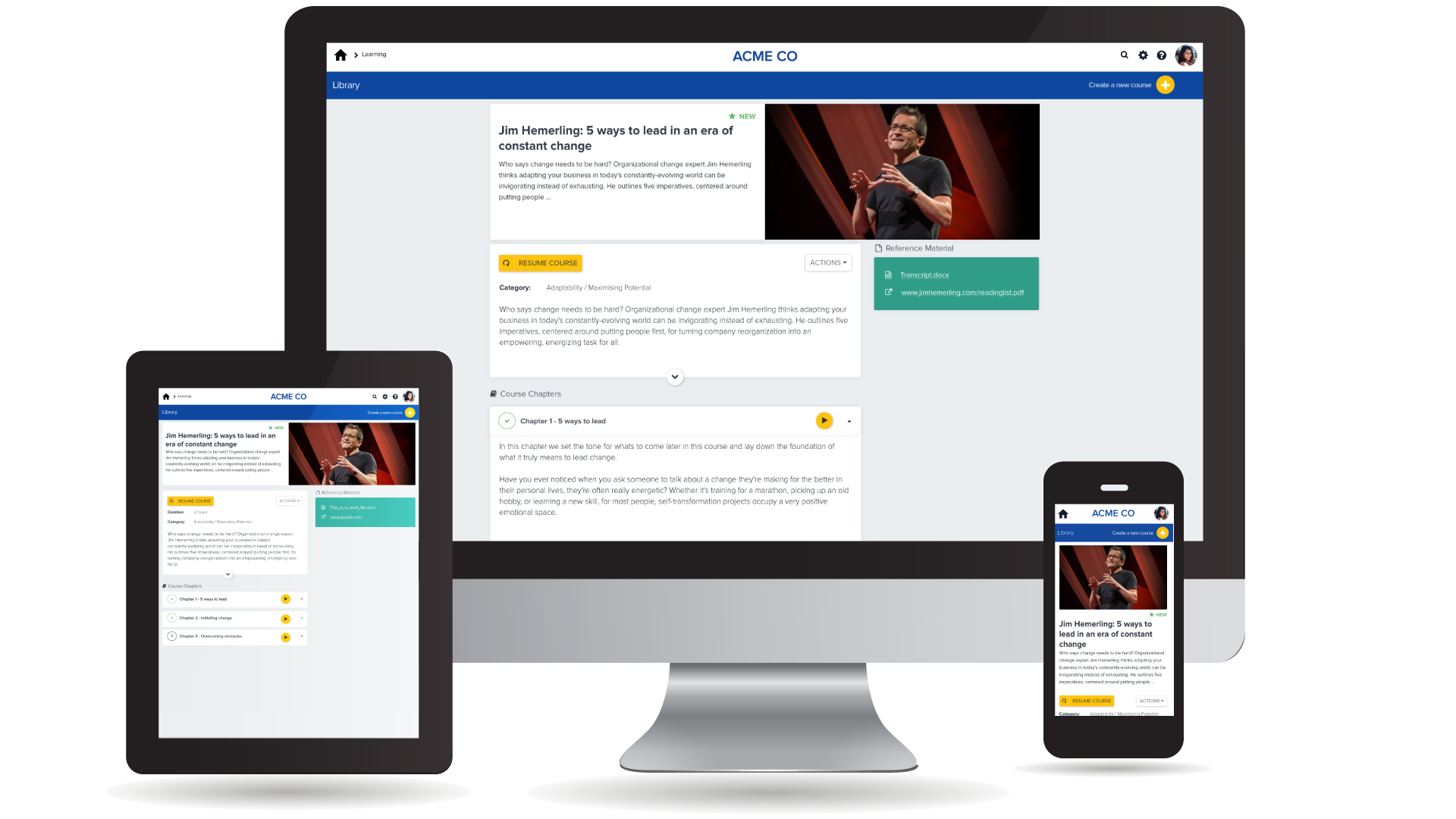
Cornerstone’s PiiQ is an SMB offering formerly known as Sonar6. PiiQ is aimed at small-to-medium sized businesses and includes core learning management and performance management systems, including content creation, mobile accessibility, and in-product reporting.
$8
per user per month
Moodle
Score 7.7 out of 10
N/A
Moodle is an open source learning management system with hundreds of millions of users around the globe and translated into over 100 languages, used by organizations to support their education and training needs.
N/A
Pricing
PiiQ by Cornerstone
Moodle
Editions & Modules
PiiQ Performance
$8.00
per user per month
PiiQ Learning + Content
$8.00
per user per month
PiiQ Learning + Content & Performance
$15.00
per user per month
No answers on this topic
Offerings
Pricing Offerings
PiiQ by Cornerstone
Moodle
Free Trial
Yes
Yes
Free/Freemium Version
No
Yes
Premium Consulting/Integration Services
No
No
Entry-level Setup Fee
$1,000 per installation
Optional
Additional Details
—
—
More Pricing Information
Community Pulse
PiiQ by Cornerstone
Moodle
Features
PiiQ by Cornerstone
Moodle
Learning Management
Comparison of Learning Management features of Product A and Product B
Great for managing medium sized teams of people spread over geographically dispersed offices. Not so good for small teams (less than 15). Requires a degree of time and effort to set up correctly to provide useful data for management and a good experience for staff members, but once that effort has been made the results are great.
Moodle is a Learning Management System and is best suited for just that. We didn't like the assessment piece of our full scale Learning Management System (nor did we want to purchase the entire assessment module) so we chose to use Moodle for this, and it works well. Installing this application with the intention of only using a portion of its capabilities can be successful in environments where you have technical skills and a broad understanding of integration between your systems. For institutions that lack these, you're better suited to using a full scale of an LMS with assessment inside that same application.
Being able to select more than one person when approving goals.
Options to identify which people managers haven't approved goals, dine a review etc...rather then having to mimic each manager to see how they are going.
360 Feedback to stakeholders outside the business.
Being able to remove a role that isn't being used in the organization anymore.
Rubric Management. This may have been addressed in a plugin module.
Better tools for examining outcomes from exams and rubrics across a class, course, or organization. This may have been addressed in a plugin module.
Improved content management within the default installation. While there are modules that support products such as Drupal, building into the default product would ease adoption.
It's not that CSB isn't a decent performance management system, but we have decided to go with just one vendor (Workday) for an HRIS/performance management/payroll system so we can directly relate pay to performance. We are more interested in having just one system that "talks" to the other pieces instead of having to work with several vendors. It reduces the hassle of having to communicate with different support teams, having different contracts, and so on.
We use it because it is what have committed to back in 2011. Perhaps Moodle will evolve and advance in a positive way that will alleviate most of our user-based gripes? Perhaps it will not appear to be as cost effective given the need for a certain level of engineering and support staff to maintain it at a future level of sustainability? It's hard to say. As an enterprise scale critical application, we like it, but don't love it. Our instructors don't particularly like it at all.
There are specific things within the goals and competencies that are user-friendly. For example, the rating slider isn't great in my opinion. You can slide in between ratings which can create some odd scoring (if you use scoring). It seems a better solution would be a drop down where you select your rating. There are also some glitches in the system and have been told Cornerstone is aware of them but are focused on delivering new features. There are workarounds, but that doesn't seem to be a great answer.
I've been able to figure out Moodle through my own experimentation and some help from the Moodle support pages. It's not always obvious where to make certain some changes and It can be a little confusing in determining which pages blocks will appear. If this is your first time using Moodle as an admin/course designer you should expect to spend a some time experimenting because knowing where to make certain changes isn't always intuitive. Additionally, plan to explore the course as a student vs. as admin because the UI is different based upon your settings
I have worked in Moodle for over 10 years in two different organizations, and I have never experienced an outage. We have about 600 courses in our current account and the only outage we have had is FlashChat add-in we use for live chats, within Moodle, hence the reason for the nine (9). If you all know of Moodle vendors willing to help us upgrade from 1.9, Please wend me their info.
The saving process slows it down. It doesn’t auto save. If you leave a page, it will sometimes warn you, but not always. When you hit the save button, a window pops up that says creating/saving packets. It feels very archaic.
Moodle is an excellent LMS in relationship to any other one that I have seen or used. The pages load quickly and the reports complete in a reasonable time frame. Moodle has taken on Respondus, StudyMate, BigBlueButton, Turning Tech, Turnitin2, Certificates, Attendance, Tegrity, Questionnaire, Virtual Programming Lab, and Badges. All of these programs work right in with Moodle and do not cause any issues. Instructors may also use Camtasia and Snagit software as well as using webcams, downloading videos from the Internet, adding into books, or any of the many other areas within Moodle. Our instructors use the grade books without many problems and really don't ask questions much anymore. We upgrade Moodle every semester and are currently on 2.9+. Our instructors have basically learned to use most of the resources and activities.
My assistant could better address this issue. My perception is that there is not immediate assistance, and that there can be a wait for help. That is not a negative, just a perception. I have not used support in two years.
I can consider Moodle as one of the pioneer in providing online learning. Before the introduction of other Learning Management Software, Moodle has been in place already in the field of education and so I believe that Moodle is definitely one of a kind software that all teachers should try and utilize in making sure that the online learning is a good experience.
I think we could have done a better job of rolling out the tool to our managers. We were under a tight timeline. In the training, we showed them everything and said go do it by this date. Looking back, I would have done it in pieces: for example, 2 weeks to write goals, 2 weeks to get sign-off from direct reports. I just let them go at it. Since then we’ve moved to agile development environment and are applying the technique to everything. In future would only do through change sprint. It is a big change I didn’t take it seriously enough.
I had a team of 3 project managing. You need a champion from every department to make sure you’re getting it right and to make sure what’s happening is communicated. It’s not something you can do without input from department heads
Find a partner who will work with you during the implementation process. Be sure to provide ample training for veteran users on the changes and for newbies on the overall product.
We did review other systems when we purchased PiiQ but I don't know what these were due to the member of staff no longer being with the company, however, I do not that we chose PiiQ as it was simple to use and that it also had the Performance option available in addition to the learning platform. we knew that this was something we wanted to have in the future which is why we purchased it.
Moodle, being open source, is the foundation a lot of other tools like it are based on. It provides almost all of the same functionality and feature set as Google Classtoom, Canvas, etc., although those products are a bit more polished. All can do content delivery, progress tracking, attendance, reporting, etc. with ease, but Moodle also does this as a completely open source product that can be code-reviewed, audited, modified, extended, etc. at will, provided the expertise is present.
Well, I administer Moodle for a dozen of our divisions and there is a wide range of flexibility between offerings. I have course instructors who use every module i their course, chock full of videos, pictures, links to web tools for synchronous sessions within the asynchronous course. I also have others who are content with a syllabus, a few pdfs, links to podcast lectures and a few simple assignments. No matter if your organization is big or small, or if your requirements are strict for credentialing or non-existent (for internal know-how), Moodle can accommodate you.
Reviews are generally taking managers less time to prepare because the essential infrastructure is in place. Past reviews are easily retrievable for review if needed.
HR administration of the system takes less time than the previous version of Cornerstone (CSOD). HR is still responsible for training new users, but the built-in user guide is more thorough and easier to use.
We're starting to see - slowly but surely - more (and hopefully better) interaction between manager and employee.
Moodle has allowed the business to track all training initiatives. Since, November 2014 we have loaded 54 courses, 339 users, 889 resources, issued 719 badges, and created over 100 course modules.
Our company just got a new applicant tracking system for the recruiters to use. In order to get all of the employees up to speed we created trainings that we loaded into Moodle. The participants and participation was tracked and we were able to find correlations between users engaged in training and their activity in the new applicant tracking system. This is a significant win for the training department, our learners, our company, and especially Moodle.
Moodle also provides great customer service for our internal employees. They now have one place to go to find all their resources, all their training, and all the help they need for any training questions. Instead of scattering information on the intranet. Training is more official when it has its own domain.