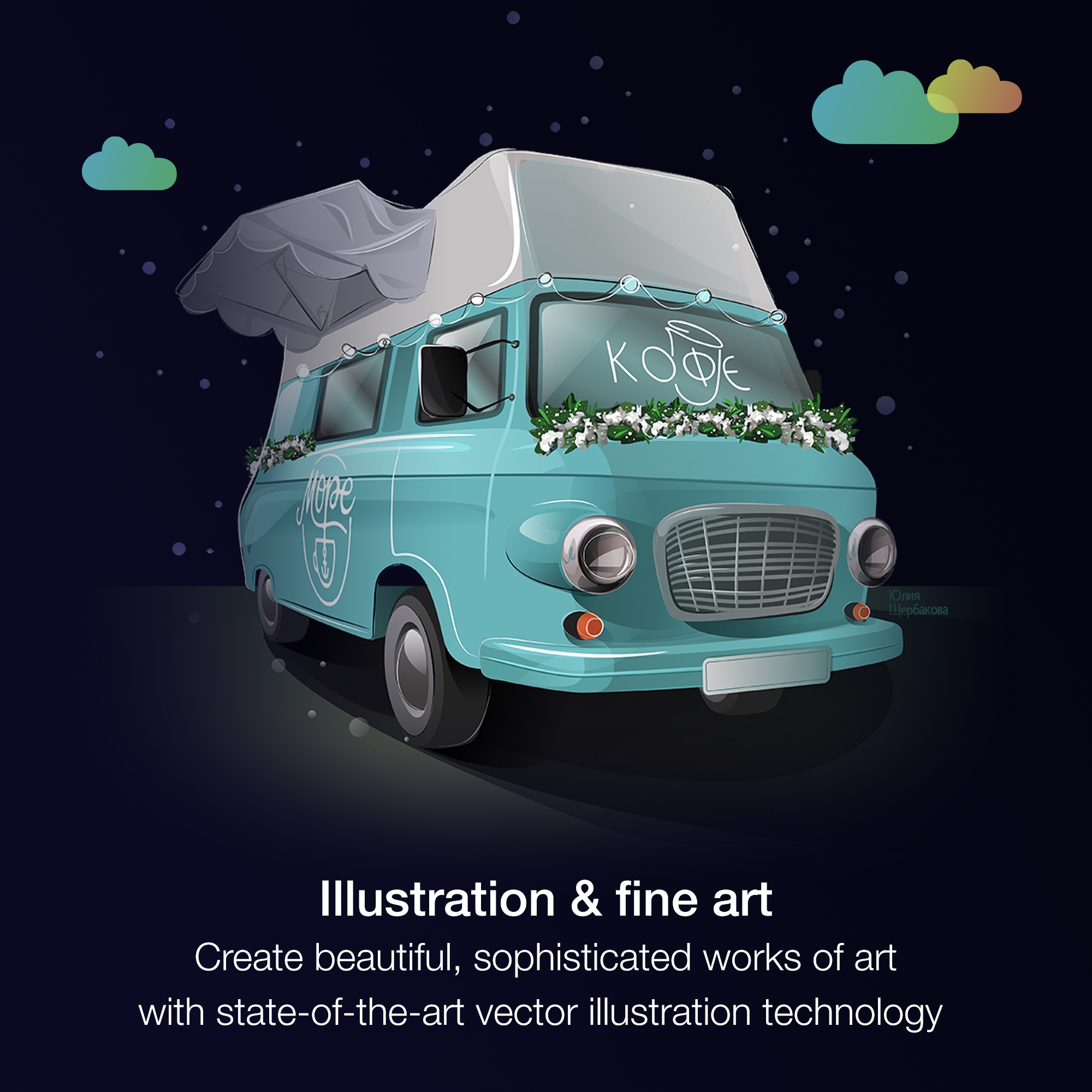
Corel Corporation, headquartered in Ottawa, offers the CorelDRAW Graphics Suite, a graphic design studio and library of tools.
$249
per year
Infogram
Score10 out of 10
N/A
Infogram is an online tool for creating infographics, charts, dashboards, and interactive reports. Users can upload spreadsheets containing the data they want to visualize, or set up a live integration from another data source using the Infogram API. From a graphics and layout perspective, Infogram includes a library of stock images, icons, etc. (or users can upload their own) and a drag and drop editor.
It is a perfect suite of applications to finish presentations and create beautiful layouts for design. It is very useful both for graphic design and for architecture design when you want to draw a realistic idea of a project without being a rendering or when you need to present both images and vectorial drawings.
A de minimis incentive was given to thank the reviewer for their time. The incentive was not used to bias or drive a particular response, nor was the incentive contingent on a positive endorsement. More Info
Infogram is perfect for creating engaging and professional-looking infographics, data visualizations, and social media content with no technical knowledge required. I have worked with NGOs with no technical or design staff that need to get their message out there or raise awareness about something. Infogram is easy and quick to use and the results look great. Infogram is not heavyweight data visualization software, it's best for summarizing and explaining the results of data analysis to an audience or breaking down complex concepts to make them understandable to the general public.
A de minimis incentive was given to thank the reviewer for their time. The incentive was not used to bias or drive a particular response, nor was the incentive contingent on a positive endorsement. More Info
A de minimis incentive was given to thank the reviewer for their time. The incentive was not used to bias or drive a particular response, nor was the incentive contingent on a positive endorsement. More Info
A de minimis incentive was given to thank the reviewer for their time. The incentive was not used to bias or drive a particular response, nor was the incentive contingent on a positive endorsement. More Info
A de minimis incentive was given to thank the reviewer for their time. The incentive was not used to bias or drive a particular response, nor was the incentive contingent on a positive endorsement. More Info
Just like any design program or suite, I wouldn't recommend it to anyone who doesn't do graphic design professionally. If you're not adept at learning a program or experience, it isn't a program you can just pick up and start using easily. Outside of the learning curve, it's a nice program with a decent user interface.
A de minimis incentive was given to thank the reviewer for their time. The incentive was not used to bias or drive a particular response, nor was the incentive contingent on a positive endorsement. More Info
Overall, CorelDRAW meets all my needs as a researcher and allows me to create beautiful and clear graphics to illustrate the main ideas for publications. It does not lack any functionality for my needs; however, it has some bugs that impact productivity, such as the color drag and drop that sometimes stops working and needs restarting, and crashes, especially when working with large bitmaps.
A de minimis incentive was given to thank the reviewer for their time. The incentive was not used to bias or drive a particular response, nor was the incentive contingent on a positive endorsement. More Info
Although other softwares are good in there field but CorelDRAW is very good when it come to ease of making the designs. We can create designs in it very quickly and efficiently and also it us Avery easy software to learn, anyone can pick it up at good pace. Also it is more widely used by vendors here for printing, so its a better choice.
A de minimis incentive was given to thank the reviewer for their time. The incentive was not used to bias or drive a particular response, nor was the incentive contingent on a positive endorsement. More Info
Infogram's most unique strength is its focus on infographics, providing a great number of templates and at the same time connecting such graphics with data sources. Prezi is great for presentation, but it provides static infographics. Illustrator and Photoshop have some possible ways to integrate data into their graphics, but they are rudimentary compared to Infogram's abilities. Despite the huge power of Photoshop and Illustrator for creating specific images, Infogram is easier and more powerful in conveying data, making it the best option for infographics.
A de minimis incentive was given to thank the reviewer for their time. The incentive was not used to bias or drive a particular response, nor was the incentive contingent on a positive endorsement. More Info
Ease of use reflects on less time to train new users, a positive impact in investment and productivity.
The practicality to make new designs results in less time needed to do them, again a positive impact.
The integration with other graphic programs could be better if needed to finish a rendering using the design made in Corel Draw it's needed to export in formats that don't carry all information and the process is not that simple.
A de minimis incentive was given to thank the reviewer for their time. The incentive was not used to bias or drive a particular response, nor was the incentive contingent on a positive endorsement. More Info
A de minimis incentive was given to thank the reviewer for their time. The incentive was not used to bias or drive a particular response, nor was the incentive contingent on a positive endorsement. More Info