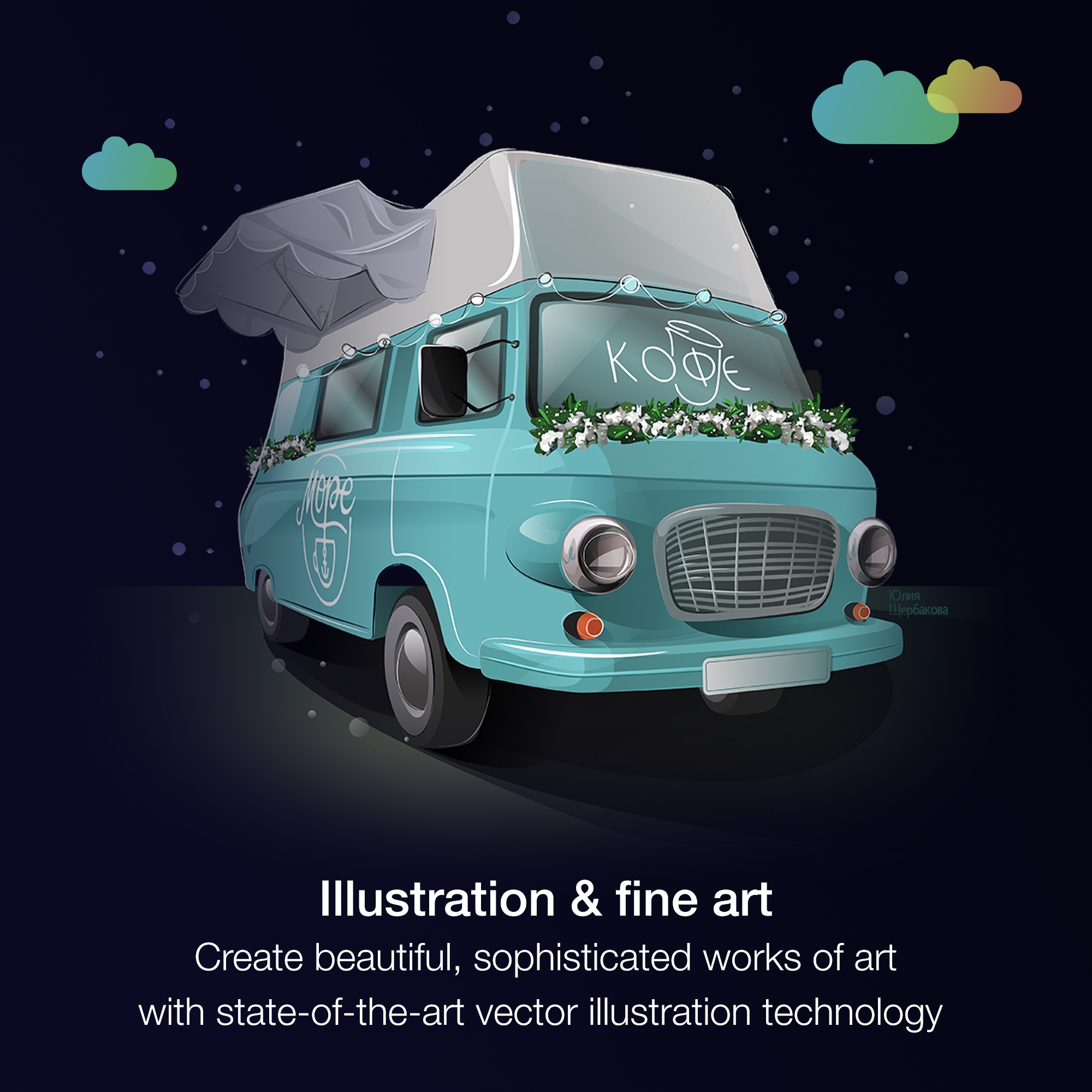
Corel Corporation, headquartered in Ottawa, offers the CorelDRAW Graphics Suite, a graphic design studio and library of tools.
$249
per year
Drawtify
Score8.9 out of 10
Small Businesses (1-50 employees)
Drawtify is a Free Online Vector Graphic Editor with Design Templates and Elements. It is a SaaS tool, for people who want to make designs more easily and quickly with templates. The user chooses templates, adjusts, and exports. And they also can use Drawtify's tools to make their own design flexible. Drawtify developed by high-performance technology, and cross-platform. The Drawtify vector editor brings tools for designers to draw what they want and gives templates and design…
Managing Editor in Corporate at Mayumi Publishing (Marketing & Advertising, 1-10 employees)
Chose Drawtify
Drawtify compared to Canva - Canva has more templates. Drawtify has more features. Slightly more complicated but not by much. Drawtify compared to Photoshop and Coreldraw - the latter two applications are full-featured and much has a much larger learning curve. Drawtify has …
A de minimis incentive was given to thank the reviewer for their time. The incentive was not used to bias or drive a particular response, nor was the incentive contingent on a positive endorsement. More Info
It is a perfect suite of applications to finish presentations and create beautiful layouts for design. It is very useful both for graphic design and for architecture design when you want to draw a realistic idea of a project without being a rendering or when you need to present both images and vectorial drawings.
A de minimis incentive was given to thank the reviewer for their time. The incentive was not used to bias or drive a particular response, nor was the incentive contingent on a positive endorsement. More Info
As a filmmaker and designer, I've found that Drawtify is well suited for a variety of projects. One of the things I like most about it is its user-friendliness. Even if you're not a graphic design expert, you can still create professional-looking designs with this tool.One scenario where Drawtify is particularly well suited is for creating title cards and lower thirds for videos. The software's text and shape tools are easy to use and allow for a lot of customization, so you can create designs that perfectly match the aesthetic of your film.Another scenario where Drawtify shines is in creating animation. The software's animation feature is intuitive and easy to use, making it a great option for creating simple animations for your film's opening credits, transitions, and other visual elements.However, Drawtify is less appropriate for more complex and advanced graphic design tasks. It's not a professional graphic design software like Adobe Illustrator, it doesn't have all the features that a professional graphic designer would need. For example, if you're looking to create a detailed illustration or a complex logo, Drawtify might not have the advanced tools you need.Another scenario where Drawtify might not be the best choice is if you're working with a team of designers and need a more robust collaboration feature. Drawtify's collaboration feature is good, but it's not as advanced as some other design software.Overall, Drawtify is a great tool for beginners and those who are looking for an easy-to-use design software. It is well-suited for basic design tasks like creating title cards, lower thirds, posters, flyers, and simple animations. However, it's not the best option for more advanced tasks or for team collaborations.
A de minimis incentive was given to thank the reviewer for their time. The incentive was not used to bias or drive a particular response, nor was the incentive contingent on a positive endorsement. More Info
A de minimis incentive was given to thank the reviewer for their time. The incentive was not used to bias or drive a particular response, nor was the incentive contingent on a positive endorsement. More Info
A de minimis incentive was given to thank the reviewer for their time. The incentive was not used to bias or drive a particular response, nor was the incentive contingent on a positive endorsement. More Info
A de minimis incentive was given to thank the reviewer for their time. The incentive was not used to bias or drive a particular response, nor was the incentive contingent on a positive endorsement. More Info
A de minimis incentive was given to thank the reviewer for their time. The incentive was not used to bias or drive a particular response, nor was the incentive contingent on a positive endorsement. More Info
Just like any design program or suite, I wouldn't recommend it to anyone who doesn't do graphic design professionally. If you're not adept at learning a program or experience, it isn't a program you can just pick up and start using easily. Outside of the learning curve, it's a nice program with a decent user interface.
A de minimis incentive was given to thank the reviewer for their time. The incentive was not used to bias or drive a particular response, nor was the incentive contingent on a positive endorsement. More Info
Overall, CorelDRAW meets all my needs as a researcher and allows me to create beautiful and clear graphics to illustrate the main ideas for publications. It does not lack any functionality for my needs; however, it has some bugs that impact productivity, such as the color drag and drop that sometimes stops working and needs restarting, and crashes, especially when working with large bitmaps.
A de minimis incentive was given to thank the reviewer for their time. The incentive was not used to bias or drive a particular response, nor was the incentive contingent on a positive endorsement. More Info
Although other softwares are good in there field but CorelDRAW is very good when it come to ease of making the designs. We can create designs in it very quickly and efficiently and also it us Avery easy software to learn, anyone can pick it up at good pace. Also it is more widely used by vendors here for printing, so its a better choice.
A de minimis incentive was given to thank the reviewer for their time. The incentive was not used to bias or drive a particular response, nor was the incentive contingent on a positive endorsement. More Info
Drawtify is a very easy tool in comparison to Adobe Suite. While Canva is easy but I don't like it due to redundant templates. Like if you have created something with Canva, everyone know that this has been created in Canva. Whilst the Drawtify templates are quite new. Also the motion graphics is a plus over all other platforms.
A de minimis incentive was given to thank the reviewer for their time. The incentive was not used to bias or drive a particular response, nor was the incentive contingent on a positive endorsement. More Info
Ease of use reflects on less time to train new users, a positive impact in investment and productivity.
The practicality to make new designs results in less time needed to do them, again a positive impact.
The integration with other graphic programs could be better if needed to finish a rendering using the design made in Corel Draw it's needed to export in formats that don't carry all information and the process is not that simple.
A de minimis incentive was given to thank the reviewer for their time. The incentive was not used to bias or drive a particular response, nor was the incentive contingent on a positive endorsement. More Info
A de minimis incentive was given to thank the reviewer for their time. The incentive was not used to bias or drive a particular response, nor was the incentive contingent on a positive endorsement. More Info