Contentsquare is a digital experience analytics cloud designed to help companies understand hidden customer behaviors, and use those insights to drive more successful experiences. It includes functionality from the former Clicktale heatmap, session recording, and A/B testing tool and now boasts a suite of customer journey analytic capabilities.
N/A
Visitor Queue
Score6.9 out of 10
N/A
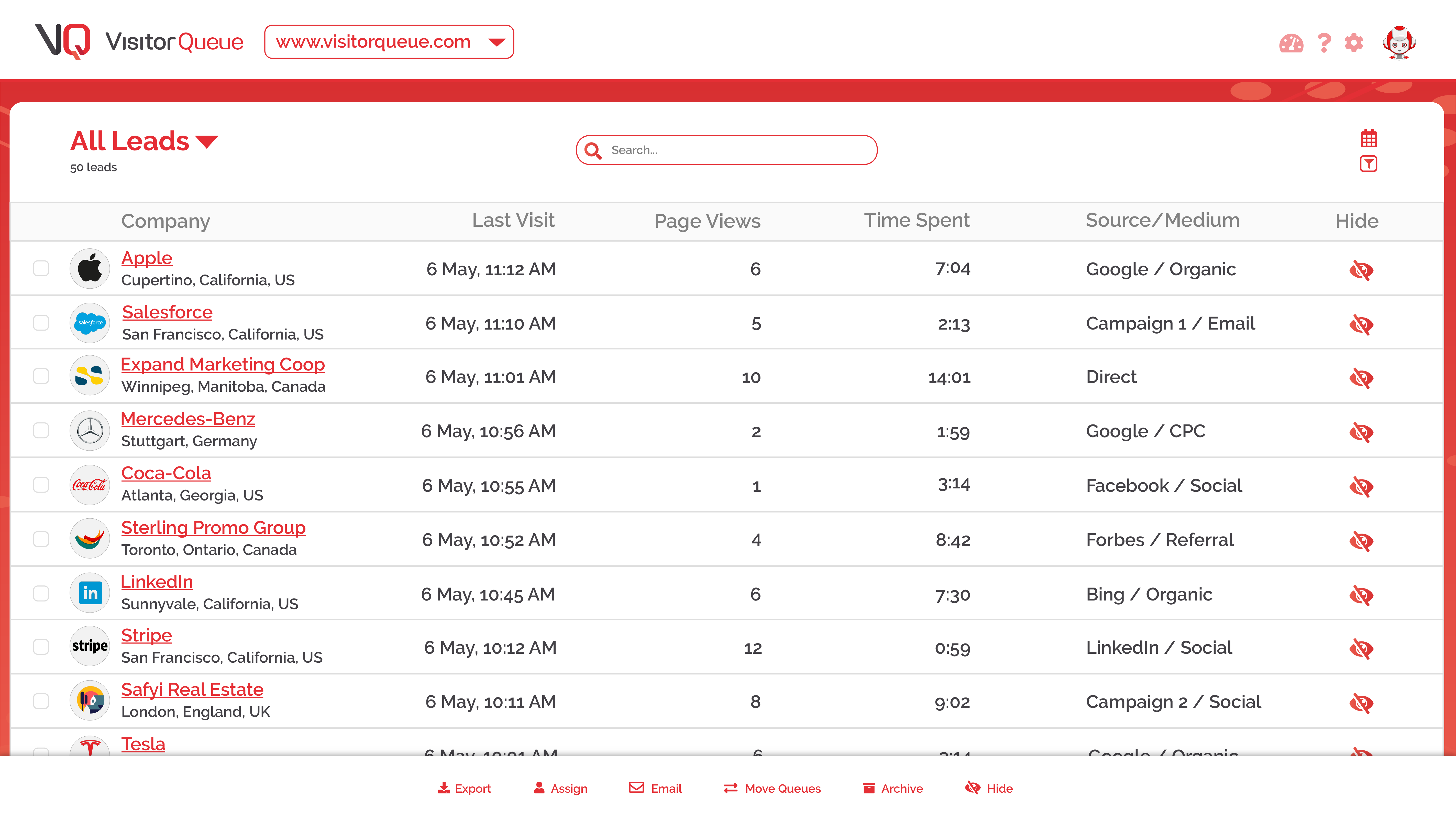
According to the vendor, Visitor Queue is a software
solution designed for website visitor tracking and personalization. It aims to
assist businesses in identifying companies visiting their websites by providing
detailed information such as company names, contact details, user data, and key
decision makers within those organizations. By customizing the website
experience based on visitor firmographics, the product intends to enhance
conversion rates and attract more customers. While specific…
ContentSquare [(Clicktale)] is best suited to deep dive understanding of how web users truly consume your web pages. For example, when a traditional analytics software informs you on exit rates, ContentSquare [(Clicktale)] helps you to understand if users left without interacting with their last page or if they in fact spent time reading, scrolling, clicking it.
A de minimis incentive was given to thank the reviewer for their time. The incentive was not used to bias or drive a particular response, nor was the incentive contingent on a positive endorsement. More Info
We have been using Visitor Queue for a while now. To be honest, we have not seen anything wrong or difficult to use or that can be improved Providing a discount for the startups would be the only thing that we can ask or add Other than that we are pretty satisfied
Heat Maps - we used and liked CrazyEgg in the past, and it was a cheaper tool that was easy to use. ClickTale gives us additional capabilities with better data about scroll reach, mouse movements, clicks and a summary report that shows what parts of our pages are getting attention. A product manager asked us yesterday for insights on how his product page was performing, and we were easily able to send him the reports in the heat map section.
Visitor recordings - We get good data on our website using analytics tools like GA, HubSpot and ClickTale, but it is very helpful to watch actual visitor recordings for certain visitor segments. If we add a new page or new feature to our website and notice a trend, we can easily drill down and watch visitors and see how they are interacting with the page.
Conversion funnels - We do a lot of our analysis in Google Analytics and you can set up conversion funnels in GA if you know how to do it. The problem is you can't segment the data and the aggregated data is not as helpful. ClickTale makes it very simple to do conversion funnels, and you can segment them with just a few clicks.
A de minimis incentive was given to thank the reviewer for their time. The incentive was not used to bias or drive a particular response, nor was the incentive contingent on a positive endorsement. More Info
It's a bit difficult to navigate form heatmaps of one page on my sites to those of another.
It would be useful to have data on what percentage of clicks for each link are bounces. If this is available already, it is not very easy to find.
I have slight doubts about the accuracy of ClickTale's data based on some industry related articles I've read (i.e. http://redant.com.au/tool-reviews/clicktale-review-technology/). For the most part I feel like the data I'm getting is accurate, because it roughly corresponds to what I'm able to see on Google Analytics. It would be nice to see ClickTale address some of these issues.
A de minimis incentive was given to thank the reviewer for their time. The incentive was not used to bias or drive a particular response, nor was the incentive contingent on a positive endorsement. More Info
At my former company I was able to upgrade our initial subscription level from bronze to gold without any problems after the first year. Unfortunately, the company I am presently with doesn't have a Clicktale subscription. I would have absolutely no hesitation in strongly recommending Clicktale to my current company if I ever get even a remote chance to do so. Clicktale is used in some of the statistics I use on my resume in an effort to quantify my results as a certified usability analyst. Clicktale has made a significant difference in my value to any team I work with.
ClickTale is now a step ahead of the competition since it delivers insights based on pre-defined business KPIs and customer journeys that we have set up. We can also segment our traffic and easily sift through the many recordings finding the ones that match our lookup criteria. This paired with a good and reliable PII masking helps us with insight collection and drive business decisions which other solutions don't have. The new non-Flash interface is clean and simple to use and has all the functionalities centralized.
A de minimis incentive was given to thank the reviewer for their time. The incentive was not used to bias or drive a particular response, nor was the incentive contingent on a positive endorsement. More Info
I evaluated Lead Forensics. It's very similar to Visitor Queue but more expensive and I would say the only thing that seems to be a bit better is their dashboard is more comprehensive/visual.
A de minimis incentive was given to thank the reviewer for their time. The incentive was not used to bias or drive a particular response, nor was the incentive contingent on a positive endorsement. More Info
Rarely was actionable insight taken from the ClickTale tool that resulted in a better user experience on our website. We made small changes on different aspects of our webpages that typically did not show an improvement over the previous versions.
The dedicated time and resources in the ClickTale tool did not justify the investment. The heat maps can be helpful but they are based on mouse clicks (Google Analytics can help with that). Watching recordings can get time consuming and don't always provide enough data for an actionable takeaway.
If you take the approach of identifying a potential problem on your website first, then using the ClickTale tool to dig deeper in the issue, you might find the tool helpful. However, make sure you gather enough data on the potential issue before making changes to your site (and monitor the changes afterward).
A de minimis incentive was given to thank the reviewer for their time. The incentive was not used to bias or drive a particular response, nor was the incentive contingent on a positive endorsement. More Info