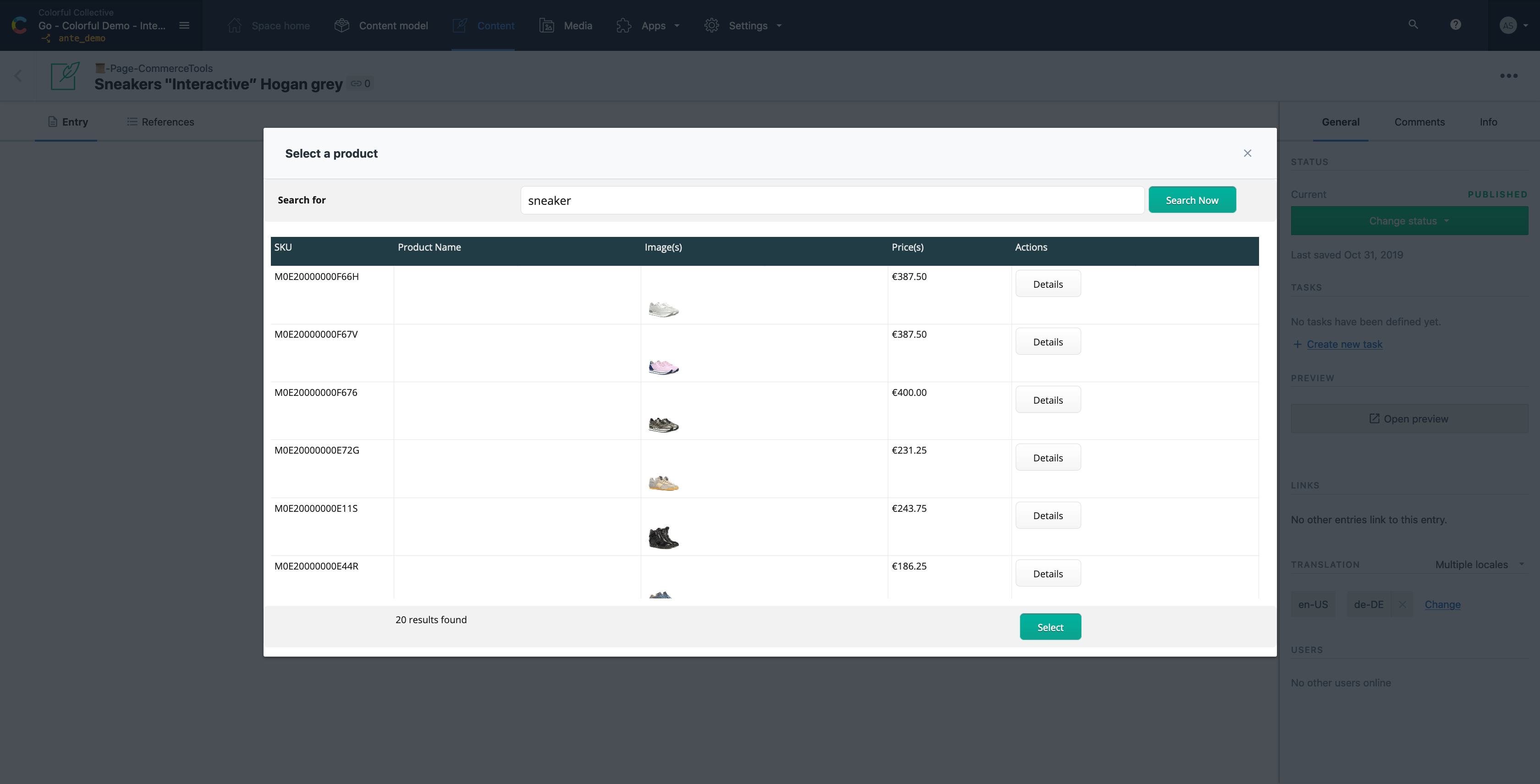
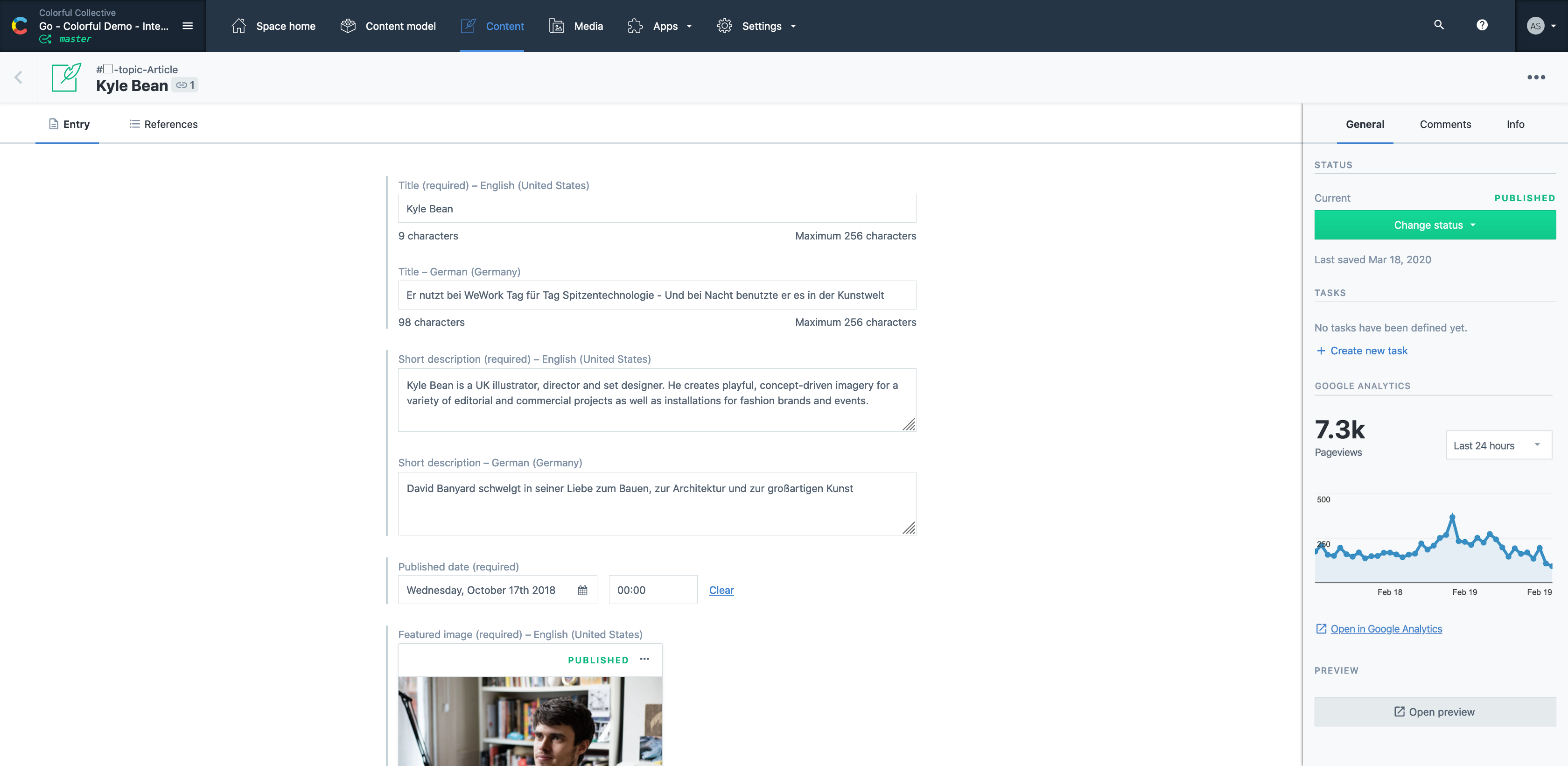
Contentful is a cloud based CMS solution that provides the ability to manage content across multiple platforms.The editing interface allows for managing content interactively and provides developers the ability to deliver the content with the programming language and template framework of their choice.
$0
Movable Type
Score8 out of 10
N/A
Movable Type is a Perl-based content management system from Six Apart, featuring the capability to host multiple weblogs and standalone content pages, manage files and user roles, templates, tags, categories, and trackback links.
N/A
Pricing
Contentful
Movable Type
Editions & Modules
Lite
$300
per month
Community
Free
Enterprise
Custom
No answers on this topic
Offerings
Pricing Offerings
Contentful
Movable Type
Free Trial
Yes
No
Free/Freemium Version
Yes
No
Premium Consulting/Integration Services
Yes
No
Entry-level Setup Fee
Optional
No setup fee
Additional Details
—
—
More Pricing Information
Features
Contentful
Movable Type
Security
Comparison of Security features of Contentful and Movable Type
Feature
Contentful
7.3
8 Ratings
10% below category average
Movable Type
5.0
1 Ratings
47% below category average
Role-based user permissions
7.38 Ratings
5.01 Ratings
Platform & Infrastructure
Comparison of Platform & Infrastructure features of Contentful and Movable Type
Feature
Contentful
8.0
9 Ratings
5% above category average
Movable Type
6.0
1 Ratings
23% below category average
API
8.38 Ratings
6.01 Ratings
Internationalization / multi-language
7.76 Ratings
00 Ratings
Web Content Creation
Comparison of Web Content Creation features of Contentful and Movable Type
Feature
Contentful
7.7
10 Ratings
0% below category average
Movable Type
6.4
1 Ratings
19% below category average
WYSIWYG editor
7.34 Ratings
9.01 Ratings
Code quality / cleanliness
8.56 Ratings
6.01 Ratings
Admin section
8.08 Ratings
8.01 Ratings
Page templates
7.64 Ratings
5.01 Ratings
Library of website themes
7.52 Ratings
3.01 Ratings
Mobile optimization / responsive design
7.75 Ratings
8.01 Ratings
Publishing workflow
8.09 Ratings
9.01 Ratings
Form generator
7.01 Ratings
3.01 Ratings
Web Content Management
Comparison of Web Content Management features of Contentful and Movable Type
Contentful is well suited for folks who want a simple, clean, easy-to-use interface for a JAVASCRIPT website. If you do not want a javascript website you should look [elsewhere].
A de minimis incentive was given to thank the reviewer for their time. The incentive was not used to bias or drive a particular response, nor was the incentive contingent on a positive endorsement. More Info
Is your business an enterprise level business that has more than a half dozen different content types? If so, then you might want to use a dedicated CMS rather than Movable Type. Movable Type is best used on small / medium sized businesses and is not the best solution for a full-fledged CMS. If you're using your content for something other than just displaying a website, then it's probably not for you. Movable Type works great for news/blogging sites. In fact, Daring Fireball, one of the most popular Apple-centric blogs is using Movable Type as its publishing platform.
A de minimis incentive was given to thank the reviewer for their time. The incentive was not used to bias or drive a particular response, nor was the incentive contingent on a positive endorsement. More Info
Easy to use straight out of the box, very user friendly with an intuitive interface.
Great for team use where there are multiple editors and writers fixing and editing each other's works. It's easy to track who last made the latest edits.
Stellar support team and system. I've found that Moveable Type's support system is generally more responsive and helpful than WordPress.
A de minimis incentive was given to thank the reviewer for their time. The incentive was not used to bias or drive a particular response, nor was the incentive contingent on a positive endorsement. More Info
The new Contentful "branches" feature looked promising (it appears to mirror a git-like repository) but it requires the CLI, which isn't necessarily practical for teams that aren't current CLI users. It would be nice if the management of this feature were available via the UI (without that it causes more confusion than anything).
The Contentful data modeling method makes for a bit of an awkward SDK developer experience in some strongly typed languages like Java. Most things that you might need can be accomplished, but it feels like the experience could be smoother.
It would be nice if there were a way to migrate data between spaces (e.g. from your staging space to production).
A de minimis incentive was given to thank the reviewer for their time. The incentive was not used to bias or drive a particular response, nor was the incentive contingent on a positive endorsement. More Info
Especially on the older versions, the limited number of well-developed third-party plugins is problematic for efficiently developing a well-functioning website.
Versions of movable type which didn't allow pages to be constructed were difficult to create continuity in design and easily editable pages for our editors.
The installation process could be simplified to make it easier for those new to a CMS to install.
I think there are still improvements to be made. I haven't tapped in to the full functionality of the CMS yet but the rating I give it now is only based on what I've been able to use it for
Easy to use and much more organized as a single platform versus multi. The layout is clean and easy to read and we don’t have to worry about certain users safe guarding data or content then losing it when they leave the company. It’s a one stop shop for imagery
A de minimis incentive was given to thank the reviewer for their time. The incentive was not used to bias or drive a particular response, nor was the incentive contingent on a positive endorsement. More Info
A de minimis incentive was given to thank the reviewer for their time. The incentive was not used to bias or drive a particular response, nor was the incentive contingent on a positive endorsement. More Info