ConnectWise PSA (formerly Manage) is a business management platform for companies that sell, service, and support technology. The platform is cloud-based and integrates automation, help desk and customer service, sales, marketing, project management, and business analytics. It is the hub of the ConnectWise suite.
$35
Per Tech Per Month
KronoDesk
Score 6.9 out of 10
Mid-Size Companies (51-1,000 employees)
KronoDesk is an integrated customer support system that includes help desk ticketing, support forums and a self-service knowledge base.
$63.66
per month per concurrent user
Pricing
ConnectWise PSA
KronoDesk
Editions & Modules
Subscription
$35.00
Per Tech Per Month
Cloud
$63.66 per
per month per concurrent user
Download
$633.66
per year per concurrent user
Offerings
Pricing Offerings
ConnectWise PSA
KronoDesk
Free Trial
No
Yes
Free/Freemium Version
No
No
Premium Consulting/Integration Services
No
No
Entry-level Setup Fee
No setup fee
No setup fee
Additional Details
—
Discount available for annual billing on cloud plans. Discount available for volume of concurrent users. 3 concurrent user minimum.
More Pricing Information
Community Pulse
ConnectWise PSA
KronoDesk
Features
ConnectWise PSA
KronoDesk
Incident and problem management
Comparison of Incident and problem management features of Product A and Product B
ConnectWise PSA
8.5
Ratings
6% above category average
KronoDesk
8.2
Ratings
2% above category average
Organize and prioritize service tickets
9.10 Ratings
8.20 Ratings
Expert directory
6.90 Ratings
8.20 Ratings
Subscription-based notifications
7.80 Ratings
8.20 Ratings
ITSM collaboration and documentation
7.60 Ratings
8.20 Ratings
Ticket creation and submission
9.80 Ratings
8.20 Ratings
Ticket response
9.60 Ratings
8.20 Ratings
Self Help Community
Comparison of Self Help Community features of Product A and Product B
ConnectWise PSA
7.9
Ratings
1% above category average
KronoDesk
8.2
Ratings
4% above category average
External knowledge base
8.20 Ratings
8.20 Ratings
Internal knowledge base
7.50 Ratings
8.20 Ratings
Multi-Channel Help
Comparison of Multi-Channel Help features of Product A and Product B
MSPs wanting to find a single system to fill all their needs. Businesses wanting to increase their ability to deal with tickets, with advanced management and KPI monitoring. Small IT business who need more than just a ticketing system and are looking to make the leap to a full PSA with integration options, client portal and advanced configuration.
I advise my customers to use it for all issue tracking, in business development as well as in business operations. An interface to operational systems is therefor very helpful and enlarges the value of the KronoDesk knowledge base, provided that this information is "open" to all users of all departments.
Tickets- Customers can email and a ticket is generated and falls under their profile for historical records. You can save documents and select if they are customer facing or only internal facing. The option as well to have communication in tickets whether its internal facing or customer facing is nice to have when you're trying to keep a record or important details for just internal means and the customer doesn't have to see all the jargon.
Procurement - It's great to have this integrate with Quosal Sell. Quotes being processed into opportunities and then into a sales order which connects to a ticket or project is pretty easy to use. It does have a learning curve but once you get the hang of it, it's straightforward. Everything is pretty connected, whether keeping track of products customers have purchased historically through us, to knowing what ticket is associated to an RMA.
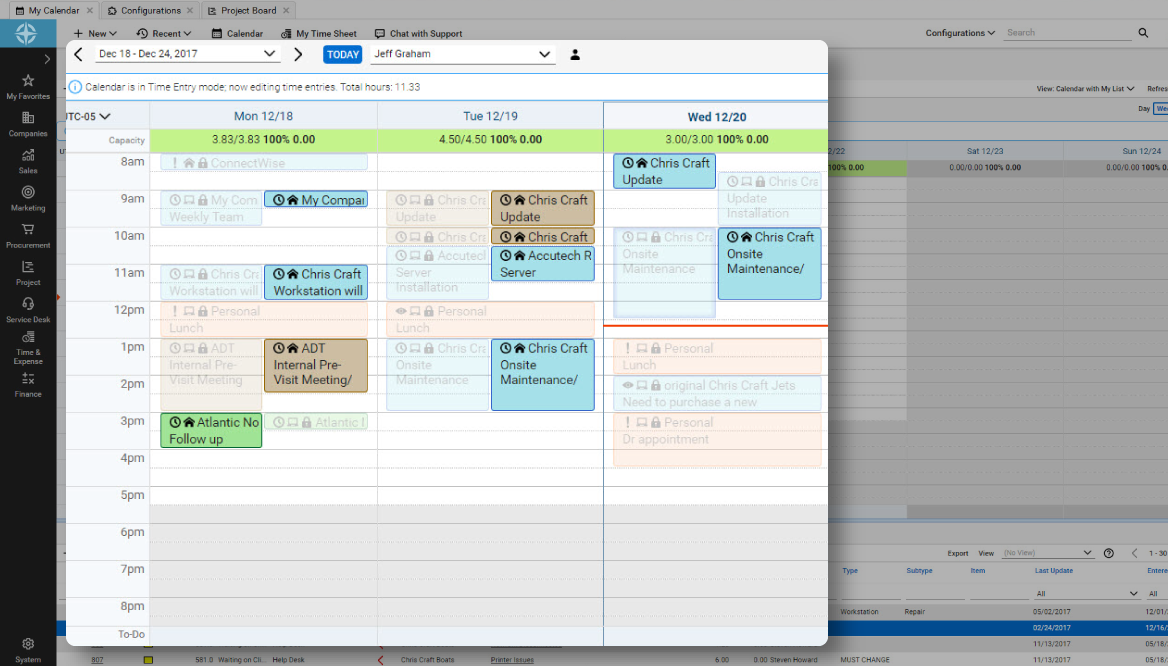
I will say the calendar option needs a little bit of work.
A calendar that looks more like lets say a Google Calendar would a nice feature.
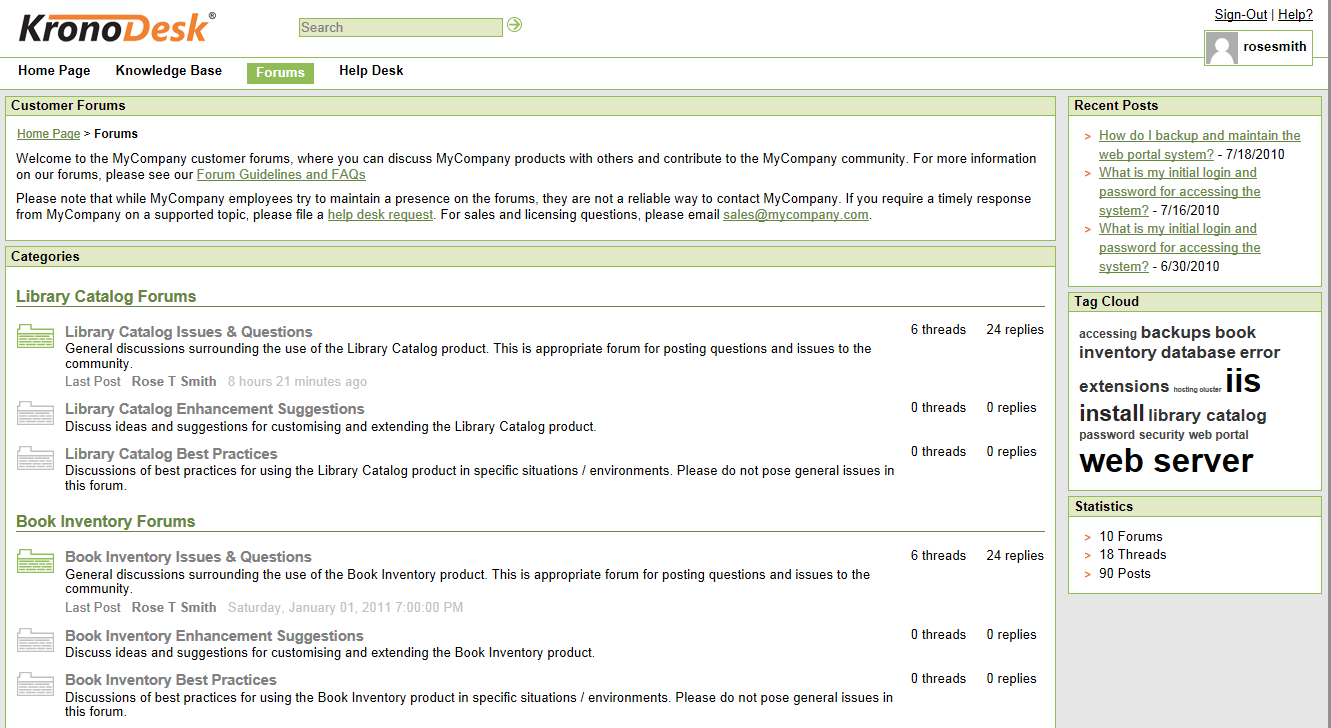
Better Knowledge base section.
We attempted to get very good use out of the Knowledge however due to not really being able to organize it and it being very hard to navigate we had to go a different route for our documentation.
Possibly adding a cleaner user interface and adding more customization for the organization of companies would help.
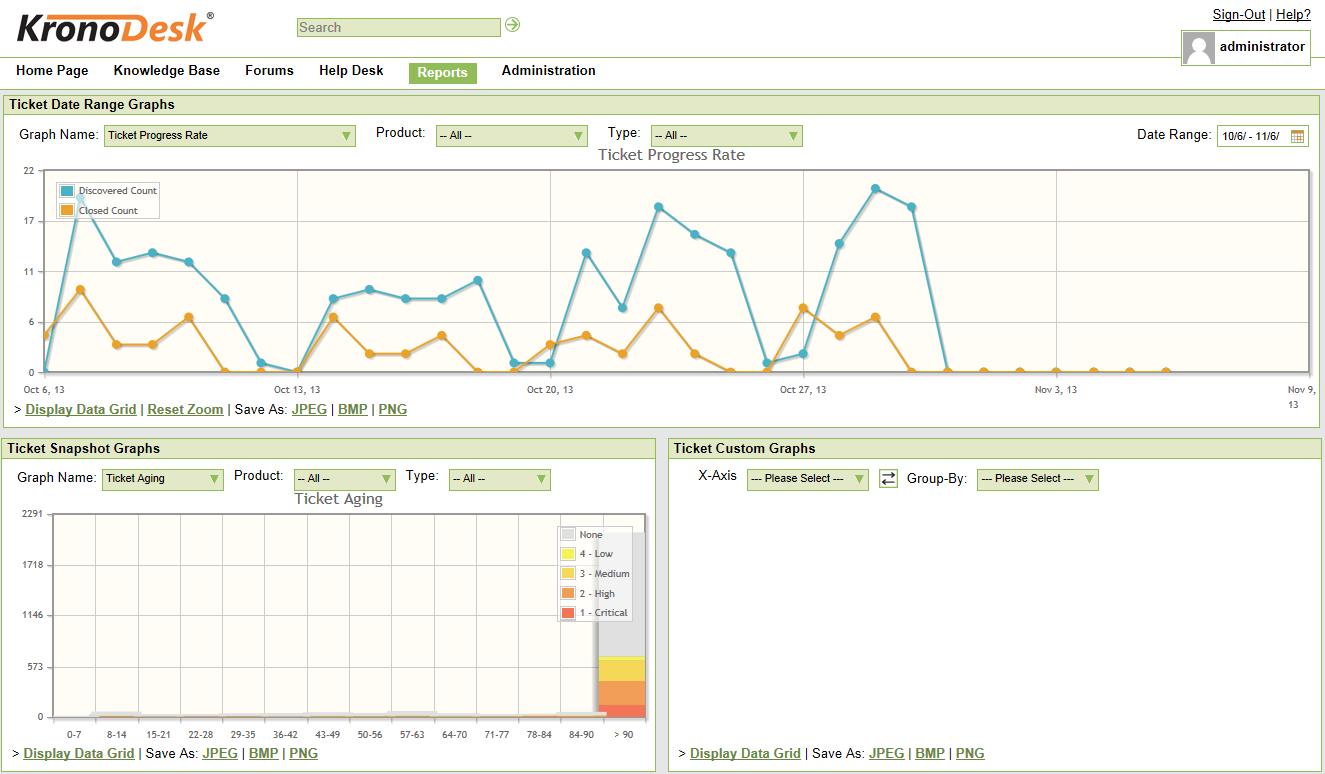
A better layout for reporting would also be something good to have.
The layouts available are so difficult to put together to get what you want out of a report. Virtually makes it impossible to get what you want out of them.
The possibility to create a system/subsystem/component/interface tree of the system landscape, to be used to more detailed issue associations and subsequent detailed planning and monitoring of issues.
A quick issue entry with the most important information would be helpful.
A "live" report that can contains my current "hot" issues would be helpful.
The product works awesomely. The only factors holding back a 10 star rating are some of the upgrades that I believe are necessary. Namely, active directory integration for the customer portal is a feature that is long overdue. AD integration on the technician side should also be made available for subscribers of the cloud hosted solution.
ConnectWise has been great for our help desk. Over the years we have used it (5+), it has responded to community-sourced feedback and improved its product. I have always appreciated the support given when required, and overall the program has helped our service desk to become more efficient. The automated aspect, including workflow rules, has been an important part of our overall systems. When considering a help desk PSA, ConnectWise should not be overlooked.
We use the cloud version of ConnectWise and in the last 5 years it has never been down for us during business hours. I can only recall 1 time when it was not available during off hours when we wanted to use it.
Overall, I love CW Manage. I think it is a great platform, but nothing is learned from saying "You're great!" So I will share 2 issues where I think improvement can be made. 1. There are times where service requests are closed inappropriately without explanation or warning which can be frustrating. I have learned that I must work extra hard to manage my open issues to ensure that they don't just disappear without resolution. 2. I recently found that I had mistakenly been charged $50 a month for a year for services I did not have. When I brought this to CW's attention, I was quickly given a credit memo and an apology, which was nice, but it was still annoying
The front line support techs are wildly inconsistent when it comes to the level of support. Sometimes you get someone who just wants to throw links to University documentation at you, sometimes you get someone who truly tries to understand your issue and confers with peers and managers to find an answer, and sometimes you get someone who just wants to create a ticket and escalate immediately. If you ask three different techs the same question you will probably get three different answers, one of them being, "That's not possible."
We are a telecoms company. Whilst CW were very happy to sell us their product and tell us how good it is for telecoms. All the training material is geared towards IT MSP's. The on-line training material was virtually useless. We found the implementation a bit of a joke. They tried telling us 12 hours of implementation time would be sufficient to launch the product. We erred on the side of caution and paid for 24 hours. This was quickly eaten away and we were nowhere near ready to go-live. I find the on-line chat facility is of much more use for us.
Thoroughly review the training at ConnectWise University BEFORE starting. Ask questions to other partners - there is a huge community that is more than willing to help. Lastly, I recommend getting ConnectWise Consulting to help - it's a BIG product, and the money you spend on consulting will pay for itself by helping you and your team get off to a running start (in the right direction)
Everyone but dynamics had holes in it. Dynamics is good, but it requires more development time. I spoke with some people that have CW and liked it. But when I inquired after our frustrations, I discovered they had a full time scheduling & logistics CW manager and the field people were using it purely like any other more simplistic ticket system. They said it would be impossible otherwise. The one big difference is the transparency of the sales effort. The other sales people were honest on the limitations or potential challenges and worked with us. They also worked with our agenda. At CW they don't have that option. The consulting time is eaten through a pre-formatted agenda which they communicate too you, not with you.
Several freeware/shareware tools like Bugzilla are missing integration with other systems. HP, IBM and CA like systems are too cumbersome and complicated for "normal" users, for me too much "hassle" to monitor issues and related information and links to other issues.
ConnectWise seems to have a good understanding of the IT service industry. During the required onboarding training, they even preach configuring only features that you need right now, as you can always scale up later. The feature set for the most part takes into considerations all aspects of an IT business, whether small or enterprise, or growing from one to the next.