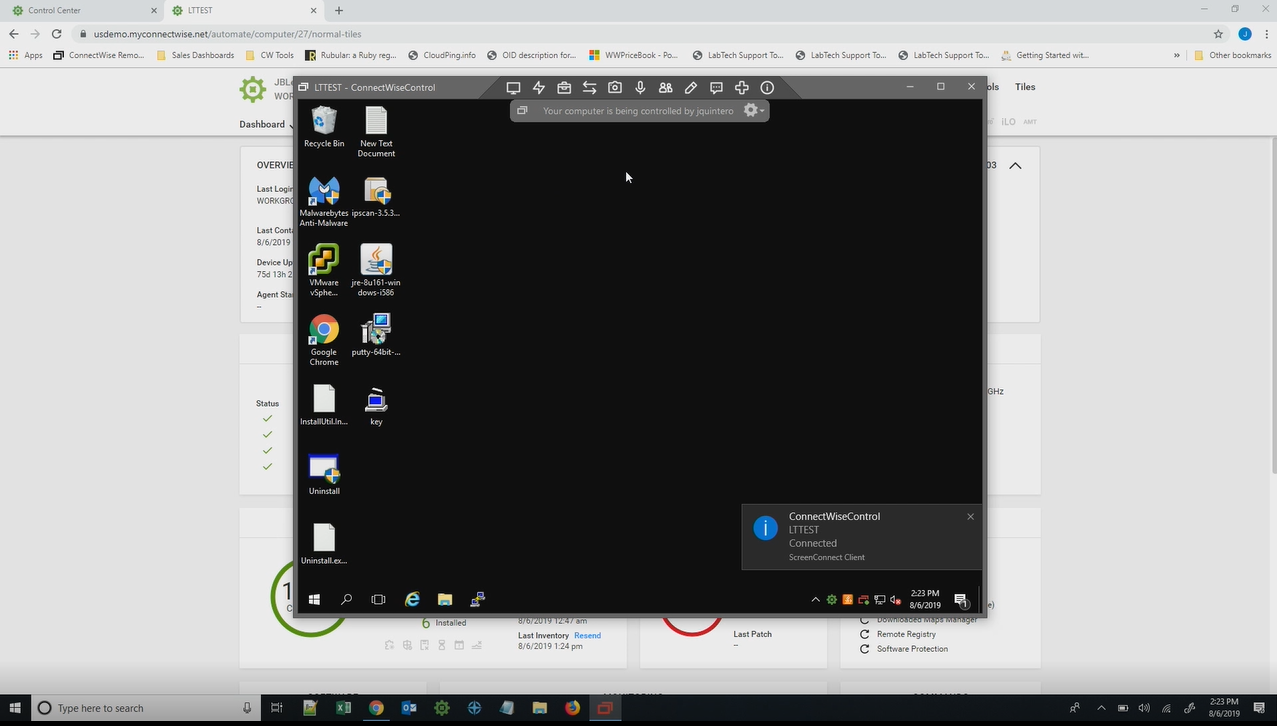
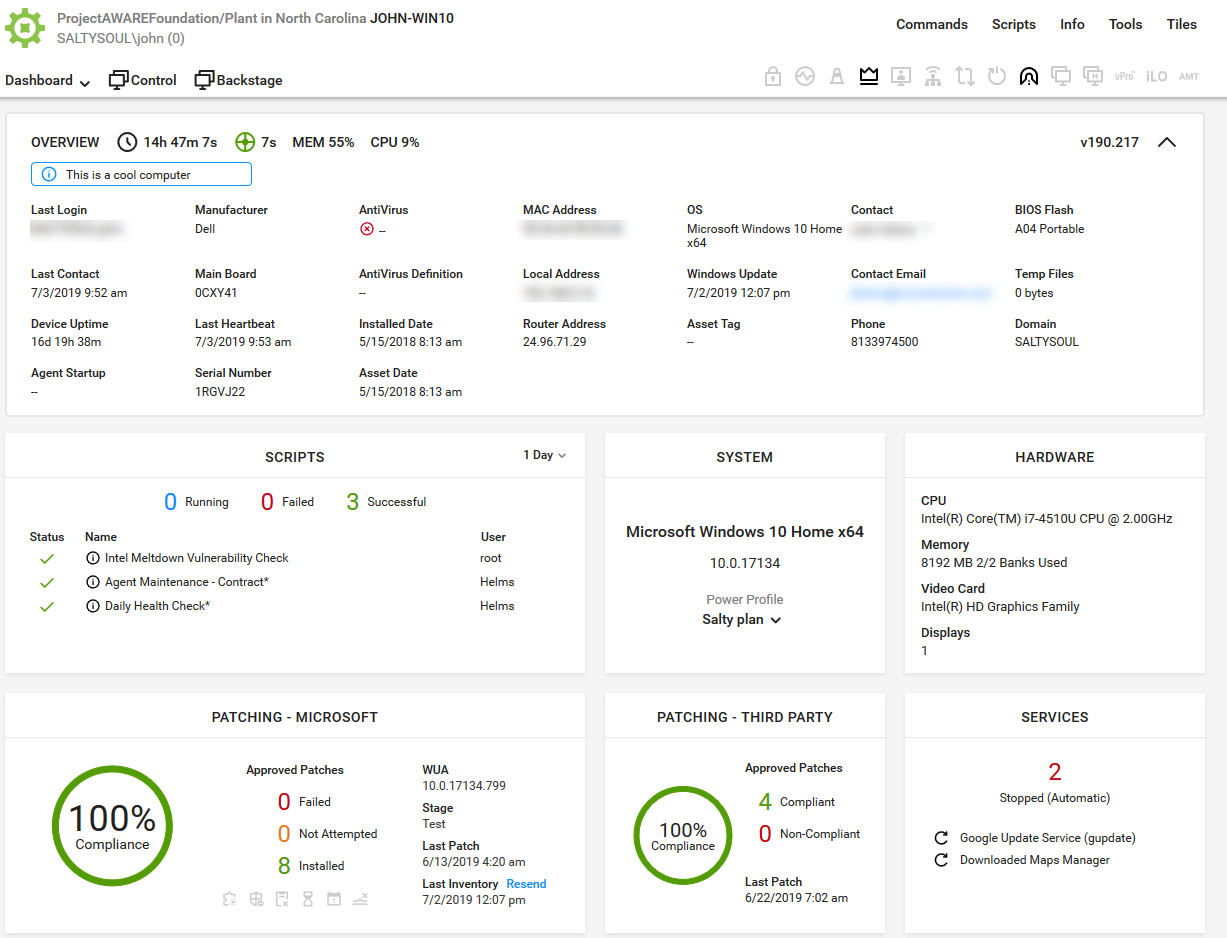
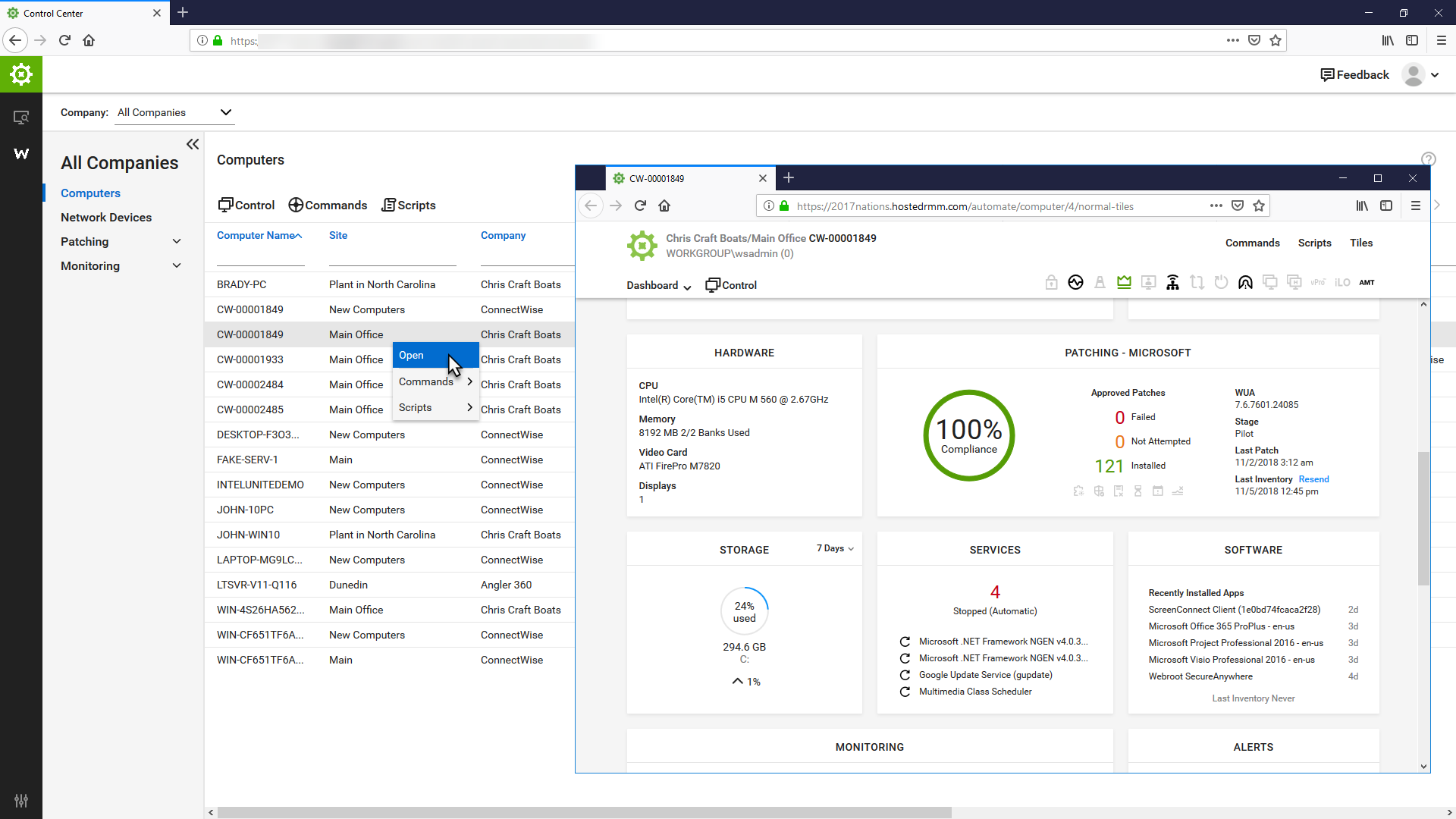
ConnectWise Automate, formerly LabTech, is a remote monitoring and management (RMM) platform. It provides powerful automation to discover and manage devices, monitor for problems, and scripts repetitive action.
$700
Hexnode UEM
Score 8.5 out of 10
N/A
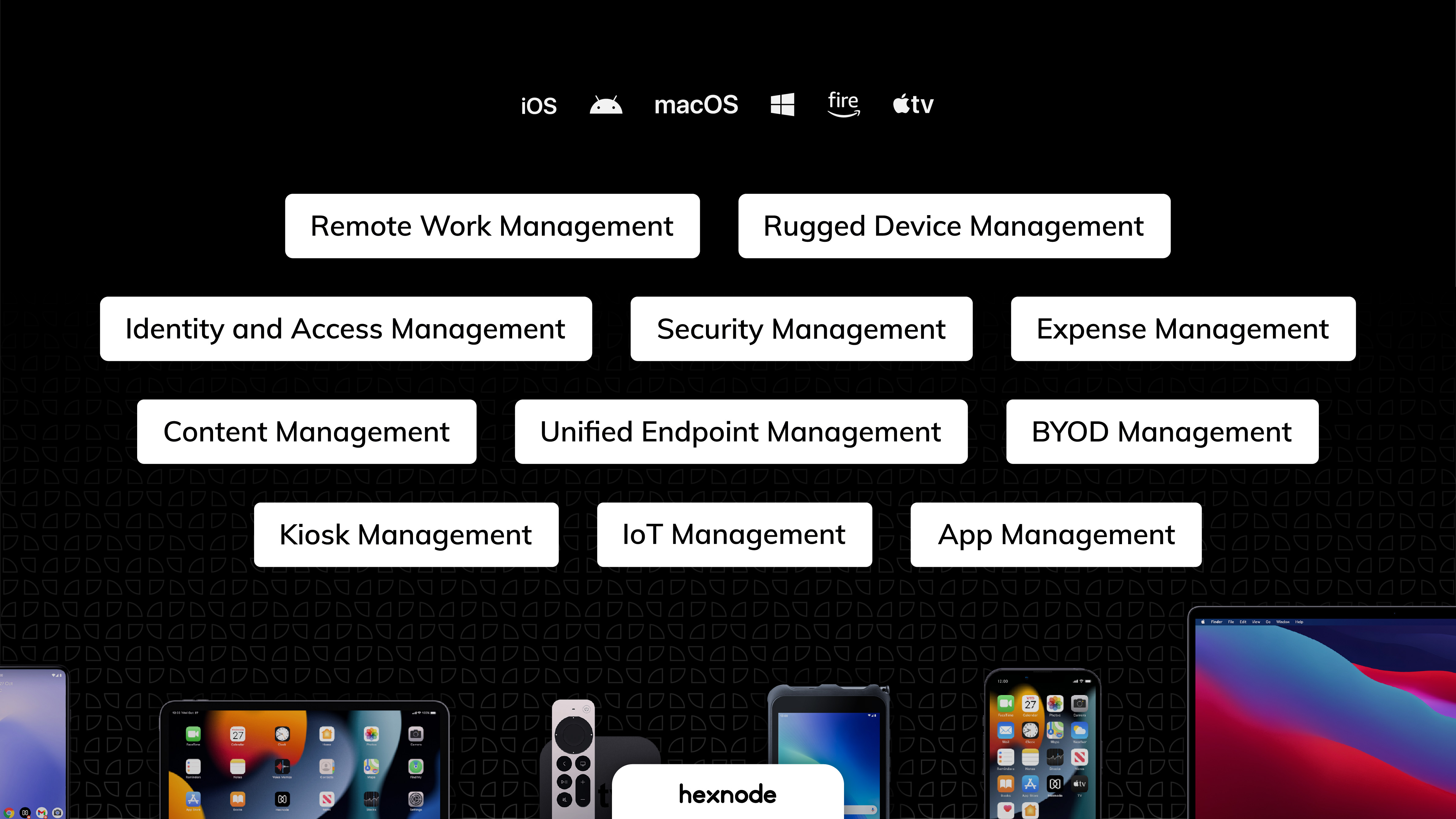
Hexnode is a Unified Endpoint Management solution from Mitsogo Inc. that aims to simplify the way people work with the help of intelligent tools. The management platform streamlines the device lifecycle model to offer its support at every stage, from device onboarding to the end of its life. It also gives a hands-free experience with automatic enrollment using Zero-touch enrollment, Knox Mobile Enrollment, and ABM and endpoint management with the help of dynamic group allocation in…
$2.40
per month per device
Pricing
ConnectWise Automate
Hexnode UEM
Editions & Modules
Agents
$1.00-$6.00
per month/per agent
Implementation Fee
$700
Pro
$2.40
per month per device
Enterprise
$3.60
per month per device
Ultimate
$5.20
per month per device
Ultra
Contact Hexnode for a Quote
Offerings
Pricing Offerings
ConnectWise Automate
Hexnode UEM
Free Trial
Yes
Yes
Free/Freemium Version
No
Yes
Premium Consulting/Integration Services
No
No
Entry-level Setup Fee
No setup fee
No setup fee
Additional Details
—
No support costs, No maintenance charges. Per device pricing. Discount available for annual pricing.
More Pricing Information
Community Pulse
ConnectWise Automate
Hexnode UEM
Features
ConnectWise Automate
Hexnode UEM
Application Performance Management
Comparison of Application Performance Management features of Product A and Product B
ConnectWise Automate
8.5
Ratings
15% above category average
Hexnode UEM
-
Ratings
Virtualization monitoring
8.00 Ratings
00 Ratings
IT Asset Discovery
9.00 Ratings
00 Ratings
Monitoring Tasks
Comparison of Monitoring Tasks features of Product A and Product B
ConnectWise Automate
7.4
Ratings
0% below category average
Hexnode UEM
-
Ratings
Remote monitoring
10.00 Ratings
00 Ratings
Network device monitoring
8.00 Ratings
00 Ratings
Activity Monitoring
8.00 Ratings
00 Ratings
Management Tasks
Comparison of Management Tasks features of Product A and Product B
ConnectWise Automate
7.8
Ratings
5% above category average
Hexnode UEM
-
Ratings
Patch Management
10.00 Ratings
00 Ratings
Policy-based automation
9.00 Ratings
00 Ratings
Remote Access
Comparison of Remote Access features of Product A and Product B
I recommend it to all IT colleagues; regardless of the size of the PCs with which you work most of the time, the application allows connection stability between computers that make it possible to continue working or taking care of the infrastructure from afar.
Hexnode was best suited for us to manage android devices and more specifically for Kiosk Lockdown and restrictions. Hexnode being a UEM offers support for platforms as well. It certainly does open doors for us to increase and take up more devices under the management of Hexnode. As said earlier, Hexnode does not support wearables as of now; would be great if they could start supporting them soon.
Automated patching. The patch management is very robust and doesn't let us down. We can rely on it to do its job.
Scripting. The scripting engine and layout is excellent. It's very easy to work with and adapt Powershell scripts and other script to the native format with its functions. It also gives detailed logs to help determine why something went wrong if there's issues.
You can track all your clients information and every single job you do for them. You can do quotes, send them, add providers to compare prices, manage the calendar of the employees, assign tickets to the correct person, there is nothing you can't do with this tool.
Inside all the greatness, there are some works around that you have to do for specific duties that could be automated.
Make sure you keep notes on each client profile, you can use the private note section, it is secure and it works as a reminder of everything you need to do about that specific client, only you and your employees will see those.
We utilize a small number of Windows devices in addition to Android ones, however, Hexnode UEM has very few Windows-specific restrictions compared to those for other platforms.
When we turned on the remote control, the Hexnode for Work app would periodically crash.
We had to get in touch with their tech support to resolve the issue because the Multi app kiosk mode for Windows devices was not correctly pushed.
Support and the Speed of supporting the latest technology is the main reason for not giving this a 10. But the product is powerful and flexible. The best way that I can sum it up is "You can get out of it what you put in to it"
Basic use of the product is fairly easy. Information about the machines you manage can be found in customizable dashboards, which can be unique for each user, and, therefore, properly suited to the users' needs/job function. This is not a 10 because some of the interfaces are very clunky (Patch Management), and some features are not intuitive and not well documented (reporting). Scripting and Patch Management have a fairly steep learning curve (For structure in patch management and syntax in scripting), but once learned, they work well.
UX is pretty good, but various screens are a bit redundant. Managing user and managing devices is often one in the same operation, but is broken across multiple screens. Device management policies are strange because if you make a "macOS" policy, why does it have all the Windows, iOS, Android etc options? It's unlikely you'll want all of these options for all possible OSes in one policy, but that's the only way to build a policy. Manage policy changes require remote system restart which is highly disruptive to employees.
It used to be great, but then they broke reporting, speed and responsiveness with version 11 and the new Patch Manager. It's really bad and their support people are way behind on fixing so many bugs. They have really gone downhill. If they don't get it together soon, we'll start looking around.
Far too many issues that take ages to get resolved. Even their chat support takes a long time to get in contact with someone. When you do chat with a support rep they generally can't help you and just escalate the ticket. At least everything you've chatted about is now in the ticket.
LabTech online training is very very thorough in training and helping individuals understand the theory and practical side of using a Remote Monitoring & Management. The training has multiple methods of explaining each section which helps to re-enforce everything about the Training Modules. I have had some Engineers lose their interest after a number of modules because they said that it was too much, that was too similar. I've found that the training is tailored towards a technical background but the Sales training does help NON technical individuals familiarize themselves with the Remote Monitoring and Management components and how it relates to Managed Services.
ConnectWise Automate was already implemented at all organizations I have used it at when I started at those MSPs. At my current MSP, we used professional services for a period after I took over management of it, and they assisted with changes that I saw needed to be made. While not specifically implemented, those services were well organized and well scheduled, and all things we discussed were tracked and recorded, allowing for good change management/tracking.
I have evaluated NinjaRMM, but it was after I was already familiar with ConnectWise Automate. While it seems like a good product, I found that ConnectWise Automate was more flexible in allowing me to make custom configurations to meet various business needs across different clients. I have also evaluated Addigy. While I think Addigy does a better job of managing apple devices, it is clunkier, and customization is harder in Addigy than in ConnectWise Automate.
We previously utilized Miradore MDM for all of our tablets and management. We have since made the switch to Hexnode UEM and are migrating all of our tablets to it instead. We have saved money with this switch and we have been able to easily remove our tablets from Miradore and set them up within Hexnode UEM instead.
As mentioned briefly previous there have been a couple of times where accessing servers at different sites due to point to point connectivity going down where this has been a big life saver
We already had someone try to walk away with an ipad after deploying Hexnode, and we were immediately able to force an activation lock telling them to bring it back and they did.
It has saved us a lot of time setting up ios devices as we have a limited amount of IT staff and Hexnode makes it take probably around ten minutes an ipad.
Employee experience has improved since we can reset code remotely and they no longer have to send the ipads back to the corporate office to get reset.