Conga Sign vs. S-Docs

Overview
ProductRatingMost Used ByProduct SummaryStarting Price
Conga Sign
Score 7.8 out of 10
N/A
Conga now offers electronic signature, via Conga Sign.N/A
S-Docs
Score 8.7 out of 10
Small Businesses (1-50 employees)
S-Docs headquartered in New York offers what they present as a secure document generator and E-signature solution built on the Salesforce Platform. It aims to help users to create and e-sign sophisticated documents that improve efficiency, reduce errors and eliminate tedious work.
$25
per month (billed annually) per user
Pricing
Conga SignS-Docs
Editions & Modules
No answers on this topic
S-Docs for Salesforce
$25
per month (billed annually) per user
S-Docs for Salesforce with e-Signature
$40
per month (billed annually) per user
S-Docs & S-Sign Bundle
$40
per month per user (Minimum contract of $8,400)
S-Docs for HubSpot Team Edition
$65
per month per installation
S-Docs for HubSpot Professional Edition
$275
per month per installation
Offerings
Pricing Offerings
Conga SignS-Docs
Free Trial
YesYes
Free/Freemium Version
NoYes
Premium Consulting/Integration Services
NoNo
Entry-level Setup FeeOptionalOptional
Additional DetailsS-Docs for Salesforce is priced by seat. Organizations that are interested in the enterprise edition - including per-document pricing and Experience Cloud plans, can reach out to sales. S-Docs for HubSpot is priced by usage. S-Docs for HubSpot Team Edition comes with 500 documents and 250 e-Signature requests per year. S-Docs for HubSpot Professional Edition comes with 2,500 documents and 800 e-Signature requests per year. Nonprofit discounts are available.
More Pricing Information
Community Pulse
Conga SignS-Docs
Best Alternatives
Conga SignS-Docs
Small Businesses
Foxit eSign
Foxit eSign
Score 9.8 out of 10
airSlate WorkFlow
airSlate WorkFlow
Score 7.5 out of 10
Medium-sized Companies
MSB Docs
MSB Docs
Score 9.4 out of 10
Foxit PDF Editor
Foxit PDF Editor
Score 8.6 out of 10
Enterprises
DocuSign
DocuSign
Score 8.4 out of 10
Conga Composer
Conga Composer
Score 9.5 out of 10
All AlternativesView all alternativesView all alternatives
User Ratings
Conga SignS-Docs
Likelihood to Recommend
6.0
(0 ratings)
9.0
(0 ratings)
Usability
2.0
(0 ratings)
-
(0 ratings)
Support Rating
10.0
(0 ratings)
-
(0 ratings)
User Testimonials
Conga SignS-Docs
Likelihood to Recommend
It is well-suited for most of the clients which have trust in digital signatures and want to reduce the turnaround, but there are still some clients which do not prefer digital signatures and prefer printed agreements with wet signatures. Conga uses the latest digital signing legal regulations so this is a customer-to-customer issue.
Read full review
S-Docs would be great for anyone looking to make the process of getting signatures more seamless and less time intensive. You can get a signature in minutes no matter where the signee is located. No more having to worry about printing, scanning, and emailing over important and time-sensitive documents.
Read full review
Pros
  • Agreements are sent digitally which reduces the time to get printed document.
  • The user has the option to forward to a relevant party where he might not be the correct person.
  • Reduces the turnaround was taking signatures from multiple stakeholders can be done digitally.
Read full review
  • onboarding
  • approval of marketing spend
  • approval of travel expenses
Read full review
Cons
  • Some businesses still don't consider digital signing of critical documents a legit way.
  • Conga sign still doesn't allow sending of multiple files for signing.
  • There is a slight rendering time we have noticed while the customer opens the document which can be reduced.
Read full review
No answers on this topic
Usability
We're a relatively high-skilled team and we all find Conga Sign's user-friendliness very low for all user types. It should not take a highly skilled tech person to complete documents. Documents need to be user friendly for all user types.
Read full review
No answers on this topic
Support Rating
Conga's success team was excellent and very responsive.
Read full review
No answers on this topic
Alternatives Considered
Conga Sign works with our existing Salesforce environment. We also use other Conga products such as Batch and Trigger, and Composer. Because of our existing Conga products, Sign was able to be implemented with minimal setup time as users were already familiar the Conga environment and knew what to expect
Read full review
just as easy to use as dousign. Since I do not make the purchasing decisions, I am not sure how these prices compare to each other
Read full review
Return on Investment
  • We are growing our Strategic Partners and each requires a signed agreement, very essential to growing our business
  • We need to update our Plan Administration agreements and having automation for getting and tracking all of the signatures is vital
  • Conga Sign is good enough for all our use cases so we don't have to worry about using 3 or 4 solution platforms to gather signatures.
Read full review
  • increased efficiency
  • increased security
Read full review
ScreenShots

Conga Sign Screenshots

Screenshot of A signature solution for SalesforceScreenshot of Signing Simplified - transaction creation with the click of a buttonScreenshot of Setup - pulls in customer dataScreenshot of Signs From Any Device - eSignature for every scenarioScreenshot of Matches Company BrandingScreenshot of Automates the Revenue Process - automates eSignature

S-Docs Screenshots

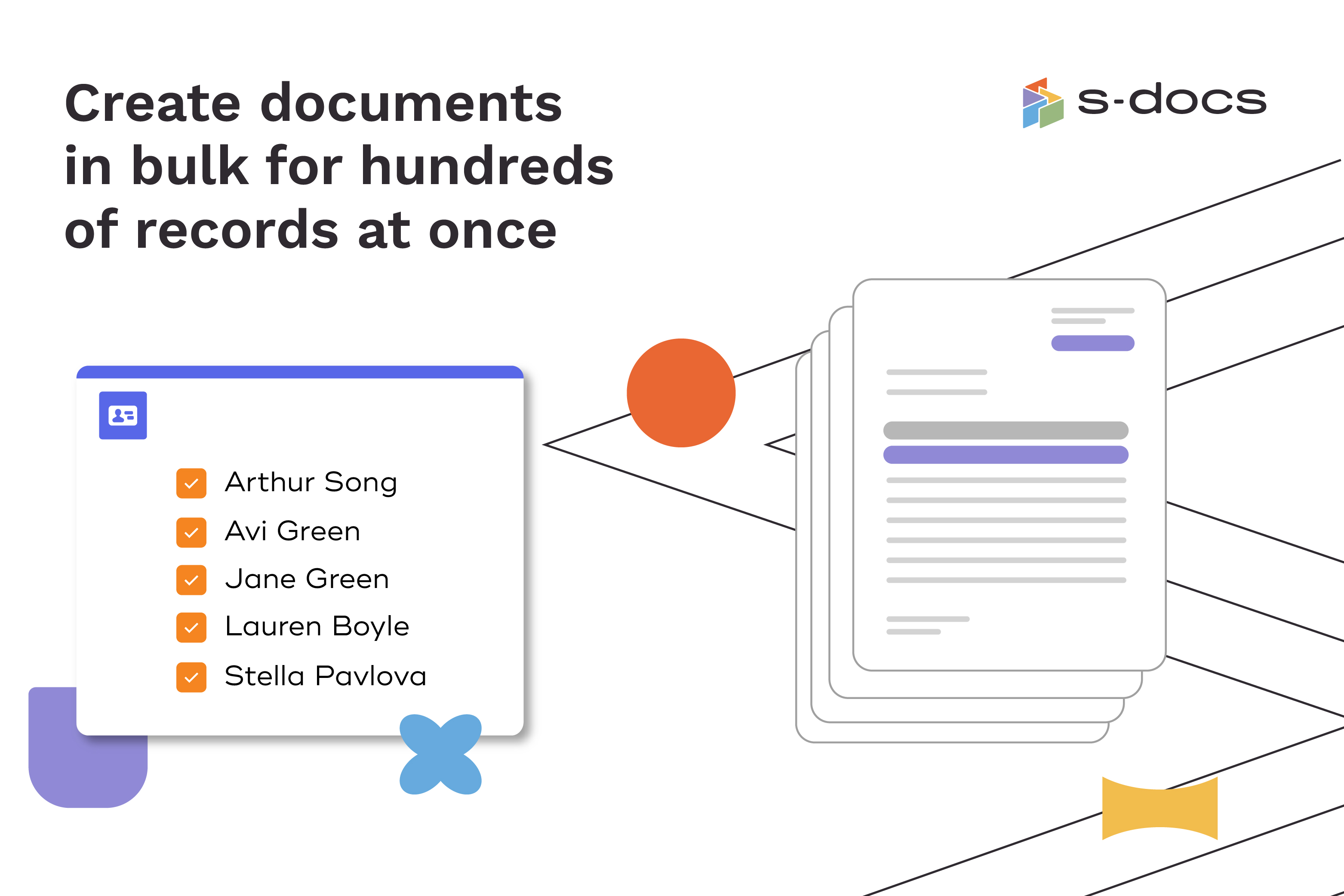
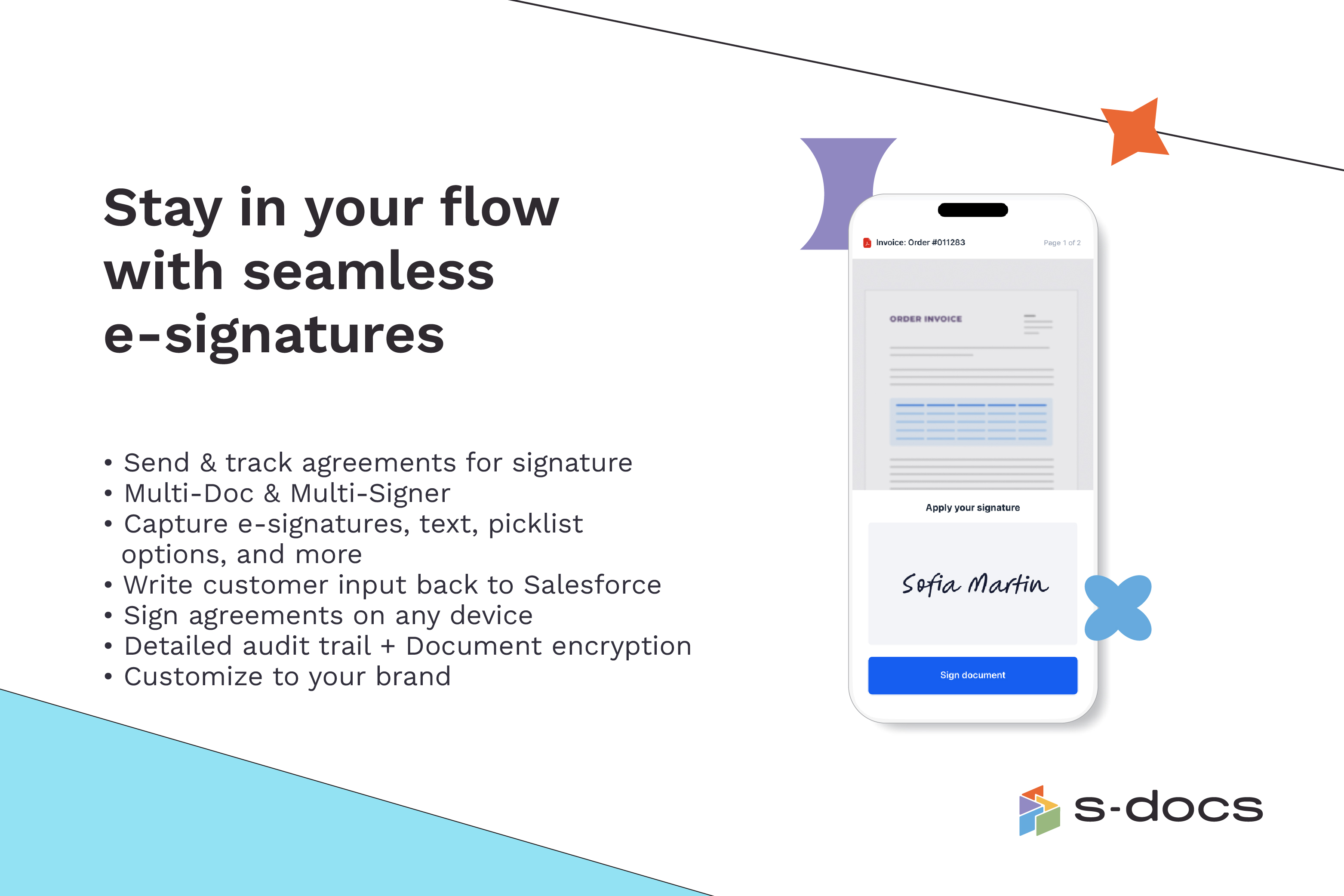
Screenshot of how to create business documents in flexible formatsScreenshot of how to create documents via clicks or automaticallyScreenshot of how to generate documents in bulk for hundreds of records at onceScreenshot of how to edit generated documents without downloading external programsScreenshot of how to request secure e-Signatures via email or in personScreenshot of how to create templates with the drag-and-drop interface