Condeco, headquartered in London, offers their suite of workspace management and booking systems, featuring Condeco Meeting Room Booking app, supplying control over room availability, digital signage and screens, global location management, meeting reminders and email integration (e.g. Outlook), visitor adding and management, recurrent meetings, and other features. Condeco also supports workspace planning with software, and a desk booking app.
N/A
Zoho Calendar
Score 9.8 out of 10
N/A
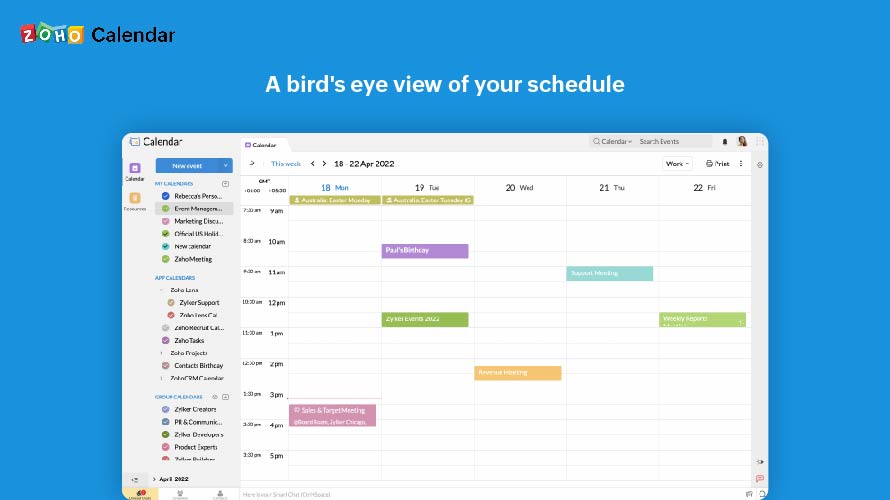
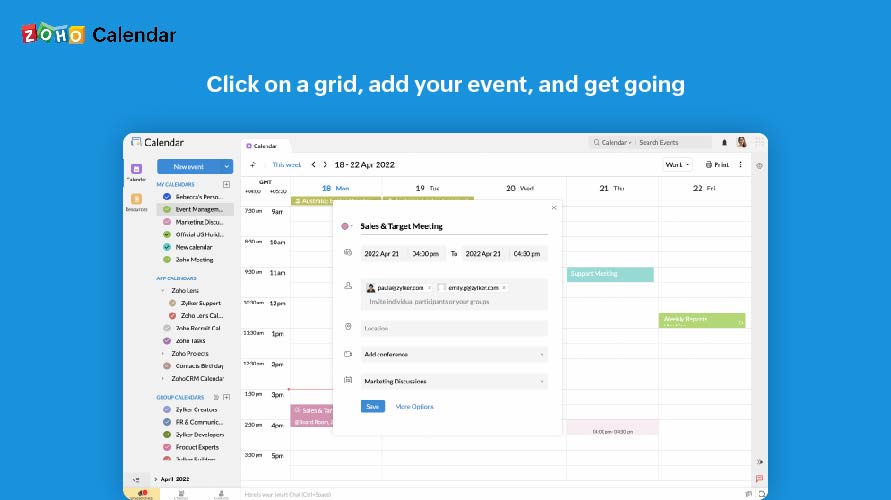
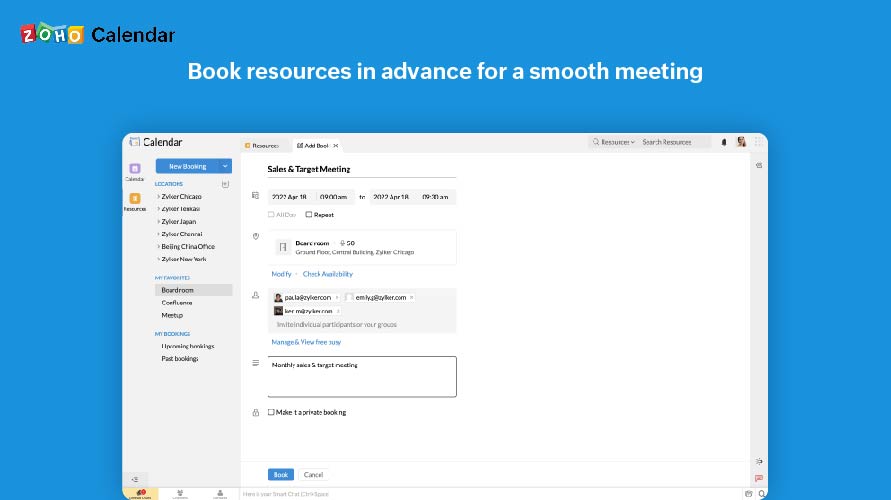
Zoho Calendar is an online business calendar designed to make scheduling easy. It can be used to stay on top of a schedule, or to share scheduled events with peers.
Condeco Meeting Room Booking is best suited where organizations want to be Agile enabled and make their meeting experience smooth. This tool is easy to use and handy for employers. The deployment process is also easier, and it is a unique experience overall. Organizations can analyze the usage of meeting rooms, rooms management, etc. as per the reports available in Condeco.
Zoho Calendar is appropriate for every scenario because it reminds you of your upcoming meetings. I am using the product to manage my team meetings in my current project and also in the past projects as well. It integrates well with other applications well and cross functional tool to manage your schedule.
I subscribe to Zoho One so I use many of the modules that come with that single subscription. I've had intermittent issues with scheduled Zoho Meetings through Zoho CRM not appearing in my Zoho Calendar. Zoho has been working on the issue but it will be fixed for a while and then I'll miss a meeting because it wasn't appearing.
Product strong and user interface on screes look premium product and since I installed I'm not have any case issue more on this product, my colleague and Top management are happy on this product because it make easy to staff booking room and reduce complication booking room when they go to meeting room.
Since there are lots of preference options, it can be a little confusing when setting up. It does integrate with other calendars where you can choose one or two way syncing which is helpful if you keep separate personal and work calendars. You can set your start day of the week which for me I have it set to Monday. There are also time zone options which are great but still a bit confusing to me.
Support has been excellent. As always, they are quickly responsive, and I feel they genuinely wish to address and fix any issues. It's unfortunate that my issues with meetings created in Zoho CRM don't always appear in my Zoho Calendar. While they mostly appear, my confidence level on any given week that I can see what is on my schedule is decidedly lacking.
A much more modern, adaptable, and responsive system that just works, and it's easy to set up and doesn't require any infrastructure other than it's own panels as it is a cloud-based solution.
It as easy access, it provides platform for every member to collaborate, and it makes event management easier It sends invitations easily. It helps to schedule meetings easily with SMART ADD. We can set the reminder for events each and every member of team has access to Zoho Calendar It is easy to understand and use it is not that complicated .