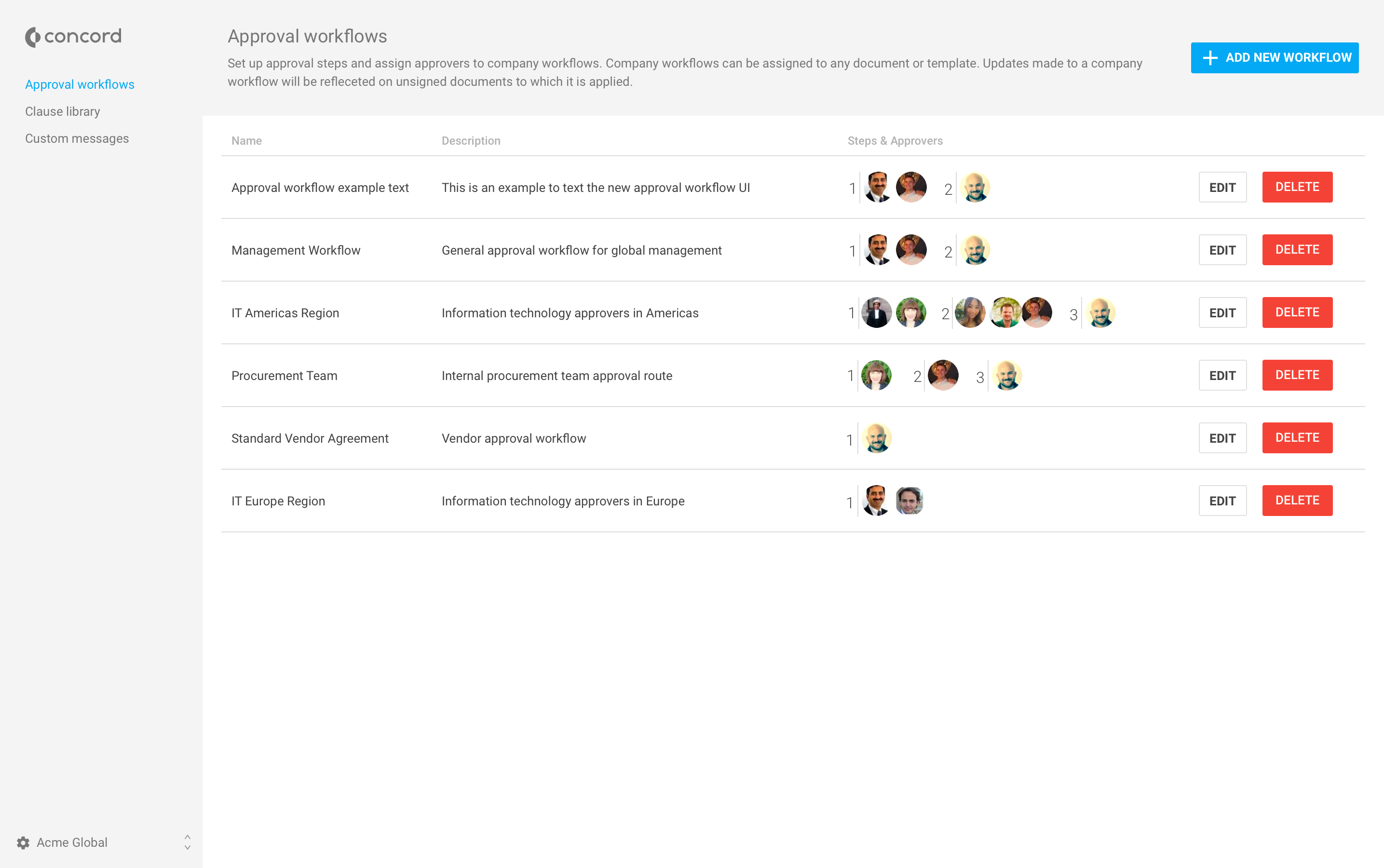
Concord delivers contract management for the 90% of agreements that don't need legal complexity. Founded in 2014, the company serves 1,500+ SMB and mid-market organizations (50-1,000 employees) across North America and Europe from offices in Austin and Paris. The platform combines contract creation, real-time collaboration, e-signature, and AI-powered review in a single workflow. Business users draft from templates, negotiate in-browser (no more Word attachments), and get AI review in 23…
$399
per month
PandaDoc
Score9 out of 10
N/A
PandaDoc headquartered in San Francisco offers their eponymous electronic signature platform for sales teams, containing sales proposal automation and CPQ (configure, price, quote) features, and integration with CRMs.
$35
per month per seat
Pricing
Concord
PandaDoc
Editions & Modules
Essentials
$399
per month
Business
$699
per month
Enterprise
Contact Sales
Enterprise
Contact sales@concord.app
Starter
$35
per month per seat
Business
$65
per month per seat
Enterprise
Contact Sales
Offerings
Pricing Offerings
Concord
PandaDoc
Free Trial
No
Yes
Free/Freemium Version
No
No
Premium Consulting/Integration Services
Yes
Yes
Entry-level Setup Fee
No setup fee
Optional
Additional Details
Concord pricing includes implementation, services, and unlimited support. All Concord plans include unlimited documents and unlimited e-signatures.
PandaDoc offers a free eSign plan and 3 paid packages for eSigning and document automation. All plans include unlimited documents and eSignatures. Evaluations start with a free 14-day trial. Up to a 46% discount for annual pricing.
A de minimis incentive was given to thank the reviewer for their time. The incentive was not used to bias or drive a particular response, nor was the incentive contingent on a positive endorsement. TR verified that a representative sample of customers was invited. More Info
Ing. de Sistemas Informaticos in Legal at Corte Suprema de Justicia (Government Administration, 5001-10,000 employees)
Chose PandaDoc
Although we can all have our documents organized, share them, and contribute to creating these with other members of our team, PandaDoc offers a level of automation and efficiency that increases productivity wherever it is used.
A de minimis incentive was given to thank the reviewer for their time. The incentive was not used to bias or drive a particular response, nor was the incentive contingent on a positive endorsement. More Info
A de minimis incentive was given to thank the reviewer for their time. The incentive was not used to bias or drive a particular response, nor was the incentive contingent on a positive endorsement. More Info
A de minimis incentive was given to thank the reviewer for their time. The incentive was not used to bias or drive a particular response, nor was the incentive contingent on a positive endorsement. More Info
Make it easier to find the templates from any page
Improve the search function--it's sometimes difficult to find specific documents when searching
Change back to "limited editor" and "no editing rights" when sharing documents; the new term of "viewer" makes it seem like nothing can be edited at all
A de minimis incentive was given to thank the reviewer for their time. The incentive was not used to bias or drive a particular response, nor was the incentive contingent on a positive endorsement. More Info
Once you get the hang of it, it's very easy to use. There can be a slightly steep learning curve to get fully in on the system. The new editor v2 has really improved usability and allows us to collaborate on documents simultaneously. Once the templates and library items are set up, a new document, whether it be a sales or HR document, takes very little time to complete.
A de minimis incentive was given to thank the reviewer for their time. The incentive was not used to bias or drive a particular response, nor was the incentive contingent on a positive endorsement. TR verified that a representative sample of customers was invited. More Info
I gave it a five because it was the closest to a neutral response. I have not had issues with Concord and have not had a reason to contact support, so I don't have an accurate opinion here. From my conversations with our legal team, it seems they have been able to work with the support team at Concord to get any potential issues resolved in a timely manner.
A de minimis incentive was given to thank the reviewer for their time. The incentive was not used to bias or drive a particular response, nor was the incentive contingent on a positive endorsement. More Info
Recently I could not upload a pdf to a contract - support was very responsive and easy to work with. They got back to me the next day with an apparent fix - however when I opened the document nothing had changed. I then could not respond to the rep who was helping me because it was a "no-reply address", the problem still has not been solved and we had to make alternate arrangements to get this to the client. Never had it happen before and was only with this one contract.
A de minimis incentive was given to thank the reviewer for their time. The incentive was not used to bias or drive a particular response, nor was the incentive contingent on a positive endorsement. More Info
A de minimis incentive was given to thank the reviewer for their time. The incentive was not used to bias or drive a particular response, nor was the incentive contingent on a positive endorsement. More Info
I would rather not compare apples and apples nor apples and oranges, and just share Concord has been an excellent Contract Management System for current organization.
A de minimis incentive was given to thank the reviewer for their time. The incentive was not used to bias or drive a particular response, nor was the incentive contingent on a positive endorsement. More Info
A de minimis incentive was given to thank the reviewer for their time. The incentive was not used to bias or drive a particular response, nor was the incentive contingent on a positive endorsement. More Info