ConceptDraw DIAGRAM vs. Xmind

Overview
ProductRatingMost Used ByProduct SummaryStarting Price
ConceptDraw DIAGRAM
Score 5.6 out of 10
N/A
ConceptDraw DIAGRAM is an on-premise diagramming tool that, according to the vendor, allows users to create designs of any complexity level either on Macintosh or Windows, regardless of the platform being used. Users can install the same license of ConceptDraw DIAGRAM on multiple computers. The vendor also offers a number of add-ons, called "solutions". The product comes with a number of built-in stencils and templates that cover different areas and fields such…N/A
Xmind
Score 9.2 out of 10
N/A
Hong Kong based Xmind offers their diagramming tool featuring a range of templates, alternate brainstorming and presentation modes, a clip art library, and export to a wide variety of file types (e.g. PDF, JPG, Word or Excel, etc.).N/A
Pricing
ConceptDraw DIAGRAMXmind
Editions & Modules
No answers on this topic
Offerings
Pricing Offerings
ConceptDraw DIAGRAMXmind
Free Trial
YesYes
Free/Freemium Version
NoYes
Premium Consulting/Integration Services
NoNo
Entry-level Setup FeeNo setup feeNo setup fee
Additional DetailsPrice varies for Individual, Commercial, Academic, Nonprofit and Government
More Pricing Information
Community Pulse
ConceptDraw DIAGRAMXmind
Features
ConceptDraw DIAGRAMXmind
Mind Mapping
Comparison of Mind Mapping features of Product A and Product B
ConceptDraw DIAGRAM
-
Ratings
Xmind
7.4
Ratings
0% above category average
Cross-Platform Compatibility00 Ratings7.40 Ratings
Customizable Templates00 Ratings8.00 Ratings
Import and Export Options00 Ratings9.60 Ratings
Real-time Collaboration Tools00 Ratings8.50 Ratings
Drag-and-Drop Capabilities00 Ratings9.10 Ratings
Notes and Attachments00 Ratings7.60 Ratings
Color and Style Customization00 Ratings5.90 Ratings
Presentation Mode00 Ratings7.60 Ratings
Integration with Task Management00 Ratings6.60 Ratings
Mind Map Revision History00 Ratings4.00 Ratings
Best Alternatives
ConceptDraw DIAGRAMXmind
Small Businesses
OmniGraffle
OmniGraffle
Score 9.1 out of 10
MindManager
MindManager
Score 8.3 out of 10
Medium-sized Companies
OmniGraffle
OmniGraffle
Score 9.1 out of 10
MindManager
MindManager
Score 8.3 out of 10
Enterprises
OmniGraffle
OmniGraffle
Score 9.1 out of 10
Miro
Miro
Score 9.2 out of 10
All AlternativesView all alternativesView all alternatives
User Ratings
ConceptDraw DIAGRAMXmind
Likelihood to Recommend
9.1
(0 ratings)
8.2
(0 ratings)
Usability
9.1
(0 ratings)
10.0
(0 ratings)
Support Rating
9.0
(0 ratings)
5.0
(0 ratings)
User Testimonials
ConceptDraw DIAGRAMXmind
Likelihood to Recommend
Likelihood to recommend? Overall, absolutely. I'm very satisfied with ConceptDraw and wouldn't hesitate to recommend it. I found it very easy to get up and running producing flow chart diagrams. I find it intuitive, flexible and it does what it says. Moreover it's very much an "alive" product with regular updates
Read full review
Well suited:
  • Organizing information.
  • Doing research.
  • Organizing goals.
  • Planning tasks.
  • Planning meetings.
  • Structure for writing documents.
Less appropriate:
  • Sharing documents among the teams/multiple users.
  • General-purpose infographics.
  • Writing longer paragraphs in the note field is very limited.
  • Integration with GitHub.
  • Integration with Confluence.
  • XMind uses a proprietary document format which is not indexed by search programs on a PC or a Mac. This means that one cannot search in the content of the XMind documents.
Read full review
Pros
  • They're the only company that could offer a decent product with a fair price for Apple devices, like my Mac.
  • It provides easy development of process flow diagrams and P&ID diagrams.
  • The software has an intuitive arrangement of commands, which reduces the learning curve suffering.
Read full review
  • Easy to use, simple flowcharts.
  • Multiple functions, flowcharts can be edited to be suitable for a variety of tasks.
  • Displays information in a dynamic and interesting way.
Read full review
Cons
  • Keyboard shortcuts are non-intuitive
  • Re-scaling can be tricky if you don't set the page up correctly at the beginning of your project
Read full review
  • Functionality to show when topics are in-line with eachother
  • Unable to save colour schemes on the website
  • An ability to see previous versions of the mindmap, save history
Read full review
Usability
It needs a bunch of work. For the price it could be better. And even though I am using it still I find it very difficult to use but I make it work
Read full review
Commands and controls extremely easy to navigate and use. Ability to import mindmaps and collaborate also contribute to a very pleasant usability experience
Read full review
Support Rating
The sales team is great and quickly responds to any concerns regarding the software and licensing. However, the user base for ConceptDraw products is still relatively small making it difficult to find more than basic assistance for technical questions online
Read full review
The support around a bug in the tool which prevented the correct printing of diagrams. Support came back after a few days, and there was no workaround. Eventually, the bug was fixed in a future release. The company does not pay much attention to user forums. With better support and plugin mechanism for user contributions, the product would be more convincing.
Read full review
Alternatives Considered
Cheaper, lower learning curve. Looked for something that would meet our needs and allow us to quickly diagram a database and process maps. I have been using this in place of Visio and the one-time purchase is much better than a Microsoft sub. Looking forward to using this software in the future and hoping to get a copy for college classes as well in Database Design.
Read full review
As Xmind draws a specific focus on mindmaps its functionality is very clear and easy to use. Other mindmap systems make you connect the topics and arrows yourself which can be very frustrating and finnicky. Its presentation is very clear and displayed cleanly
Read full review
Return on Investment
  • Saved time
  • Helps with conveying message properly across team so increased efficiency
  • I came to know of many new diagraming techniques by seeing solutions built into ConceptDraw.
Read full review
  • Increased productivity of employees.
  • Provided structure and clear thought processes.
  • Reusable content.
Read full review
ScreenShots

ConceptDraw DIAGRAM Screenshots

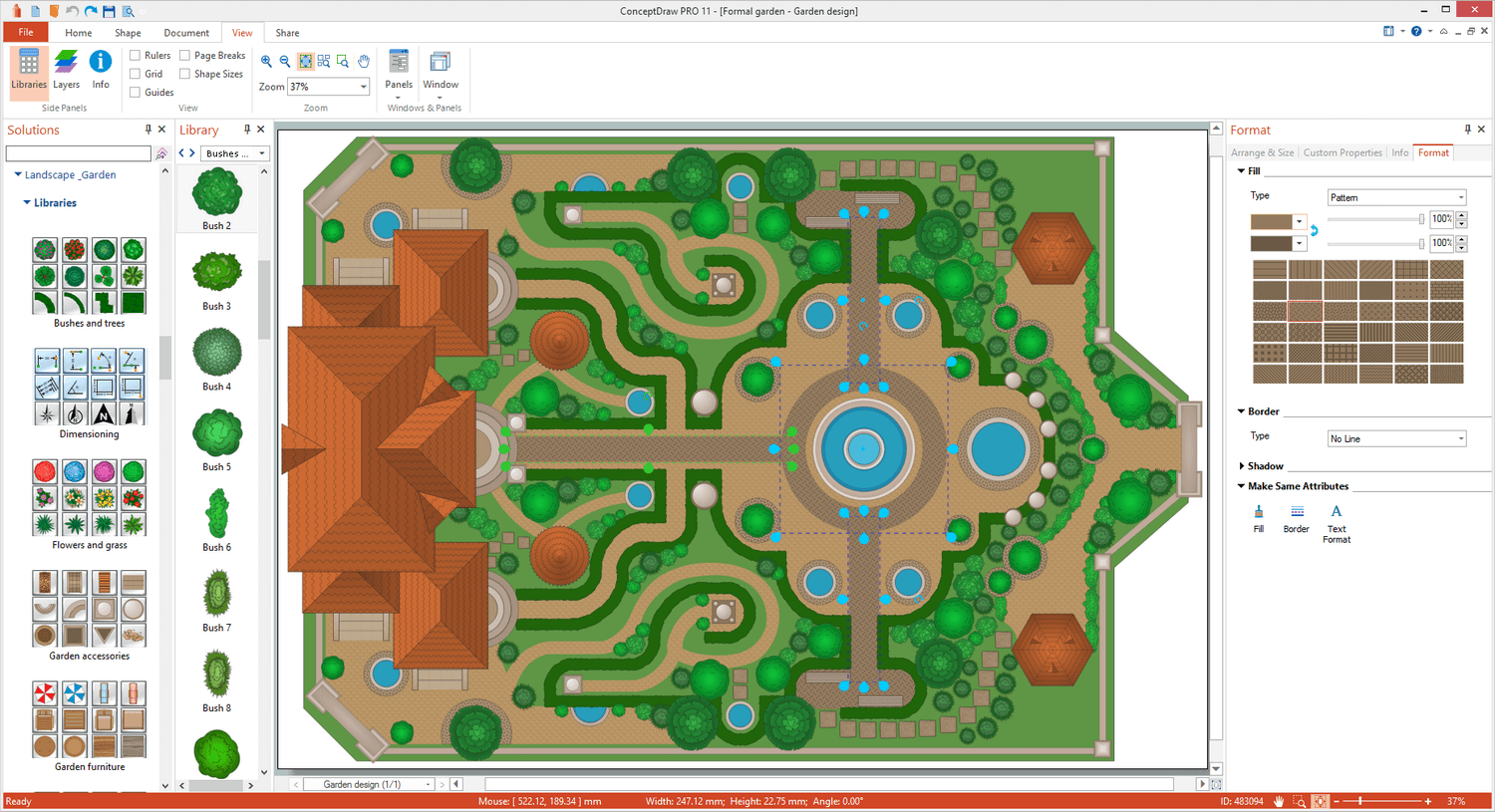
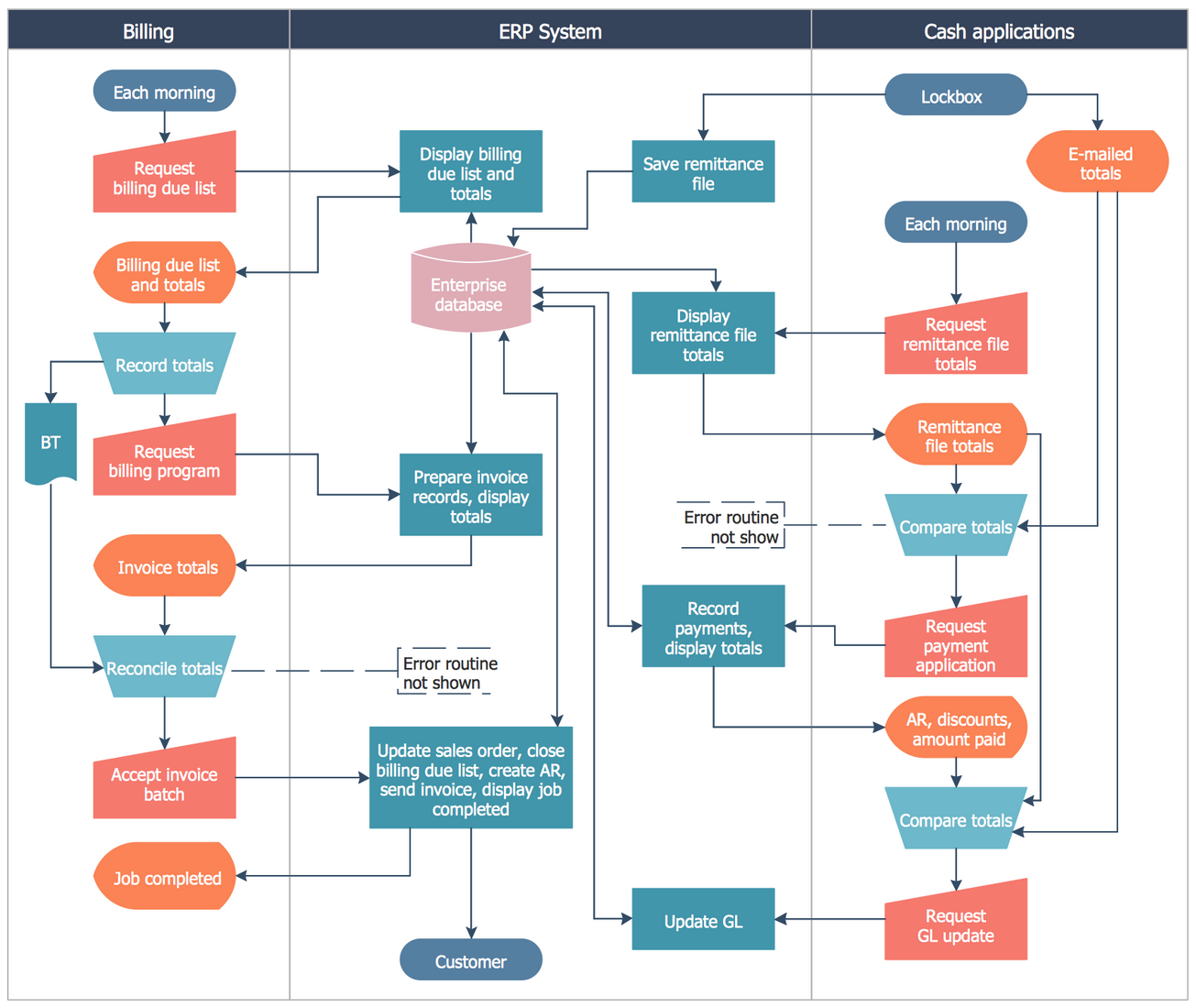
Screenshot of Landscape&Garden PlanScreenshot of Flat Interior DesignScreenshot of PM ScrumScreenshot of Customer Journey MappingScreenshot of Family Tree Diagram: Autosomal Dominant Pedigree ChartScreenshot of Business Process Cross-Functional Flowchart: Stockbridge System