ConceptDraw DIAGRAM vs. MyDraw

Overview
ProductRatingMost Used ByProduct SummaryStarting Price
ConceptDraw DIAGRAM
Score 5.7 out of 10
N/A
ConceptDraw DIAGRAM is an on-premise diagramming tool that, according to the vendor, allows users to create designs of any complexity level either on Macintosh or Windows, regardless of the platform being used. Users can install the same license of ConceptDraw DIAGRAM on multiple computers. The vendor also offers a number of add-ons, called "solutions". The product comes with a number of built-in stencils and templates that cover different areas and fields such…N/A
MyDraw
Score 9.0 out of 10
N/A
Nevron Software in Wilmington offers and supports MyDraw (formerly Nevron Draw), an advanced diagramming application billed as an alternative to Microsoft Visio.N/A
Pricing
ConceptDraw DIAGRAMMyDraw
Editions & Modules
No answers on this topic
Offerings
Pricing Offerings
ConceptDraw DIAGRAMMyDraw
Free Trial
YesNo
Free/Freemium Version
NoNo
Premium Consulting/Integration Services
NoNo
Entry-level Setup FeeNo setup feeNo setup fee
Additional DetailsPrice varies for Individual, Commercial, Academic, Nonprofit and Government
More Pricing Information
Community Pulse
ConceptDraw DIAGRAMMyDraw
User Ratings
ConceptDraw DIAGRAMMyDraw
Likelihood to Recommend
9.1
(0 ratings)
9.0
(0 ratings)
Usability
9.1
(0 ratings)
-
(0 ratings)
Support Rating
9.0
(0 ratings)
-
(0 ratings)
User Testimonials
ConceptDraw DIAGRAMMyDraw
Likelihood to Recommend
Likelihood to recommend? Overall, absolutely. I'm very satisfied with ConceptDraw and wouldn't hesitate to recommend it. I found it very easy to get up and running producing flow chart diagrams. I find it intuitive, flexible and it does what it says. Moreover it's very much an "alive" product with regular updates
Read full review
It worked very well when I import the file from MS Visio. I couldn't able to find the option to create custom images
Read full review
Pros
  • They're the only company that could offer a decent product with a fair price for Apple devices, like my Mac.
  • It provides easy development of process flow diagrams and P&ID diagrams.
  • The software has an intuitive arrangement of commands, which reduces the learning curve suffering.
Read full review
  • Network design
  • Flow chart
  • Timeline schedule
Read full review
Cons
  • Keyboard shortcuts are non-intuitive
  • Re-scaling can be tricky if you don't set the page up correctly at the beginning of your project
Read full review
  • Application crash
  • Some time it use high CPU
  • Integration of other drawing like D
Read full review
Usability
It needs a bunch of work. For the price it could be better. And even though I am using it still I find it very difficult to use but I make it work
Read full review
No answers on this topic
Support Rating
The sales team is great and quickly responds to any concerns regarding the software and licensing. However, the user base for ConceptDraw products is still relatively small making it difficult to find more than basic assistance for technical questions online
Read full review
No answers on this topic
Alternatives Considered
Cheaper, lower learning curve. Looked for something that would meet our needs and allow us to quickly diagram a database and process maps. I have been using this in place of Visio and the one-time purchase is much better than a Microsoft sub. Looking forward to using this software in the future and hoping to get a copy for college classes as well in Database Design.
Read full review
The best reason is import and export as MS Visio diagram. Although draw.io can use to present simplified drawing, but it doesn't had option to import from other application. This is primary reason to use MyDraw
Read full review
Return on Investment
  • Saved time
  • Helps with conveying message properly across team so increased efficiency
  • I came to know of many new diagraming techniques by seeing solutions built into ConceptDraw.
Read full review
  • It reduced the multiple application usage
  • Better compatibility with different apps
  • Can consider using the license based on AD account instead of device.
Read full review
ScreenShots

ConceptDraw DIAGRAM Screenshots

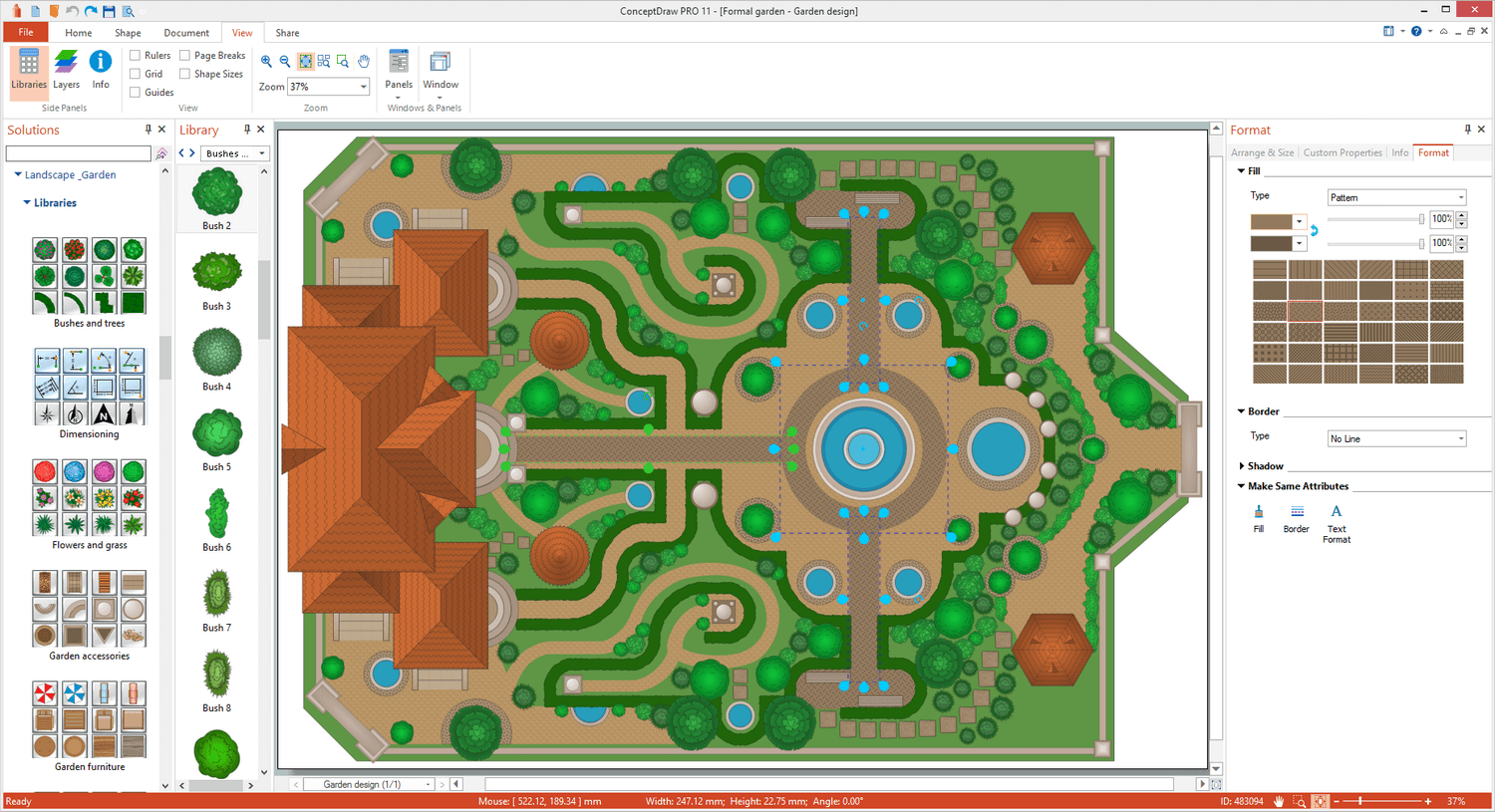
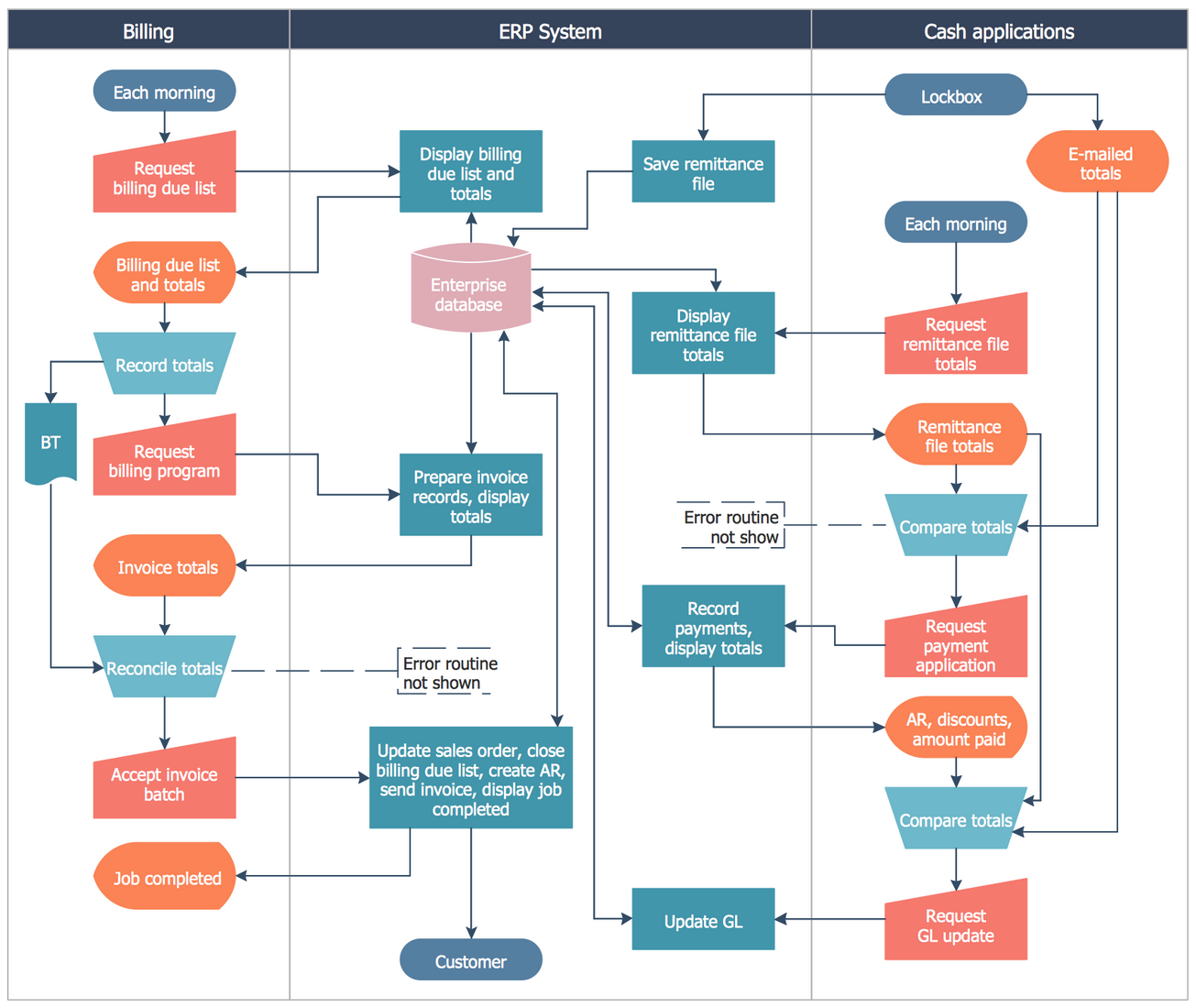
Screenshot of Landscape&Garden PlanScreenshot of Flat Interior DesignScreenshot of PM ScrumScreenshot of Customer Journey MappingScreenshot of Family Tree Diagram: Autosomal Dominant Pedigree ChartScreenshot of Business Process Cross-Functional Flowchart: Stockbridge System