ConceptDraw DIAGRAM vs. ConceptDraw MINDMAP

Overview
ProductRatingMost Used ByProduct SummaryStarting Price
ConceptDraw DIAGRAM
Score 5.6 out of 10
N/A
ConceptDraw DIAGRAM is an on-premise diagramming tool that, according to the vendor, allows users to create designs of any complexity level either on Macintosh or Windows, regardless of the platform being used. Users can install the same license of ConceptDraw DIAGRAM on multiple computers. The vendor also offers a number of add-ons, called "solutions". The product comes with a number of built-in stencils and templates that cover different areas and fields such…N/A
ConceptDraw MINDMAP
Score 4.1 out of 10
N/A
ConceptDraw MINDMAP is l mind mapping software application that can also resolve tasks for project management. According to the vendor, multiple shortcuts help users create new topics, re-arrange them and highlight important points, and export to various file formats. Enrich your mind map with in-built visual…N/A
Pricing
ConceptDraw DIAGRAMConceptDraw MINDMAP
Editions & Modules
No answers on this topic
Offerings
Pricing Offerings
ConceptDraw DIAGRAMConceptDraw MINDMAP
Free Trial
YesYes
Free/Freemium Version
NoNo
Premium Consulting/Integration Services
NoNo
Entry-level Setup FeeNo setup fee$199 per seat
Additional DetailsPrice varies for Individual, Commercial, Academic, Nonprofit and GovernmentPrice varies for Individual, Commercial, Academic, Nonprofit and Government
More Pricing Information
Community Pulse
ConceptDraw DIAGRAMConceptDraw MINDMAP
Best Alternatives
ConceptDraw DIAGRAMConceptDraw MINDMAP
Small Businesses
OmniGraffle
OmniGraffle
Score 9.1 out of 10
OmniGraffle
OmniGraffle
Score 9.1 out of 10
Medium-sized Companies
OmniGraffle
OmniGraffle
Score 9.1 out of 10
OmniGraffle
OmniGraffle
Score 9.1 out of 10
Enterprises
OmniGraffle
OmniGraffle
Score 9.1 out of 10
OmniGraffle
OmniGraffle
Score 9.1 out of 10
All AlternativesView all alternativesView all alternatives
User Ratings
ConceptDraw DIAGRAMConceptDraw MINDMAP
Likelihood to Recommend
9.1
(0 ratings)
8.7
(0 ratings)
Usability
9.1
(0 ratings)
-
(0 ratings)
Support Rating
9.0
(0 ratings)
8.6
(0 ratings)
User Testimonials
ConceptDraw DIAGRAMConceptDraw MINDMAP
Likelihood to Recommend
Likelihood to recommend? Overall, absolutely. I'm very satisfied with ConceptDraw and wouldn't hesitate to recommend it. I found it very easy to get up and running producing flow chart diagrams. I find it intuitive, flexible and it does what it says. Moreover it's very much an "alive" product with regular updates
Read full review
MINDMAP is very focused on brainstorming and branching hierarchies of ideas and planning. Outside of those uses a more general diagramming software package like ConceptDraw DIAGRAM is a better option.
Read full review
Pros
  • They're the only company that could offer a decent product with a fair price for Apple devices, like my Mac.
  • It provides easy development of process flow diagrams and P&ID diagrams.
  • The software has an intuitive arrangement of commands, which reduces the learning curve suffering.
Read full review
  • For an idea, put whatever comes to your mind and organize with ConceptDraw MINDMAP.
  • Easily create slideshows for a business presentation of your idea without going for any other tool.
  • Easily export the work to PDF, PowerPoint and any image format for quick share.
  • Best note taking application which we can connect to our existing work.
Read full review
Cons
  • Keyboard shortcuts are non-intuitive
  • Re-scaling can be tricky if you don't set the page up correctly at the beginning of your project
Read full review
  • Having a ConceptDraw Mindmap app running on the iPad would be fantastic.
Read full review
Usability
It needs a bunch of work. For the price it could be better. And even though I am using it still I find it very difficult to use but I make it work
Read full review
No answers on this topic
Support Rating
The sales team is great and quickly responds to any concerns regarding the software and licensing. However, the user base for ConceptDraw products is still relatively small making it difficult to find more than basic assistance for technical questions online
Read full review
The sales team is very responsive and willing to help out with questions, however the community of users is not as large as some other products so it can be difficult to find answers to more complex problems
Read full review
Alternatives Considered
Cheaper, lower learning curve. Looked for something that would meet our needs and allow us to quickly diagram a database and process maps. I have been using this in place of Visio and the one-time purchase is much better than a Microsoft sub. Looking forward to using this software in the future and hoping to get a copy for college classes as well in Database Design.
Read full review
As we were already using PROJECT, it became obvious that ConceptDraw MINDMAP was the product to use. The integration between those two products is very convenient and useful. The fact that ConceptDraw MINDMAP solutions was usable on Mac OS was also a pre requisite for us. We did not use any other Mind Map software.
Read full review
Return on Investment
  • Saved time
  • Helps with conveying message properly across team so increased efficiency
  • I came to know of many new diagraming techniques by seeing solutions built into ConceptDraw.
Read full review
  • It allows collaborative working for colleagues working remotely
Read full review
ScreenShots

ConceptDraw DIAGRAM Screenshots

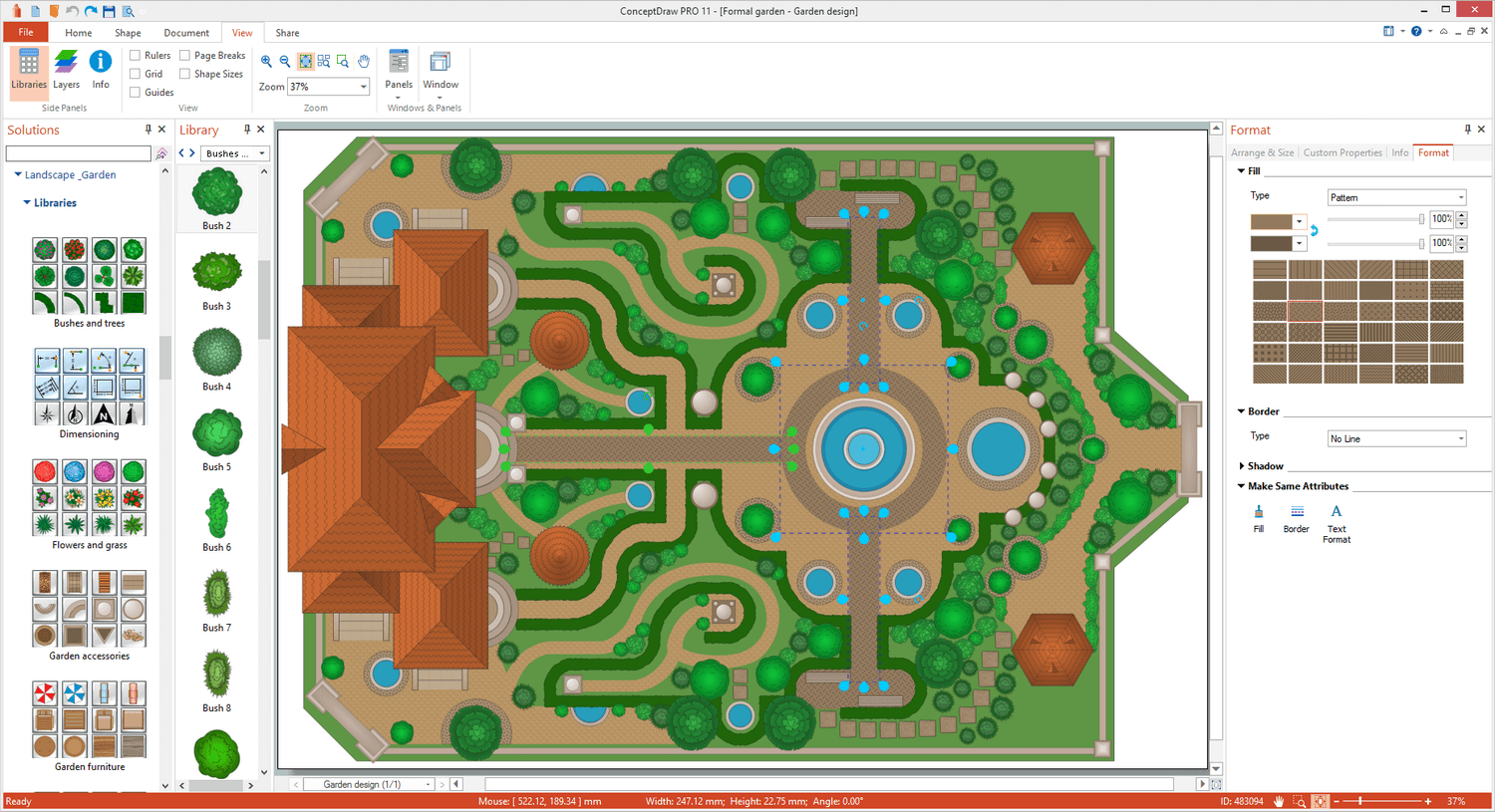
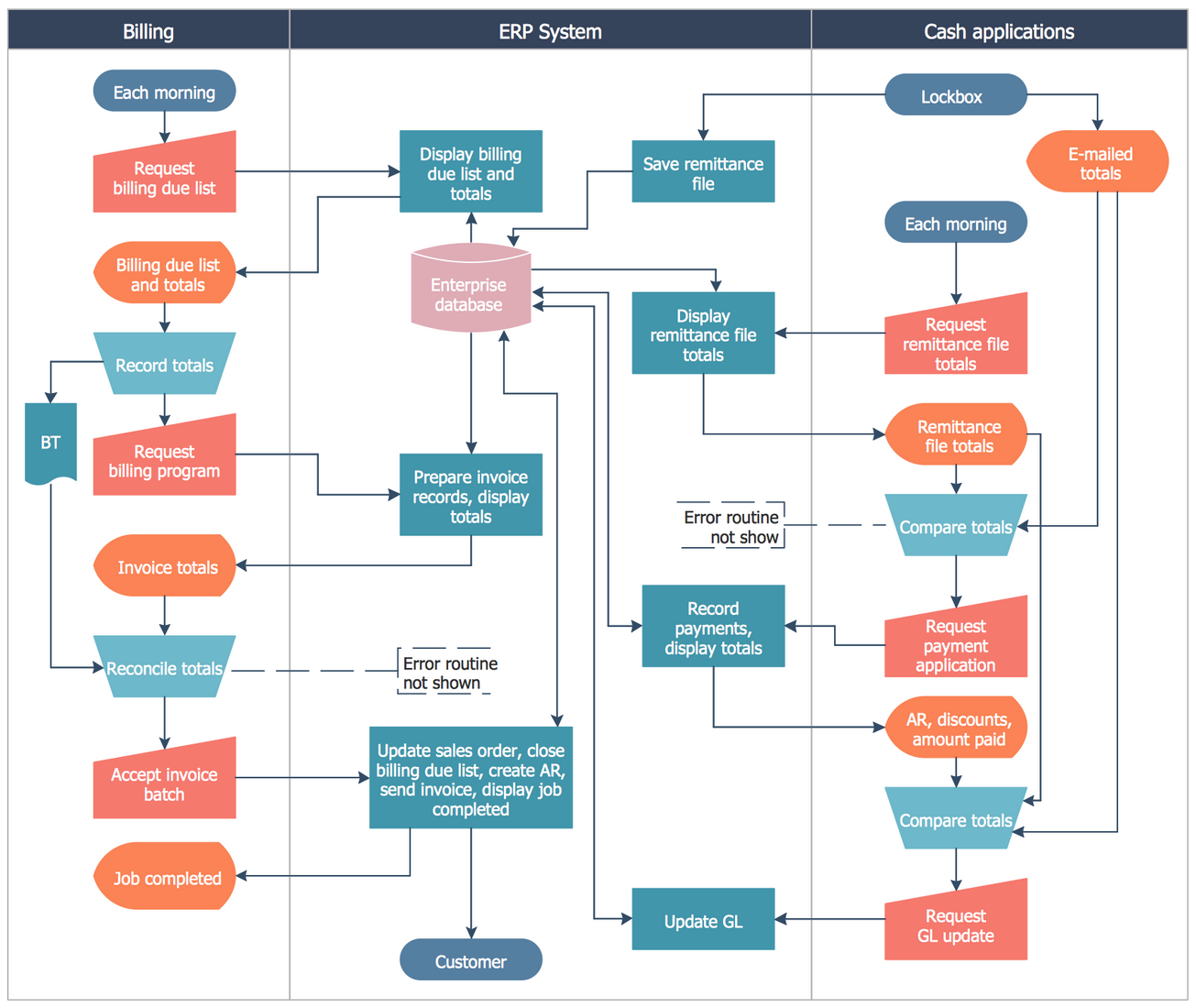
Screenshot of Landscape&Garden PlanScreenshot of Flat Interior DesignScreenshot of PM ScrumScreenshot of Customer Journey MappingScreenshot of Family Tree Diagram: Autosomal Dominant Pedigree ChartScreenshot of Business Process Cross-Functional Flowchart: Stockbridge System

ConceptDraw MINDMAP Screenshots

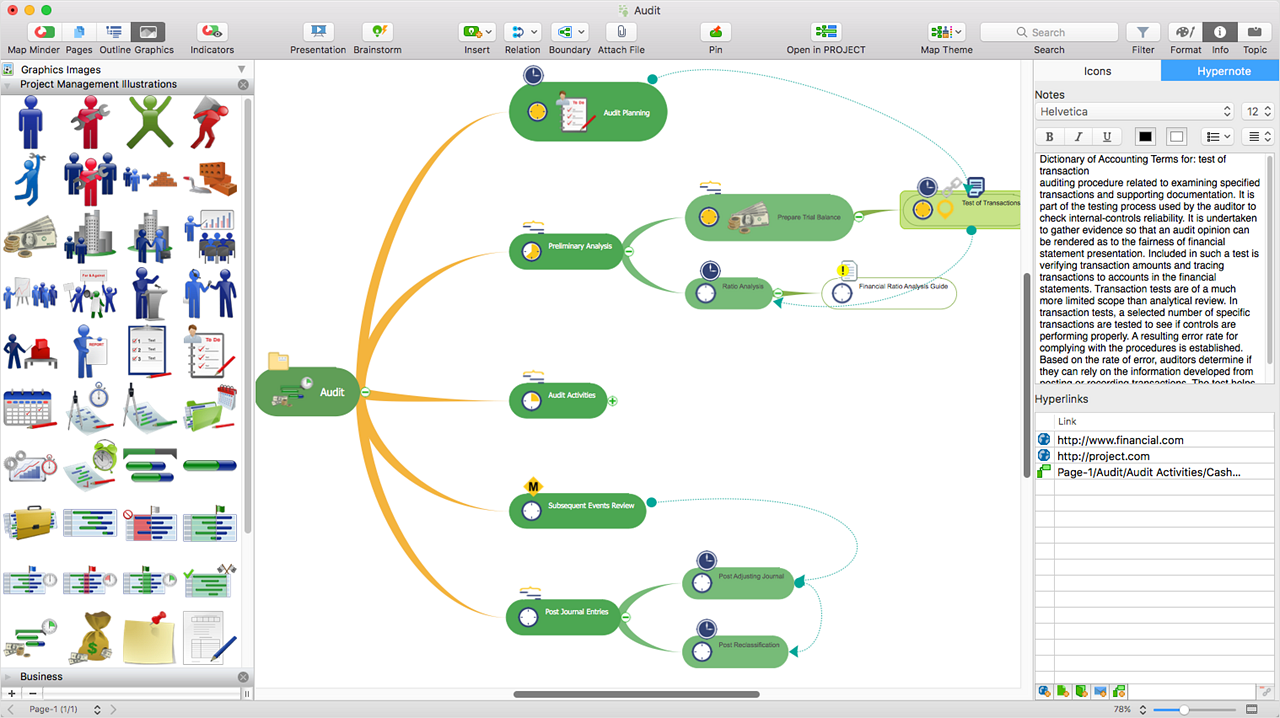
Screenshot of ConceptDraw MIDMAP v10 is perfect for brainstorming, project planning, meeting management, note taking, and much more.Screenshot of Data ExchangeScreenshot of Presentation ModeScreenshot of ConceptDraw OFFICE IntegrationScreenshot of In-built GraphicsScreenshot of Hypernotes