TrustRadius: an HG Insights company

Save this comparison

Save this comparison

Add Product

Recommended Comparisons

    Overview
    ProductRatingMost Used ByProduct SummaryStarting Price

    Mailtastic

    Score8 out of 10
    N/AMailtastic is an email signature marketing tool, that aims to turn employees email signatures into a strong, measurable marketing effort. Mailtastic is a Cognism brand.N/A

    gSignature

    N/A
    Mid-Size Companies (51-1,000 employees)
    gSignature helps businesses create professional email signatures for employees. It integrates with Google Workspace to automatically populate user information like names, titles, and contact details. Email signatures can be designed with logos, banners, disclaimers, and social media links. gSignature also offers features for managing large teams, including user acceptance of pre-installed signatures, CSV import/export for employee data, and scheduled signature updates for employees. This…

    $1

    per month per user

    Pricing
    MailtasticgSignature
    Editions & Modules
    No answers on this topic
    Premium Plan
    $1
    per month per user
    Offerings
    Pricing Offerings
    MailtasticgSignature
    Free Trial
    NoYes
    Free/Freemium Version
    NoNo
    Premium Consulting/Integration Services
    NoNo
    Entry-level Setup FeeNo setup feeNo setup fee
    Additional DetailsPremium package - Aligns employee data with the company's signature template. Supported by the automatic assignment of signatures for new hires in the company. Theconsole for central management of signatures is pay per use.
    More Pricing Information
    User Ratings
    MailtasticgSignature
    Likelihood to Recommend
    8.0
    (1 ratings)
    -
    (0 ratings)
    Usability
    8.0
    (1 ratings)
    -
    (0 ratings)
    User Testimonials
    MailtasticgSignature
    Likelihood to Recommend
    Cognism
    I would recommend it for anyone who bases their initial setup on Microsoft 365 environment as it is the easiest way to manage licences and users. It is intuitive to set up and use, signatures appear instantly, campaign updates are live, and metrics can be nicely reported. There are not so many points that one can complain about in regards to Mailtastic, maybe some OS or platforms have lack of support, but that is it.
    Incentivized
    Read full review
    gSignature
    No answers on this topic
    Pros
    Cognism
    • Signature Management Organization wide
    • Time based campaigns
    • Signature data reporting and metrics
    • Campaign dashboards
    • Device Adaptivity
    Incentivized
    Read full review
    gSignature
    No answers on this topic
    Cons
    Cognism
    • Formatting per email client/mailbox provider
    • Wider pricing options or Plans not per user
    • Wider MacOS support
    • MacOS integration done not via apple mail signatures
    • Unified and automatic integration for all Mail app versions (online, mobile, desktop app)
    Incentivized
    Read full review
    gSignature
    No answers on this topic
    Usability
    Cognism
    Great tool to use in every aspect. There are apps for PC and Mac OS, extensions for Outlook, online versions support. There are tons of materials and FAQs on how to Mailtastic setup for a platform or environment. It takes off a lot of time from administrator of the product as users can connect themselves to this system.
    Incentivized
    Read full review
    gSignature
    No answers on this topic
    Return on Investment
    Cognism
    • More leads and interactions originating from emails
    • Tracking email interactions
    • Requires upkeep and internal management
    Incentivized
    Read full review
    gSignature
    No answers on this topic
    ScreenShots

    gSignature Screenshots

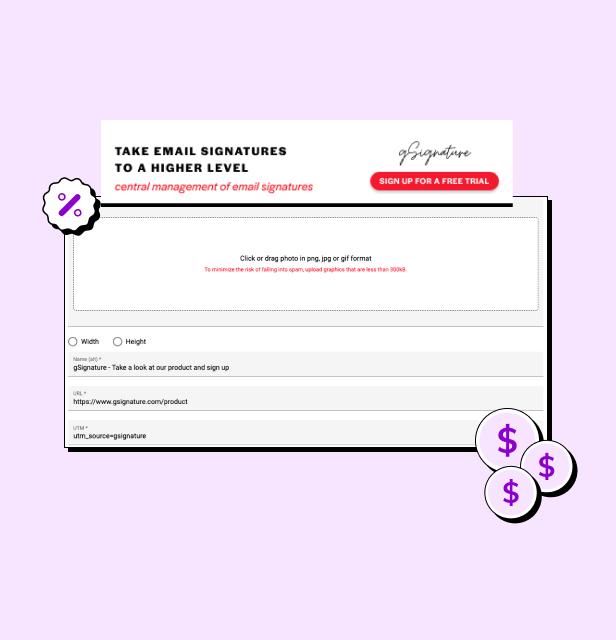
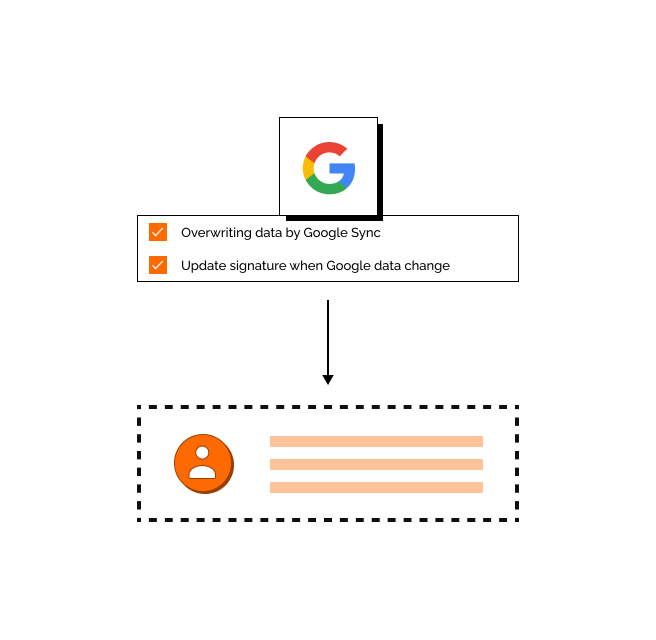
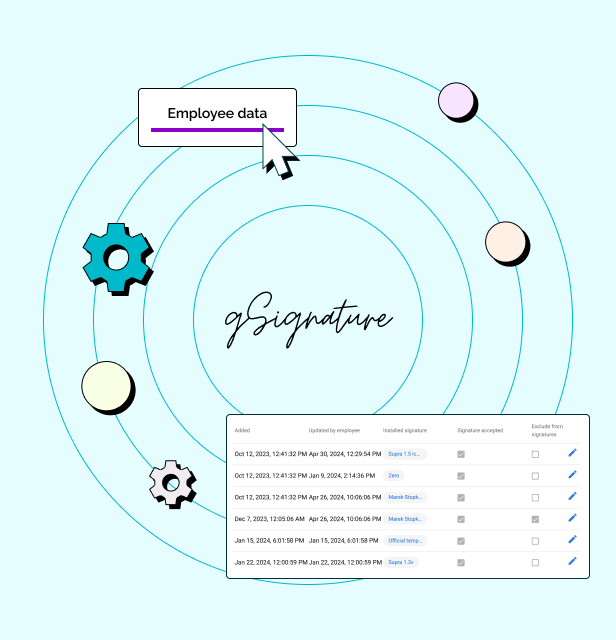
    Screenshot of an example email signatureScreenshot of the company footer, which can be used as a tool to support marketing goals.Screenshot of how changes made in the Google Workspace admin console are immediately visible in employee signatures. Each new position added to Google Workspace and its email address, will receive the default signature set by the administrator.Screenshot of how in the system, each employee receives a file with information that can be presented in the footer. If there is no complete data in Google Workspace then no problem - it can be imported in bulk from a CSV file. The IT administrator or authorized persons from other departments can manage employee data, as well as data representing the company's image.