Cofense Vision stores emails offline and provides threat hunting analytics. Cofense Vision allows the user to search and quarantine emails in minutes — across an entire organization, and is designed to provide threat hunting at speed.
N/A
Microsoft Security Copilot
Score 7.7 out of 10
N/A
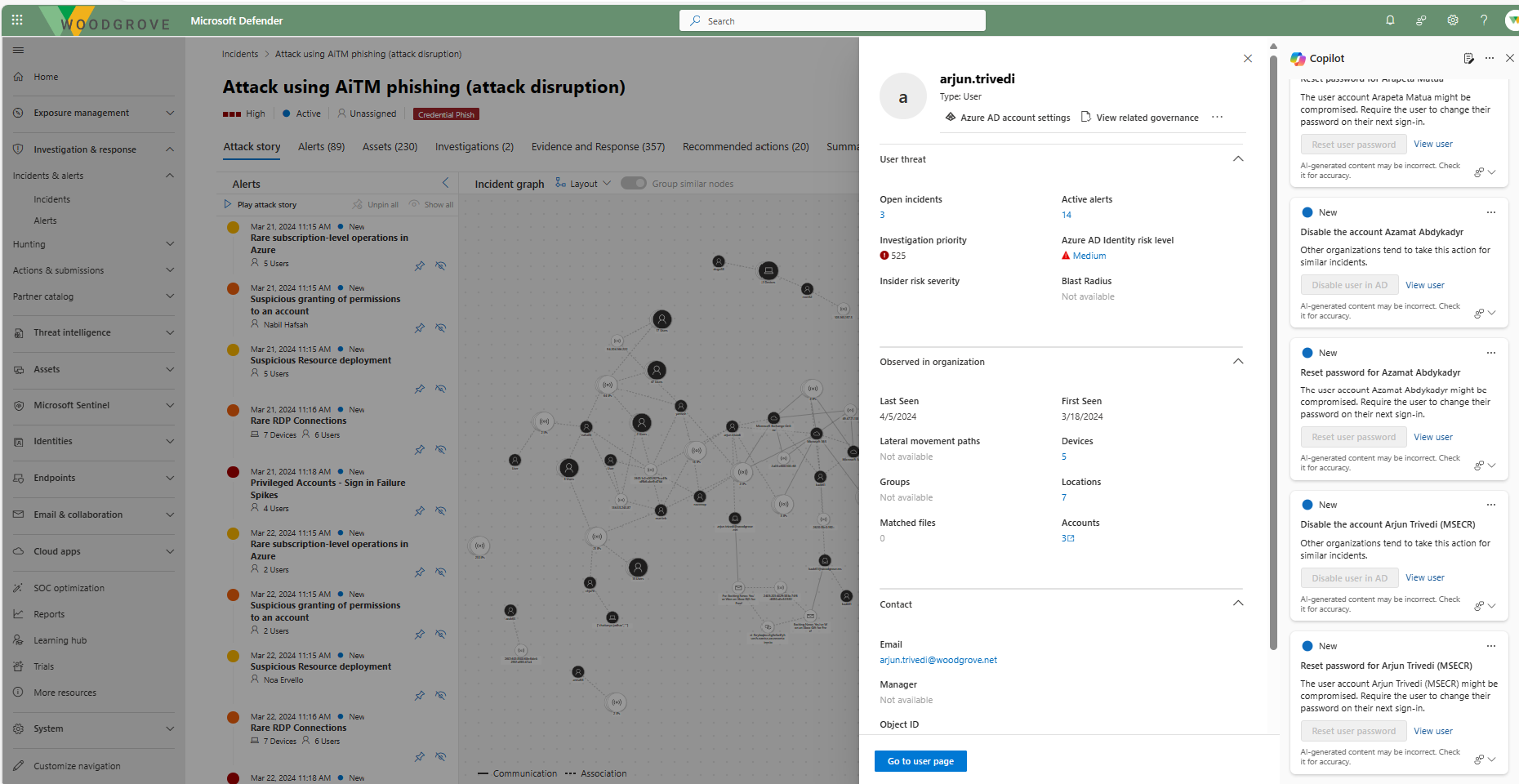
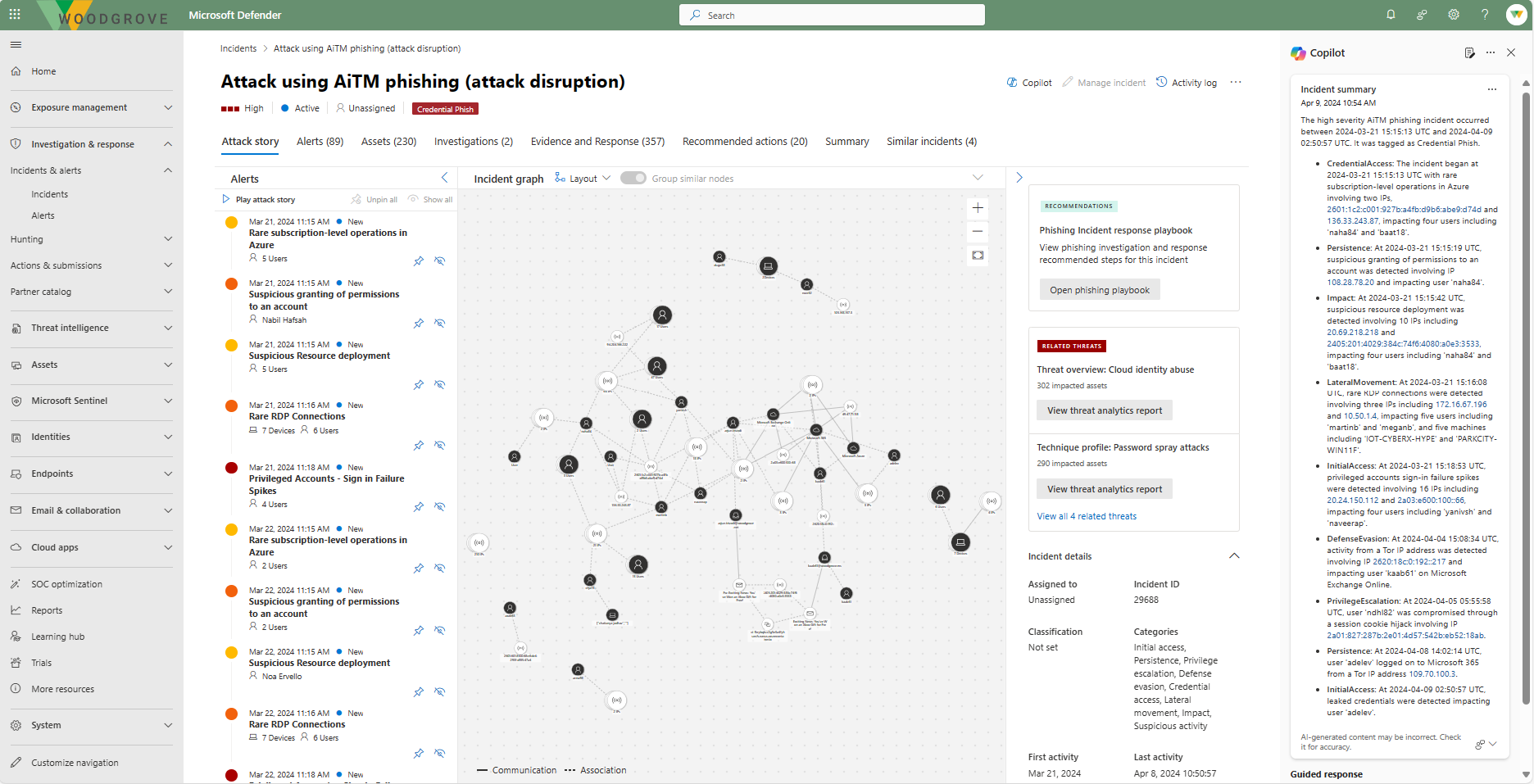
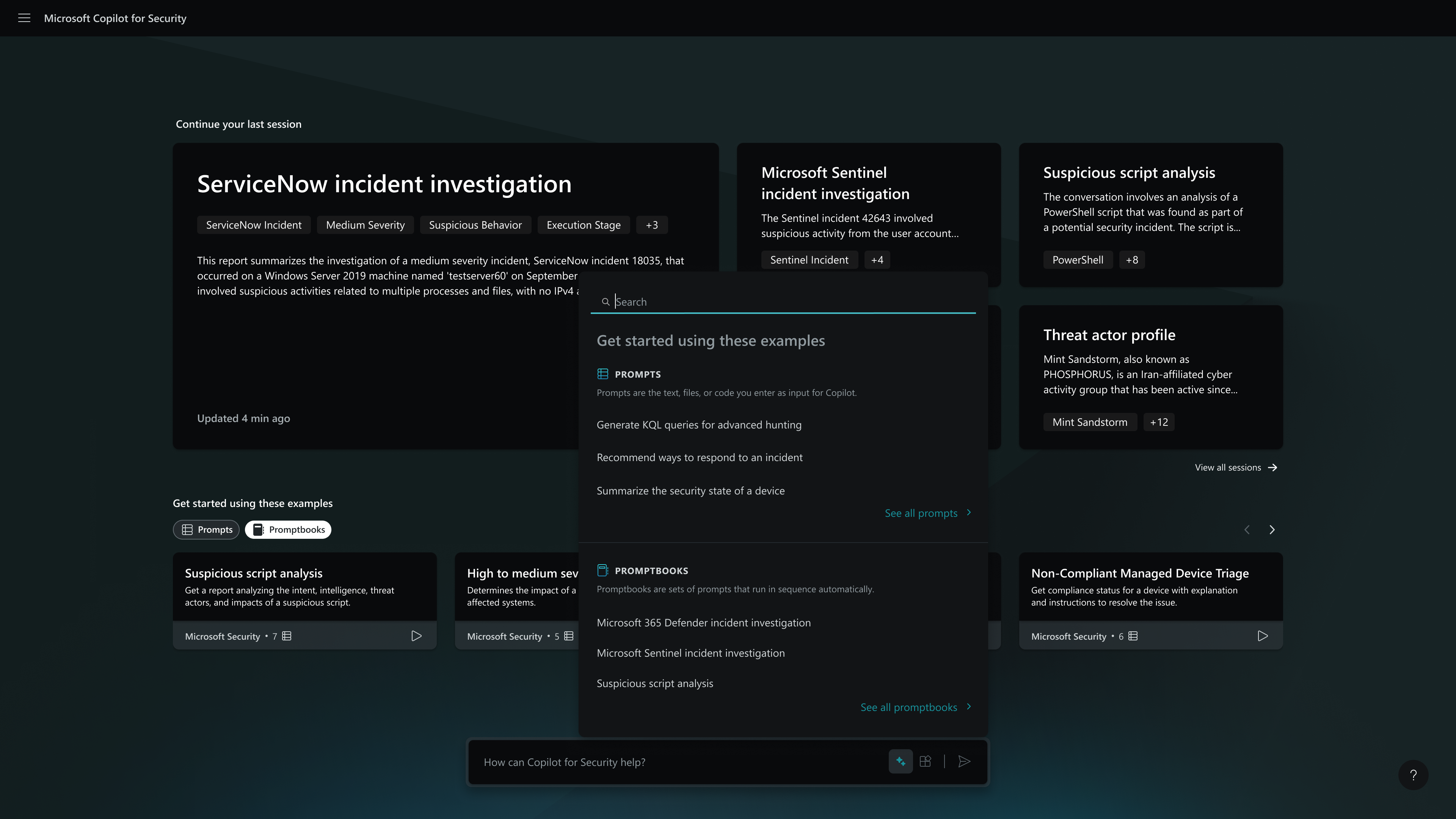
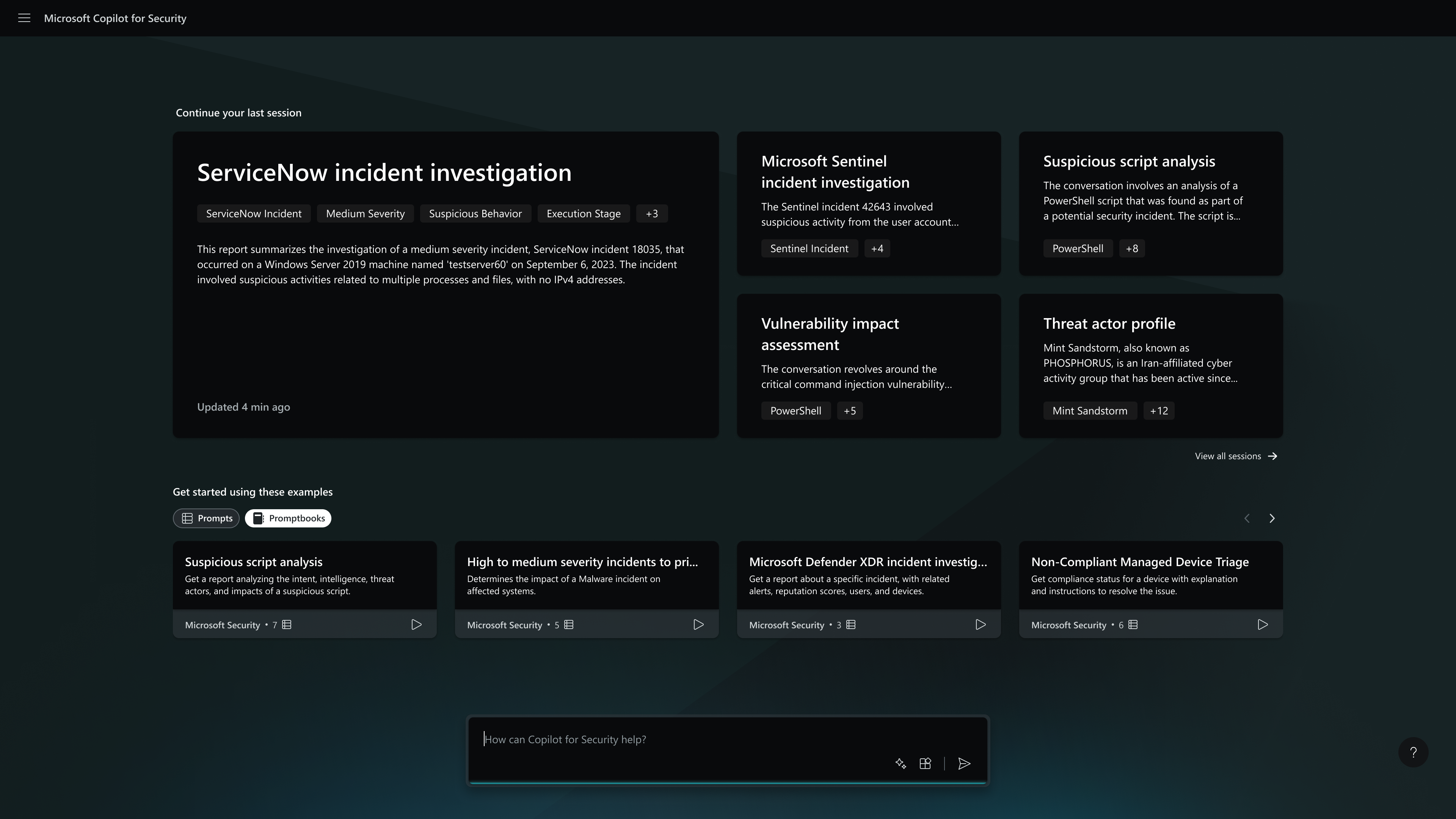
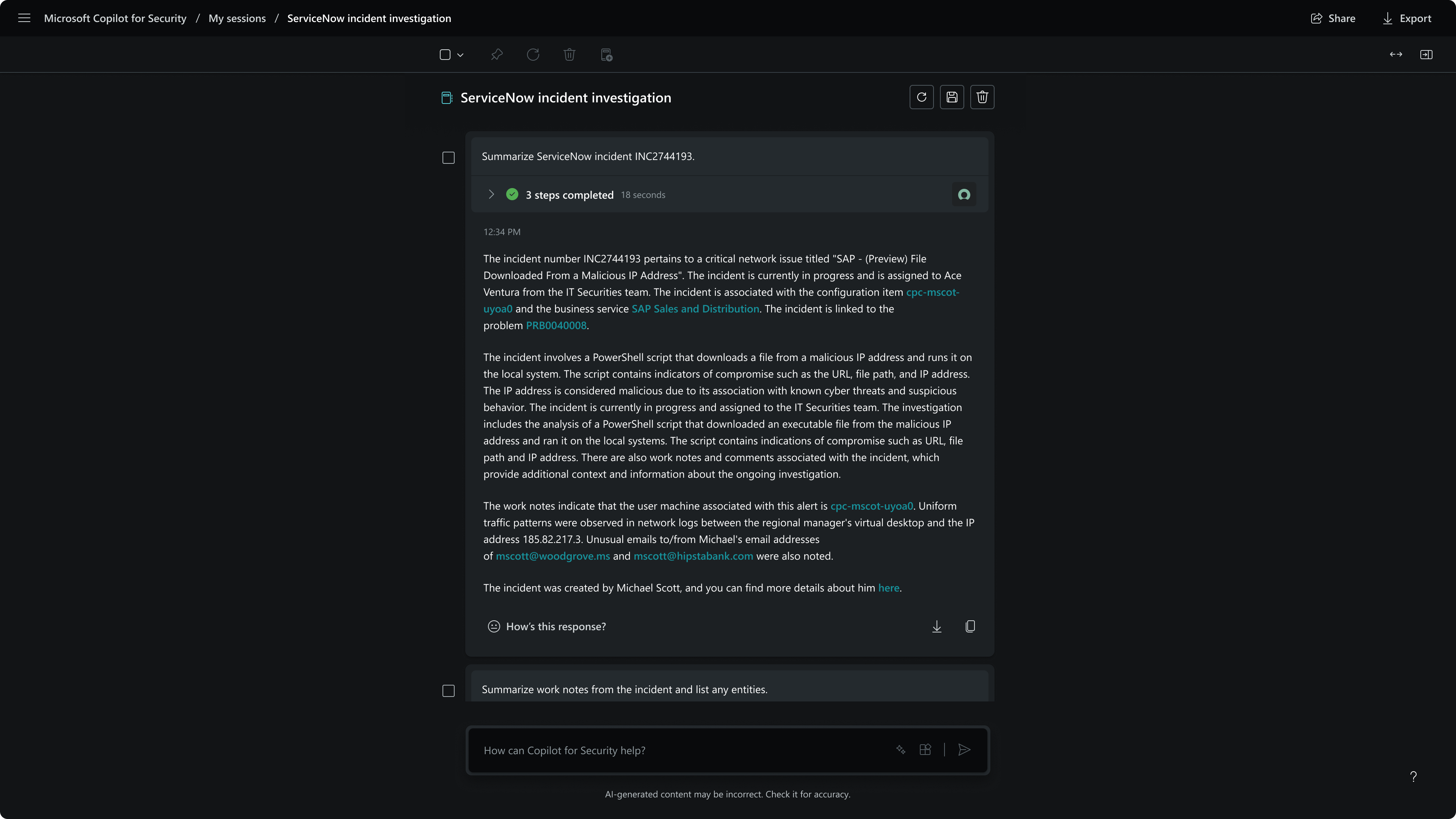
Microsoft Security Copilot helps security and IT teams to protect organizations at the speed and scale of AI. It is available in a standalone experience or embedded into other Microsoft Security products.
It is well suited in environments where there is a high mail traffic to handle. [Cofense] Vision basically journals the exchange server and keeps a copy of the mail received in the environment. Really beneficial to revoke and quarantine the mail reported by one user, but footprint is there in other mailboxes as well. Less appropriate in the cases where there is no proper segregation of duties within the organization. As it is possible to see contents of the mail. Only authorized personnel should be able to use it.
Microsoft Security Copilot is well-suited for environments where security teams face high alert volumes and need rapid triage. It is effective during active threat response, helping us establish timelines and suggest remediation steps quickly. Copilot also excels in executive reporting, generating clear summaries for leadership without much effort. Security Copilot is less effective outside of Microsoft's ecosystem because it doesn't integrate well with other products.
I think this product can do much better in terms of static code analysis. I don't think it has the full bit of knowledge on various languages. If the product can improve on SaaS and also help with threat modeling, that should be a great addition.
It is easily accessible and provides a similar Copilot interface as other Microsoft services. The natural language processing allows users to interact with it in plain language which greatly reduces the learning curve. Theoretically, even non-technical users within a company could utilize the product to get data for reporting or analysis.
Agari Phishing Defense is extremely easy to use software, with an immediate response capacity in the presence of phishing, but Cofense Vision is a tool with flexible implementation and a great capacity to adapt to the needs of each company, as well as having a high level of integration with other software and its great capacity to carry out searches, detection and give rapid responses to incidents that is why we have chosen Cofense Vision.
Microsoft Security Copilot is more orientated towards the work I do and business I work for which is Security in Azure or Microsoft Products. Comparing the products has minor differences unless given explicit scenarios. In general use all of the products can fit a need but Microsoft Security Copilot suits mine in my security role the best.
Helps reduce time spent creating a baseline script.
Some errors get corrected but then get reintroduced while adding functionality.
I noticed that when using this for PowerShell it will sometimes have you install the module in the script without verifying if it is already installed. You must read the script before executing.