
CodeStream vs. Redgate SQL Toolbelt Essentials
| Product | Rating | Most Used By | Product Summary | Starting Price |
|---|---|---|---|---|
 CodeStream | Score8.6 out of 10 | N/A | The vendor states CodeStream helps development teams resolve issues faster, and improve code quality by streamlining code reviews inside an IDE. CodeStream enables asynchronous communication among developers on a team, anywhere. Review changes in the context of the full source tree, using preferred keybindings and environments. Use a simple shortcut to highlight code and CodeStream will automatically assign a reviewer based on context and history. Comment and code review threads are… | $10 Per Seat / Per Month |
 Redgate SQL Toolbelt Essentials | Score8.2 out of 10 | N/A | Redgate's SQL Toolbelt Essentials includes industry-standard tools for SQL Server development & deployment, enabling users to include SQL Server databases in agile processes and enabilng developers to embed robust and scalable development practices. | $1,209 per year per user (1-4 users) |
| CodeStream | Redgate SQL Toolbelt Essentials | |||||||||||||||
|---|---|---|---|---|---|---|---|---|---|---|---|---|---|---|---|---|
| Editions & Modules |
| No answers on this topic | ||||||||||||||
| Offerings |
| |||||||||||||||
| Entry-level Setup Fee | No setup fee | No setup fee | ||||||||||||||
| Additional Details | Enterprise tier includes admin console with advanced usage analytics, realtime merge conflict detection, API access, Single sign-on (SSO), premium support and success services | — | ||||||||||||||
| More Pricing Information | ||||||||||||||||
| CodeStream | Redgate SQL Toolbelt Essentials | |
|---|---|---|
| Considered Both Products | No answer on this topic | No answer on this topic |
| Key User Insights | ||
| Would buy again | ||
No answers on this topic | 100% Would buy again 9 Answers | |
| Delivers good value for the price | ||
No answers on this topic | 100% Delivers good value for the price 8 Answers | |
| Happy with the feature set | ||
No answers on this topic | 100% Happy with the feature set 9 Answers | |
| Lived up to sales and marketing promises | ||
No answers on this topic | 100% Lived up to sales and marketing promises 8 Answers | |
| Implementation went as expected | ||
No answers on this topic | 100% Implementation went as expected 9 Answers | |
| CodeStream | Redgate SQL Toolbelt Essentials | |
|---|---|---|
| Small Businesses |  Beyond Compare Score10 out of 10 | No answers on this topic |
| Medium-sized Companies | Beyond Compare Score10 out of 10 | No answers on this topic |
| Enterprises | Beyond Compare Score10 out of 10 | No answers on this topic |
| All Alternatives | View all alternatives | View all alternatives |
| CodeStream | Redgate SQL Toolbelt Essentials | |
|---|---|---|
| Likelihood to Recommend | 9.0 | 8.0 |
| Usability | - | 7.0 |
| Support Rating | - | 8.6 |
| CodeStream | Redgate SQL Toolbelt Essentials | |
|---|---|---|
| Likelihood to Recommend |
|
|
| Pros |
|
|
| Cons |
|
|
| Usability | No answers on this topic |
|
| Support Rating | No answers on this topic |
|
| Alternatives Considered |
|
|
| Return on Investment |
|
|
| ScreenShots | CodeStream Screenshots  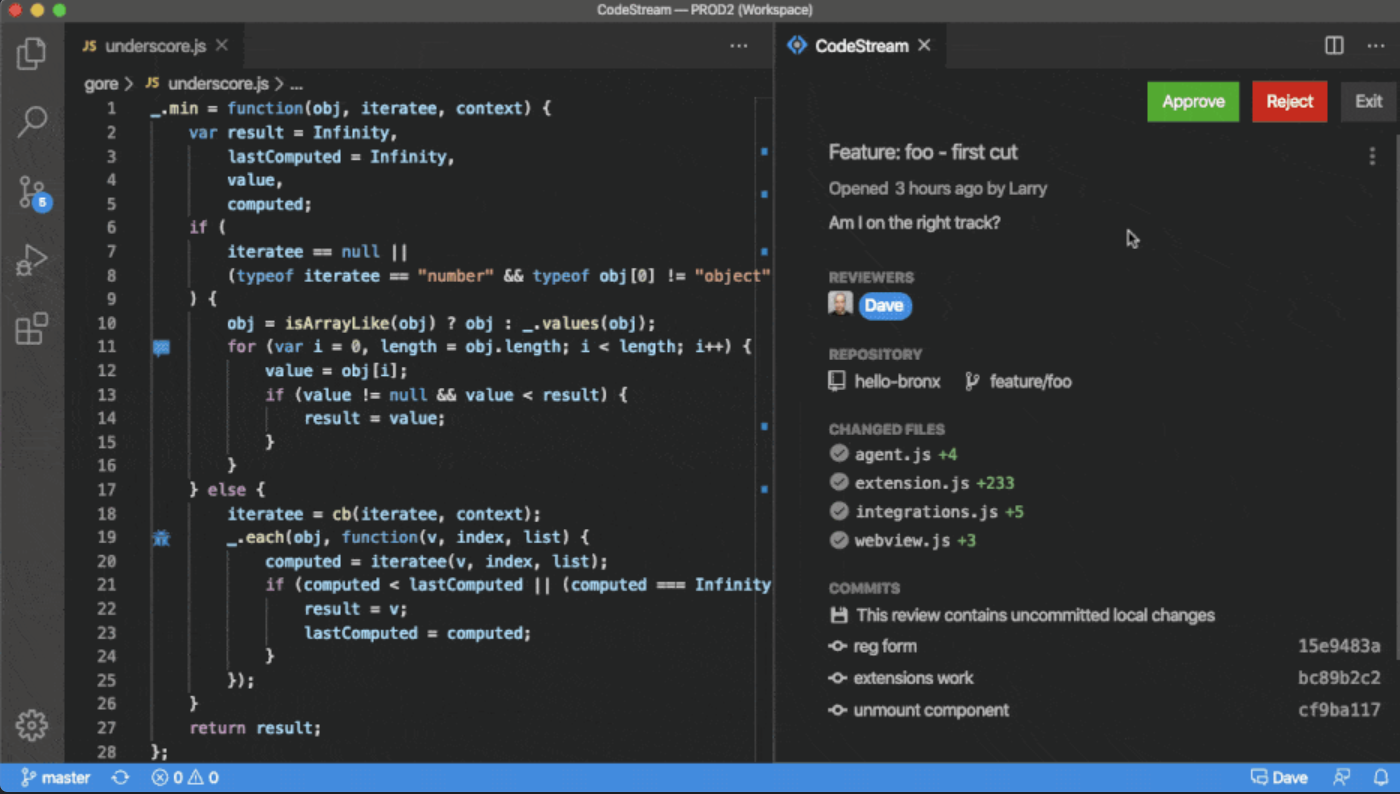 |



