
Coda by Grammarly vs. Slab Knowledge Base
Coda by Grammarly vs. Slab Knowledge Base
| Product | Rating | Most Used By | Product Summary | Starting Price |
|---|---|---|---|---|
 Coda by Grammarly | N/A | Coda, acquired by Grammarly in early 2025, is a template-based document creation and collaboration solution, supporting a variety of use cases. | $0 per month | |
 Slab | N/A | The Slab knowledge base, from Slab in San Francisco, is described by the vendor as a team wiki with an editor, fast search capabilities, and dozens of integrations to provide additional features. Slab aims to be the one place for a team's shared knowledge. | N/A |
| Coda by Grammarly | Slab Knowledge Base | |||||||||||||||
|---|---|---|---|---|---|---|---|---|---|---|---|---|---|---|---|---|
| Editions & Modules |
| No answers on this topic | ||||||||||||||
| Offerings |
| |||||||||||||||
| Entry-level Setup Fee | No setup fee | No setup fee | ||||||||||||||
| Additional Details | With Coda, you only pay for Doc Makers. Often one person creates a doc, others edit it, and some simply observe from afar. Instead of charging for everyone, we only charge for the people who create docs. Interested in enterprise pricing? Visit coda.io/enterprise | — | ||||||||||||||
| More Pricing Information | ||||||||||||||||
| Coda by Grammarly | Slab Knowledge Base |
|---|
| Coda by Grammarly | Slab Knowledge Base | |
|---|---|---|
| Small Businesses |  Stackby Score 9.0 out of 10 |  Front Score 7.1 out of 10 |
| Medium-sized Companies |  Troop Messenger Score 9.8 out of 10 |  RWS Tridion Sites Score 9.0 out of 10 |
| Enterprises |  HCL Connections Score 9.0 out of 10 | RWS Tridion Sites Score 9.0 out of 10 |
| All Alternatives | View all alternatives | View all alternatives |
| Coda by Grammarly | Slab Knowledge Base | |
|---|---|---|
| Likelihood to Recommend | 8.0 (0 ratings) | 9.1 (0 ratings) |
| Likelihood to Renew | 9.1 (0 ratings) | - (0 ratings) |
| Usability | 6.0 (0 ratings) | - (0 ratings) |
| Availability | 9.1 (0 ratings) | - (0 ratings) |
| Performance | 9.1 (0 ratings) | - (0 ratings) |
| Support Rating | 7.8 (0 ratings) | - (0 ratings) |
| Implementation Rating | 8.2 (0 ratings) | - (0 ratings) |
| Configurability | 8.2 (0 ratings) | - (0 ratings) |
| Ease of integration | 4.5 (0 ratings) | - (0 ratings) |
| Product Scalability | 9.1 (0 ratings) | - (0 ratings) |
| Vendor post-sale | 7.3 (0 ratings) | - (0 ratings) |
| Coda by Grammarly | Slab Knowledge Base | |
|---|---|---|
| Likelihood to Recommend | 
|
|
| Pros |
|
|
| Cons |
 Camille Hidalgo Nussbaum, CSM® Project Manager, Creative Technologies |
 Blake Knight Senior Account Executive |
| Likelihood to Renew |
 Pearl Cheah Physics & Application Manager | No answers on this topic |
| Usability |
| No answers on this topic |
| Reliability and Availability |
Pearl Cheah Physics & Application Manager | No answers on this topic |
| Performance |
Pearl Cheah Physics & Application Manager | No answers on this topic |
| Support Rating |
Pearl Cheah Physics & Application Manager | No answers on this topic |
| Implementation Rating |
Pearl Cheah Physics & Application Manager | No answers on this topic |
| Alternatives Considered |
 Matt Woods Growth Product Manager |
Blake Knight Senior Account Executive |
| Scalability |
Pearl Cheah Physics & Application Manager | No answers on this topic |
| Return on Investment |
|
Blake Knight Senior Account Executive |
| ScreenShots | Coda by Grammarly Screenshots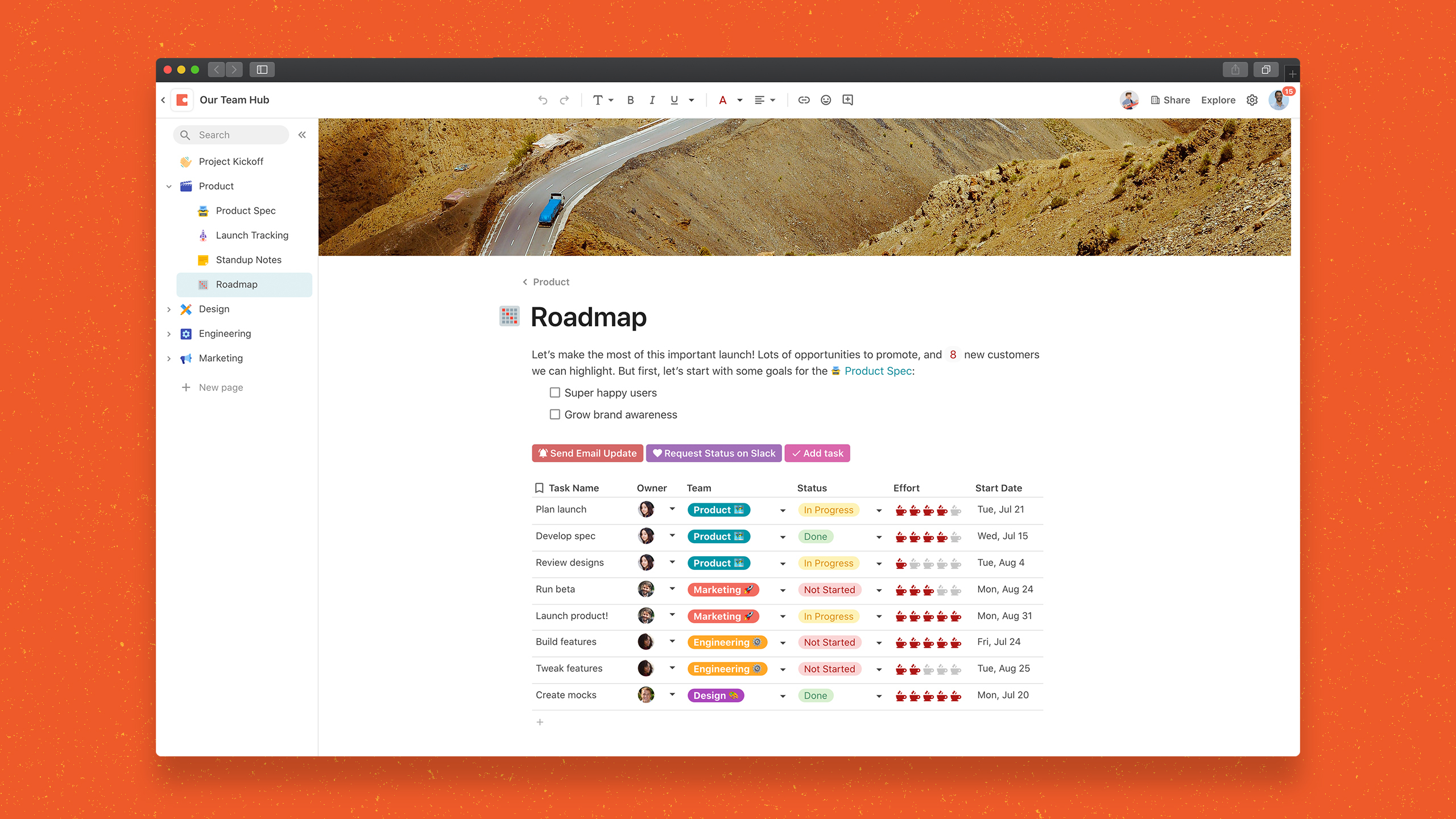  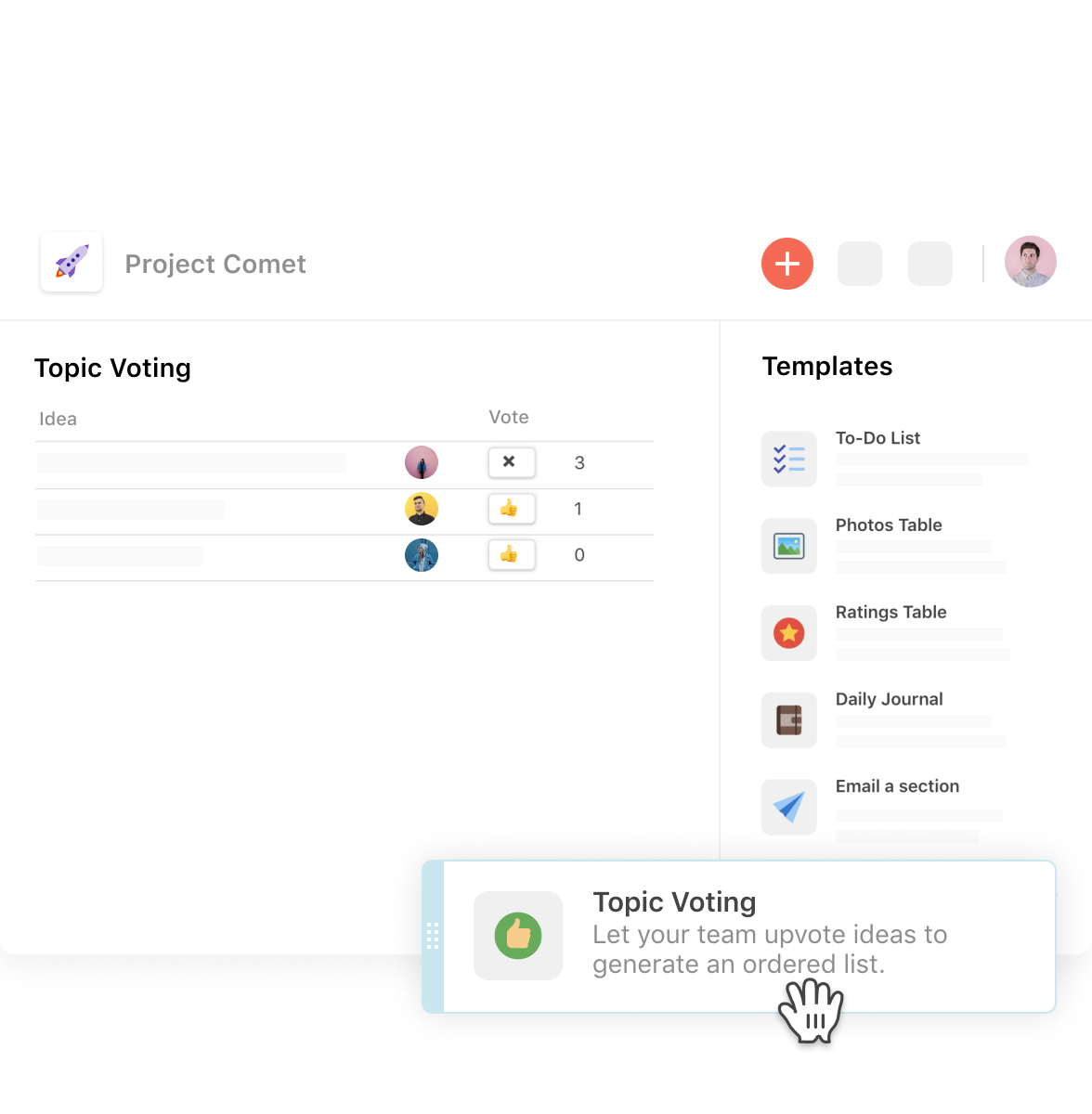 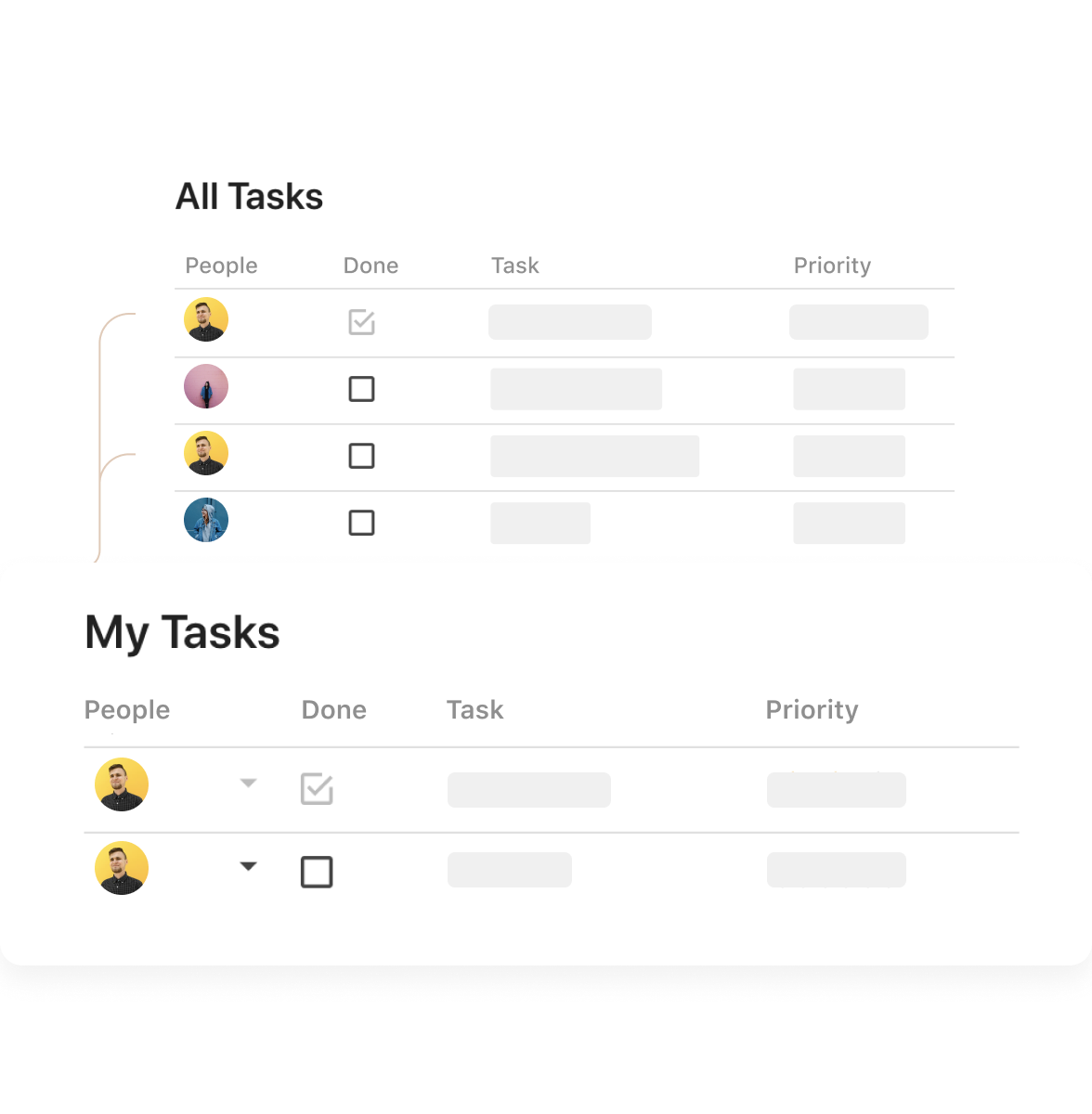  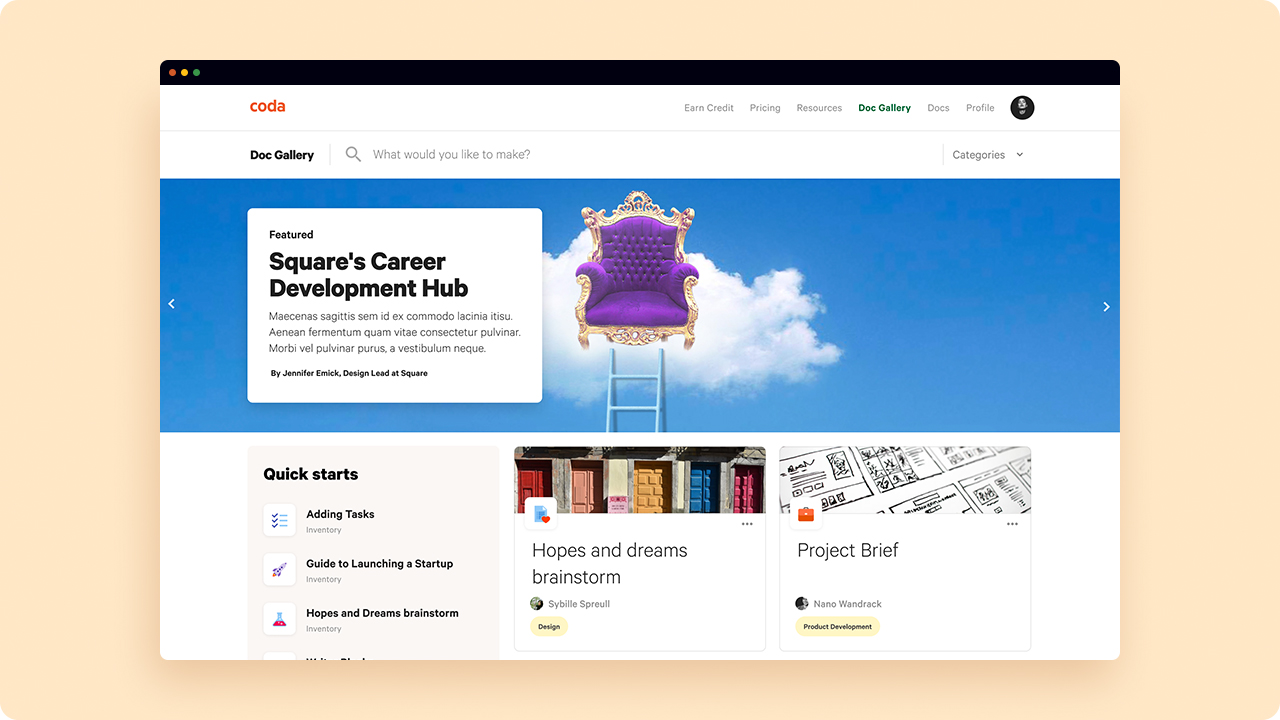 |