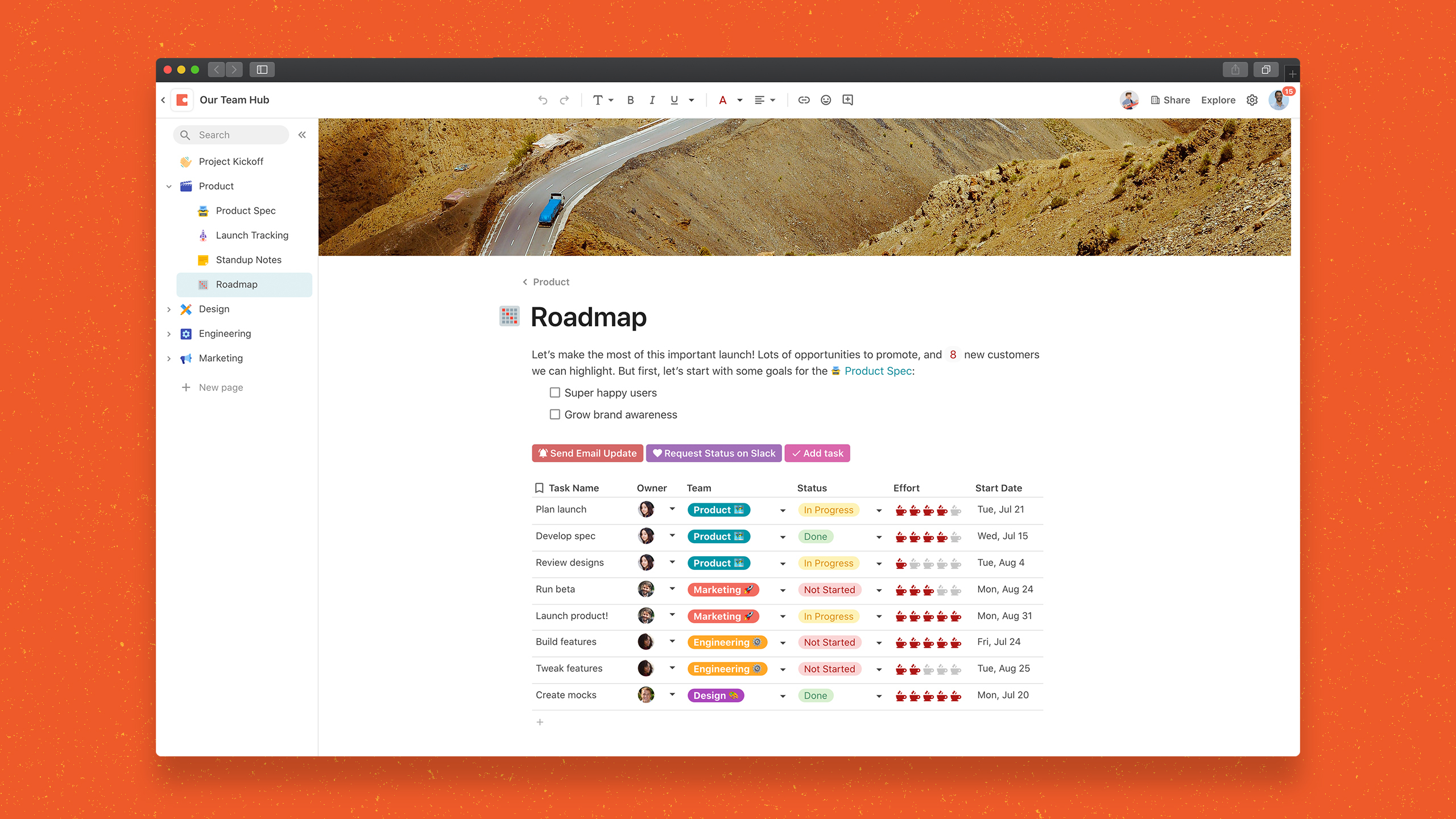
Coda, acquired by Grammarly in early 2025, is a template-based document creation and collaboration solution, supporting a variety of use cases.
$0
per month
Podio
Score 8.6 out of 10
N/A
Podio is a cloud-based platform for organizing team communication, business processes, and reporting in project management workspaces; also it may be used as a light CRM platform. It enables workflow automation and integrations. It includes a free version and paid packages with additional features.
$14
per month per user
Pricing
Coda by Grammarly
Podio
Editions & Modules
Free
$0.00
per month
Pro
$10.00
per month per doc maker; unlimited editors (paid annually)
Team
$30.00
per month per doc maker; unlimited editors (paid annually)
Enterprise
Custom Pricing
Plus
$14
per month per user
Premium
$24
per month per user
Offerings
Pricing Offerings
Coda by Grammarly
Podio
Free Trial
Yes
No
Free/Freemium Version
Yes
Yes
Premium Consulting/Integration Services
No
No
Entry-level Setup Fee
No setup fee
No setup fee
Additional Details
With Coda, you only pay for Doc Makers.
Often one person creates a doc, others edit it, and some simply observe from afar. Instead of charging for everyone, we only charge for the people who create docs.
Interested in enterprise pricing? Visit coda.io/enterprise
A discount is available for annual pricing.
More Pricing Information
Community Pulse
Coda by Grammarly
Podio
Features
Coda by Grammarly
Podio
Project Management
Comparison of Project Management features of Product A and Product B
Coda by Grammarly
-
Ratings
Podio
5.2
Ratings
38% below category average
Task Management
00 Ratings
3.10 Ratings
Resource Management
00 Ratings
8.60 Ratings
Gantt Charts
00 Ratings
8.40 Ratings
Scheduling
00 Ratings
1.10 Ratings
Workflow Automation
00 Ratings
1.10 Ratings
Team Collaboration
00 Ratings
3.10 Ratings
Support for Agile Methodology
00 Ratings
2.10 Ratings
Support for Waterfall Methodology
00 Ratings
9.40 Ratings
Document Management
00 Ratings
1.10 Ratings
Email integration
00 Ratings
8.80 Ratings
Mobile Access
00 Ratings
8.80 Ratings
Timesheet Tracking
00 Ratings
8.20 Ratings
Change request and Case Management
00 Ratings
8.40 Ratings
Budget and Expense Management
00 Ratings
1.10 Ratings
Professional Services Automation
Comparison of Professional Services Automation features of Product A and Product B
Coda is great to build a place for your users to go to and see information. It is easy to navigate through and the variety of content creation is great. However, it is not always easy to create what you want and there is a lot of playing around and learning. Coda also sometimes misses some functionality which is expected. For example, downloading a list of users that have access to the platform. Being able to send push notifications when a new page has been created etc. Overall it is a good tool to use just be prepared to invest time!
Some people seemed to be confused by too many options. Customizing your work in a digital workspace needs means rethinking your possibilities by knowing your toolset well. In the beginning, I was a little bit frustrated, because I didn't see all these options and there was a lack of best practise. Studying the large Podio App Store solutions helped me to understand. If you do not have the time it's the best moment for getting in contact with one of the Podio partners.
One source of truth: It's incredibly easy to keep everything organized and easy to find.
Being able to show different views of the same information throughout your doc makes it really easy to customize the information.
In general, I love the "coding" aspect of it, and being able to do advanced functions has helped us create some really interesting automation and streamline our process.
Podio's apps are the most customizable tools I have seen anywhere, and I have tested and evaluated a large number of work management solutions. The abstract nature of their apps makes them ideal for very specific, niche cases as well as common, general purpose uses. The solution is elegant: an app is simply a collection of app items, with characteristics and perhaps links to other apps & their app items, all of which can be defined by your needs. Anyone who enjoys making "lists" of "things" should love this.
Custom reporting is a dream in Podio. I can take any characteristics or fields in any of my app items, compare or filter them with other apps' items, run calculations on them and figure totals by month, team member or almost anything else you can imagine. The possibilities really seem limited only by your imagination.
Podio has a lot of features, but another strength to factor in is third-party support. There are a lot of outside companies that offer additional features like detailed workflows, synchronizations between other cloud-based apps, and possibly even graphs in the near future.
Not sure if this has been implemented but having drop-down menus that change depending on your previous selection - AND/OR functionality would be great.
Some ability to reskin Podio.
Archiving of old projects / content of apps without manually moving contents.
Coda is definitely something that has been proven to drive positive impact in our organization. We have many divisions that can benefit from this that we have yet to explore. It would definitely be worth renewing.
Podio customer service is great. The cloud and mobile service is fast (almost instant, continuous syncing). With a solid user base, and backed by Citrix, this is a serious business solution. They're also constantly working on improving and making it more powerful. I anticipate it only getting better
There is a little bit of a learning curve on where to point and click to add in different elements and make edits. But it is still very manageable once you get the hang of it. I do still have some issues with some of my connected pages updating each other when I don't want them to sync. So I'll end up editing one page, and it will make the same edits on another page.
We haven't done any integrations - the initial part of our experience we found that for docs with complex formulas, the page tends to load slowly but in recent months, Coda has improved and optimized the loading times in general and we generally don't find any problems in terms of speed anymore.
Mainly due to timezone differences. I think Coda's support in general is well implemented and executed. They know their stuff and are helpful. But since I'm not in the same timezone, solution rates are slower for me, and that's not something I prefer. I work in customer service, too, and more often than not, time is important. Shortening the solution time would be a much greater experience.
Podio support was always responsive and very quick to provide answers and assistance during the history of using this product, their support team has always been top notch. There have been several cases where calling podio support a feature was not available and they provided either workaround solutions or added the features straight into their roadmap.
I'm relatively inexperienced but this experience is meaningful. It would have been nice to have some guidance from Coda so that we understood more on Coda's purpose and potential.
For general use cases, Google Docs or Airtable are often a better starting place. But if things get complex or you're constantly pairing the two together, consider graduating to Coda to save yourself long-term headaches. Notion is great for personal use, but the powerful automation and collaboration features in Coda make it a better fit for teams in my experience so far.
As everyone knows Asana is a well-known project management solution but because of its ranking Asana and its functionalities are coming down and coming up with some complaints. So, I decided to choose Citrix Podio because it works well and provides effective services.
I think scalability is definitely good here since it's based on number of doc makers. Implementation into each dept becomes simpler. That being said, due to the nature of our work, we find it easier that we have a "super user" and then a team of other doc makers. This would make the doc creation and management more efficient.
Podio has made our internal communications more fluid and timely.
It's much easier to search and find things (previous developments, notes, updates) in Podio than in the traditional combination of email, document storage, etc.
The Podio platform fosters a clearer understanding of all the work, projects and updates we are juggling at any one time.