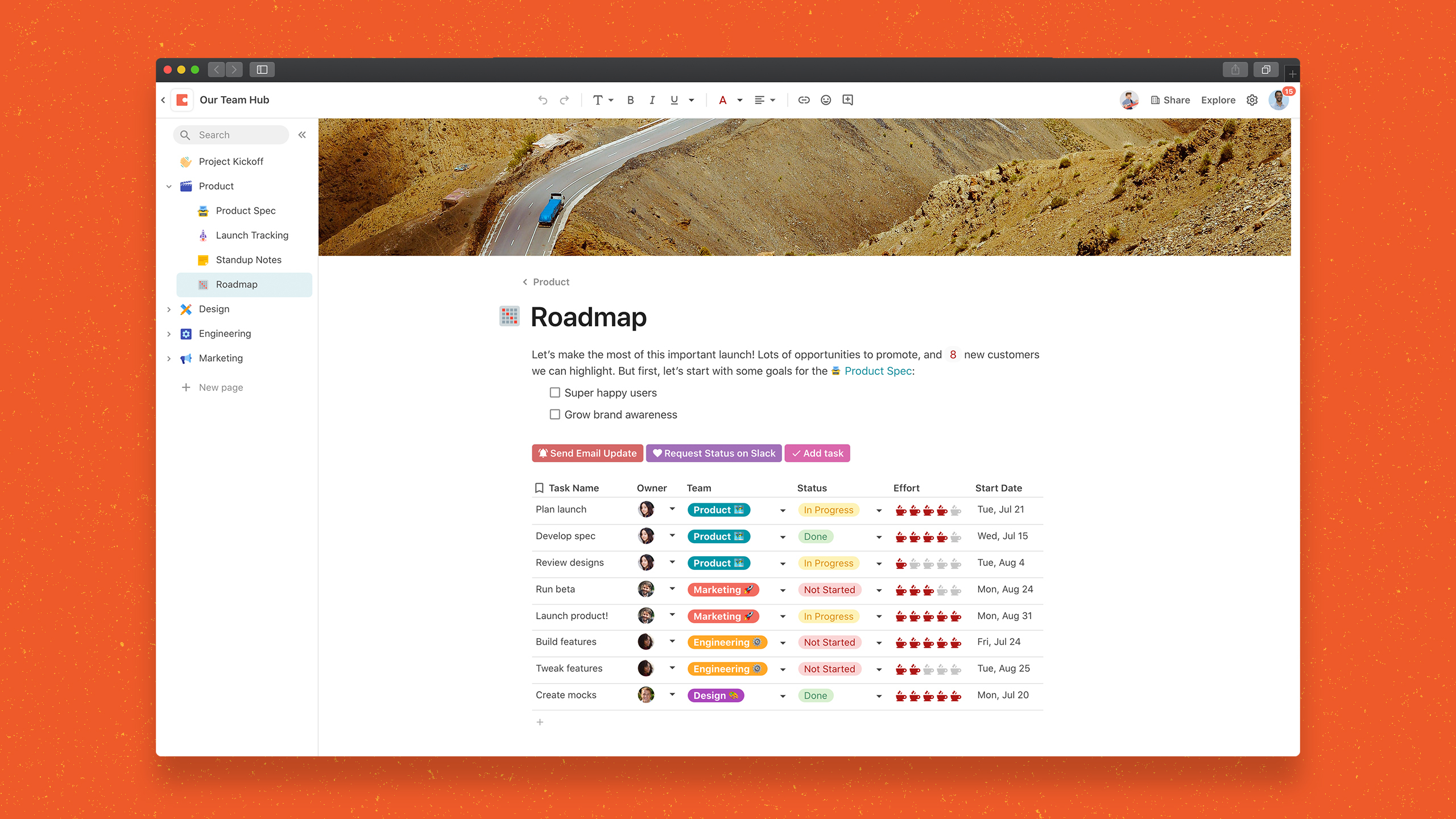
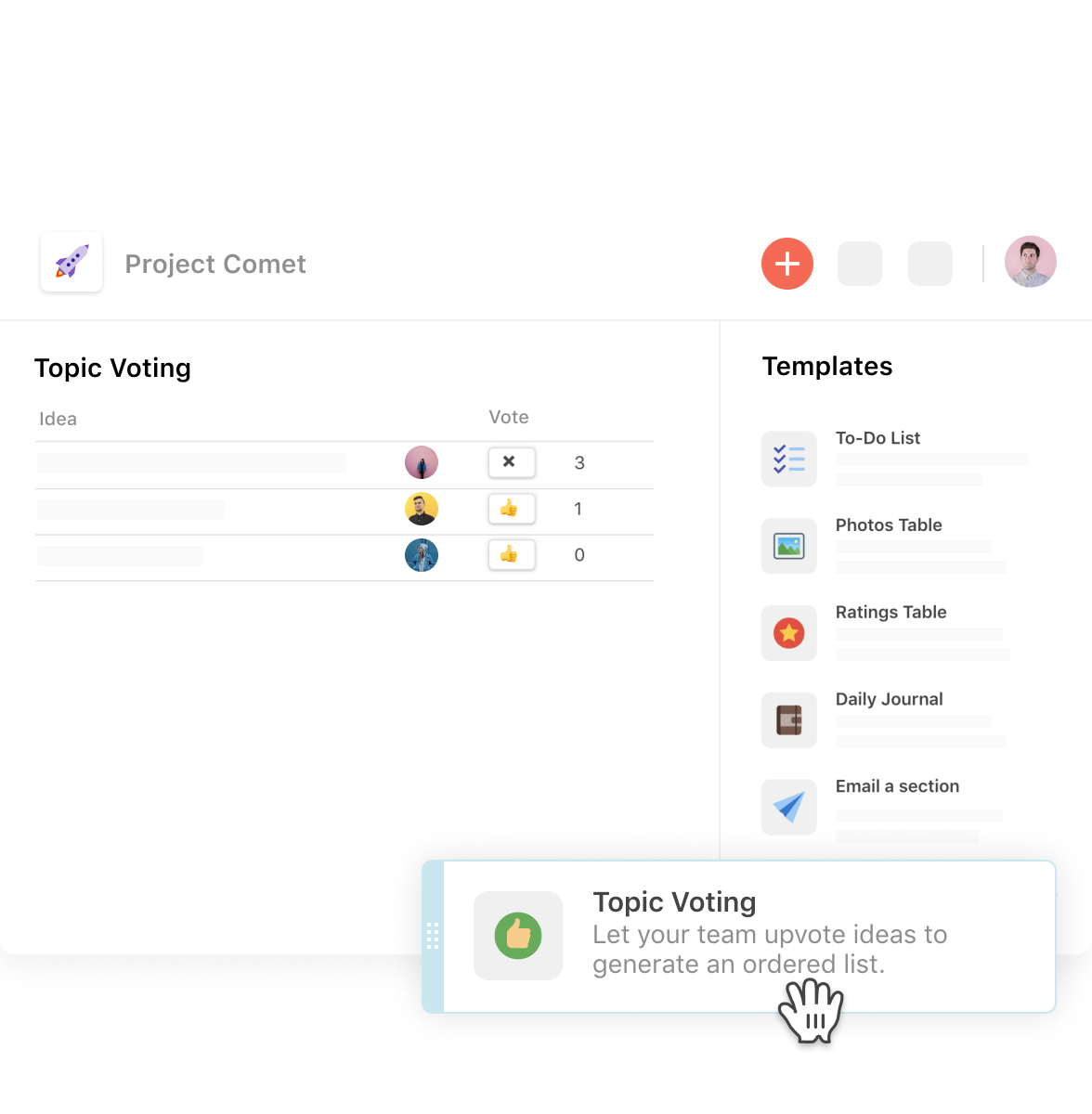
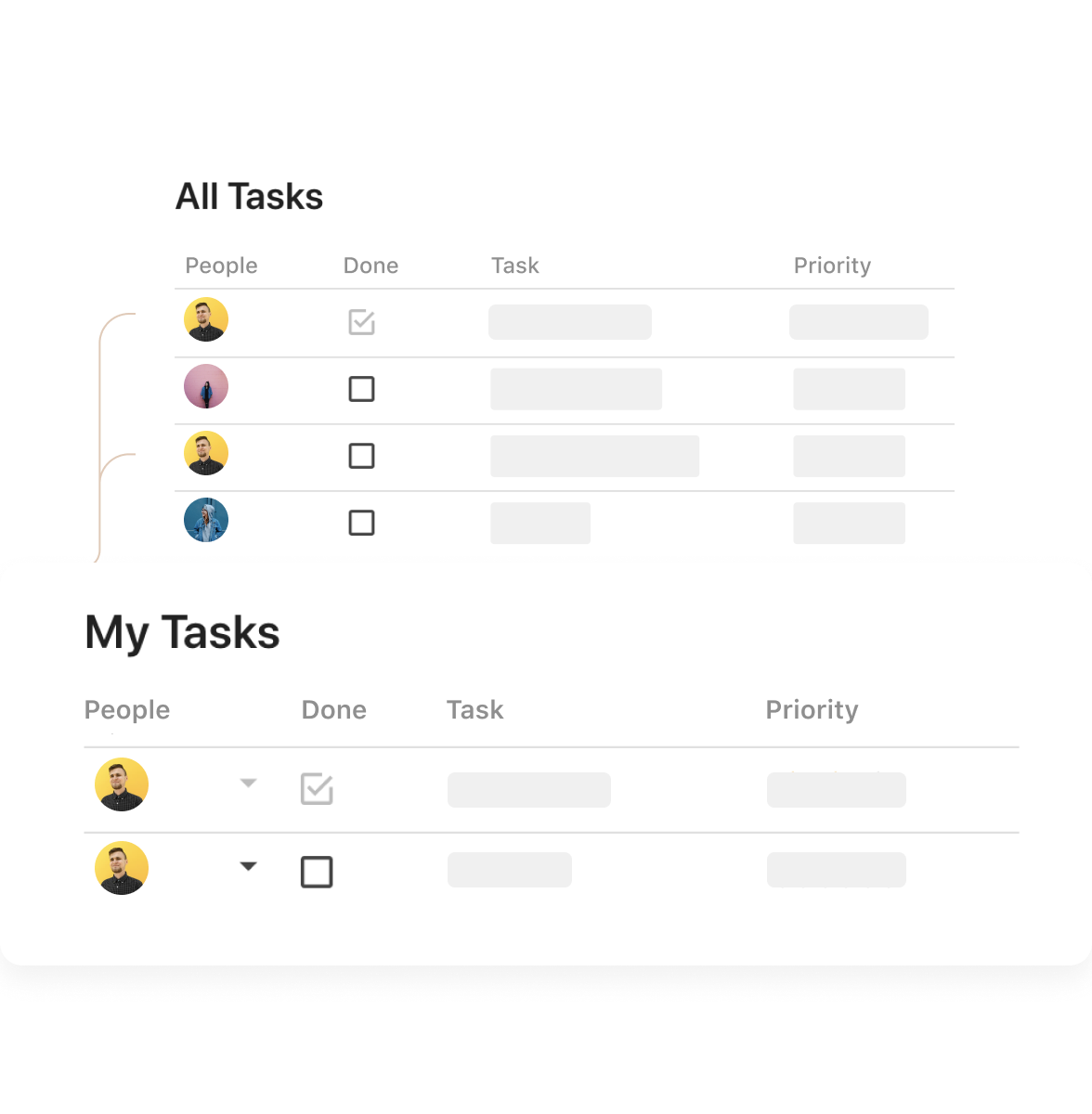
Coda, acquired by Grammarly in early 2025, is a template-based document creation and collaboration solution, supporting a variety of use cases.
$0
per month
Wondershare PDFelement
Score8 out of 10
N/A
PDFelement is a document management solution from Wondershare Software headquartered in China.
$79.99
per year per user
Pricing
Coda by Grammarly
Wondershare PDFelement
Editions & Modules
Free
$0.00
per month
Pro
$10.00
per month per doc maker; unlimited editors (paid annually)
Team
$30.00
per month per doc maker; unlimited editors (paid annually)
Enterprise
Custom Pricing
PDFelement
79.99USD
per year per user
PDFelement
129.99USD
one-time fee per user
Offerings
Pricing Offerings
Coda by Grammarly
Wondershare PDFelement
Free Trial
Yes
Yes
Free/Freemium Version
Yes
No
Premium Consulting/Integration Services
Yes
No
Entry-level Setup Fee
No setup fee
No setup fee
Additional Details
With Coda, you only pay for Doc Makers.
Often one person creates a doc, others edit it, and some simply observe from afar. Instead of charging for everyone, we only charge for the people who create docs.
Interested in enterprise pricing? Visit coda.io/enterprise
For Individuals:
Yearly Plan: $79.99/user;
2-Year Plan: $109.99/user
Perpetual Plan(one-time): $129.99/user
For Teams:
Yearly plan starts at $109/year for 1 user
For Education:
Yearly Plan: $47.99/user;
Perpetual Plan(one-time): $99.99/user
Coda is great to build a place for your users to go to and see information. It is easy to navigate through and the variety of content creation is great. However, it is not always easy to create what you want and there is a lot of playing around and learning. Coda also sometimes misses some functionality which is expected. For example, downloading a list of users that have access to the platform. Being able to send push notifications when a new page has been created etc. Overall it is a good tool to use just be prepared to invest time!
A de minimis incentive was given to thank the reviewer for their time. The incentive was not used to bias or drive a particular response, nor was the incentive contingent on a positive endorsement. More Info
It's a wonderful asset to have when you lose your original Word doc, etc. so you can still edit a document (and not have to start from ground zero). That feature alone is why I bought this product and why I will continue to recommend.
A de minimis incentive was given to thank the reviewer for their time. The incentive was not used to bias or drive a particular response, nor was the incentive contingent on a positive endorsement. More Info
A de minimis incentive was given to thank the reviewer for their time. The incentive was not used to bias or drive a particular response, nor was the incentive contingent on a positive endorsement. TR verified that a representative sample of customers was invited. More Info
PDFelement provides the same powerful features as Adobe Acrobat, but the interface is easy to learn and use. The product is extremely intuitive, which saves our clients from becoming frustrated as they learn the product.
PDFelement Pro's ability to create fillable forms with the click of one button is one of our clients favorite features. I was impressed at how accurately PDFelement performed this task and the ease with which these fields can be edited, if needed.
Security is more important than ever these days and PDFelement provides the encryption and permissions to protect documents quickly and easily. I especially like the batch encrypt feature, this makes it easy to protect multiple files with the same password.
PDFelement makes it easy to extract the data from form fields. This is a huge plus for our clients.
A de minimis incentive was given to thank the reviewer for their time. The incentive was not used to bias or drive a particular response, nor was the incentive contingent on a positive endorsement. More Info
It takes getting used to in terms of how the formulas per column is implemented, in contrast to how we build tables in Excel. For organization/team purchase, it would be worth considering having a training for the core team of users. Right now, we do a lot of self-learning.
Inability to email charts or image without these objects being hosted on a third party. The community has been great in providing workarounds but it would be much more convenient to be able to have such ability natively.
APAC Support. I'm based in Malaysia, due to timezone differences, even with a livechat implemented, the support for each step and conversation takes up to 24 hours per response. Having some hours covered in our timezone would greatly improve customer support experience.
A de minimis incentive was given to thank the reviewer for their time. The incentive was not used to bias or drive a particular response, nor was the incentive contingent on a positive endorsement. More Info
I wish there was a lighter program for just reviewing a document and then to transition seamlessly to an editing mode. It takes a few seconds longer to load than Preview on my Mac, and based on that frustration, I use Preview to view documents.
A de minimis incentive was given to thank the reviewer for their time. The incentive was not used to bias or drive a particular response, nor was the incentive contingent on a positive endorsement. More Info
Coda is definitely something that has been proven to drive positive impact in our organization. We have many divisions that can benefit from this that we have yet to explore. It would definitely be worth renewing.
A de minimis incentive was given to thank the reviewer for their time. The incentive was not used to bias or drive a particular response, nor was the incentive contingent on a positive endorsement. More Info
A de minimis incentive was given to thank the reviewer for their time. The incentive was not used to bias or drive a particular response, nor was the incentive contingent on a positive endorsement. TR verified that a representative sample of customers was invited. More Info
There is a little bit of a learning curve on where to point and click to add in different elements and make edits. But it is still very manageable once you get the hang of it. I do still have some issues with some of my connected pages updating each other when I don't want them to sync. So I'll end up editing one page, and it will make the same edits on another page.
A de minimis incentive was given to thank the reviewer for their time. The incentive was not used to bias or drive a particular response, nor was the incentive contingent on a positive endorsement. More Info
A de minimis incentive was given to thank the reviewer for their time. The incentive was not used to bias or drive a particular response, nor was the incentive contingent on a positive endorsement. More Info
A de minimis incentive was given to thank the reviewer for their time. The incentive was not used to bias or drive a particular response, nor was the incentive contingent on a positive endorsement. More Info
A de minimis incentive was given to thank the reviewer for their time. The incentive was not used to bias or drive a particular response, nor was the incentive contingent on a positive endorsement. TR verified that a representative sample of customers was invited. More Info
We haven't done any integrations - the initial part of our experience we found that for docs with complex formulas, the page tends to load slowly but in recent months, Coda has improved and optimized the loading times in general and we generally don't find any problems in terms of speed anymore.
A de minimis incentive was given to thank the reviewer for their time. The incentive was not used to bias or drive a particular response, nor was the incentive contingent on a positive endorsement. More Info
There is a lot of learning. Although some of the functions you can probably pick up relatively quickly, some of them, including compressing the size or using a different language, remains a myth to me.
A de minimis incentive was given to thank the reviewer for their time. The incentive was not used to bias or drive a particular response, nor was the incentive contingent on a positive endorsement. More Info
Mainly due to timezone differences. I think Coda's support in general is well implemented and executed. They know their stuff and are helpful. But since I'm not in the same timezone, solution rates are slower for me, and that's not something I prefer. I work in customer service, too, and more often than not, time is important. Shortening the solution time would be a much greater experience.
A de minimis incentive was given to thank the reviewer for their time. The incentive was not used to bias or drive a particular response, nor was the incentive contingent on a positive endorsement. More Info
PDFelement is always in contact with me, by email and by giving constant tips and recommendations. But what makes me give you a 10, was the outstanding support service received on July 9th by one of your support professionals Amanda, who helped me with a tariff issue, and makes me [rate] your product.
I'm relatively inexperienced but this experience is meaningful. It would have been nice to have some guidance from Coda so that we understood more on Coda's purpose and potential.
A de minimis incentive was given to thank the reviewer for their time. The incentive was not used to bias or drive a particular response, nor was the incentive contingent on a positive endorsement. More Info
A de minimis incentive was given to thank the reviewer for their time. The incentive was not used to bias or drive a particular response, nor was the incentive contingent on a positive endorsement. TR verified that a representative sample of customers was invited. More Info
While all of the products listed have great features and platforms, there was always one thing missing from them that I would need to get from another application. Coda was the first one we used that really combined some of the best parts of those products and allowed us to use it in one place. I also appreciate the flexibility of creating your own framework and workflow, unlike in other tools where you have to follow how they capture data and organize projects.
A de minimis incentive was given to thank the reviewer for their time. The incentive was not used to bias or drive a particular response, nor was the incentive contingent on a positive endorsement. More Info
I didn't try or buy other programs, but did a good bit of research on them. I went with PDFelement because of the lower pricing, and because of the rich features I learned it had. I also appreciated the great customer service I received from reps in the community forums, which showed me they have an aim in keeping their customers happy - which is always good to have when using fairly complex technical apps.
A de minimis incentive was given to thank the reviewer for their time. The incentive was not used to bias or drive a particular response, nor was the incentive contingent on a positive endorsement. TR verified that a representative sample of customers was invited. More Info
I think scalability is definitely good here since it's based on number of doc makers. Implementation into each dept becomes simpler. That being said, due to the nature of our work, we find it easier that we have a "super user" and then a team of other doc makers. This would make the doc creation and management more efficient.
A de minimis incentive was given to thank the reviewer for their time. The incentive was not used to bias or drive a particular response, nor was the incentive contingent on a positive endorsement. More Info
A de minimis incentive was given to thank the reviewer for their time. The incentive was not used to bias or drive a particular response, nor was the incentive contingent on a positive endorsement. TR verified that a representative sample of customers was invited. More Info
A de minimis incentive was given to thank the reviewer for their time. The incentive was not used to bias or drive a particular response, nor was the incentive contingent on a positive endorsement. More Info
For me, it's been very important to me that my business as a pet sitter and dog walker not leave a negative footprint on the environment. To that end, it's been very important that i'm able to do as much paperwork as possible without using paper. PDFelement is wonderful at helping me meet those goals.
A de minimis incentive was given to thank the reviewer for their time. The incentive was not used to bias or drive a particular response, nor was the incentive contingent on a positive endorsement. More Info