
Coda by Grammarly vs. MeisterTask
Coda by Grammarly vs. MeisterTask
| Product | Rating | Most Used By | Product Summary | Starting Price |
|---|---|---|---|---|
 Coda by Grammarly | N/A | Coda, acquired by Grammarly in early 2025, is a template-based document creation and collaboration solution, supporting a variety of use cases. | $0 per month | |
 MeisterTask | Small Businesses (1-50 employees) | MeisterTask is a task management and collaboration tool that let teams manage tasks in a customizable environment. MeisterTask's project boards adapt to a team’s workflow, and is suitable for managing a variety of tasks from software sprints to editorial calendars. As opposed to only providing a tool that visualizes the work, MeisterTask automates recurring steps in users' workflows to help them work more efficiently and consistently. MeisterTask is developed by… | $16 per month per user |
| Coda by Grammarly | MeisterTask | |||||||||||||||
|---|---|---|---|---|---|---|---|---|---|---|---|---|---|---|---|---|
| Editions & Modules |
|
| ||||||||||||||
| Offerings |
| |||||||||||||||
| Entry-level Setup Fee | No setup fee | No setup fee | ||||||||||||||
| Additional Details | With Coda, you only pay for Doc Makers. Often one person creates a doc, others edit it, and some simply observe from afar. Instead of charging for everyone, we only charge for the people who create docs. Interested in enterprise pricing? Visit coda.io/enterprise | Discounts are available for education and non-profit organisations. 28% discount for annual pricing. | ||||||||||||||
| More Pricing Information | ||||||||||||||||
| Coda by Grammarly | MeisterTask |
|---|
| Coda by Grammarly | MeisterTask | ||||||||||||||||||||||||||||||
|---|---|---|---|---|---|---|---|---|---|---|---|---|---|---|---|---|---|---|---|---|---|---|---|---|---|---|---|---|---|---|---|
| Project Management |
|
| Coda by Grammarly | MeisterTask | |
|---|---|---|
| Small Businesses |  Stackby Score 9.0 out of 10 | Stackby Score 9.0 out of 10 |
| Medium-sized Companies |  Troop Messenger Score 9.8 out of 10 |  InEight Score 8.3 out of 10 |
| Enterprises |  HCL Connections Score 9.0 out of 10 | InEight Score 8.3 out of 10 |
| All Alternatives | View all alternatives | View all alternatives |
| Coda by Grammarly | MeisterTask | |
|---|---|---|
| Likelihood to Recommend | 8.0 (0 ratings) | 7.6 (0 ratings) |
| Likelihood to Renew | 9.1 (0 ratings) | - (0 ratings) |
| Usability | 6.0 (0 ratings) | - (0 ratings) |
| Availability | 9.1 (0 ratings) | - (0 ratings) |
| Performance | 9.1 (0 ratings) | - (0 ratings) |
| Support Rating | 7.8 (0 ratings) | 8.9 (0 ratings) |
| Implementation Rating | 8.2 (0 ratings) | - (0 ratings) |
| Configurability | 8.2 (0 ratings) | - (0 ratings) |
| Ease of integration | 4.5 (0 ratings) | - (0 ratings) |
| Product Scalability | 9.1 (0 ratings) | - (0 ratings) |
| Vendor post-sale | 7.3 (0 ratings) | - (0 ratings) |
| Coda by Grammarly | MeisterTask | |
|---|---|---|
| Likelihood to Recommend | 
| 
|
| Pros |
|
 Stella Olsson Territory Sales Manager |
| Cons |
 Camille Hidalgo Nussbaum, CSM® Project Manager, Creative Technologies |
 Tyler Grudowski Product Development Engineer |
| Likelihood to Renew |
 Pearl Cheah Physics & Application Manager | No answers on this topic |
| Usability |
| No answers on this topic |
| Reliability and Availability |
Pearl Cheah Physics & Application Manager | No answers on this topic |
| Performance |
Pearl Cheah Physics & Application Manager | No answers on this topic |
| Support Rating |
Pearl Cheah Physics & Application Manager |
 Robyn Mays Co-Founder |
| Implementation Rating |
Pearl Cheah Physics & Application Manager | No answers on this topic |
| Alternatives Considered |
 Matt Woods Growth Product Manager |
 Daniel Cruz CEO |
| Scalability |
Pearl Cheah Physics & Application Manager | No answers on this topic |
| Return on Investment |
|
|
| ScreenShots | Coda by Grammarly Screenshots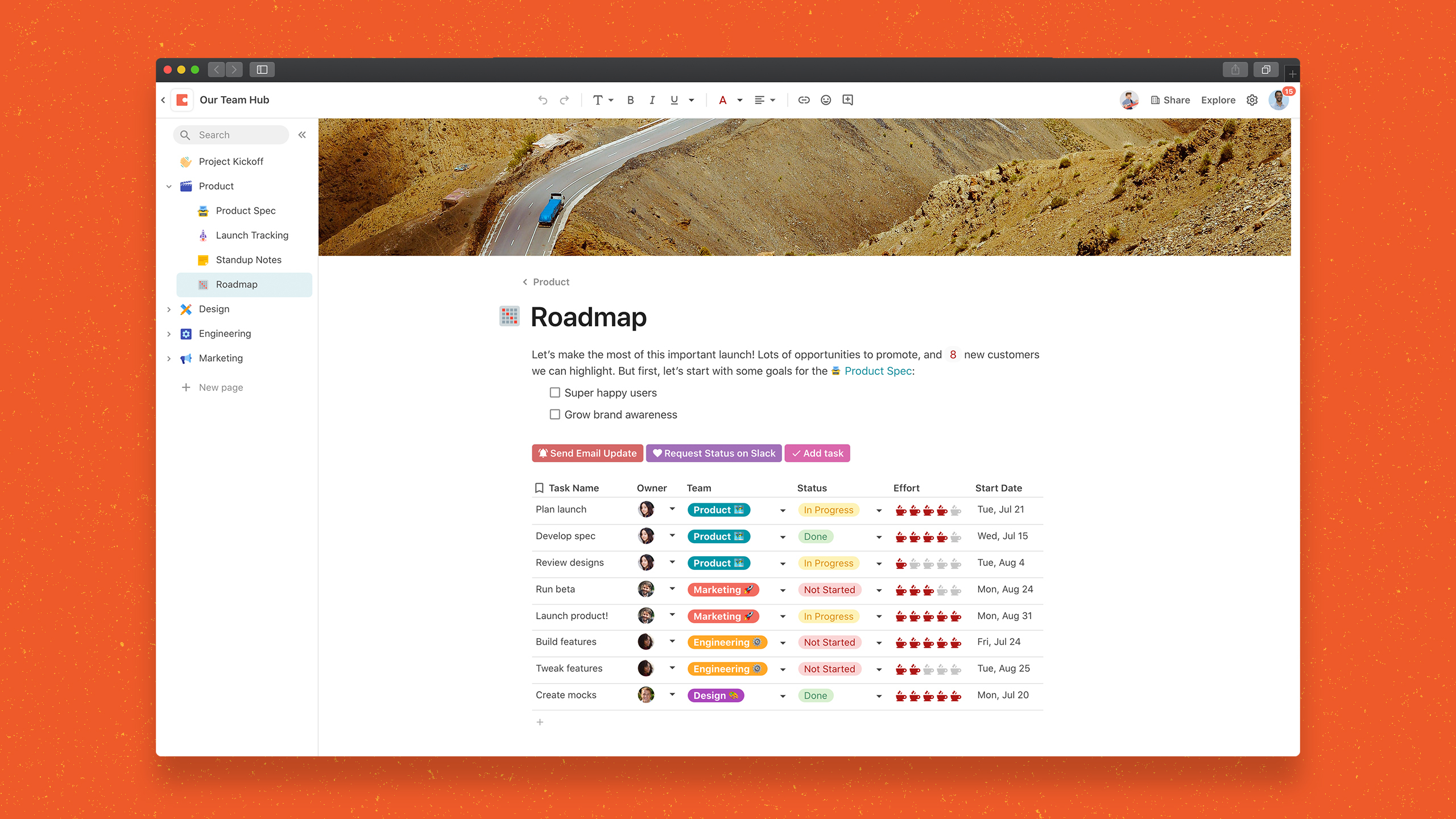  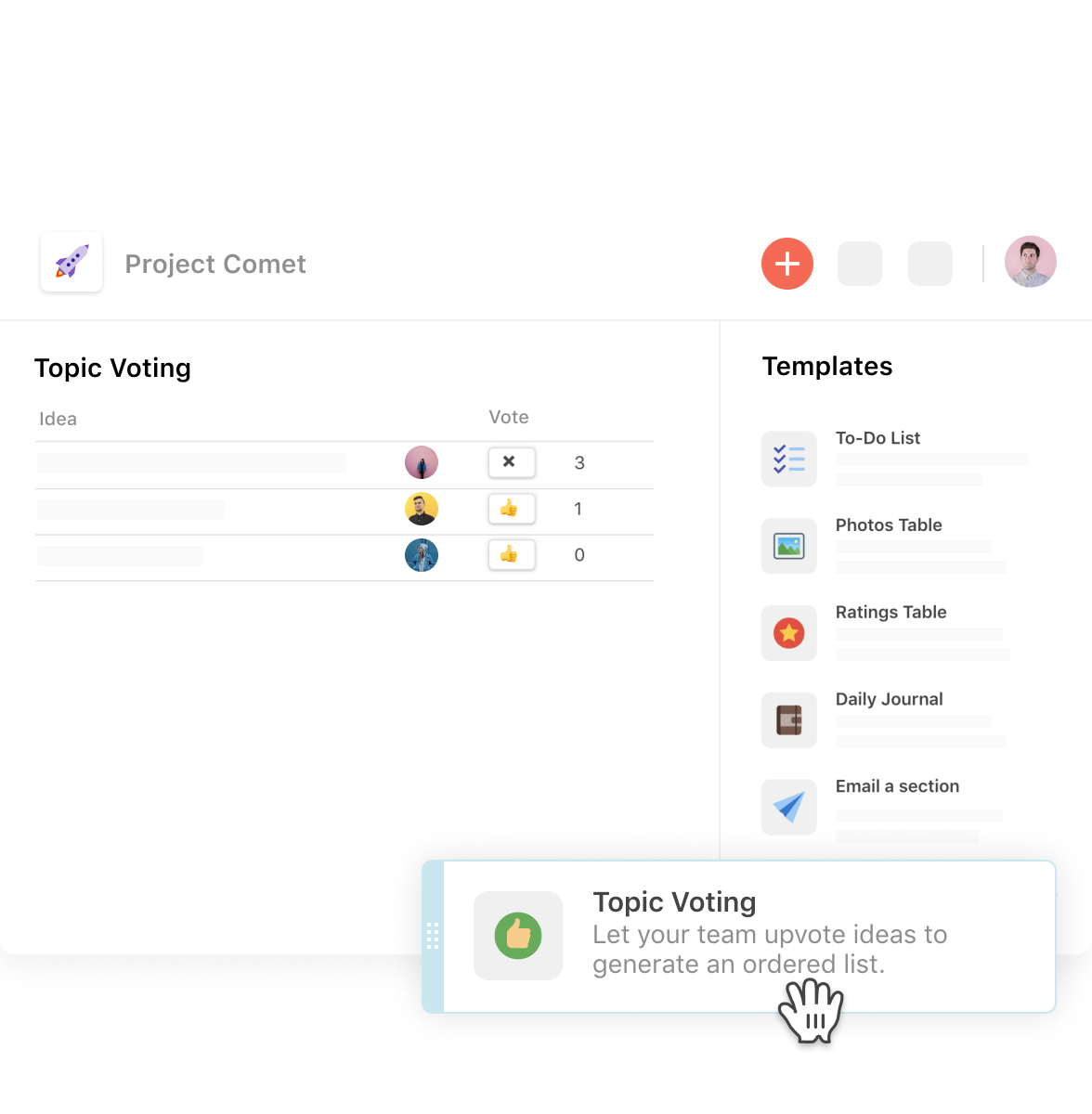 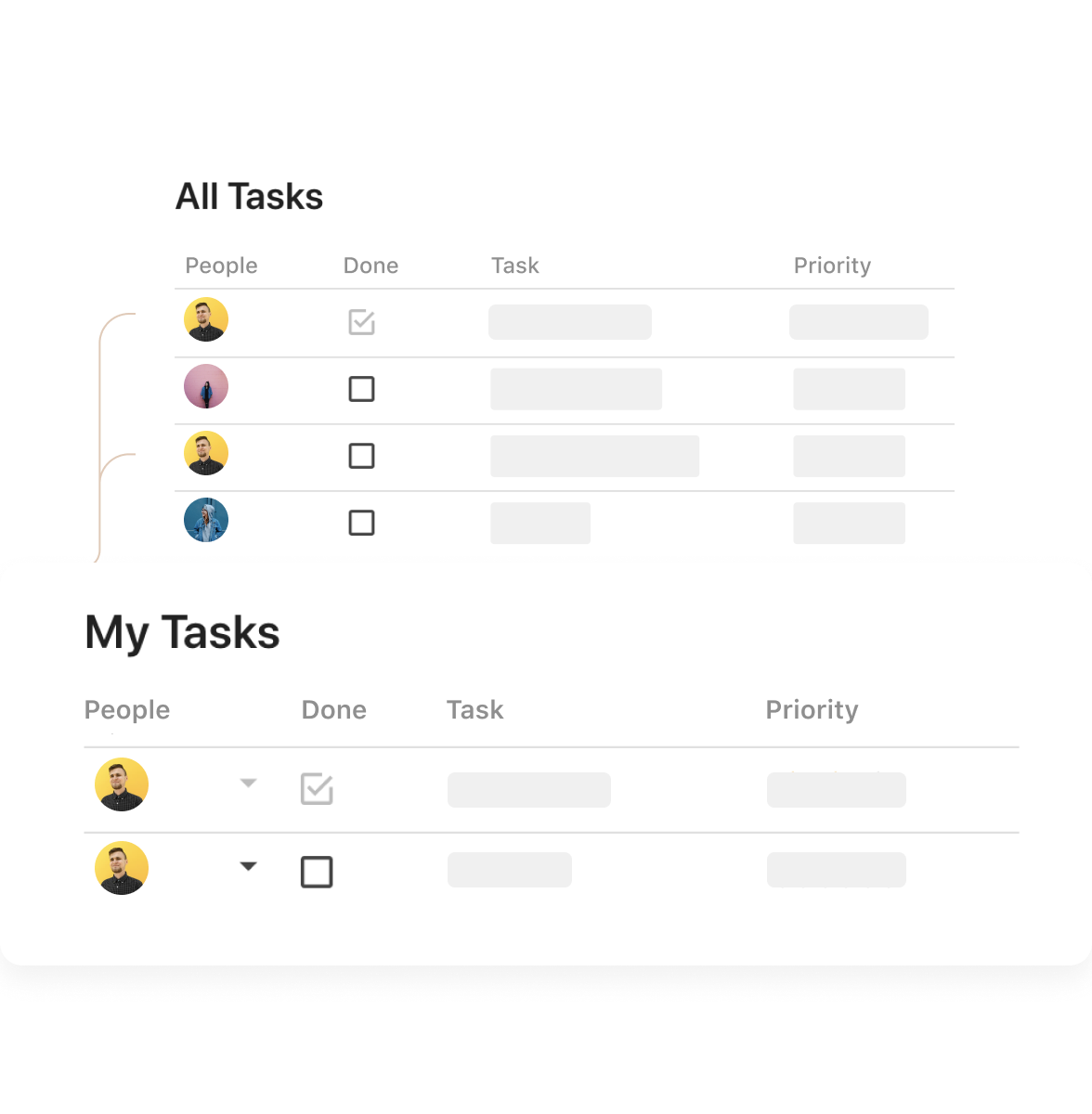  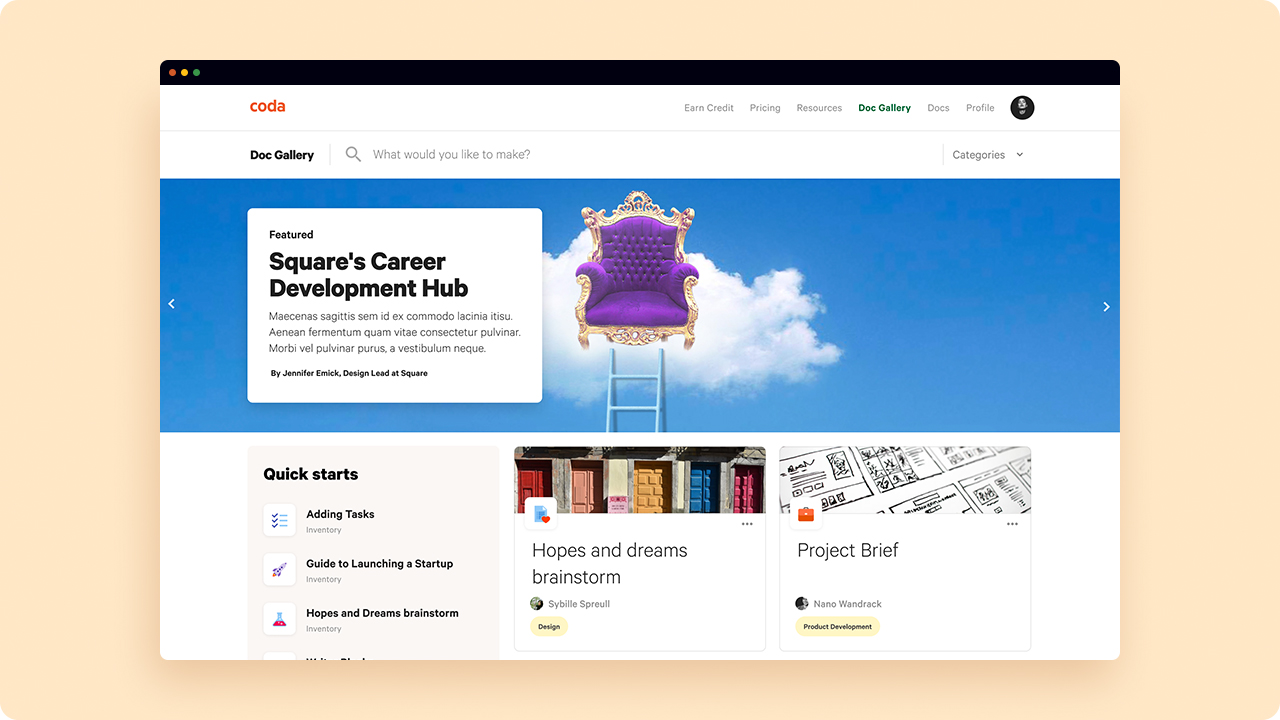 | MeisterTask Screenshots 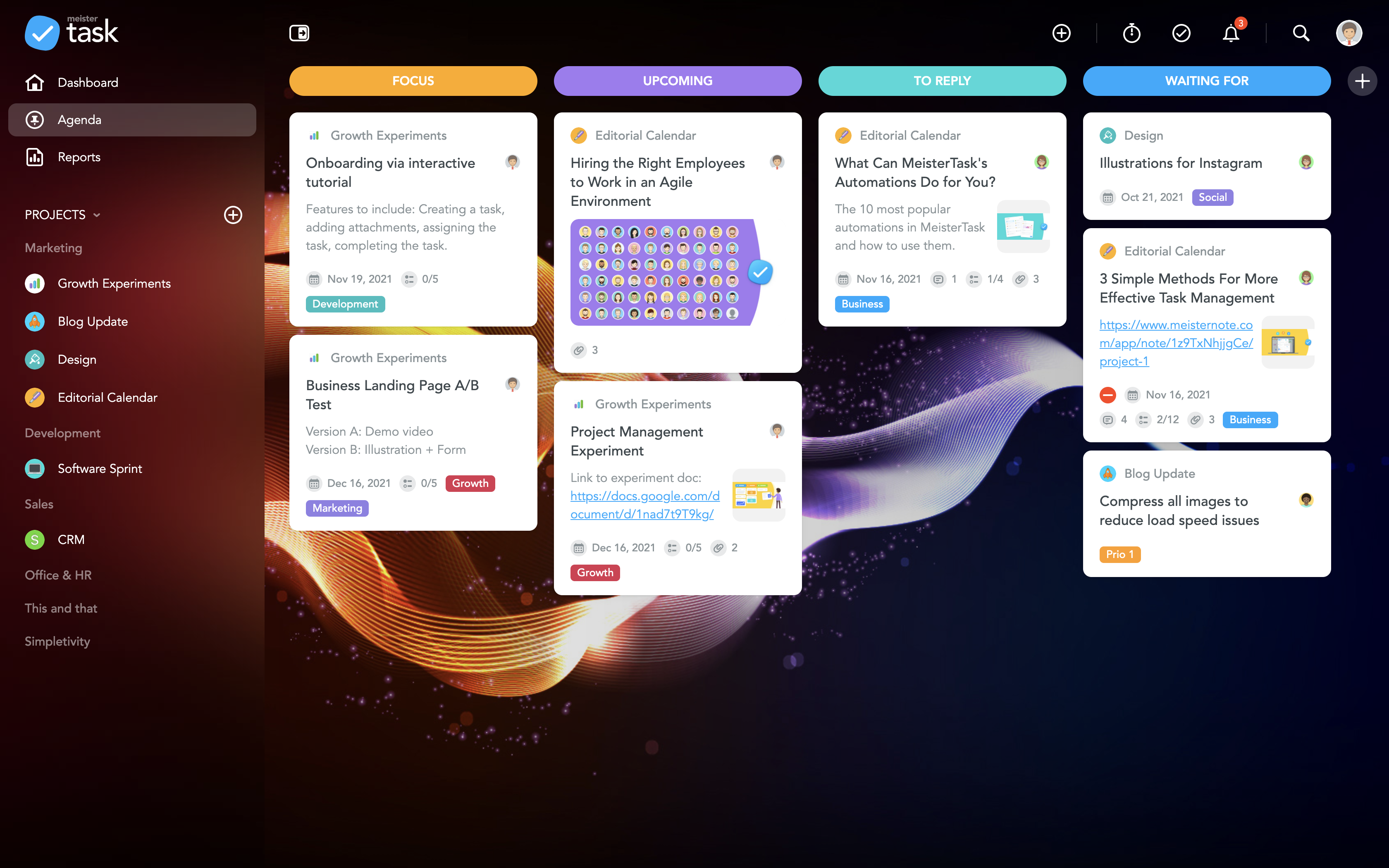     |