
CoConstruct vs. Estimating Link
| Product | Rating | Most Used By | Product Summary | Starting Price |
|---|---|---|---|---|
 CoConstruct | Score5.2 out of 10 | N/A | CoConstruct, from Buildertrend since the November 2021 acquisition, is a custom builder & remodeler software. It allows users to enter data once and have that information flow through the estimate, specs, selections, bids, proposals, change orders, and budgets, including to and from QuickBooks. In addition, CoConstruct includes scheduling and 3-way communication between builder, client, and trade partners. Everything is captured via email and texting. Login isn't required for… | $49 per month |
 Estimating Link | N/A | N/A | Heavy/Civil Estimating Software designed for unit price and lump sum bidding, used to calculate job costs using resources like labor and equipment. Users can add markup, OH, profit, bonds, and indirect costs to finalize a bid, and build professional proposals for customers. | $1,995 per year per user |
| CoConstruct | Estimating Link | |||||||||||||||
|---|---|---|---|---|---|---|---|---|---|---|---|---|---|---|---|---|
| Editions & Modules |
| No answers on this topic | ||||||||||||||
| Offerings |
| |||||||||||||||
| Entry-level Setup Fee | No setup fee | Required | ||||||||||||||
| Additional Details | CoConstruct pricing is based on active job sites that have client access online, which means it is adaptable to builders & remodelers businesses. This means that there are an unlimited amount of projects available for estimates and proposals, so that customers only pay when they win a contract. Also built into the pricing are a myriad of services: a dedicated implementation coach, free estimate & scheduling templates based on industry best practices from successful builders and the NAHB, unlimited storage and users, software branded with the customer's logo, unlimited amount of warranty projects, and unlimited phone & email support. The vendor offers a money-back guarantee that is good for the first 90 days of service. | — | ||||||||||||||
| More Pricing Information | ||||||||||||||||
| CoConstruct | Estimating Link | |
|---|---|---|
| Considered Both Products | No answer on this topic | No answer on this topic |
| Key User Insights | ||
| Would buy again | ||
92% Would buy again 12 Answers | No answers on this topic | |
| Delivers good value for the price | ||
92% Delivers good value for the price 12 Answers | No answers on this topic | |
| Happy with the feature set | ||
77% Happy with the feature set 10 Answers | No answers on this topic | |
| Lived up to sales and marketing promises | ||
91% Lived up to sales and marketing promises 10 Answers | No answers on this topic | |
| Implementation went as expected | ||
67% Implementation went as expected 8 Answers | No answers on this topic | |
| CoConstruct | Estimating Link | |
|---|---|---|
| Small Businesses | No answers on this topic |  PlanSwift, by ConstructConnect Score9 out of 10 |
| Medium-sized Companies | No answers on this topic |  Sage Estimating Score7.7 out of 10 |
| Enterprises | No answers on this topic | No answers on this topic |
| All Alternatives | View all alternatives | View all alternatives |
| CoConstruct | Estimating Link | |
|---|---|---|
| Likelihood to Recommend | 6.9 | - |
| Support Rating | 9.8 | - |
| CoConstruct | Estimating Link | |
|---|---|---|
| Likelihood to Recommend |
| No answers on this topic |
| Pros |
| No answers on this topic |
| Cons |
| No answers on this topic |
| Support Rating |
| No answers on this topic |
| Alternatives Considered |
| No answers on this topic |
| Return on Investment |
| No answers on this topic |
| ScreenShots | CoConstruct Screenshots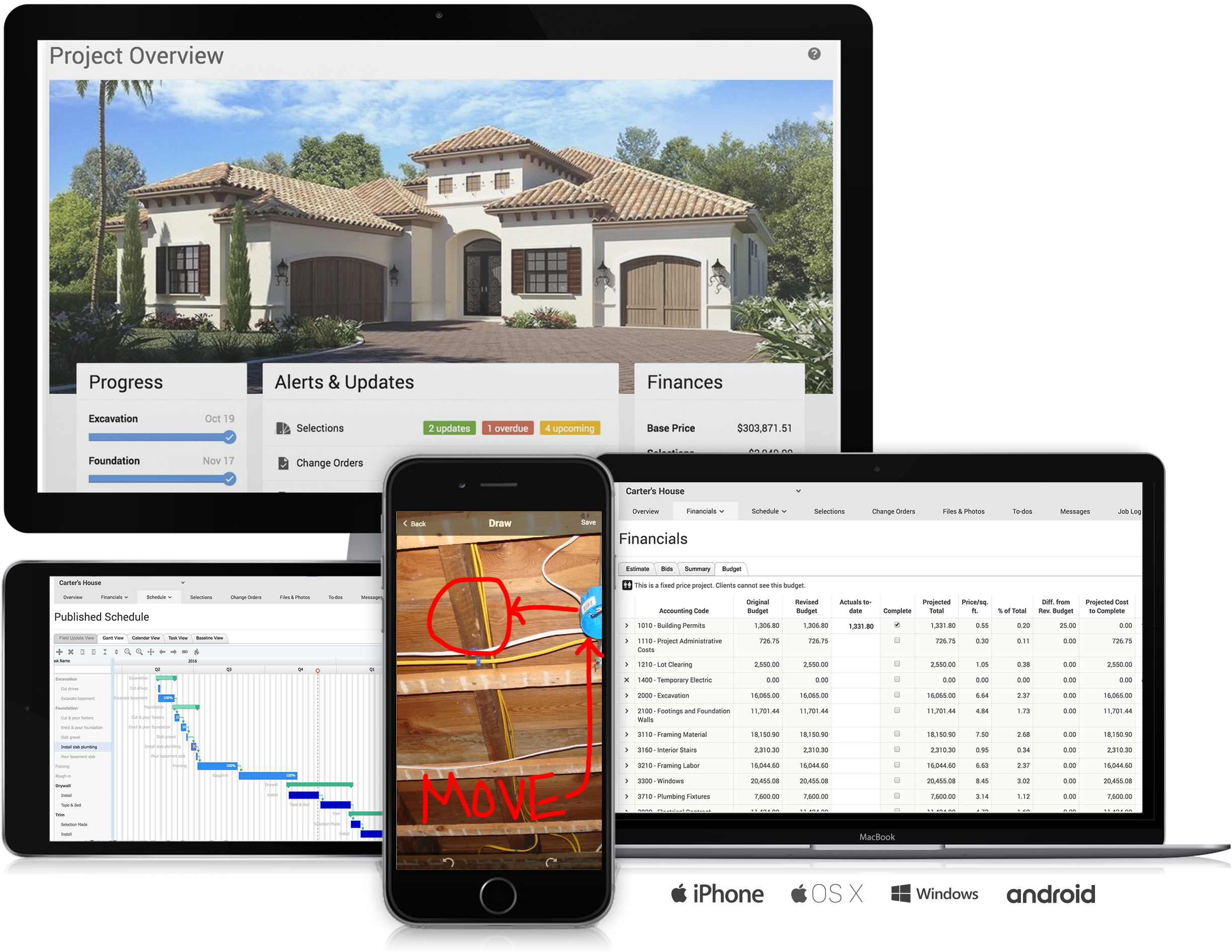 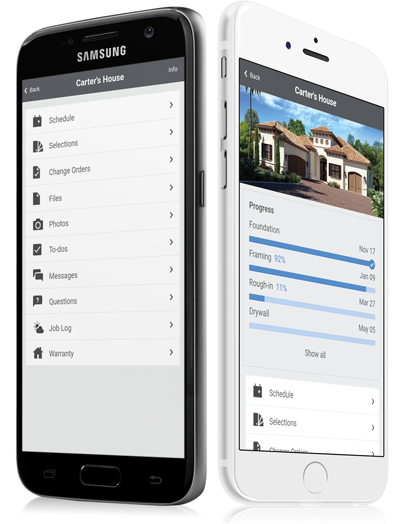     | Estimating Link Screenshots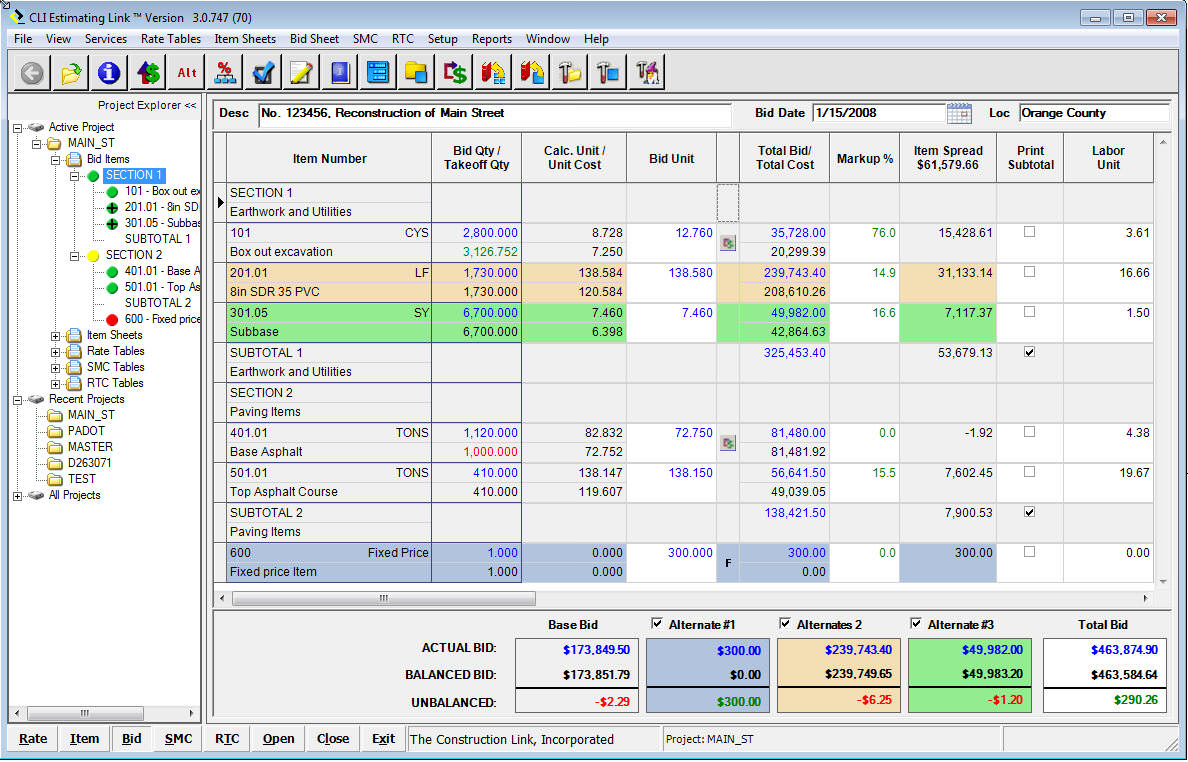 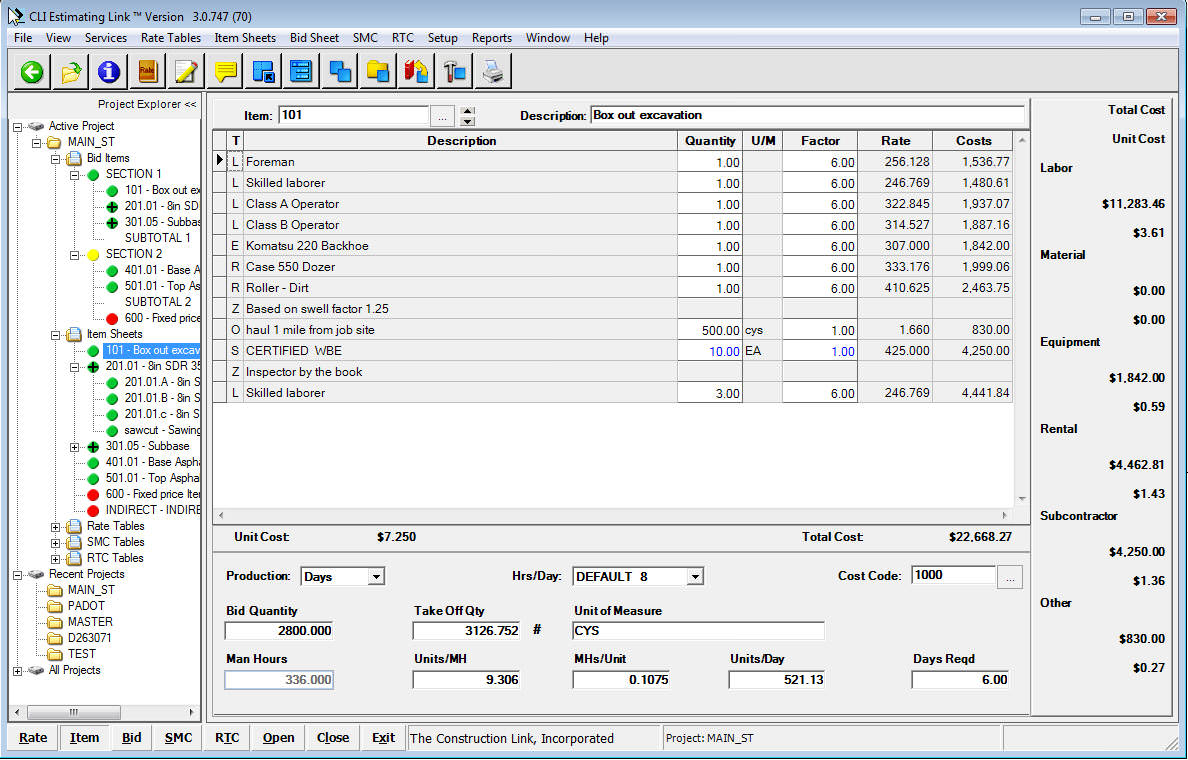 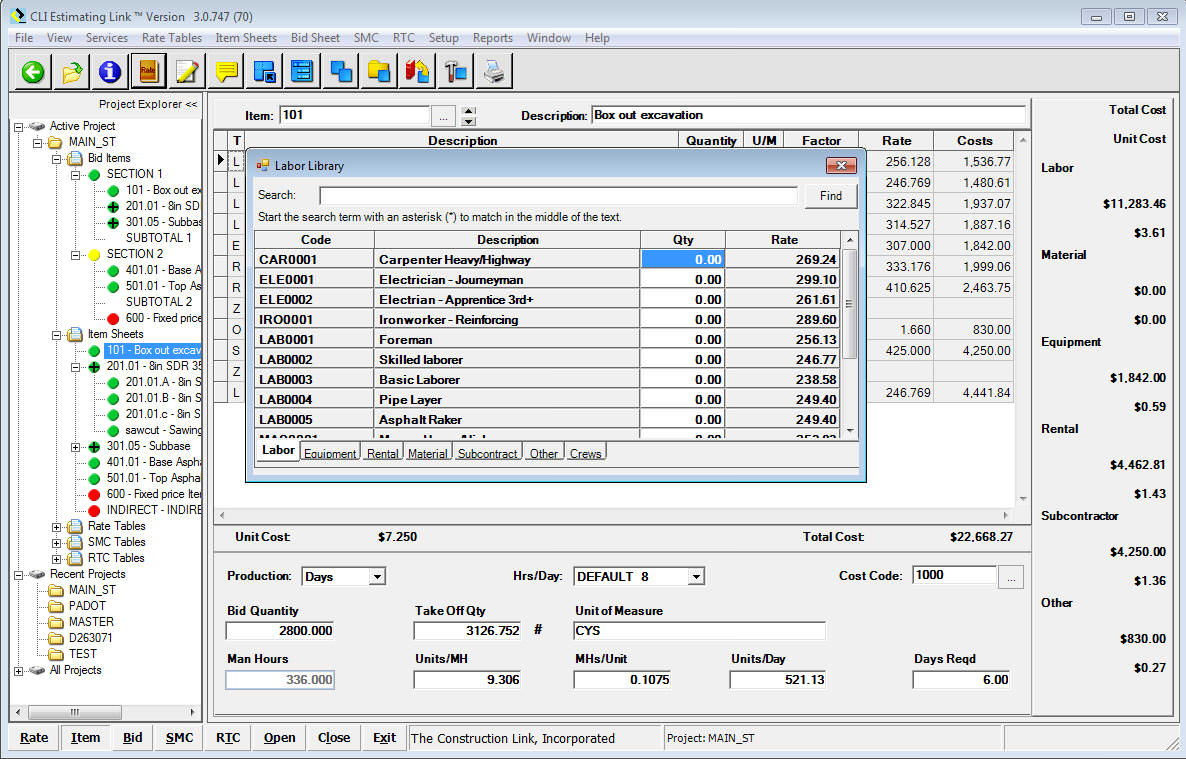 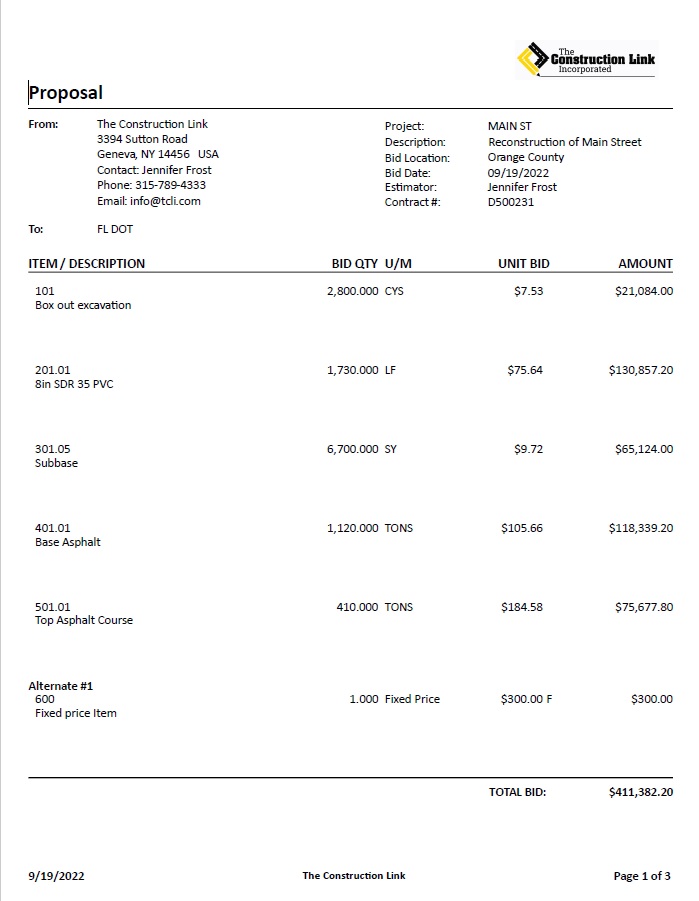 |

