
ClusterControl vs. Redgate SQL Toolbelt Essentials
| Product | Rating | Most Used By | Product Summary | Starting Price |
|---|---|---|---|---|
 ClusterControl | Score10 out of 10 | N/A | ClusterControl enables companies to deploy, manage, monitor and scale their databases on the technology stack of their choice. According to the vendor some key features and benefits include: Repeatable Deployments: Deploy standalone, replicated or clustered databases on the technology stack of your choice Complete Lifecycle Management: Automate failovers, recovery and day to day tasks uniformly across polyglot databases and dynamic… | N/A |
 Redgate SQL Toolbelt Essentials | Score8.2 out of 10 | N/A | Redgate's SQL Toolbelt Essentials includes industry-standard tools for SQL Server development & deployment, enabling users to include SQL Server databases in agile processes and enabilng developers to embed robust and scalable development practices. | $1,209 per year per user (1-4 users) |
| ClusterControl | Redgate SQL Toolbelt Essentials | |||||||||||||||
|---|---|---|---|---|---|---|---|---|---|---|---|---|---|---|---|---|
| Editions & Modules | No answers on this topic | No answers on this topic | ||||||||||||||
| Offerings |
| |||||||||||||||
| Entry-level Setup Fee | No setup fee | No setup fee | ||||||||||||||
| Additional Details | — | — | ||||||||||||||
| More Pricing Information | ||||||||||||||||
| ClusterControl | Redgate SQL Toolbelt Essentials | |
|---|---|---|
| Considered Both Products | No answer on this topic | No answer on this topic |
| Key User Insights | ||
| Would buy again | ||
No answers on this topic | 100% Would buy again 9 Answers | |
| Delivers good value for the price | ||
No answers on this topic | 100% Delivers good value for the price 8 Answers | |
| Happy with the feature set | ||
No answers on this topic | 100% Happy with the feature set 9 Answers | |
| Lived up to sales and marketing promises | ||
No answers on this topic | 100% Lived up to sales and marketing promises 8 Answers | |
| Implementation went as expected | ||
No answers on this topic | 100% Implementation went as expected 9 Answers | |
| ClusterControl | Redgate SQL Toolbelt Essentials | ||||||||||||||||
|---|---|---|---|---|---|---|---|---|---|---|---|---|---|---|---|---|---|
| Database Development |
| ||||||||||||||||
| Database Administration |
| ||||||||||||||||
| ClusterControl | Redgate SQL Toolbelt Essentials | |
|---|---|---|
| Small Businesses |  DBeaver Score9.2 out of 10 | No answers on this topic |
| Medium-sized Companies | DBeaver Score9.2 out of 10 | No answers on this topic |
| Enterprises | DBeaver Score9.2 out of 10 | No answers on this topic |
| All Alternatives | View all alternatives | View all alternatives |
| ClusterControl | Redgate SQL Toolbelt Essentials | |
|---|---|---|
| Likelihood to Recommend | 10.0 | 8.0 |
| Usability | - | 7.0 |
| Support Rating | - | 8.6 |
| ClusterControl | Redgate SQL Toolbelt Essentials | |
|---|---|---|
| Likelihood to Recommend |
|
|
| Pros |
|
|
| Cons |
|
|
| Usability | No answers on this topic |
|
| Support Rating | No answers on this topic |
|
| Alternatives Considered |
|
|
| Return on Investment |
|
|
| ScreenShots | ClusterControl Screenshots  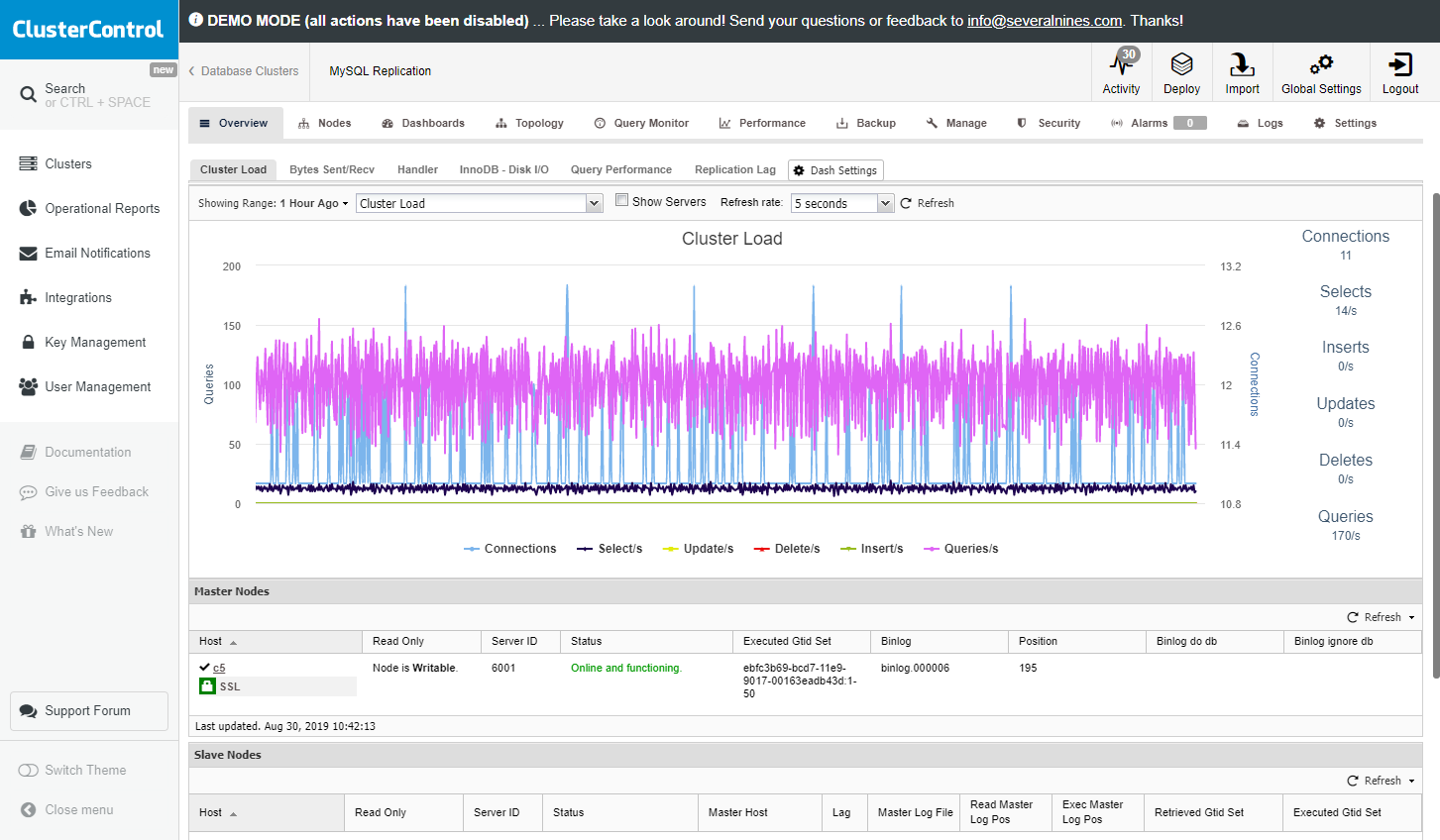   |



