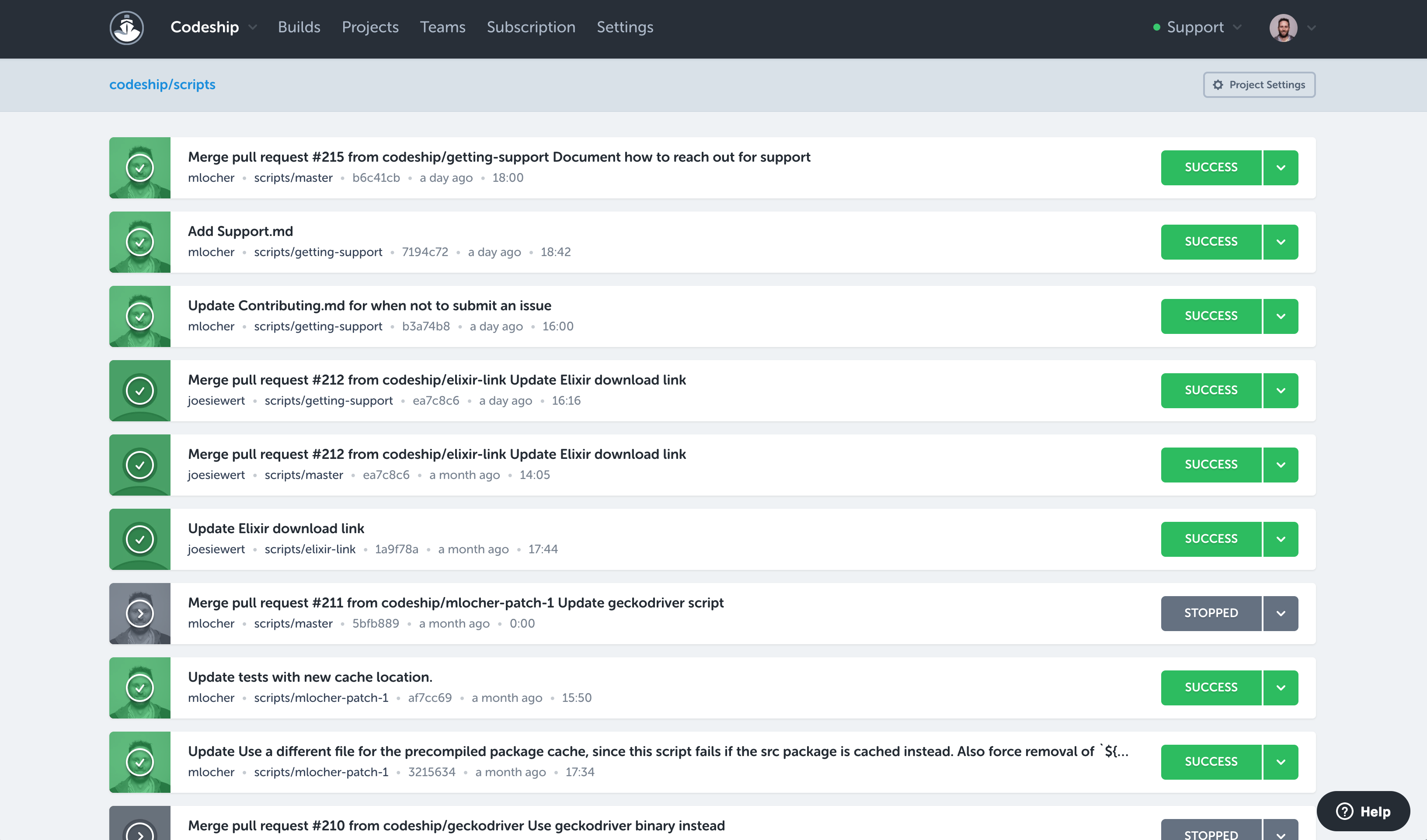
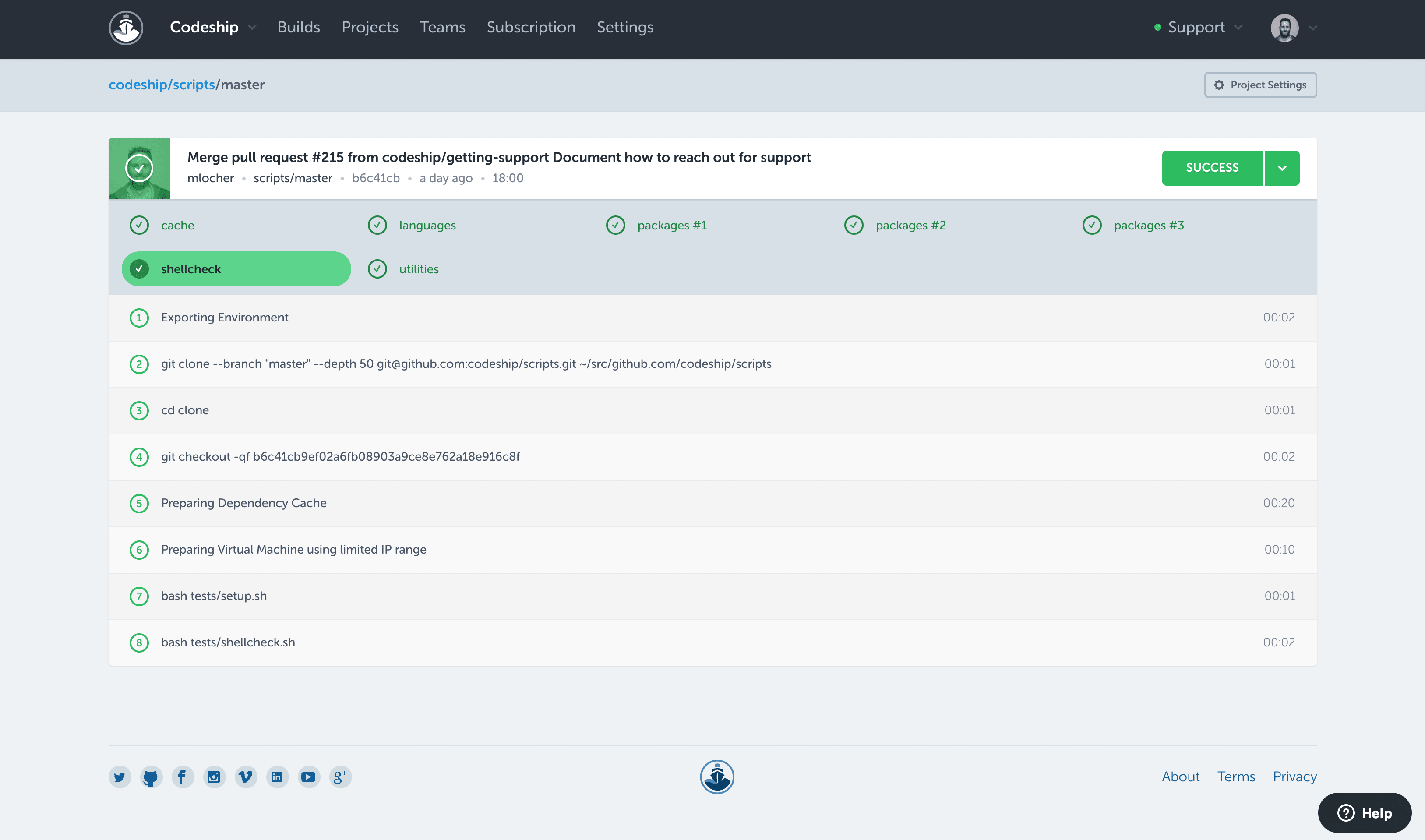
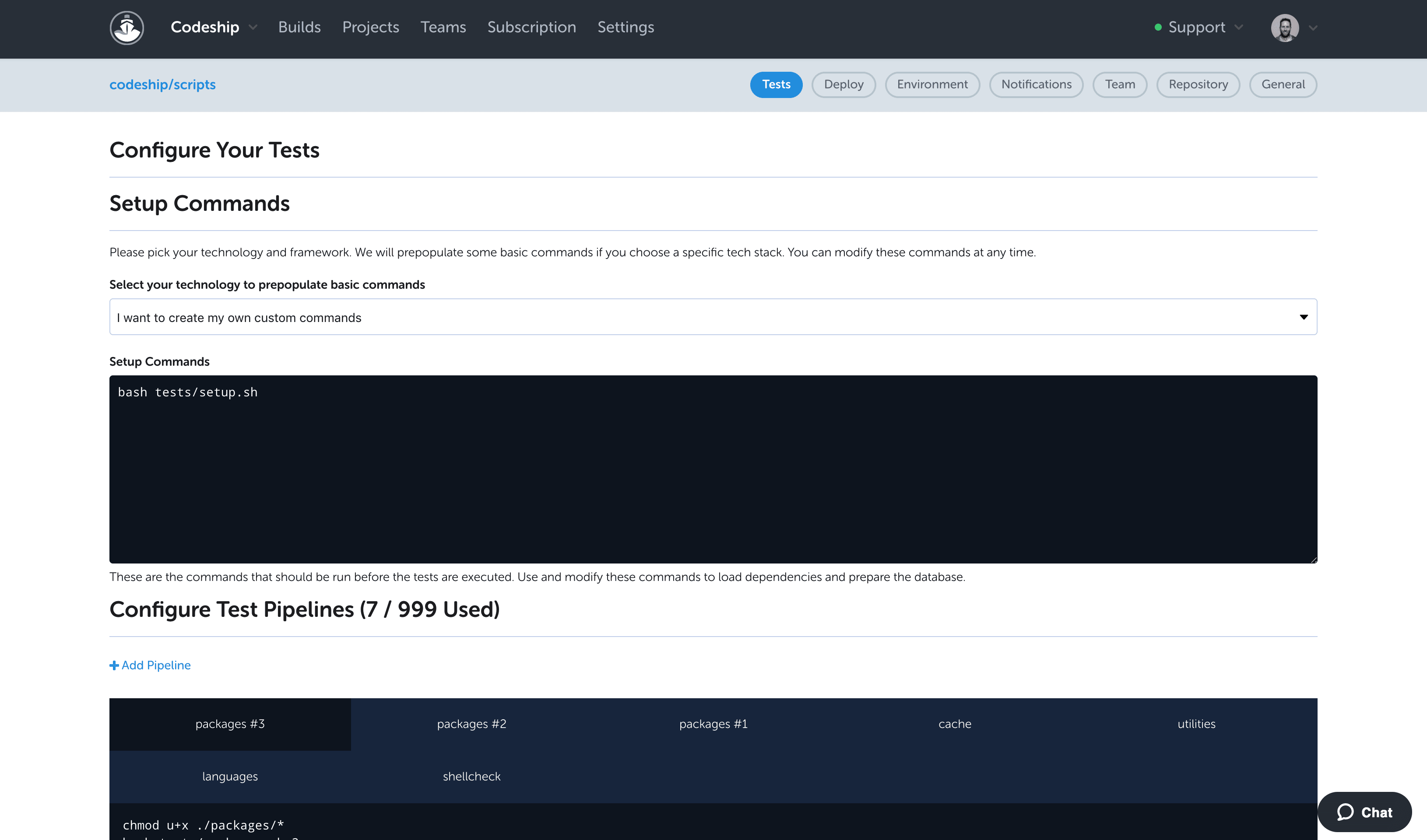
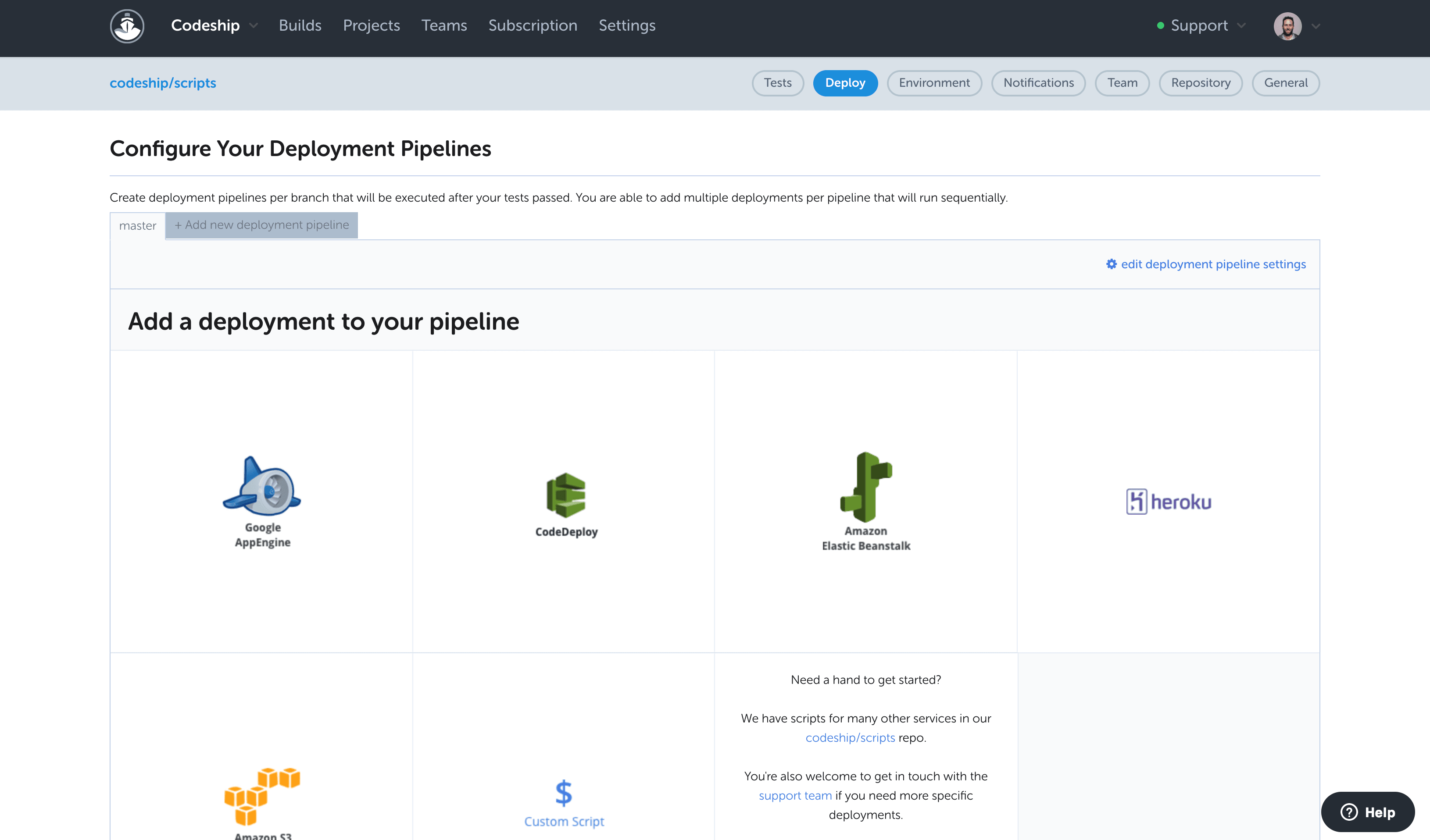
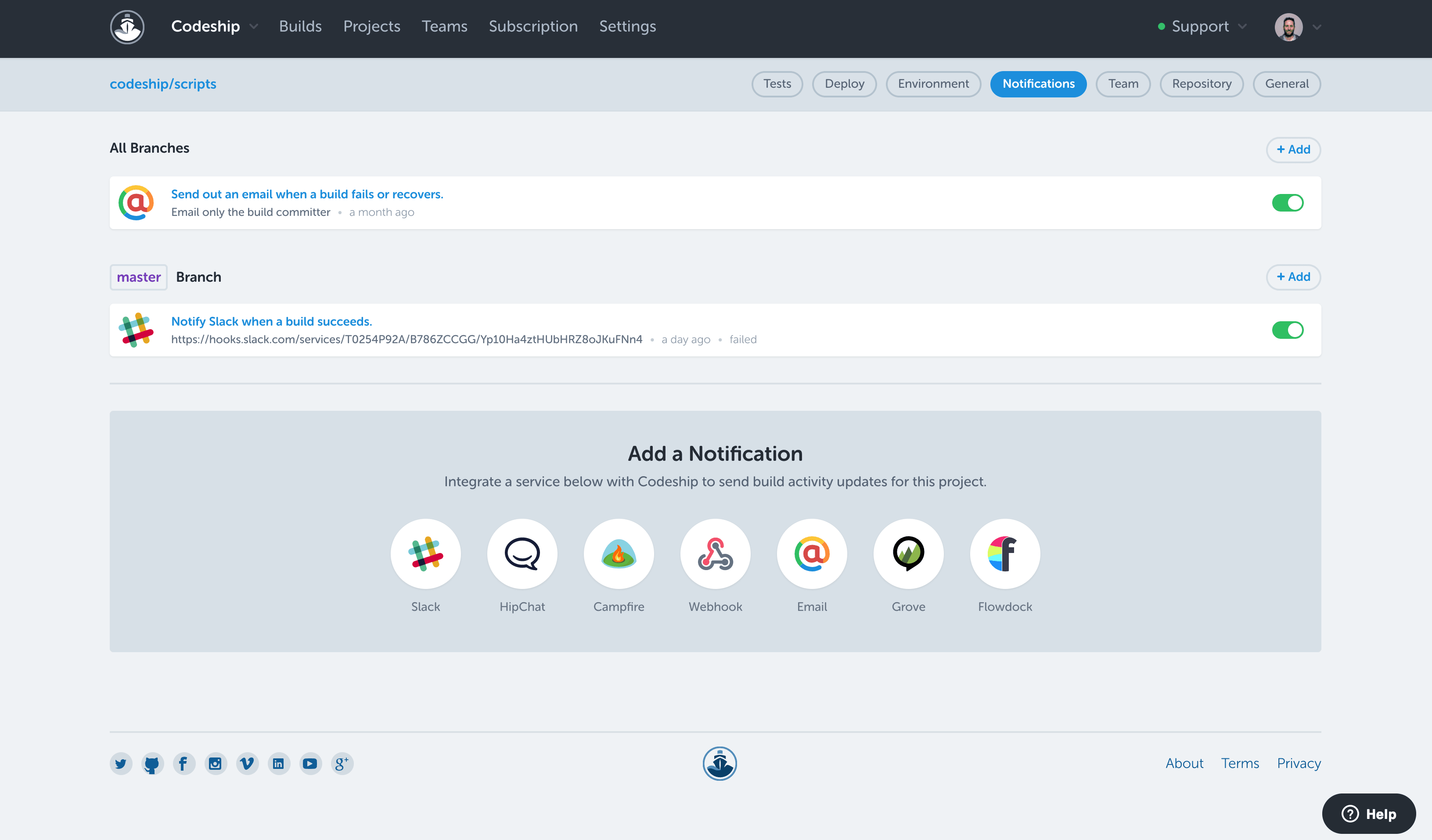
Codeship from CloudBees is a build automation platform from the Austrian company of the same name.
N/A
Travis CI
Score7.3 out of 10
N/A
Travis CI is an open source continuous integration platform, that enables users to run and test simultaneously on different environments, and automatically catch code failures and bugs.
Senior Web Developer in Information Technology at Liberty Concepts (Internet, 11-50 employees)
Chose CloudBees Codeship
Codeship has been easier for our devops team to work with as far as making delivery plans and build scripts. Anecdotally, it has been more stable over time, cutting down on time investigating why some random part of the delivery process has broken. I am not sure why this is, …
A de minimis incentive was given to thank the reviewer for their time. The incentive was not used to bias or drive a particular response, nor was the incentive contingent on a positive endorsement. More Info
Sr. Software Developer in Research & Development at CONSLOG - Construction Software (Information Technology and Services, 11-50 employees)
Chose CloudBees Codeship
Back in those days, we didn't know about Gitlab, and Bitbucket didn't provide a CI pipeline. Jenkins is just too much for the simple tasks we wanted to achieve, besides, we didn't have a dedicated server for the sole purpose of having our code pipelined though continuous …
A de minimis incentive was given to thank the reviewer for their time. The incentive was not used to bias or drive a particular response, nor was the incentive contingent on a positive endorsement. More Info
A de minimis incentive was given to thank the reviewer for their time. The incentive was not used to bias or drive a particular response, nor was the incentive contingent on a positive endorsement. More Info
CTO in Information Technology at Jura Online (Internet, 11-50 employees)
Chose Travis CI
There are a few other options out there, CircleCI, Codeship and Wrecker would be a few good ones I can also recommend, each one has its particularity but I believe Travis has the best interface and flexibility of all of them. I'd recommend trying them all and seeing which one …
A de minimis incentive was given to thank the reviewer for their time. The incentive was not used to bias or drive a particular response, nor was the incentive contingent on a positive endorsement. More Info
CTO in Information Technology (Computer Software, 1-10 employees)
Chose Travis CI
Jenkins is much more complicated to configure and start using. Although, one you have done that, it's extremely powerful and full of features. Maybe many more than Travis CI. As per TeamCity, I would never go back to using it. It's also complicated to configure but it is not …
A de minimis incentive was given to thank the reviewer for their time. The incentive was not used to bias or drive a particular response, nor was the incentive contingent on a positive endorsement. More Info
Codeship is extremely well suited for projects that are version controlled on public hosting such as Github or Bitbucket, and for situations where you need to pick up code from these systems and deploy it to different cloud environments. For example, we had two projects for the same client that were hosted on Github and needed to be deployed to AWS and Heroku. The native CI/CD tools of these cloud environments could not provide a holistic solution to deploy to both environments the way Codeship did.
A de minimis incentive was given to thank the reviewer for their time. The incentive was not used to bias or drive a particular response, nor was the incentive contingent on a positive endorsement. More Info
TravisCI is suited for workflows involving typical software development but unfortunately I think the software needs more improvement to be up to date with current development systems and TravisCI hasn't been improving much in that space in terms of integrations.
A de minimis incentive was given to thank the reviewer for their time. The incentive was not used to bias or drive a particular response, nor was the incentive contingent on a positive endorsement. More Info
Codeship provides a set of tools for quickly creating and building our deployment artifacts and push them to the designated servers.
Codeship's hooks allows our developers to simply push tags from our git repositories to initiate a deployment of code to a server. No one outside of the devops team needs any expertise to get our code packages delivered.
Codeship allows us to tie in behat and unit tests easily to prevent delivery of buggy code.
A de minimis incentive was given to thank the reviewer for their time. The incentive was not used to bias or drive a particular response, nor was the incentive contingent on a positive endorsement. More Info
A de minimis incentive was given to thank the reviewer for their time. The incentive was not used to bias or drive a particular response, nor was the incentive contingent on a positive endorsement. More Info
I would like to see a little bit more than the green/red status. If there are tests, it would be good to see how many have failed on a red build.
To improve build times (and reduce feedback times), it would be good to see how long build, tests, and deployment take over time. An overview like that could very easily point to potential areas of improvement. I think Codeship users do not want to bother with the build process, but, if there is anything to improve and increase productivity it's very unlikely that users wouldn't want to do this.
I think they could have a cheaper personal plan. I'd love to use Travis on personal projects, but I don't want to publish them nor I can pay $69 a month for personal projects that I don't want to be open source.
There is no interface for configuring repos on Travis CI, you have to do it via a file in the repo. This make configuration very flexible, but also makes it harder for simpler projects and for small tweaks in the configuration.
A de minimis incentive was given to thank the reviewer for their time. The incentive was not used to bias or drive a particular response, nor was the incentive contingent on a positive endorsement. More Info
TravisCI hasn't had much changes made to its software and has thus fallen behind compared to many other CI/CD applications out there. I can only give it a 5 because it does what it is supposed to do but lacks product innovation.
A de minimis incentive was given to thank the reviewer for their time. The incentive was not used to bias or drive a particular response, nor was the incentive contingent on a positive endorsement. More Info
After the private equity firm had bought this company the innovation and support has really gone downhill a lot. I am not a fan that they have gutted the software trying to make money from it and put innovation and product development second.
A de minimis incentive was given to thank the reviewer for their time. The incentive was not used to bias or drive a particular response, nor was the incentive contingent on a positive endorsement. More Info
Our company uses Jenkins for all internal deployment processes for one very important reason - it's hosted internally. But Codeship is great for personal use - it has intuitive UI, easy setup and tons of integrations.
A de minimis incentive was given to thank the reviewer for their time. The incentive was not used to bias or drive a particular response, nor was the incentive contingent on a positive endorsement. More Info
Jenkins is much more complicated to configure and start using. Although, one you have done that, it's extremely powerful and full of features. Maybe many more than Travis CI. As per TeamCity, I would never go back to using it. It's also complicated to configure but it is not worth the trouble. Codeship supports integration with GitHub, GitLab and BitBucket. I've only used it briefly, but it seems to be a nice tool.
A de minimis incentive was given to thank the reviewer for their time. The incentive was not used to bias or drive a particular response, nor was the incentive contingent on a positive endorsement. More Info
Having the code tested thoroughly. While it's obviously a part of the job that still requires the developer to sit down and to actually have some decent and thorough tests implemented, by using codeship we were able to guarantee 100% that our code was being tested each and every time it got commited and pushed onto our repositories. Leading to a faster, shorter and sure implementation iterative cycle.
Fewer 'man in the middle' processes which required more steps and people involved just to get the code shipped onto our deployment servers.
Almost inexistent learning curve. Codeship is simple to use and very intuitive. Nobody in our development department had a hard time figuring out how to have it properly configured for each new project created there.
A de minimis incentive was given to thank the reviewer for their time. The incentive was not used to bias or drive a particular response, nor was the incentive contingent on a positive endorsement. More Info
It's improved my ability to deliver working code, increasing my development velocity.
It increases confidence that your own work (and those of external contributors) does not have any obvious bugs, provided you have sufficient test coverage.
It helps to ensure consistent standards across a team (you can integrate process elements like "go lint" and other style checks as part of your build).
It's zero-cost for public/open source projects, so the only investment is a few minutes setting up a build configuration file (hence the return is very high).
The .travis.yml file is a great way for onboarding new developers, since it shows how to bootstrap a build environment and run a build "from scratch".
A de minimis incentive was given to thank the reviewer for their time. The incentive was not used to bias or drive a particular response, nor was the incentive contingent on a positive endorsement. More Info