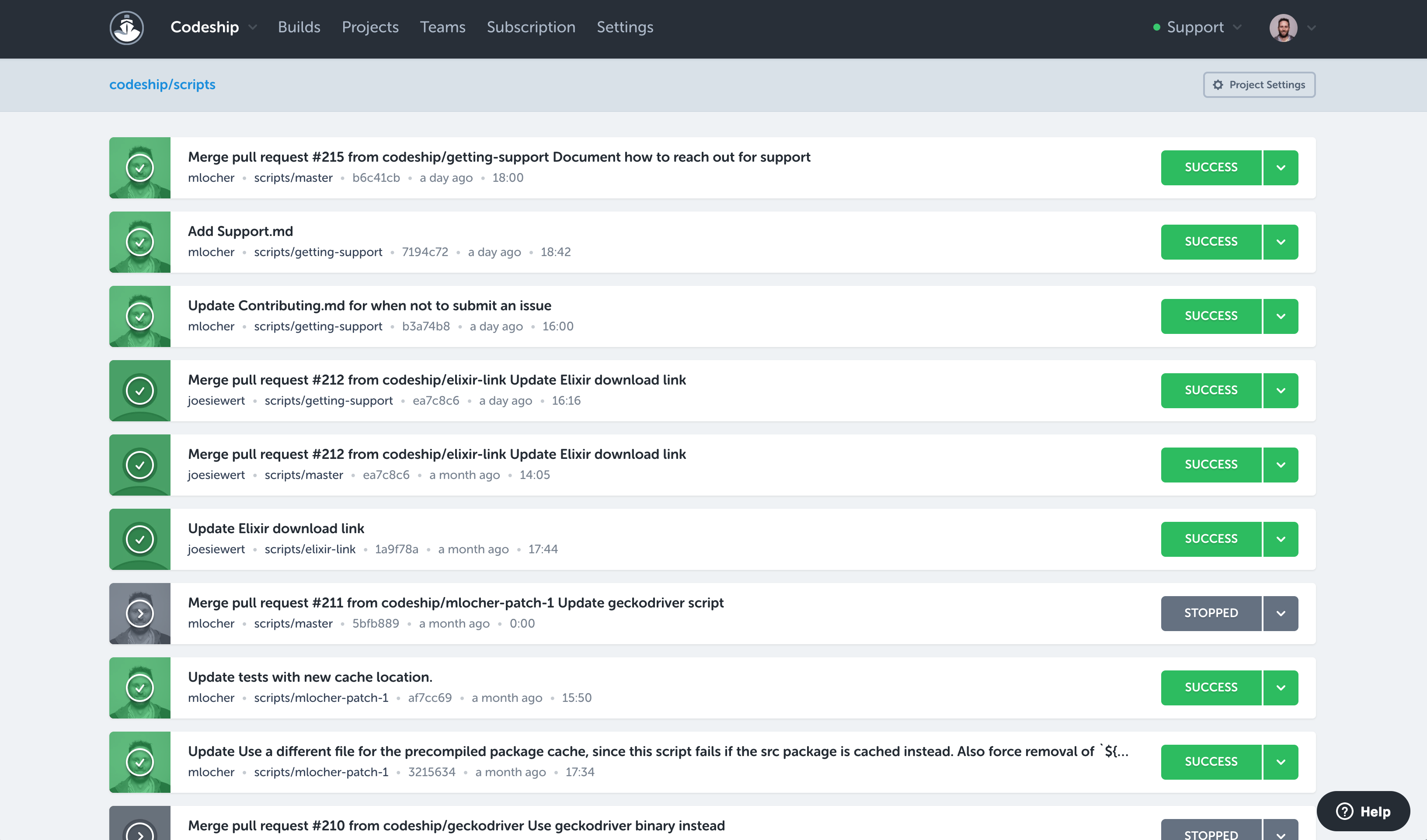
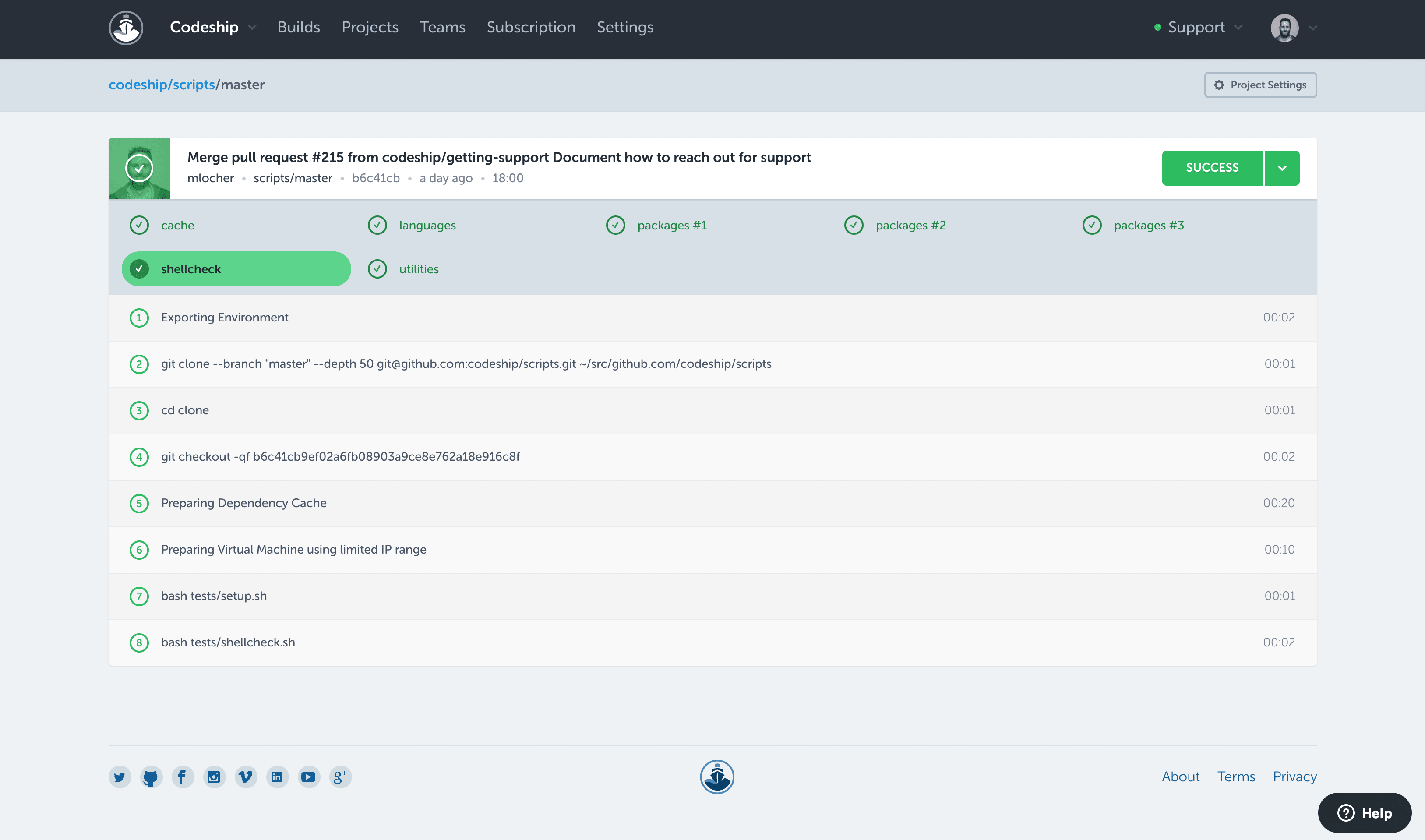
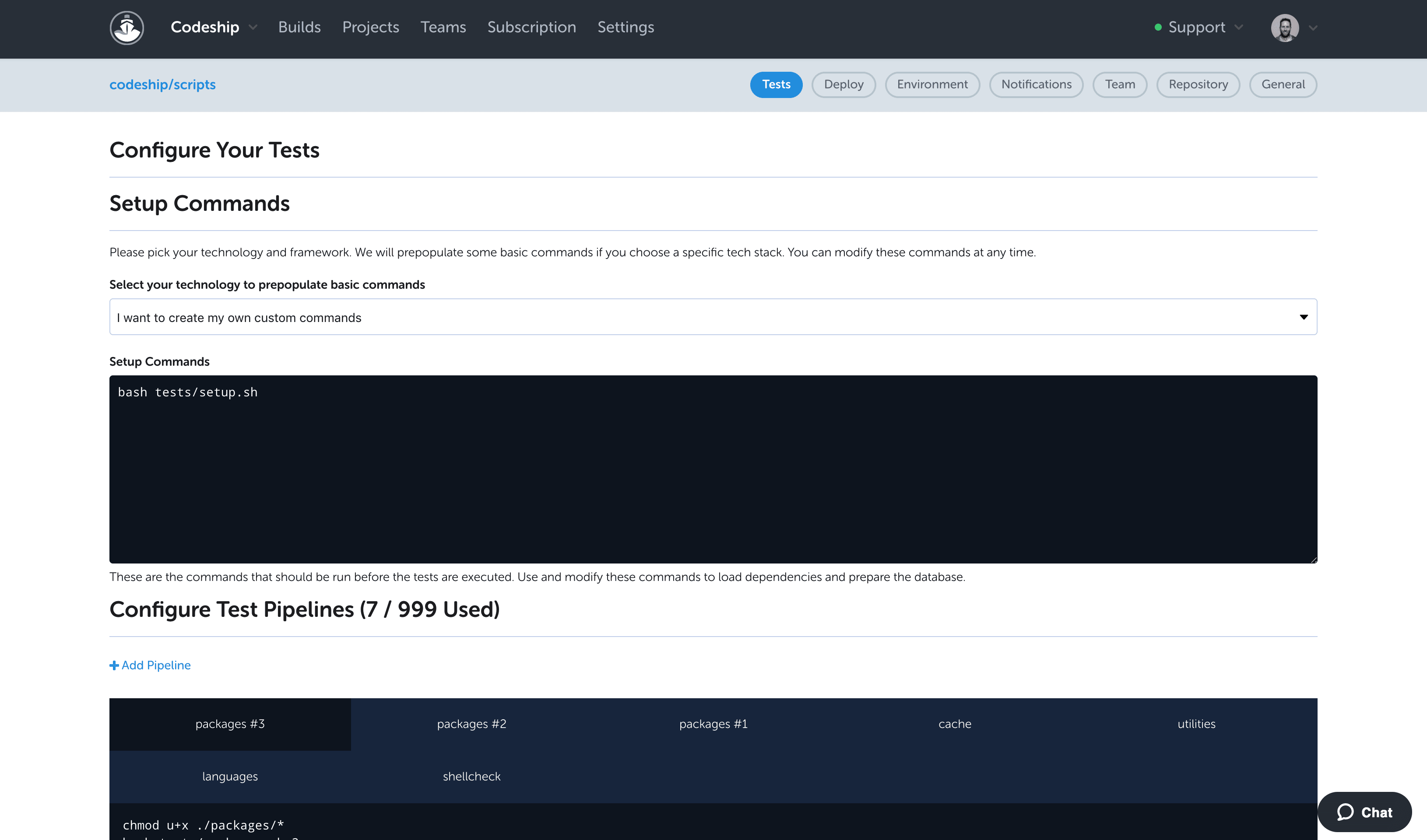
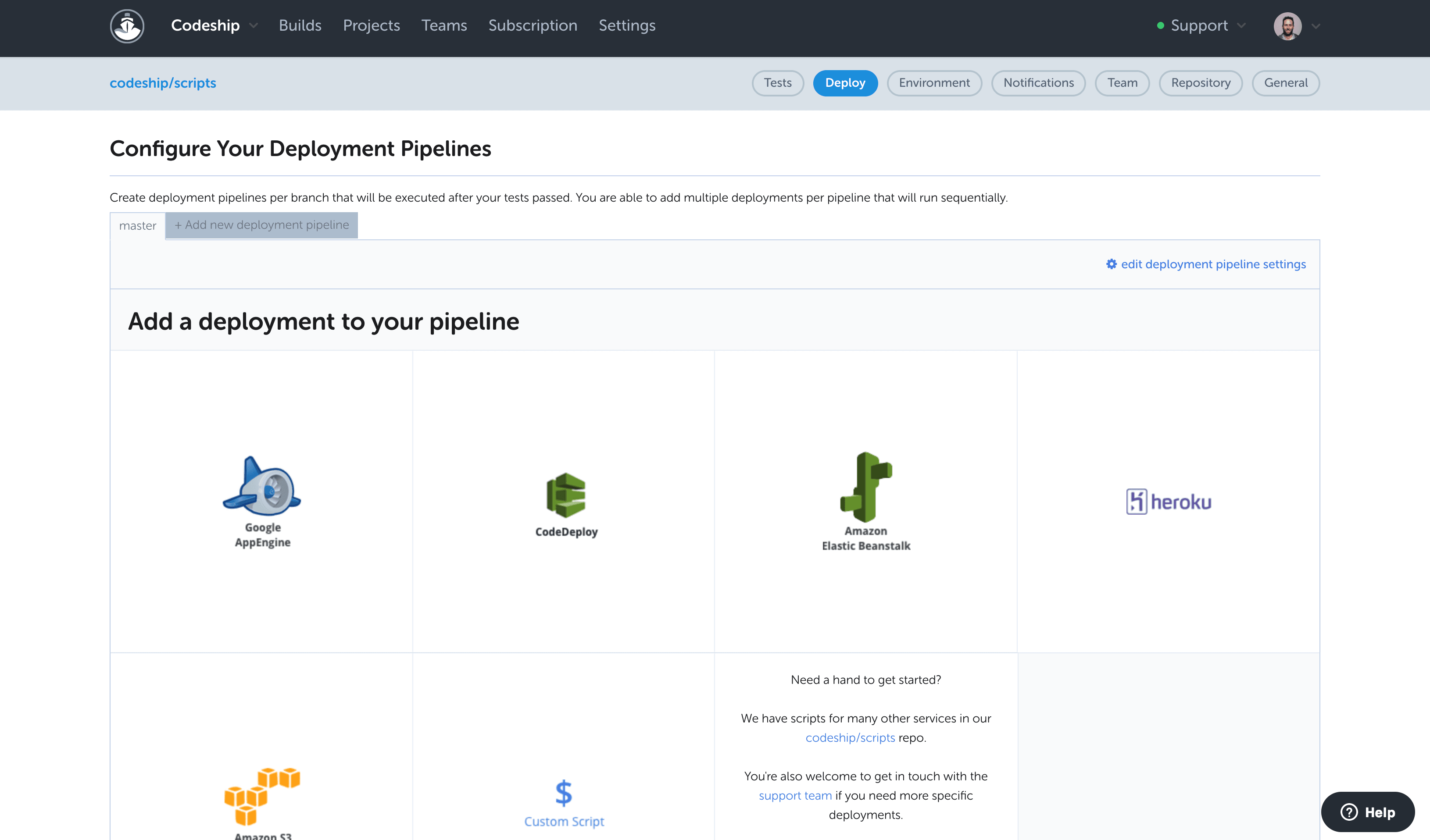
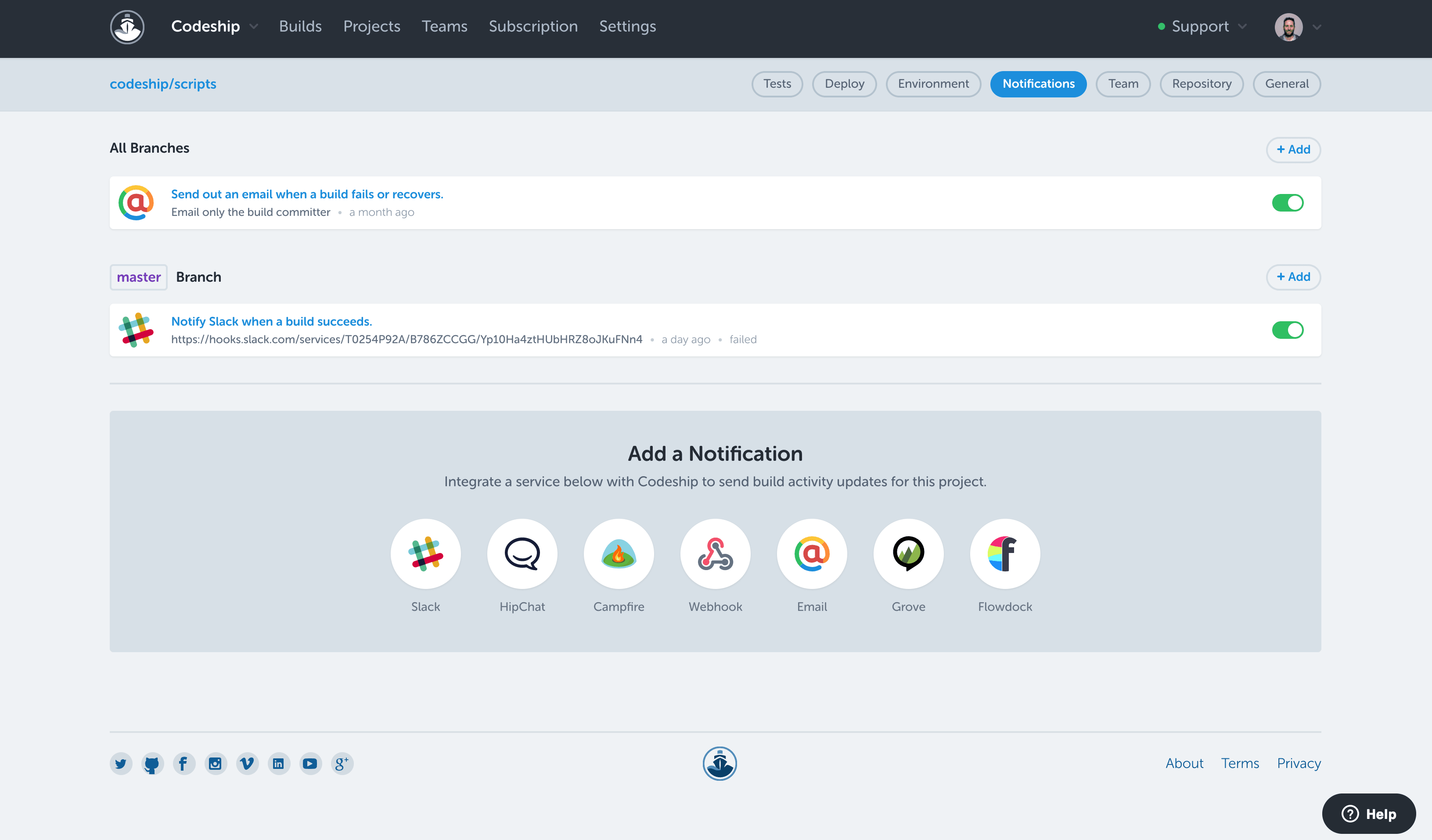
Codeship is extremely well suited for projects that are version controlled on public hosting such as Github or Bitbucket, and for situations where you need to pick up code from these systems and deploy it to different cloud environments. For example, we had two projects for the same client that were hosted on Github and needed to be deployed to AWS and Heroku. The native CI/CD tools of these cloud environments could not provide a holistic solution to deploy to both environments the way Codeship did.
A de minimis incentive was given to thank the reviewer for their time. The incentive was not used to bias or drive a particular response, nor was the incentive contingent on a positive endorsement. More Info
Previously, our team used Jenkins. However, since it's a shared deployment resource we don't have admin access. We tried GoCD as it's open source and we really like. We set up our deployment pipeline to run whenever codes are merged to master, run the unit test and revert back if it doesn't pass. Once it's deployed to the staging environment, we can simply do 1-click to deploy the appropriate version to production. We use this to deploy to an on-prem server and also AWS. Some deployment pipelines use custom Powershell script for.Net application, some others use Bash script to execute the docker push and cloud formation template to build elastic beanstalk.
A de minimis incentive was given to thank the reviewer for their time. The incentive was not used to bias or drive a particular response, nor was the incentive contingent on a positive endorsement. More Info
Codeship provides a set of tools for quickly creating and building our deployment artifacts and push them to the designated servers.
Codeship's hooks allows our developers to simply push tags from our git repositories to initiate a deployment of code to a server. No one outside of the devops team needs any expertise to get our code packages delivered.
Codeship allows us to tie in behat and unit tests easily to prevent delivery of buggy code.
A de minimis incentive was given to thank the reviewer for their time. The incentive was not used to bias or drive a particular response, nor was the incentive contingent on a positive endorsement. More Info
Pipeline-as-Code works really well. All our pipelines are defined in yml files, which are checked into SCM.
The ability to link multiple pipelines together is really cool. Later pipelines can declare a dependency to pick up the build artifacts of earlier ones.
Agents definition is really great. We can define multiple different kinds of environments to best suit our diverse build systems.
A de minimis incentive was given to thank the reviewer for their time. The incentive was not used to bias or drive a particular response, nor was the incentive contingent on a positive endorsement. More Info
I would like to see a little bit more than the green/red status. If there are tests, it would be good to see how many have failed on a red build.
To improve build times (and reduce feedback times), it would be good to see how long build, tests, and deployment take over time. An overview like that could very easily point to potential areas of improvement. I think Codeship users do not want to bother with the build process, but, if there is anything to improve and increase productivity it's very unlikely that users wouldn't want to do this.
A de minimis incentive was given to thank the reviewer for their time. The incentive was not used to bias or drive a particular response, nor was the incentive contingent on a positive endorsement. More Info
Our company uses Jenkins for all internal deployment processes for one very important reason - it's hosted internally. But Codeship is great for personal use - it has intuitive UI, easy setup and tons of integrations.
A de minimis incentive was given to thank the reviewer for their time. The incentive was not used to bias or drive a particular response, nor was the incentive contingent on a positive endorsement. More Info
GoCD is easier to setup, but harder to customize at runtime. There's no way to trigger a pipeline with custom parameters.
Jenkins is more flexible at runtime. You can define multiple user-provided parameters so when user needs to trigger a build, there's a form for him/her to input the parameters.
A de minimis incentive was given to thank the reviewer for their time. The incentive was not used to bias or drive a particular response, nor was the incentive contingent on a positive endorsement. More Info
Having the code tested thoroughly. While it's obviously a part of the job that still requires the developer to sit down and to actually have some decent and thorough tests implemented, by using codeship we were able to guarantee 100% that our code was being tested each and every time it got commited and pushed onto our repositories. Leading to a faster, shorter and sure implementation iterative cycle.
Fewer 'man in the middle' processes which required more steps and people involved just to get the code shipped onto our deployment servers.
Almost inexistent learning curve. Codeship is simple to use and very intuitive. Nobody in our development department had a hard time figuring out how to have it properly configured for each new project created there.
A de minimis incentive was given to thank the reviewer for their time. The incentive was not used to bias or drive a particular response, nor was the incentive contingent on a positive endorsement. More Info
Settings.xml need to be backed up periodically. It contains all the settings for your pipelines! We accidentally deleted before and we have to restore and re-create several missing pipelines
More straight forward use of API and allows filtering e.g., pull all pipelines triggered after this date
A de minimis incentive was given to thank the reviewer for their time. The incentive was not used to bias or drive a particular response, nor was the incentive contingent on a positive endorsement. More Info