
CloudDesk® vs. MonitUp
| Product | Rating | Most Used By | Product Summary | Starting Price |
|---|---|---|---|---|
 CloudDesk® | Score9.8 out of 10 | N/A | The Cloud Desk remote employee monitoring software provides real-time visibility into distributed workforce activities to increase productivity, improve compliance, and optimize performance. The solution helps to optimize a remote team’s workflow and engagement with overall activity monitoring, time tracking, screenshot recording, web and app usage analysis to improve productivity, business, and overall operation. | $15 per month |
 MonitUp | N/A | N/A | Employee monitoring platform designed to help businesses with monitoring employee website access, computer performance, and time tracking. Features of the platform include an activity dashboard with an overview of all employees' activity, login and logout tracking, visibility into which websites employees are accessing, a list of all online and offline computers, customization, and user-specific data. | $2 per month per user |
| CloudDesk® | MonitUp | |||||||||||||||
|---|---|---|---|---|---|---|---|---|---|---|---|---|---|---|---|---|
| Editions & Modules | No answers on this topic | No answers on this topic | ||||||||||||||
| Offerings |
| |||||||||||||||
| Entry-level Setup Fee | No setup fee | Optional | ||||||||||||||
| Additional Details | $10 per user per month | — | ||||||||||||||
| More Pricing Information | ||||||||||||||||
| CloudDesk® | MonitUp | |
|---|---|---|
| Considered Both Products | No answer on this topic | No answer on this topic |
| Key User Insights | ||
| Would buy again | ||
100% Would buy again 5 Answers | No answers on this topic | |
| Delivers good value for the price | ||
100% Delivers good value for the price 5 Answers | No answers on this topic | |
| Happy with the feature set | ||
100% Happy with the feature set 5 Answers | No answers on this topic | |
| Lived up to sales and marketing promises | ||
No answers on this topic | No answers on this topic | |
| Implementation went as expected | ||
No answers on this topic | No answers on this topic | |
| CloudDesk® | MonitUp | |
|---|---|---|
| Likelihood to Recommend | 8.9 | - |
| CloudDesk® | MonitUp | |
|---|---|---|
| Likelihood to Recommend |
| No answers on this topic |
| Pros |
| No answers on this topic |
| Cons |
| No answers on this topic |
| Alternatives Considered |
| No answers on this topic |
| Return on Investment |
| No answers on this topic |
| ScreenShots | CloudDesk® Screenshots  | MonitUp Screenshots 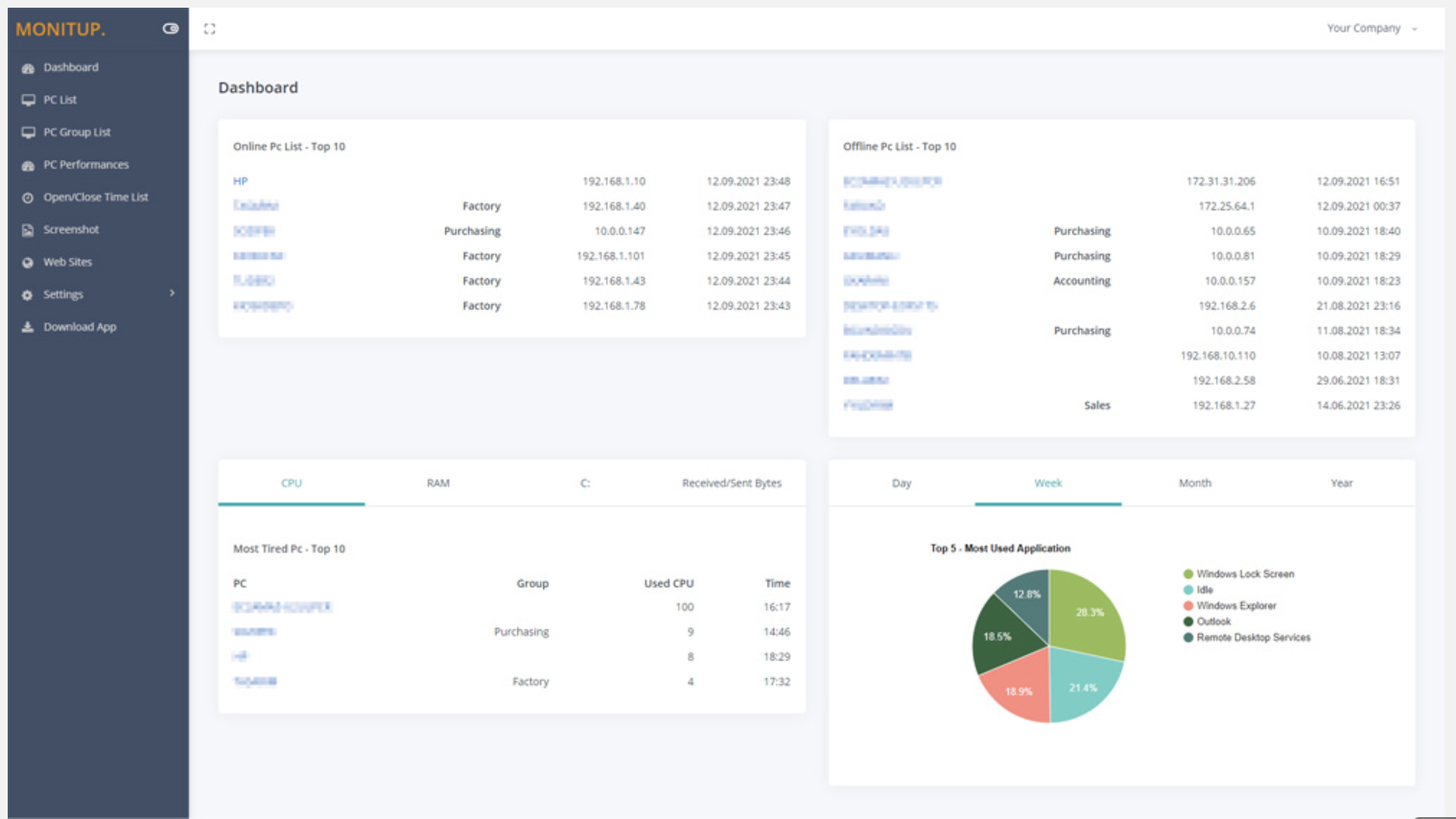     |


