Clicktools is a cloud-based survey software. It enables business users to collect information through surveys, call scripts, and web forms; automatically centralize the data in CRM; and act on those insights to increase loyalty. The program is offered by Callidus Cloud, which in turn was acquired by SAP in 2017 when the companies formed a strategic partnership.
N/A
Sogolytics
Score9.1 out of 10
N/A
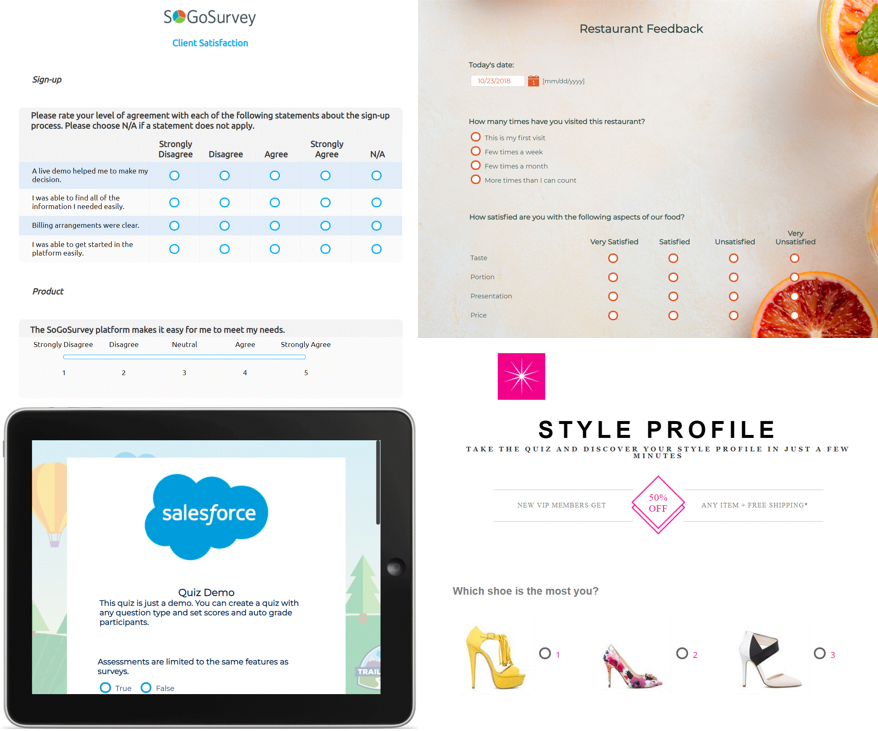
Sogolytics (formerly SoGoSurvey) is an online survey software solution that helps users create surveys quickly. The free package includes basic features for building surveys and the paid package includes advanced features.
For any organization that is using salesforce.com and needs to implement a survey system that directly ties back to their salesforce.com system I would highly recommend Clicktools. We tried building our own customer satisfaction survey and it was not worth the effort, especially as our questions are ever changing. The integration with the case module was easy to configure
A de minimis incentive was given to thank the reviewer for their time. The incentive was not used to bias or drive a particular response, nor was the incentive contingent on a positive endorsement. More Info
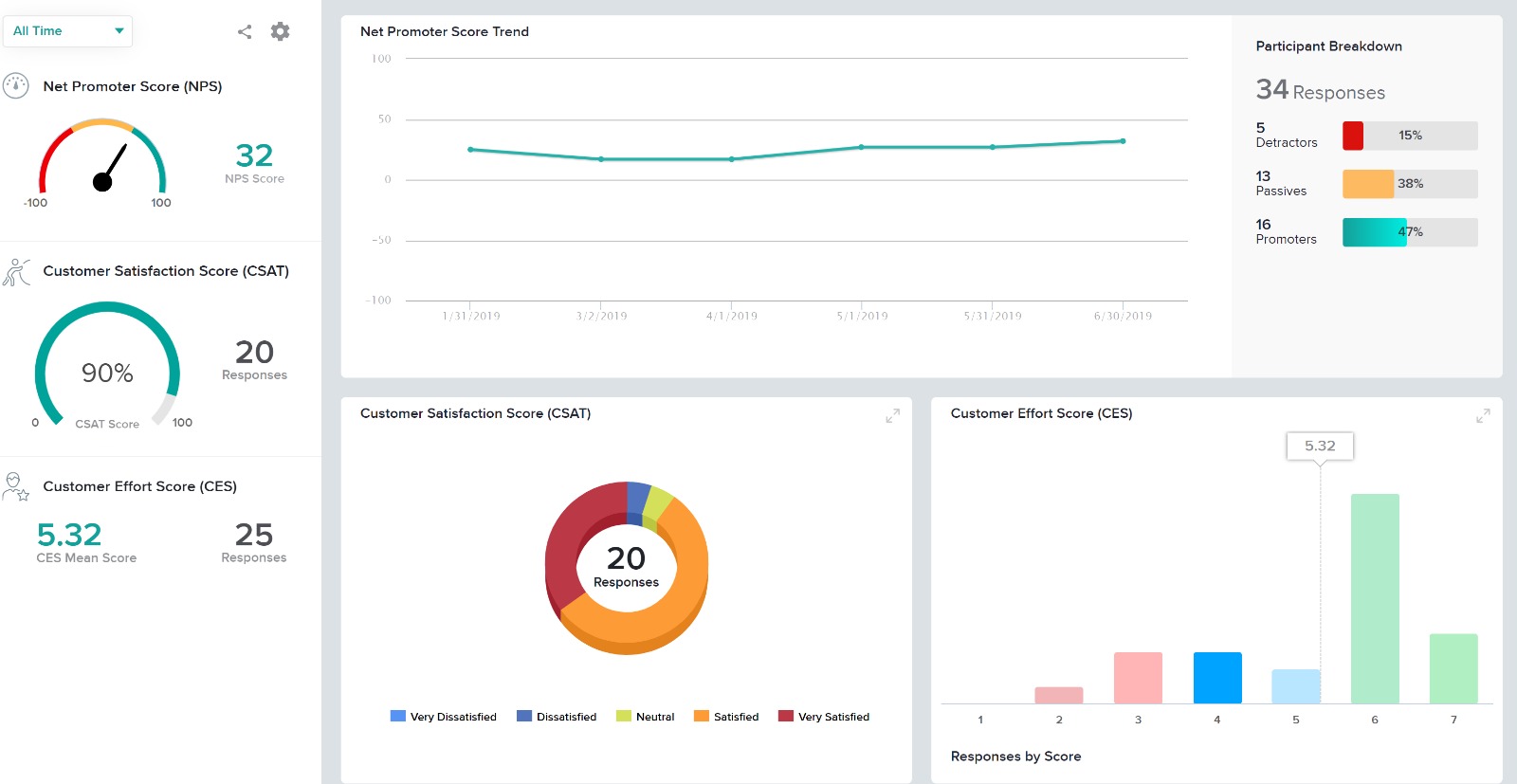
One of the most significant benefits of using Sogolytics is its robust reporting capabilities. The platform allows us to generate comprehensive reports with clear visualizations, making communicating our results to funders easy. This has greatly enhanced our transparency and accountability, demonstrating the effectiveness and impact of our programs.As a nonprofit organization, we are incredibly grateful for Sogolytics' support to organizations like ours. The platform's accessibility and user-friendly interface have made it an indispensable tool in our efforts to provide quality programs to schools and students in need.
Integration with Salesforce: it is critical to us as we use Salesforce, and a lot of record management is automated thanks to great Clicktools integration with Salesforce.
Responsiveness of technical support: a lot of program staff across our organization use Clicktools every day, so having a quick response time to troubleshoot arising issues is important.
User-friendly interface: Clicktools improved their interface to make it more user-friendly which improves efficiency.
A de minimis incentive was given to thank the reviewer for their time. The incentive was not used to bias or drive a particular response, nor was the incentive contingent on a positive endorsement. More Info
Speed - the quality of graphics is high and a lot of info is being pulled, it can take quite a bit of time to produce results.
I am unable to open multiple tabs to run several functions within Clicktools simultaneously.
Easier/more intuitive graphics uploading.
Run reports based on a certain factor (i.e. if there is a particular product we continuously run reports on, I would like to see a chart comparison of how that products scores have varied over time).
A de minimis incentive was given to thank the reviewer for their time. The incentive was not used to bias or drive a particular response, nor was the incentive contingent on a positive endorsement. More Info
Providing users the ability to follow along a specific question example (eg. placeholder text in questions that users can see what the answer might look like)
Better media management and implementation (eg. placing images/videos/gifs/etc. as standalone assets in the survey)
Making the images added into a survey responsive to the screen they are being viewed on (eg. any images added to a survey do not adjust to the size of the screen, consequently showing up very small on mobile/tablet view)
Exporting the survey to Word looks horrible - we'd love if the survey could be exported the way it looks when live into a similar-looking Word document or template
We have loved using Clicktools and will continue to use it for the foreseeable future. The price and Salesforce integration is what really sets it apart from any other solution out there. I have learned a great deal about surveys and how to manage them in a CRM by using Clicktools. We will certainly be renewing our contract.
A de minimis incentive was given to thank the reviewer for their time. The incentive was not used to bias or drive a particular response, nor was the incentive contingent on a positive endorsement. More Info
ClickTools is very easy to use and get started doing the basics. Anyone will be able to easily log in an create a survey from day 1. Skip logic can be a little tricky and is less user friendly, so testing is very important. I would say that, overall, usability is good.
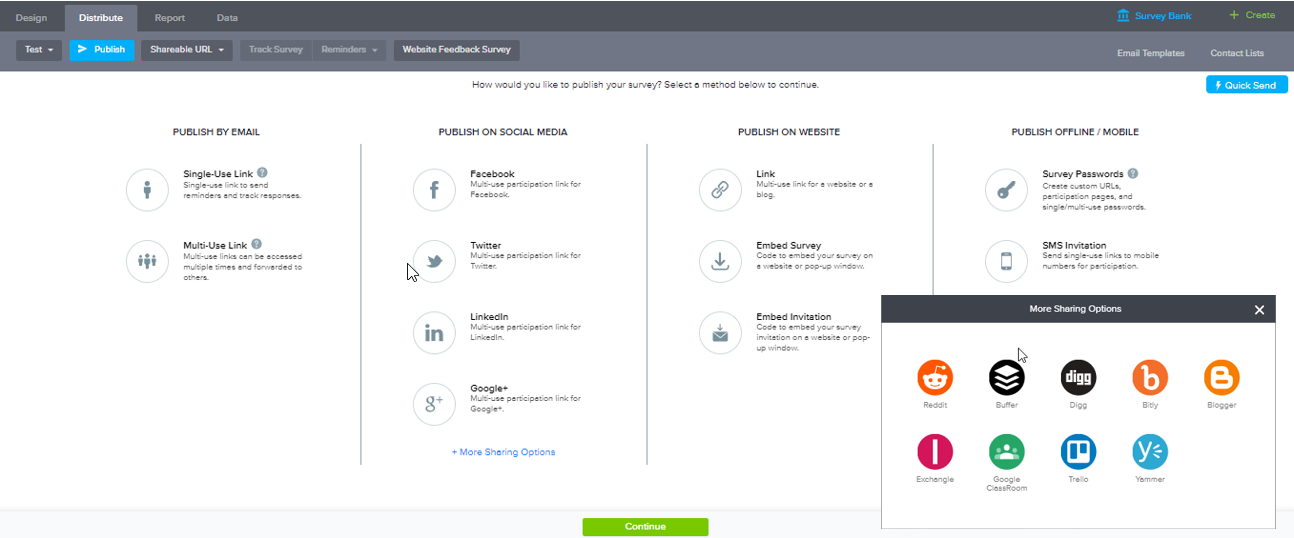
Everything on the platform is laid out logically and in a manner that even our less technical administrators can go onto the system and create/manage any surveys or feedback questionnaires. The options for distribution of these surveys are also simple and straight forward with all available choices showing. Our users don't need to know the ins and outs of the system to be able to use it.
ClickTools is always available when I need it. The interface is quick and does not drag. Survey responses show up quickly after a survey is submitted. The survey analyzer is swift as well. There is no waiting around for something to process when you are using ClickTools.
I get frustrated by not being able to find the answers to my questions online by myself. I would rather search FAQs and find things that way, but it seems I always have to contact support to get the answer I need. They need a more robust support center so you can do it yourself. But on the upside, when I do contact support, they respond immediately and usually solve my problem quickly
I had an issue whereby I used a free trial that ended, locking me out of my account. I contacted their customer service to help with this issue, which they resolved in under half an hour. I was extremely impressed with their speed and quality of service, which led me to filling out this review!
If you are setting up integration with a CRM (Salesforce) get this done early on in the process. You can always do it later, but it's easiest to lay your foundation first and then build up and around it later
There was no need to create survey landing pages from Salesforce for external polls, we could decide where survey results were captured in Salesforce (if at all - can report straight from CT), and with simple html skills we could brand everything
I evaluated several different products, including SurveyMonkey. SoGoSurvey appeared to have the most features at the best value. Unfortunately, the "free" service didn't satisfy our needs and we had to upgrade during the first survey. I found SurveyMonkey and SoGoSurvey to be very comparable.
A de minimis incentive was given to thank the reviewer for their time. The incentive was not used to bias or drive a particular response, nor was the incentive contingent on a positive endorsement. More Info
Clicktools plays a crucial role in our Net Promoter Score (NPS) survey. Twice a year we deploy the survey, and because of the flexibility of ClickTools and its integration with SFDC, we've seen a 40% response rate in a survey that formally only received 6-7%.
A de minimis incentive was given to thank the reviewer for their time. The incentive was not used to bias or drive a particular response, nor was the incentive contingent on a positive endorsement. More Info
Cost. The software is very reasonably priced when judged against its functionality. The cost and risk of deploying paper surveys, coupled with the additional time it would take to input the data before analysis, means we have a lot less to worry about, have saved time and money.
Data and reputation. Security of data is important to us. Using this software has enhanced our credibility with clients. We're serious about data security and this software shows that we are.
Ethics and reputation. We are also serious about achieving the highest ethical standards in research, and nothing in this software impedes our ability to meet these standards.
Speed. The online training, all of which has been 1-2-1, helped me get to grips with the software and deploy it quickly. The quality of training is very high indeed.