ClickLearn vs. WalkMe

Overview
ProductRatingMost Used ByProduct SummaryStarting Price
ClickLearn
Score 8.0 out of 10
Enterprise companies (1,001+ employees)
ClickLearn automates the process of creating training material and documentation of popular business systems such as Microsoft D365, SAP, and Oracle. With ClickLearn, users click through processes and ClickLearn records actions. When these are recorded, ClickLearn automatically delivers the resulting content in these 7 different formats to be used in training situation: Step-by-step instructions in HTML for posting online Step-by-step instructions in Word and…
$208
per installation
WalkMe
Score 8.0 out of 10
N/A
WalkMe is a Digital Adoption Platform (DAP) that promises to transform the user experience in "today’s overwhelming digital world." Using artificial intelligence, analytics, engagement, guidance and automation, WalkMe offers a transparent overlay that assists users to complete tasks easily within any enterprise software, mobile application or website. Founded in 2011, WalkMe software is used by more than 1,500 enterprises globally, including over 30 percent of Fortune 500 companies.…N/A
Pricing
ClickLearnWalkMe
Editions & Modules
Basic
208/mo
per installation
Basic
208/mo
per installation
Essentials
360/mo
per installation
Essentials
360/mo
per installation
Professional
740/mo
per installation
Professional
740/mo
per installation
Enterprise
1023/mo
per installation
Enterprise
1023/mo
per installation
No answers on this topic
Offerings
Pricing Offerings
ClickLearnWalkMe
Free Trial
YesNo
Free/Freemium Version
NoYes
Premium Consulting/Integration Services
NoNo
Entry-level Setup FeeNo setup feeNo setup fee
Additional Details
More Pricing Information
Community Pulse
ClickLearnWalkMe
Best Alternatives
ClickLearnWalkMe
Small Businesses
ChurnZero
ChurnZero
Score 9.6 out of 10
ChurnZero
ChurnZero
Score 9.6 out of 10
Medium-sized Companies
ChurnZero
ChurnZero
Score 9.6 out of 10
ChurnZero
ChurnZero
Score 9.6 out of 10
Enterprises
Nexthink
Nexthink
Score 7.0 out of 10
Nexthink
Nexthink
Score 7.0 out of 10
All AlternativesView all alternativesView all alternatives
User Ratings
ClickLearnWalkMe
Likelihood to Recommend
9.0
(0 ratings)
8.1
(0 ratings)
Likelihood to Renew
-
(0 ratings)
8.0
(0 ratings)
Usability
-
(0 ratings)
9.0
(0 ratings)
Support Rating
-
(0 ratings)
10.0
(0 ratings)
User Testimonials
ClickLearnWalkMe
Likelihood to Recommend
Even though ClickLearn is quite a handy tool, it takes time to create new records, or more like modifying those to be suitable for use. Also, when I have had questions about ClickLearn and considering that the software is for generating for example manuals, I have struggled with finding solutions to cases from the ClickLearn site. For example how to enable/disable Assistant -functionality. Had two private sessions, with two different support persons, getting two different ways to do things. Not good.
Read full review
WalkMe is a great tool to support digital transformation efforts at an organization--it can reduce the training/learning time for both the users and the creators. It can also support onboarding, change management, data integrity, and creating a seamless connection between platforms and many others. It's not a tool for simple, intuitive platforms that do not change frequently.
Read full review
Pros
  • Switching languages
  • Creating supporting training documents
  • Video recordings
  • Templates for materials
Read full review
  • No more communicating via email - conditional shoutouts to relay a message
  • Automating processes to increase productivity and reduce frustration
  • Fabulous analytics
  • Training at the point of need - no more searching for the relevant training elsewhere
  • Adding a link to automatically start any WalkMe solution from anywhere using 'Permalinks' is great!
Read full review
Cons
  • Renaming records, books, shelves.
  • Adding new steps.
  • Recognizing fields when recording from web browser.
Read full review
  • I would like to see some way to manage versions of the help from release to release, as currently the only way to see/roll a help item back to a time in the past is to revert to that time.
  • We had run into some issues with duplicating images in the Assets Library, but that has just been fixed!
Read full review
Usability
No answers on this topic
WalkMe has done a great job of making their tool easy to use. However because it is a Firefox plugin it causes me to need another browser and sacrifice the left 2 - 3 inches of my display, when working on a laptop this makes it a bit painful. Also when publishing you can organize your list of walk-thrus, the window size is small and limited to the constraints of the WalkMe tool.
Read full review
Support Rating
No answers on this topic
The WalkMe Support Team was phenomenal. My support rep made a genuine effort to ensure my success with using the WalkMe Software. She was kind, patient, and very knowledgeable on the software. If there was a question she did not know the answer too, she would find the answer and get back to me as soon as possible
Read full review
Alternatives Considered
No answers on this topic
I couldn't successfully implement this product for trial and found support help was delayed. In comparison, despite also being based in another country, WalkMe's support was quick to help with queries and always eager to address the issue and go above and beyond to make sure I had the information I needed.
Read full review
Return on Investment
  • New/existing users can become familiar with system functionality very quickly.
Read full review
  • 79% of our customers using a walk-thru agree that it has made it easy to handle their issue.
  • WalkMe has helped us lower costs associated with phone and ticket based support. Using WalkMe to promote self help over ticket creation has reduced our ticket contacts by 50%.
  • Many on our development team are leery of WalkMe. It is allowing someone outside of their department access to modify the user experience. However our leadership teams have been onboard with it.
Read full review
ScreenShots

ClickLearn Screenshots

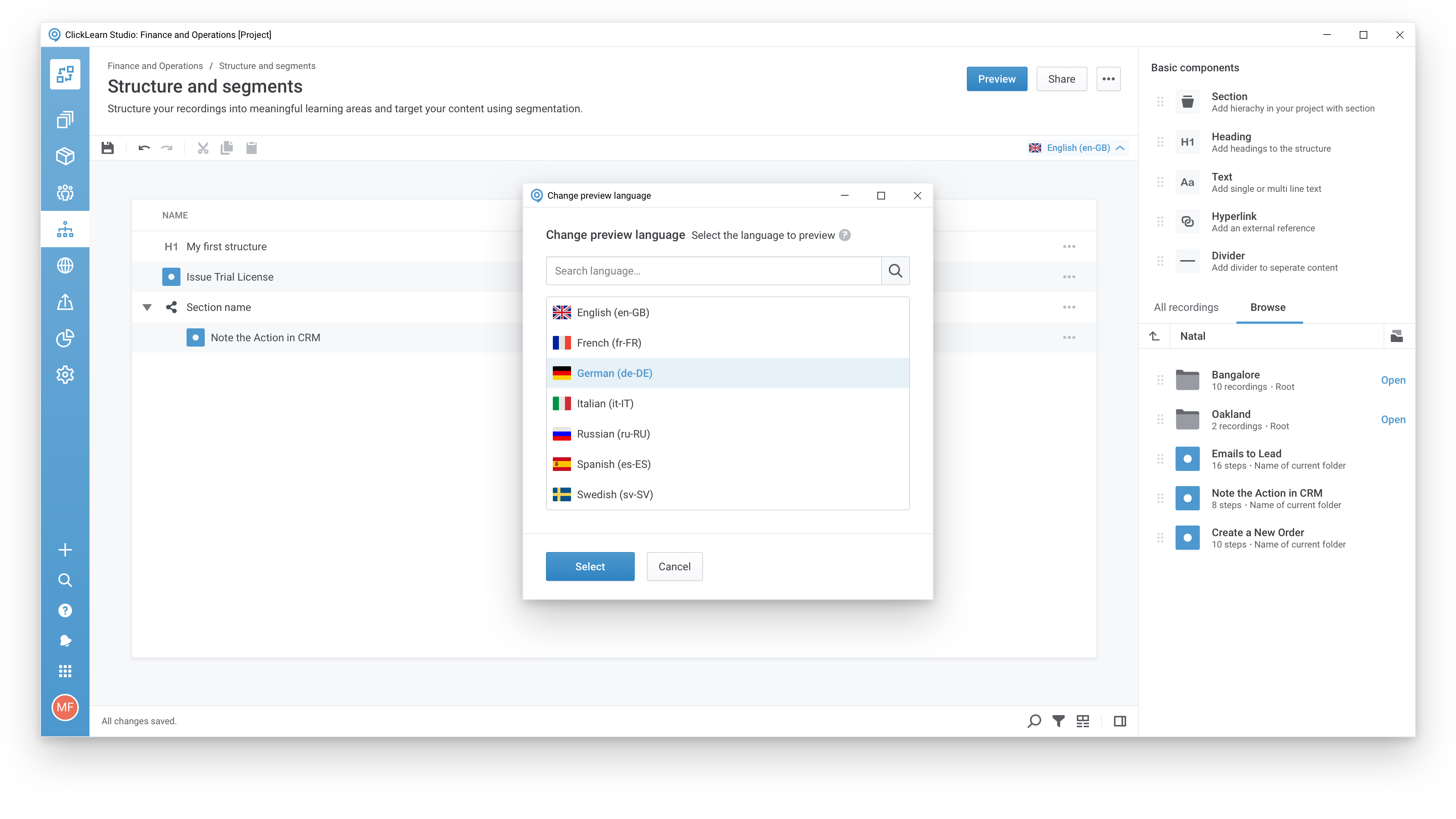
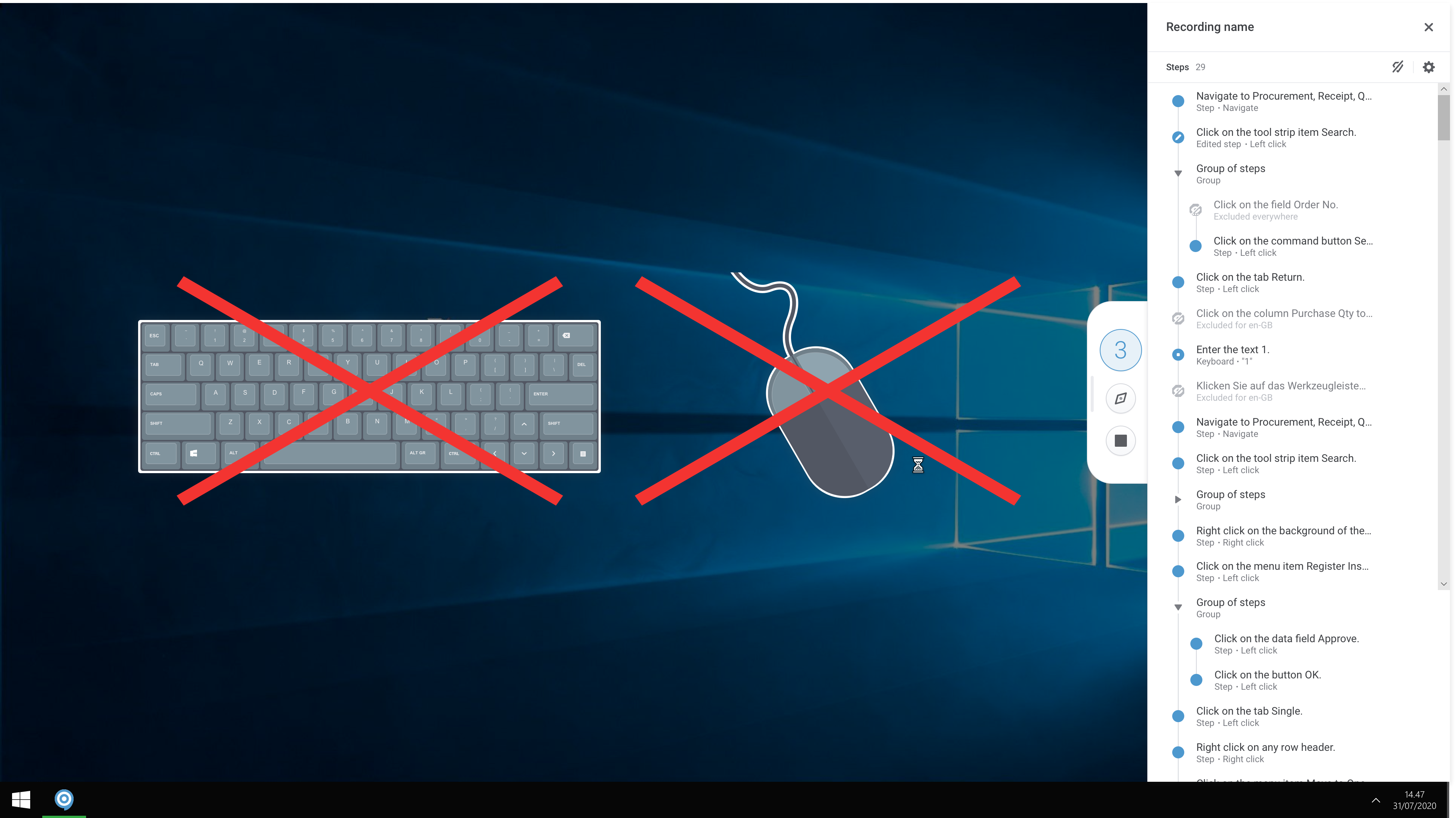
Screenshot of A modern and responsive learning portal - created from a single clickScreenshot of Create content in any languageScreenshot of Start recording your processes with ClickLearnScreenshot of The Replay feature automatically runs through your processes in your business software and re-records all steps and screenshots - you just need to click once to start the replay.

WalkMe Screenshots

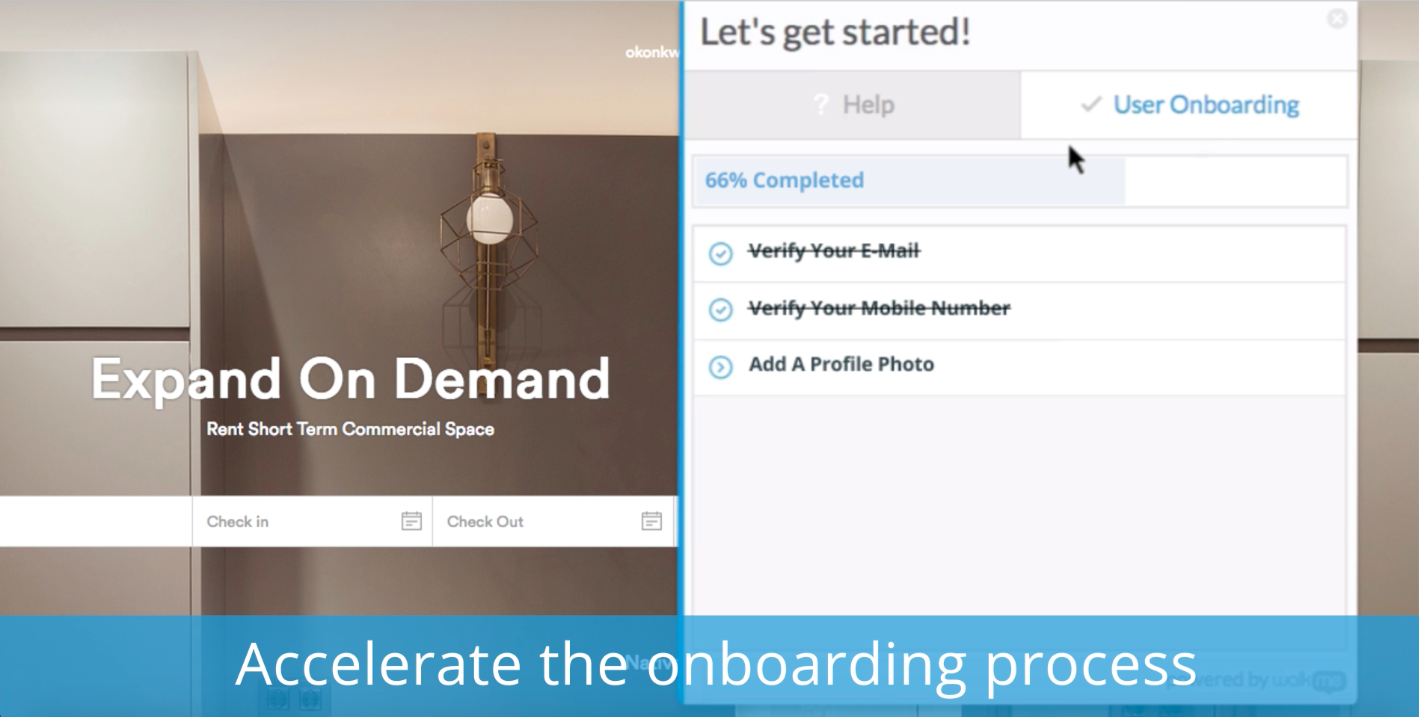
Screenshot of Reduce support costsScreenshot of Accelerate the onboarding processScreenshot of Automate any repetitve processScreenshot of Record your users in session to gain valuable visual analytics.