ClickLearn vs. Userlane

Overview
ProductRatingMost Used ByProduct SummaryStarting Price
ClickLearn
Score 8.0 out of 10
Enterprise companies (1,001+ employees)
ClickLearn automates the process of creating training material and documentation of popular business systems such as Microsoft D365, SAP, and Oracle. With ClickLearn, users click through processes and ClickLearn records actions. When these are recorded, ClickLearn automatically delivers the resulting content in these 7 different formats to be used in training situation: Step-by-step instructions in HTML for posting online Step-by-step instructions in Word and…
$208
per installation
Userlane
Score 10.0 out of 10
Enterprise companies (1,001+ employees)
The technology developed by Userlane is designed to guide users through software like a GPS turn-by-turn navigation system. The vendor says this allows every user to operate even complex software on a professional level without any learning curve. Userlane includes interactive step-by-step guides, which can be implemented on top of every existing web-based software or e-commerce website. These interactive guides lead every user through all processes and show them live within the…N/A
Pricing
ClickLearnUserlane
Editions & Modules
Basic
208/mo
per installation
Basic
208/mo
per installation
Essentials
360/mo
per installation
Essentials
360/mo
per installation
Professional
740/mo
per installation
Professional
740/mo
per installation
Enterprise
1023/mo
per installation
Enterprise
1023/mo
per installation
No answers on this topic
Offerings
Pricing Offerings
ClickLearnUserlane
Free Trial
YesYes
Free/Freemium Version
NoNo
Premium Consulting/Integration Services
NoNo
Entry-level Setup FeeNo setup feeRequired
Additional DetailsThe pricing is heavily dependent on your requirements therefore we ask you to contact us directly.
More Pricing Information
Community Pulse
ClickLearnUserlane
Best Alternatives
ClickLearnUserlane
Small Businesses
ChurnZero
ChurnZero
Score 9.6 out of 10
ChurnZero
ChurnZero
Score 9.6 out of 10
Medium-sized Companies
ChurnZero
ChurnZero
Score 9.6 out of 10
ChurnZero
ChurnZero
Score 9.6 out of 10
Enterprises
Nexthink
Nexthink
Score 7.0 out of 10
Nexthink
Nexthink
Score 7.0 out of 10
All AlternativesView all alternativesView all alternatives
User Ratings
ClickLearnUserlane
Likelihood to Recommend
9.0
(0 ratings)
9.1
(0 ratings)
Usability
-
(0 ratings)
9.1
(0 ratings)
User Testimonials
ClickLearnUserlane
Likelihood to Recommend
Even though ClickLearn is quite a handy tool, it takes time to create new records, or more like modifying those to be suitable for use. Also, when I have had questions about ClickLearn and considering that the software is for generating for example manuals, I have struggled with finding solutions to cases from the ClickLearn site. For example how to enable/disable Assistant -functionality. Had two private sessions, with two different support persons, getting two different ways to do things. Not good.
Read full review
It is well suit[ed] because of professional virtual assistants. Also quality is a great concern with well developed strategy from implementation till execution. Customer support needs improvement in addressing individual customer needs. User level analytics should be incorporated. These concerns would be really helpful if taken into consideration. Otherwise, it's a great platform.
Read full review
Pros
  • Switching languages
  • Creating supporting training documents
  • Video recordings
  • Templates for materials
Read full review
  • Easy to implement, started within a day on our live stage.
  • Superior user onboarding.
  • Excellent customer support.
Read full review
Cons
  • Renaming records, books, shelves.
  • Adding new steps.
  • Recognizing fields when recording from web browser.
Read full review
  • Currently only for web-based applications.
  • Some vendors have a lower price point.
Read full review
Usability
No answers on this topic
  • Easy to use content editor, no specific knowledge needed
  • Super fast to create interactive guides, went live within days
  • Clean and actionable analytics, not too bloated
Read full review
Alternatives Considered
No answers on this topic
WalkMe Very comprehensive platform with lots of functionality but too complicated to actually get things done. Looked like a lot of effort to maintain and their team has not been super helpful Whatfix Good price and has many features but not a very robust platform. Encountered several bugs and our infosec team had privacy/security concerns Pendo Really strong analytics suite. Guidance and tooltips were not as easy to use. Probably good for software companies to see how their own apps perform, but not recommended when working with 3rd party software, therefore no fit for our use case to make life easier for our employees
Read full review
Return on Investment
  • New/existing users can become familiar with system functionality very quickly.
Read full review
  • It save a lot of money in Training
  • It save a lot of expenses in Travel expenses for physical Training and support
  • Easy to use,It helps to increase the productivity of employees.So you save lot of money
Read full review
ScreenShots

ClickLearn Screenshots

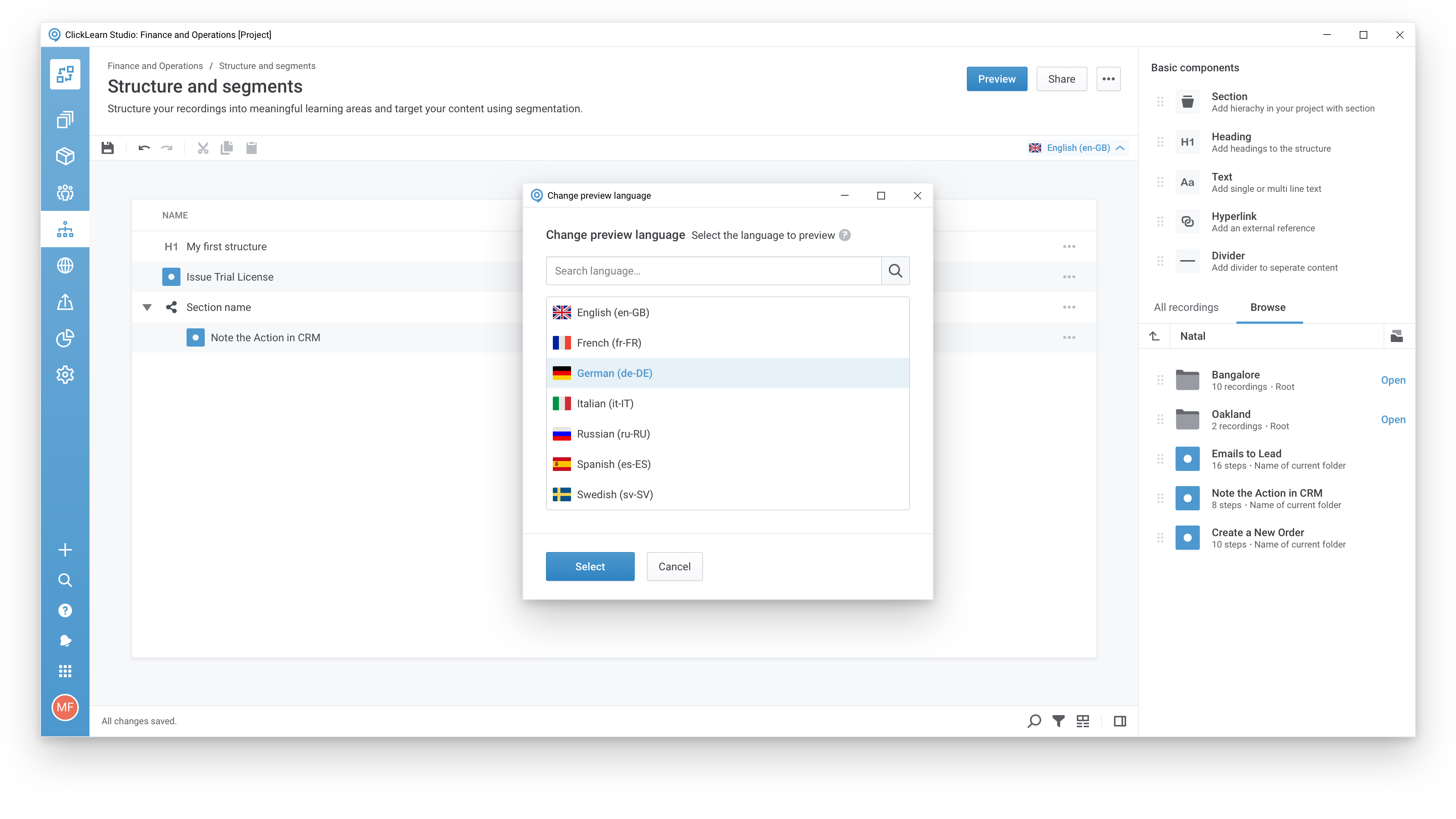
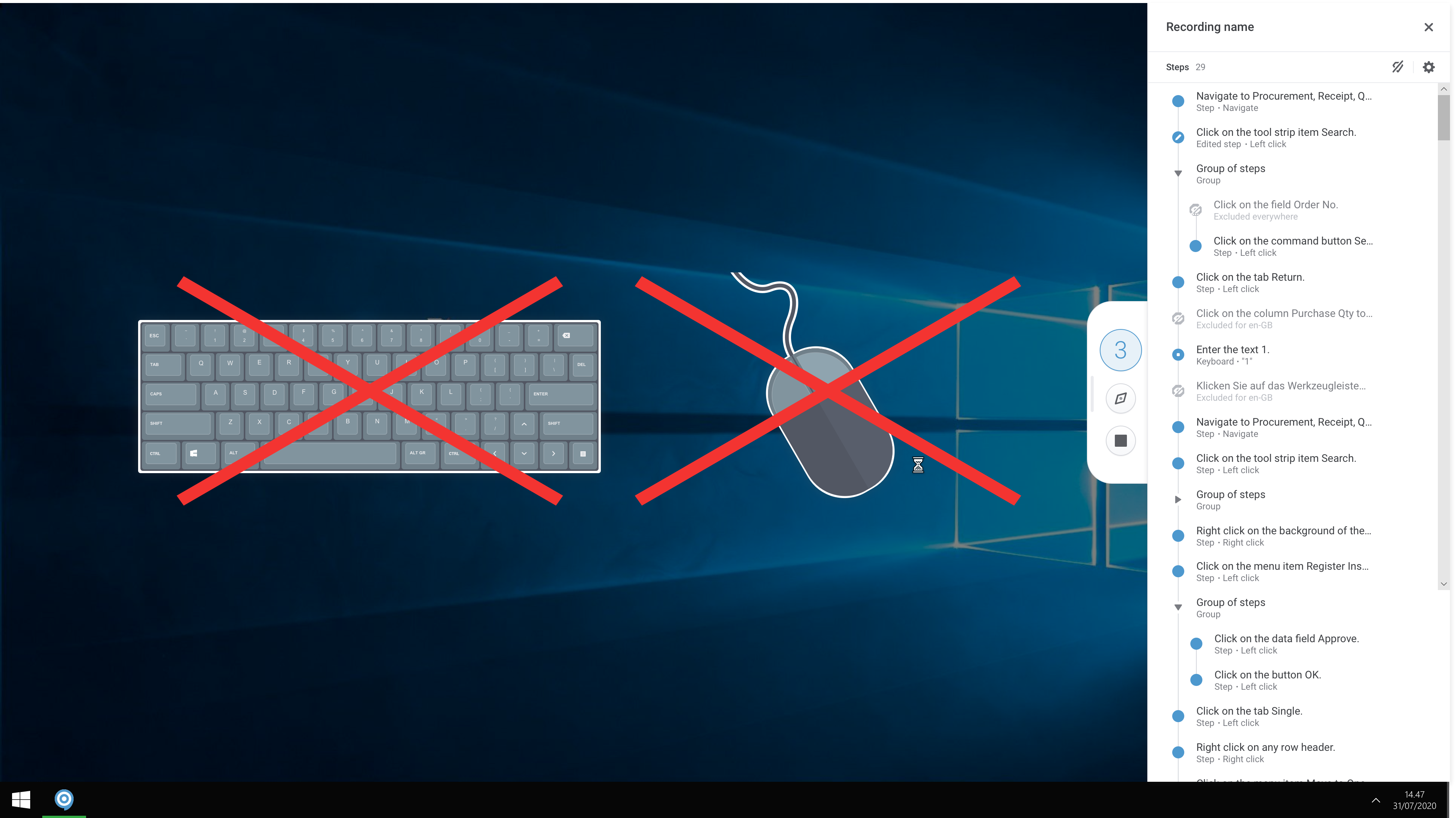
Screenshot of A modern and responsive learning portal - created from a single clickScreenshot of Create content in any languageScreenshot of Start recording your processes with ClickLearnScreenshot of The Replay feature automatically runs through your processes in your business software and re-records all steps and screenshots - you just need to click once to start the replay.

Userlane Screenshots

Screenshot of Explanation of the action which has to be taken by the user.