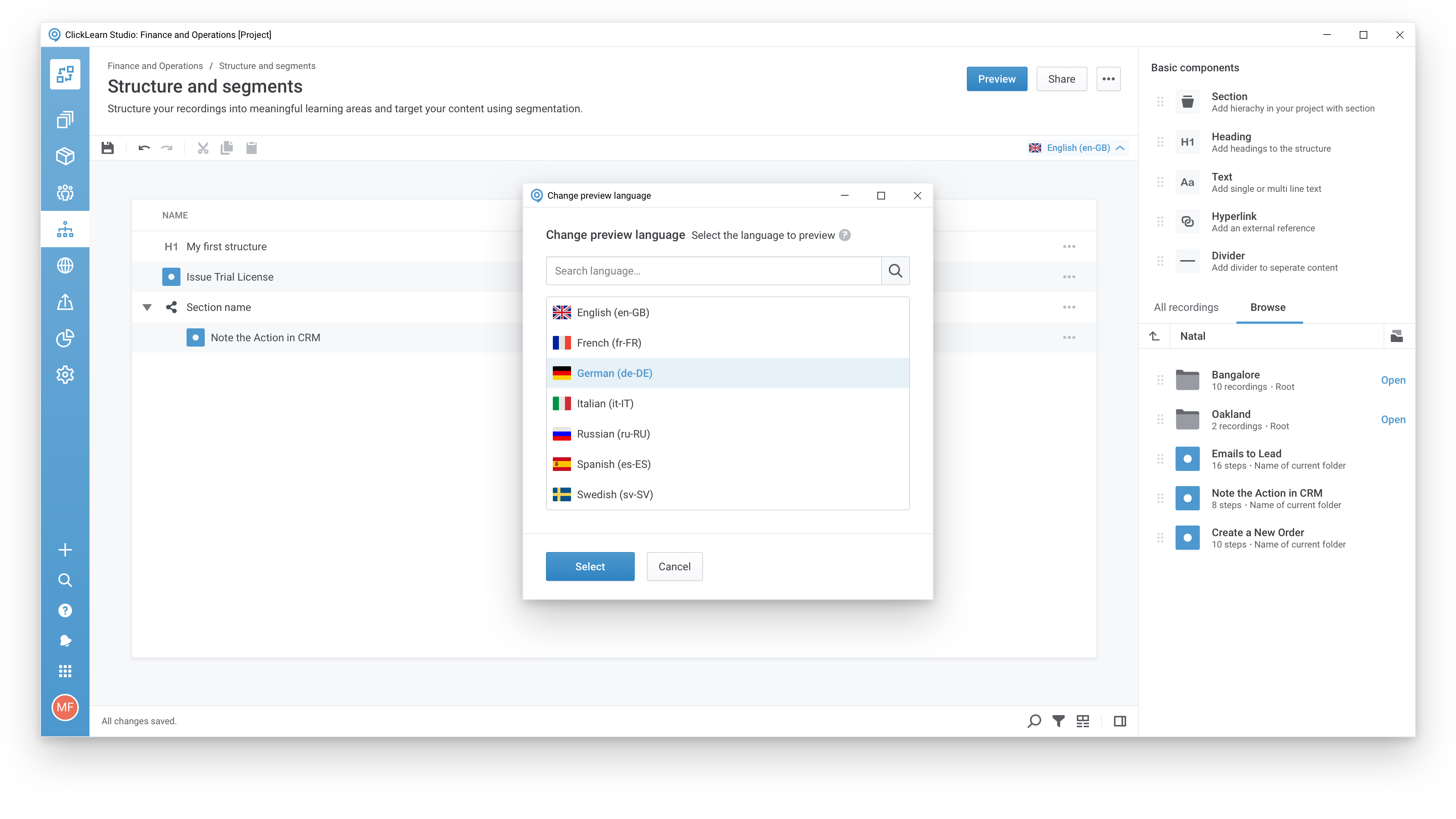
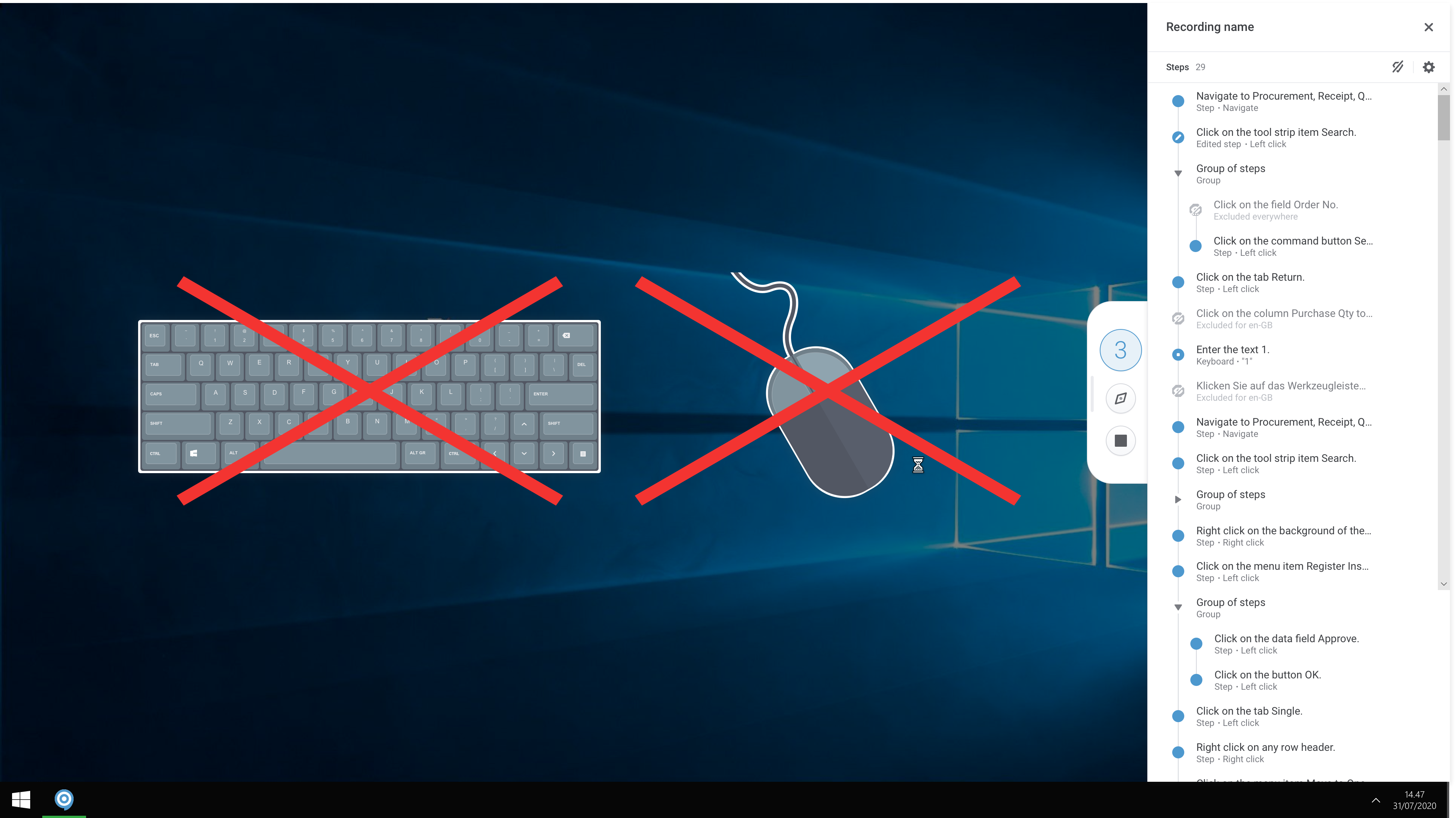
ClickLearn automates the process of creating training material and documentation of popular business systems such as Microsoft D365, SAP, and Oracle. With ClickLearn, users click through processes and ClickLearn records actions. When these are recorded, ClickLearn automatically delivers the resulting content in these 7 different formats to be used in training situation: Step-by-step instructions in HTML for posting online Step-by-step instructions in Word and…
$208
per installation
Pendo.io
Score9.5 out of 10
N/A
Pendo.io is a product engagement platform with features for in-app analytics, surveys and feedback, and guidance.
Even though ClickLearn is quite a handy tool, it takes time to create new records, or more like modifying those to be suitable for use. Also, when I have had questions about ClickLearn and considering that the software is for generating for example manuals, I have struggled with finding solutions to cases from the ClickLearn site. For example how to enable/disable Assistant -functionality. Had two private sessions, with two different support persons, getting two different ways to do things. Not good.
A de minimis incentive was given to thank the reviewer for their time. The incentive was not used to bias or drive a particular response, nor was the incentive contingent on a positive endorsement. More Info
Pendo.io is useful in generating great dashboards that present user analytics in the best possible view that could be used for analysis & derive key insights on what could be done if there's a feature that's not being recognized by end users or if there are any pain points where users are struggling more around a workflow which is technically not that difficult. Pendo.io also can be used to create impactful guides where intercatoin of a user with the Guide can be created in less steps & have relevant information about that workflow that the user is completing. Pendo.io's resource center can act as a one stop hub to present any sidewide updates which could be information of Prod releases, New KB Articles, Register to any event, & much more. Segments can be created in as many variation as one can. In fact, Segments are the ruling property or feature that works so handy, which reduces a lot of iterative work.
A de minimis incentive was given to thank the reviewer for their time. The incentive was not used to bias or drive a particular response, nor was the incentive contingent on a positive endorsement. More Info
A de minimis incentive was given to thank the reviewer for their time. The incentive was not used to bias or drive a particular response, nor was the incentive contingent on a positive endorsement. More Info
A de minimis incentive was given to thank the reviewer for their time. The incentive was not used to bias or drive a particular response, nor was the incentive contingent on a positive endorsement. More Info
Preview is problematic if the Pendo.io user doesn't have access to the target environment or application where the guide is going to display
It would be ideal to have a gallery of thumbnail images of previously used guides to select from, either to pull a screen capture or to use as a template. It's cumbersome to go to the guides, find the one you want, click on Preview, etc.
A de minimis incentive was given to thank the reviewer for their time. The incentive was not used to bias or drive a particular response, nor was the incentive contingent on a positive endorsement. More Info
We have had an excellent experience with Pendo. When we've had questions or concerns, Pendo is very quick to respond and communicate with us. We have experienced top-notch customer support and customer engagement. We have actually modeled some of our implementation and product processes after Pendo's examples.
It is intuitive for core tasks like tracking feature usage, building Guides, and viewing dashboards. The interface is clean and well structured, making it easy for product managers and operational teams to get value quickly without heavy technical support. However, there is a noticeable learning curve when setting up advanced custom events, reports, or integrations, which can take some time and internal knowledge-sharing to master.
A de minimis incentive was given to thank the reviewer for their time. The incentive was not used to bias or drive a particular response, nor was the incentive contingent on a positive endorsement. More Info
Every time I have logged into Pendo, the service has been available for me to use. The page has never been down when I am trying to get info from there.
A de minimis incentive was given to thank the reviewer for their time. The incentive was not used to bias or drive a particular response, nor was the incentive contingent on a positive endorsement. More Info
A de minimis incentive was given to thank the reviewer for their time. The incentive was not used to bias or drive a particular response, nor was the incentive contingent on a positive endorsement. More Info
They've been great anytime that we have needed help with something. They also have some really great help articles. We're able to figure most things out through their articles, but when we've had to call in they've been very helpful and we haven't had any problems. I'd highly recommend working with them.
A de minimis incentive was given to thank the reviewer for their time. The incentive was not used to bias or drive a particular response, nor was the incentive contingent on a positive endorsement. More Info
The training schedule was well thought out and tailored to meet our needs. Chantelle stayed with us through the whole implementation and made sure that we were good to go.
A de minimis incentive was given to thank the reviewer for their time. The incentive was not used to bias or drive a particular response, nor was the incentive contingent on a positive endorsement. More Info
I have just very superficial experience with Google Analytics but I do believe that Pendo.io is a much much better tool in pretty much all aspects of it. It has a ton more features and capabilities and even for the capabilities where there is overlap, Pendo seems to come out ahead easily. There are aspects that Pendo could improve for sure such as what metadata it captures from the users; an example of this is screen resolution which Google Analytics captures but Pendo does not.
A de minimis incentive was given to thank the reviewer for their time. The incentive was not used to bias or drive a particular response, nor was the incentive contingent on a positive endorsement. More Info
A de minimis incentive was given to thank the reviewer for their time. The incentive was not used to bias or drive a particular response, nor was the incentive contingent on a positive endorsement. More Info
A de minimis incentive was given to thank the reviewer for their time. The incentive was not used to bias or drive a particular response, nor was the incentive contingent on a positive endorsement. More Info
Reducing development time with in-app guides and resource center, with product management being able to agilely create guides in real time, this could be as much as 1 full time developer in savings.
Reducing business time scoping "rock fetches" than are proven to be invaluable based on analytics, each time 1 single piece of analtical data saves around ~20 hours across multiple resources.
Increasing user satisfaction with in-app guides and resource center
Increasing usage of key features through targetted messaging, those key features either drive costs ou of our business or add value to customers business.
A de minimis incentive was given to thank the reviewer for their time. The incentive was not used to bias or drive a particular response, nor was the incentive contingent on a positive endorsement. More Info