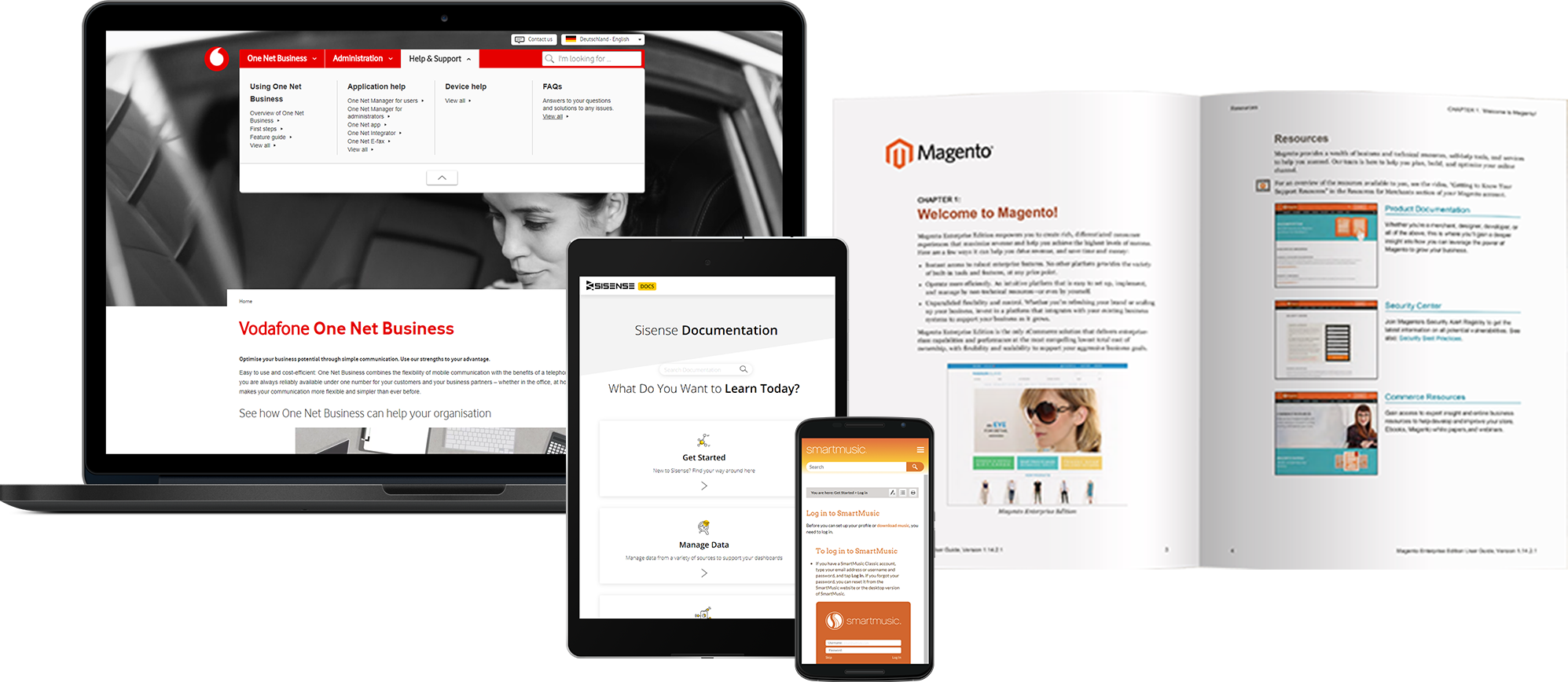
ClickHelp is an online documentation tool from the company of the same name headquartered in Yerevan, Armenia, used by software companies to create user manuals, knowledge bases, FAQs, tutorials, etc., and publish them instantly in their portal.
$185
per month
MadCap Flare
Score9 out of 10
N/A
MadCap Software, headquartered in La Jolla, offers MadCap Flare, a help authoring and technical writing tool featuring onboarding and support from MadCap, and a set of modules for designing advanced guides, aids, and web or application help aids.
$167
per month
Pricing
ClickHelp
MadCap Flare
Editions & Modules
Starter
185 USD
per month
Growth
310 USD
per month
Professional
610 USD
per month
MadCap Central
$1,500
per year
MadCap Flare
$1,999
per year
MadCap AMS
$2,999
per year
Offerings
Pricing Offerings
ClickHelp
MadCap Flare
Free Trial
Yes
Yes
Free/Freemium Version
No
No
Premium Consulting/Integration Services
Yes
Yes
Entry-level Setup Fee
No setup fee
No setup fee
Additional Details
—
Includes a 12-month Platinum-level Maintenance Plan.
ClickHelp is great for both big and small documentation teams. The platform is not too complex to overwhelm a small team, and neither is it too simple for a well-advanced documentation team. Scale ClickHep depending on your documentation needs, and the features are simple to understand. I also appreciate the extensive documentation that is available for new users to ClickHelp. The ClickHelp knowledgebase provides answers to every scenario, use case, feature, and functionality. The ClickHelp support team is also very responsive.
A de minimis incentive was given to thank the reviewer for their time. The incentive was not used to bias or drive a particular response, nor was the incentive contingent on a positive endorsement. TR verified that a representative sample of customers was invited. More Info
MadCap Flare has its problems, but it serves our team well as an authoring software. This would not be the case if we needed to regularly collaborate on articles, as Flare is prone to conflict issues when another person dares to breathe near an open topic. When working individually, though, it's fine. I'd love to see improvements to design, performance, and stability, but Flare remains one of the best softwares on the market for our needs as an authoring team. MadCap Central is well-suited to internal reviewing when every member is comfortable with Flare (the errors it tends to introduce set aside). SMEs, though, tend to find it hard to use. It's cluttered, some styles don't render, and it just seems like a failed attempt to reproduce Google Docs. I'd love to see improvements there, to help get our SMEs to want to use Central.
A de minimis incentive was given to thank the reviewer for their time. The incentive was not used to bias or drive a particular response, nor was the incentive contingent on a positive endorsement. More Info
A de minimis incentive was given to thank the reviewer for their time. The incentive was not used to bias or drive a particular response, nor was the incentive contingent on a positive endorsement. TR verified that a representative sample of customers was invited. More Info
The See Also element should be able to automatically update when a new topic is added. Currently, we have to manually remove and re-add the element to do that.
Ability to host image files externally (eg. S3, Dropbox), like it is done for videos. This will help save storage.
Image files from imported projects are always duplicated, perhaps a bug, but it needs to be looked into.
A de minimis incentive was given to thank the reviewer for their time. The incentive was not used to bias or drive a particular response, nor was the incentive contingent on a positive endorsement. TR verified that a representative sample of customers was invited. More Info
A de minimis incentive was given to thank the reviewer for their time. The incentive was not used to bias or drive a particular response, nor was the incentive contingent on a positive endorsement. More Info
MadCap Flare is in desperate need of an overall redesign. It relies heavily on dozens and dozens of tiny buttons that contain dozens of nested features. Clicking the wrong button can cause your software to freeze and crash. Building targets can be an absolute mystery, as far as all the files involved. It also has a tendency to freeze and crash. There's typically a huge learning curve for new hires who've never used it--nothing is intuitive.
A de minimis incentive was given to thank the reviewer for their time. The incentive was not used to bias or drive a particular response, nor was the incentive contingent on a positive endorsement. More Info
ClickHelp provides an extensive array of features compared to what we used previously. The WYSIWYG editor is so simple, yet brings with it really cool content editing elements. Publishing content is straightforward with ClickHelp. I can publish a part of a document for partial updates, or create a new publication. I get to host multiple versions of one product documentation based on the software versions we support. The analytics provided is also very insightful.
A de minimis incentive was given to thank the reviewer for their time. The incentive was not used to bias or drive a particular response, nor was the incentive contingent on a positive endorsement. TR verified that a representative sample of customers was invited. More Info
MadCap software does offer quite a few more technical features than Google Drive, but the user experience is far inferior. Google Drive is much less buggy to work with, and it's much more accessible. MadCap only being available on Windows operating systems makes it difficult to work with teammates who may not have such a device available.
A de minimis incentive was given to thank the reviewer for their time. The incentive was not used to bias or drive a particular response, nor was the incentive contingent on a positive endorsement. More Info
We are able to cater to all our end-users regardless of the software version they are using, simply because we are able to provide multiple product documentation versions.
Our documentation publishing time was reduced significantly due to the smooth process on ClickHelp.
With one platform where all our product documentation can be housed, we are expanding technical documentation to other products.
A de minimis incentive was given to thank the reviewer for their time. The incentive was not used to bias or drive a particular response, nor was the incentive contingent on a positive endorsement. TR verified that a representative sample of customers was invited. More Info