
Clear Analytics vs. Redgate SQL Toolbelt Essentials
| Product | Rating | Most Used By | Product Summary | Starting Price |
|---|---|---|---|---|
 Clear Analytics | Score8.8 out of 10 | Small Businesses (1-50 employees) | Clear Analytics is a business intelligence solution that enables non technical end users to perform analytics by leveraging existing knowledge of Excel coupled with a built in query builder. Some key features include: Dynamic Data Refresh, Data Share and In-Excel Collaboration. | $29 Per Seat per Month |
 Redgate SQL Toolbelt Essentials | Score8.2 out of 10 | N/A | Redgate's SQL Toolbelt Essentials includes industry-standard tools for SQL Server development & deployment, enabling users to include SQL Server databases in agile processes and enabilng developers to embed robust and scalable development practices. | $1,209 per year per user (1-4 users) |
| Clear Analytics | Redgate SQL Toolbelt Essentials | |||||||||||||||
|---|---|---|---|---|---|---|---|---|---|---|---|---|---|---|---|---|
| Editions & Modules |
| No answers on this topic | ||||||||||||||
| Offerings |
| |||||||||||||||
| Entry-level Setup Fee | $800 Initial OnBoarding | No setup fee | ||||||||||||||
| Additional Details | Certain Enterprise level features can be made available to Small Business edition at additional cost. Such services include Scheduler and OLAP connectivity. Custom adapters can also be created to connect to SaaS services. | — | ||||||||||||||
| More Pricing Information | ||||||||||||||||
| Clear Analytics | Redgate SQL Toolbelt Essentials | |
|---|---|---|
| Considered Both Products | No answer on this topic | No answer on this topic |
| Key User Insights | ||
| Would buy again | ||
100% Would buy again 8 Answers | 100% Would buy again 9 Answers | |
| Delivers good value for the price | ||
100% Delivers good value for the price 8 Answers | 100% Delivers good value for the price 8 Answers | |
| Happy with the feature set | ||
100% Happy with the feature set 8 Answers | 100% Happy with the feature set 9 Answers | |
| Lived up to sales and marketing promises | ||
100% Lived up to sales and marketing promises 7 Answers | 100% Lived up to sales and marketing promises 8 Answers | |
| Implementation went as expected | ||
100% Implementation went as expected 8 Answers | 100% Implementation went as expected 9 Answers | |
| Clear Analytics | Redgate SQL Toolbelt Essentials | ||||||||||||||||
|---|---|---|---|---|---|---|---|---|---|---|---|---|---|---|---|---|---|
| BI Standard Reporting |
| ||||||||||||||||
| Ad-hoc Reporting |
| ||||||||||||||||
| Report Output and Scheduling |
| ||||||||||||||||
| Data Discovery and Visualization |
| ||||||||||||||||
| Access Control and Security |
| ||||||||||||||||
| Mobile Capabilities |
| ||||||||||||||||
| Clear Analytics | Redgate SQL Toolbelt Essentials | |
|---|---|---|
| Small Businesses |  Cyfe Score8.8 out of 10 | No answers on this topic |
| Medium-sized Companies |  Zendesk Explore Score8.7 out of 10 | No answers on this topic |
| Enterprises |  Jaspersoft Community Edition Score9.7 out of 10 | No answers on this topic |
| All Alternatives | View all alternatives | View all alternatives |
| Clear Analytics | Redgate SQL Toolbelt Essentials | |
|---|---|---|
| Likelihood to Recommend | 9.0 | 8.0 |
| Usability | 9.1 | 7.0 |
| Support Rating | 9.5 | 8.6 |
| Clear Analytics | Redgate SQL Toolbelt Essentials | |
|---|---|---|
| Likelihood to Recommend |
|
|
| Pros |
|
|
| Cons |
|
|
| Usability |
|
|
| Support Rating |
|
|
| Alternatives Considered |
|
|
| Return on Investment |
|
|
| ScreenShots | Clear Analytics Screenshots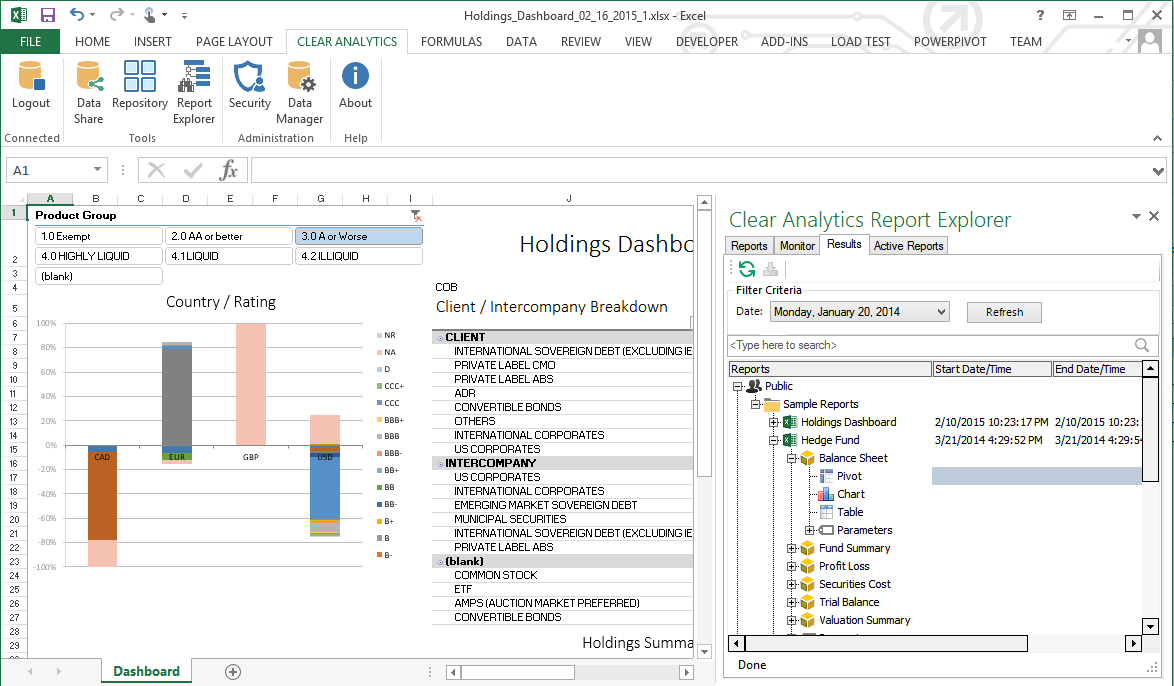 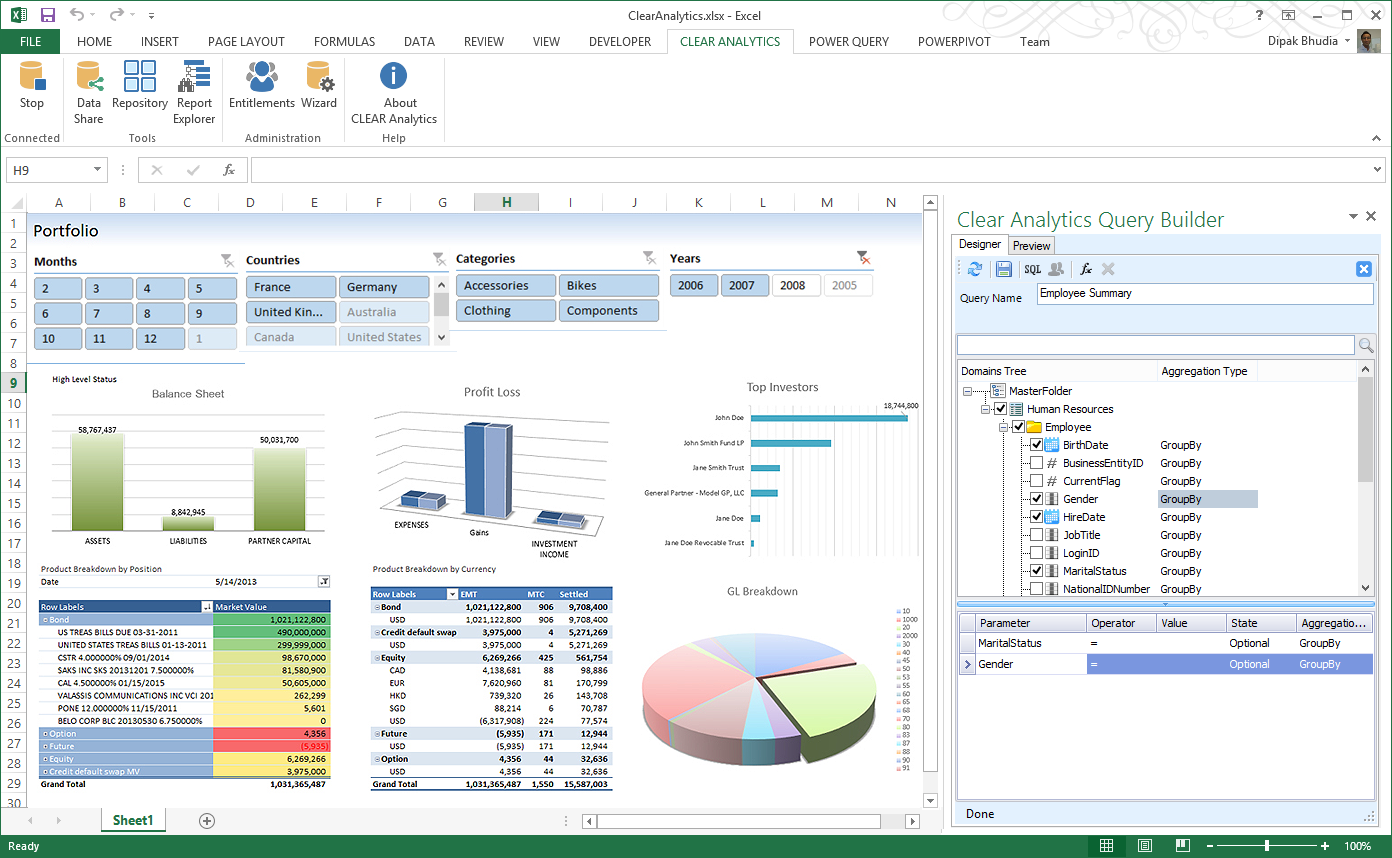 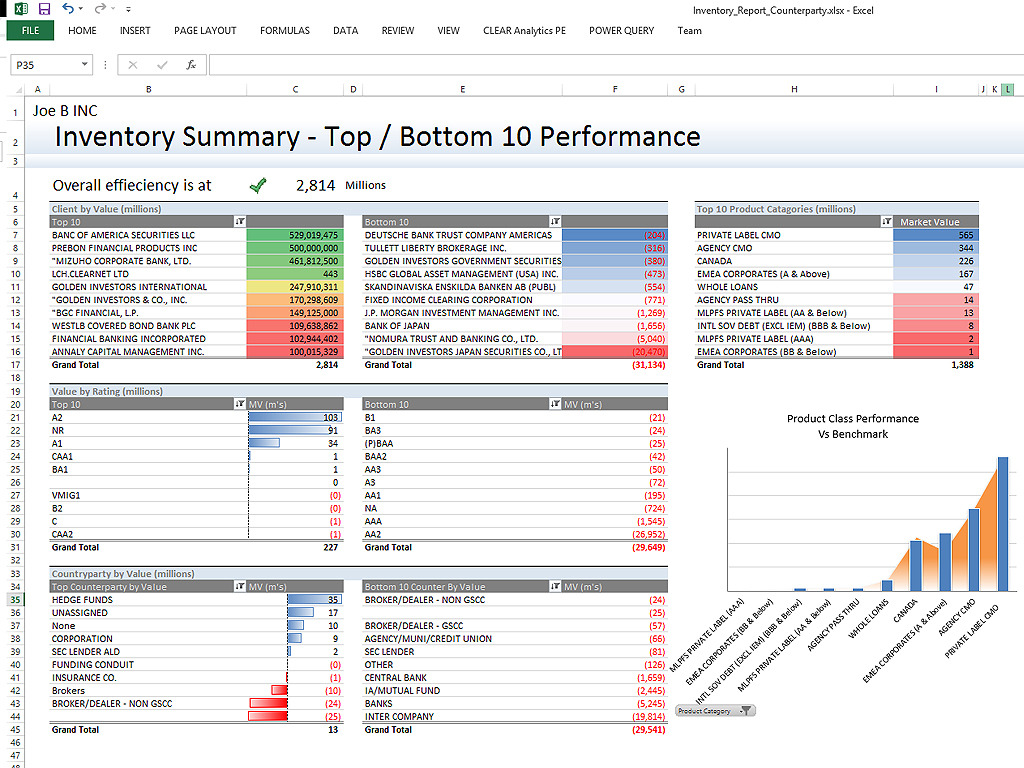   |



