
ClassPoint vs. Nearpod
| Product | Rating | Most Used By | Product Summary | Starting Price |
|---|---|---|---|---|
 ClassPoint | N/A | N/A | ClassPoint is a teaching tool integrated into Microsoft PowerPoint. Designed to help educators teach more efficiently without switching between different apps, ClassPoint adds advanced annotation & presentation tools such as unlimited whiteboard slides, name picker, timer, integrated web browsers, and draggable objects. And to improve student engagement & motivation, ClassPoint turns slides into interactive quizzes, like Multiple Choice, Short Answer, Word Cloud, Image Upload, and… | $5 per month per user |
 Nearpod | Score8.8 out of 10 | N/A | Nearpod is an education-focused learning management software solution offered by Nearpod. | $159 per year |
| ClassPoint | Nearpod | |||||||||||||||
|---|---|---|---|---|---|---|---|---|---|---|---|---|---|---|---|---|
| Editions & Modules |
|
| ||||||||||||||
| Offerings |
| |||||||||||||||
| Entry-level Setup Fee | No setup fee | No setup fee | ||||||||||||||
| Additional Details | ClassPoint Pro - Annual is $5 per month billed annually | Nearpod has a free version for all teachers. There are paid options for individual teachers, as well as schools and districts, for increased features and access. | ||||||||||||||
| More Pricing Information | ||||||||||||||||
| ClassPoint | Nearpod | |
|---|---|---|
| Small Businesses |  Adobe Presenter Score9 out of 10 |  Freckle by Renaissance Score9.9 out of 10 |
| Medium-sized Companies |  Microsoft Powerpoint Online Score6.9 out of 10 |  Edmodo (discontinued) Score8.1 out of 10 |
| Enterprises | Adobe Presenter Score9 out of 10 | Edmodo (discontinued) Score8.1 out of 10 |
| All Alternatives | View all alternatives | View all alternatives |
| ClassPoint | Nearpod | |
|---|---|---|
| Likelihood to Recommend | - | 9.0 |
| Likelihood to Renew | - | 9.0 |
| Usability | - | 8.0 |
| Support Rating | - | 10.0 |
| ClassPoint | Nearpod | |
|---|---|---|
| Likelihood to Recommend | No answers on this topic |
|
| Pros | No answers on this topic |
|
| Cons | No answers on this topic |
|
| Likelihood to Renew | No answers on this topic |
|
| Usability | No answers on this topic |
|
| Support Rating | No answers on this topic |
|
| Alternatives Considered | No answers on this topic |
|
| Return on Investment | No answers on this topic |
|
| ScreenShots | ClassPoint Screenshots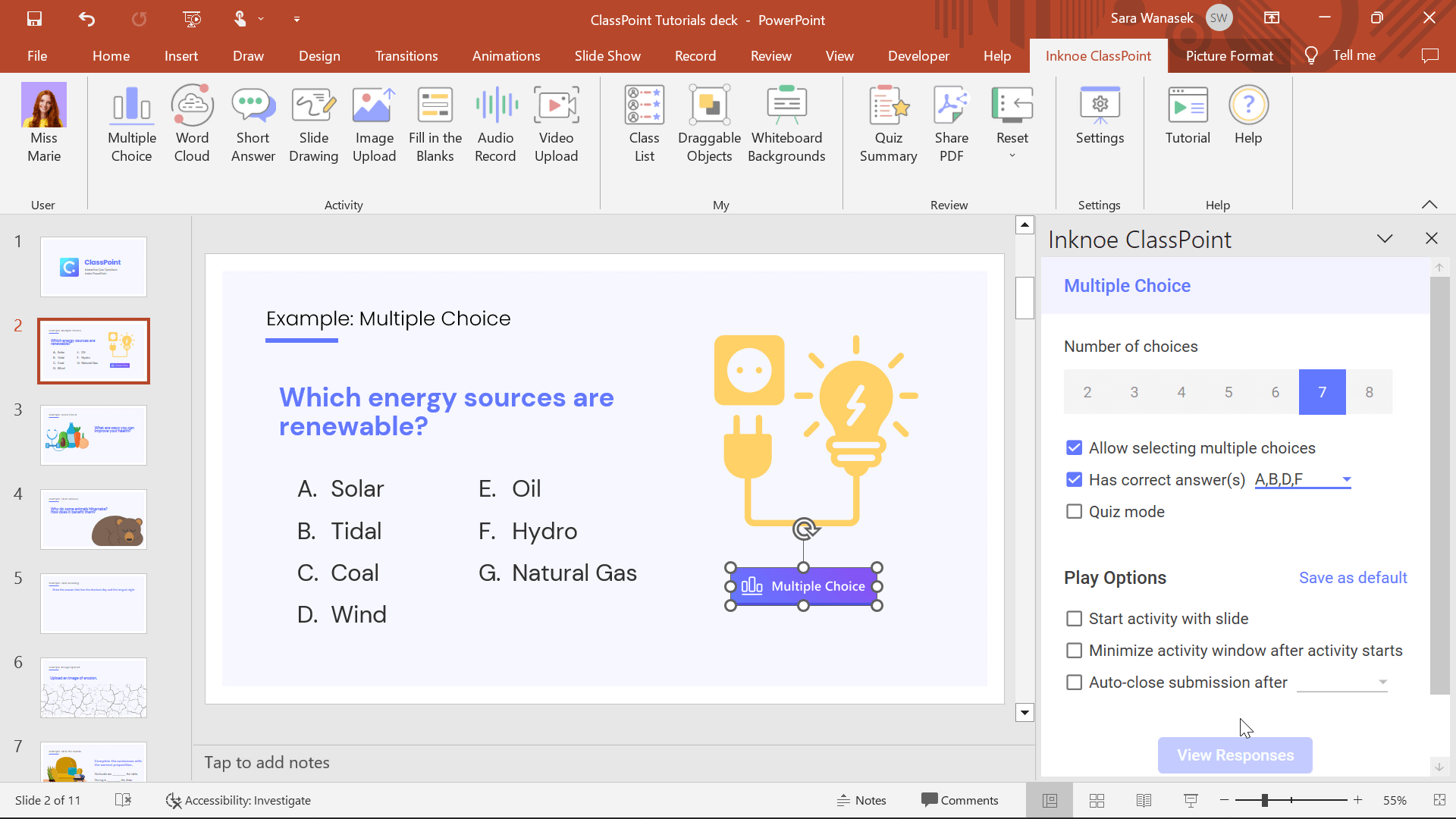 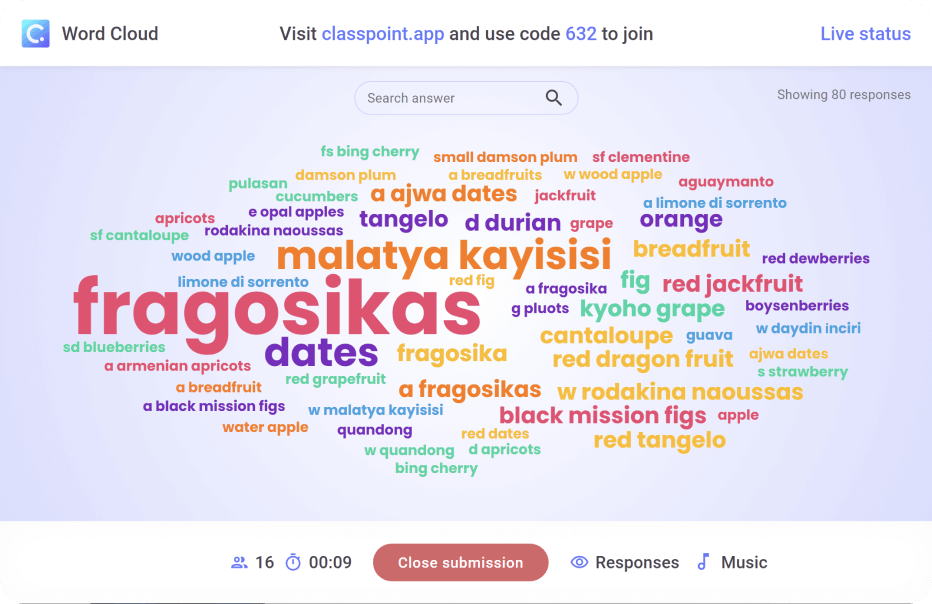 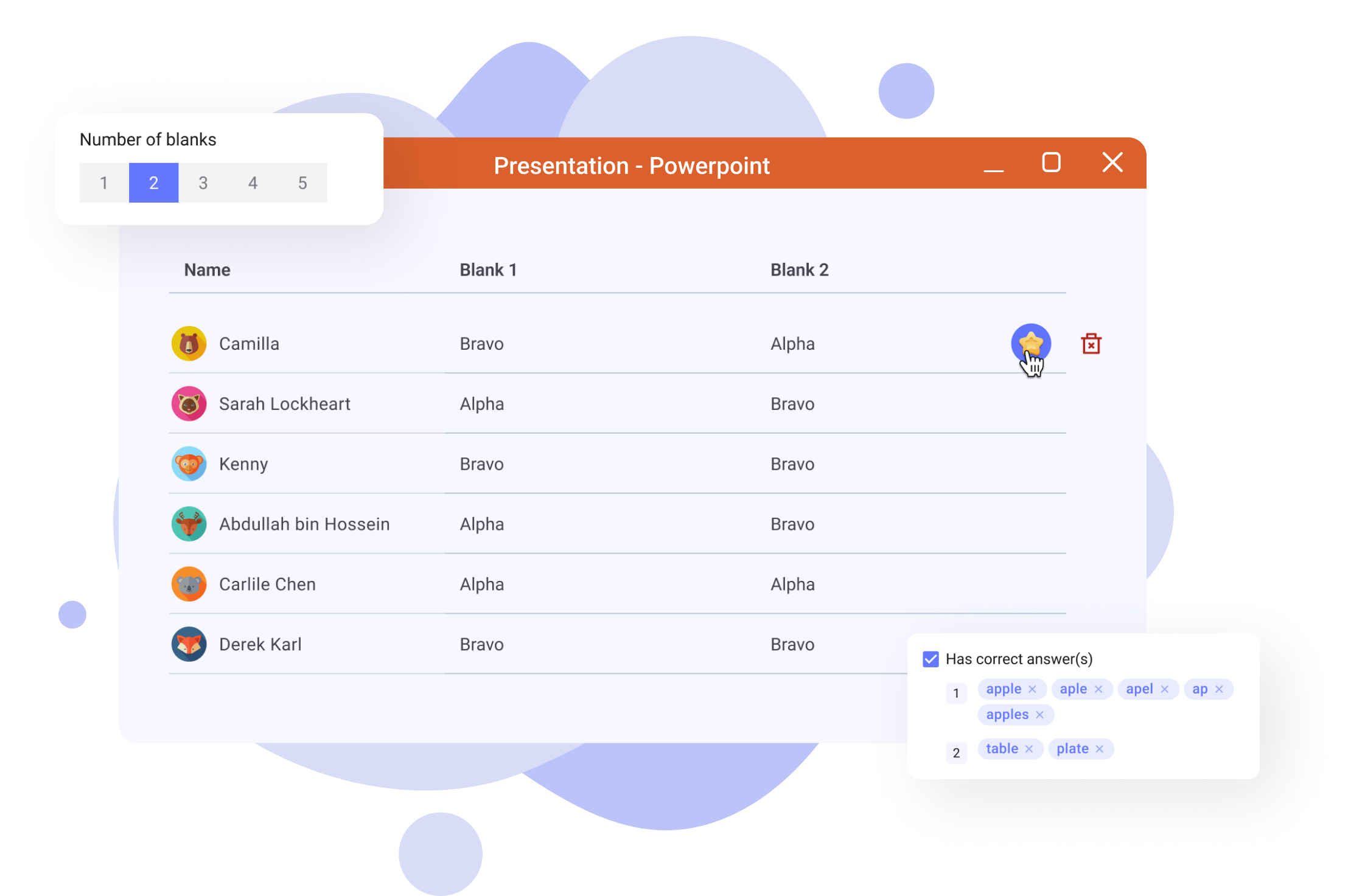 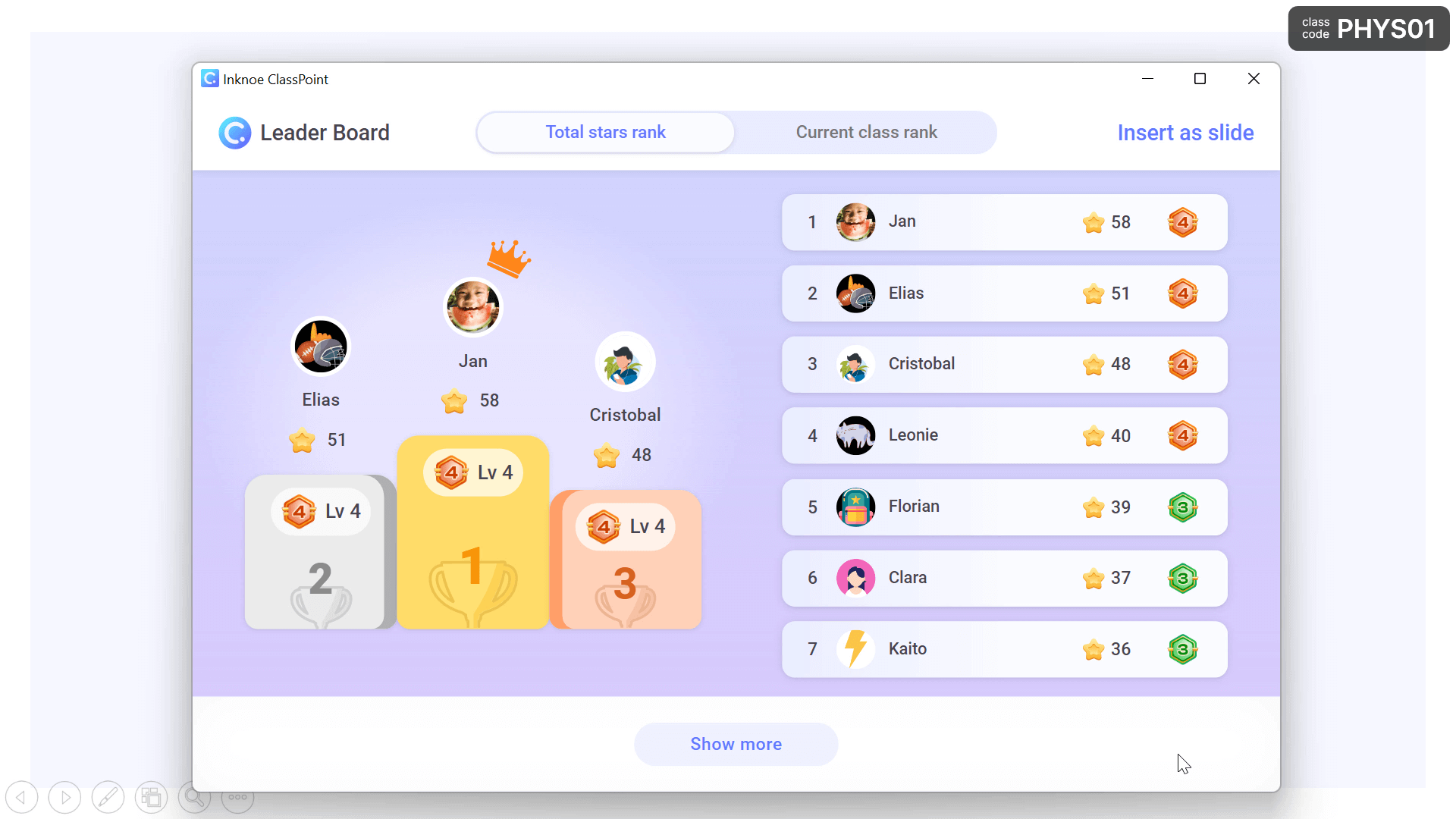   |



