
Civica Time & Attendance vs. Everhour
| Product | Rating | Most Used By | Product Summary | Starting Price |
|---|---|---|---|---|
 Civica Time & Attendance | N/A | N/A | British company Civica offers Time & Attendance, their application for time tracking and payments for companies that operates shifts, has non-salaried employees working varying hours, or is one of the increasing number of organisations to offer the benefit of flexible working practices. Civica Time and Attendance helps make planning and keeping track of employees’ hours, and ultimately paying them, much simpler. | N/A |
 Everhour | Score8.4 out of 10 | N/A | Everhour is a time tracker equipped with project & team management features. Everhour integrates with project management apps so users can track time on tasks right from its interface: Asana, Basecamp, Trello, Jira, ClickUp, Basecamp, Notion, Todoist, GitHub, GitLab, etc. Its time tracking features provide options for timekeeping and time management. It helps to facilitate a team's time tracking experience by adding reminders, auto stop timers, start and stop timers, and… | $0 |
| Civica Time & Attendance | Everhour | |||||||||||||||
|---|---|---|---|---|---|---|---|---|---|---|---|---|---|---|---|---|
| Editions & Modules | No answers on this topic |
| ||||||||||||||
| Offerings |
| |||||||||||||||
| Entry-level Setup Fee | No setup fee | No setup fee | ||||||||||||||
| Additional Details | — | — | ||||||||||||||
| More Pricing Information | ||||||||||||||||
| Civica Time & Attendance | Everhour | |
|---|---|---|
| Considered Both Products | No answer on this topic | No answer on this topic |
| Key User Insights | ||
| Would buy again | ||
No answers on this topic | 100% Would buy again 22 Answers | |
| Delivers good value for the price | ||
No answers on this topic | 100% Delivers good value for the price 20 Answers | |
| Happy with the feature set | ||
No answers on this topic | 100% Happy with the feature set 22 Answers | |
| Lived up to sales and marketing promises | ||
No answers on this topic | 100% Lived up to sales and marketing promises 20 Answers | |
| Implementation went as expected | ||
No answers on this topic | 100% Implementation went as expected 20 Answers | |
| Civica Time & Attendance | Everhour | |
|---|---|---|
| Small Businesses |  Time Doctor Score8.8 out of 10 | Time Doctor Score8.8 out of 10 |
| Medium-sized Companies |  Toggl Track Score9 out of 10 | Toggl Track Score9 out of 10 |
| Enterprises |  TimeCamp Score8.3 out of 10 | TimeCamp Score8.3 out of 10 |
| All Alternatives | View all alternatives | View all alternatives |
| Civica Time & Attendance | Everhour | |
|---|---|---|
| Likelihood to Recommend | - | 8.0 |
| Usability | - | 9.0 |
| Support Rating | - | 7.7 |
| Civica Time & Attendance | Everhour | |
|---|---|---|
| Likelihood to Recommend | No answers on this topic |
|
| Pros | No answers on this topic |
|
| Cons | No answers on this topic |
|
| Usability | No answers on this topic |
|
| Support Rating | No answers on this topic |
|
| Alternatives Considered | No answers on this topic |
|
| Return on Investment | No answers on this topic |
|
| ScreenShots | Everhour Screenshots 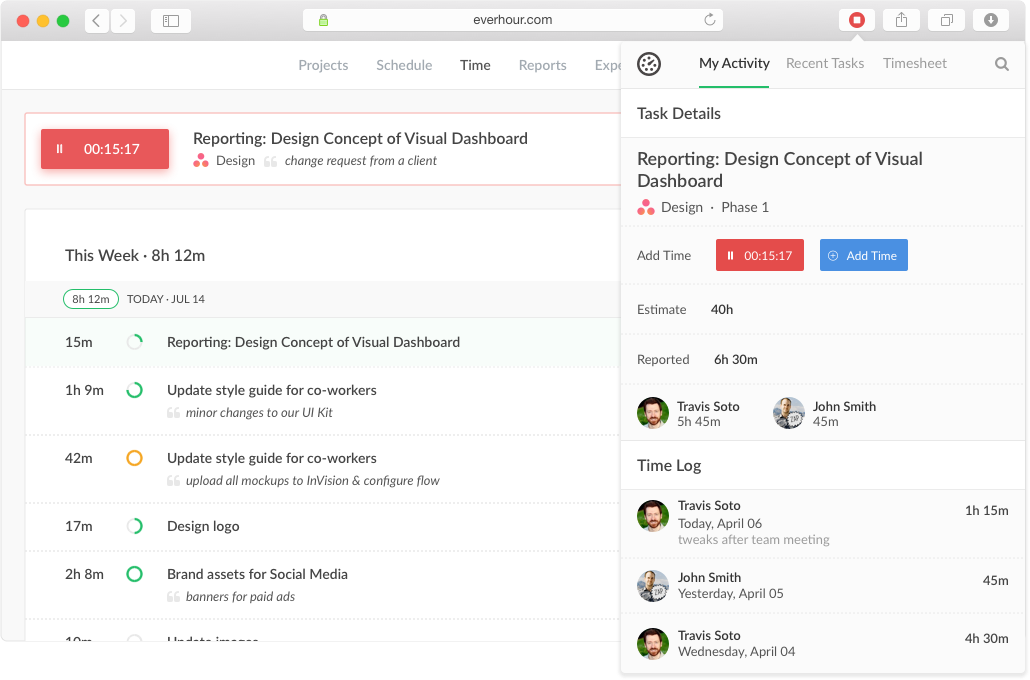   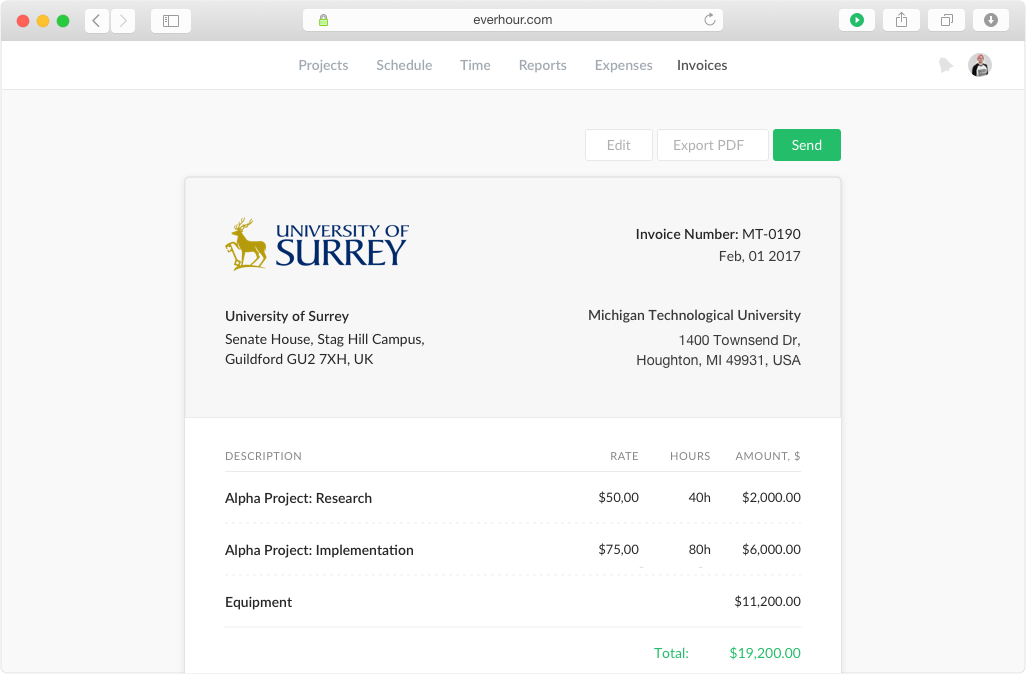 |


