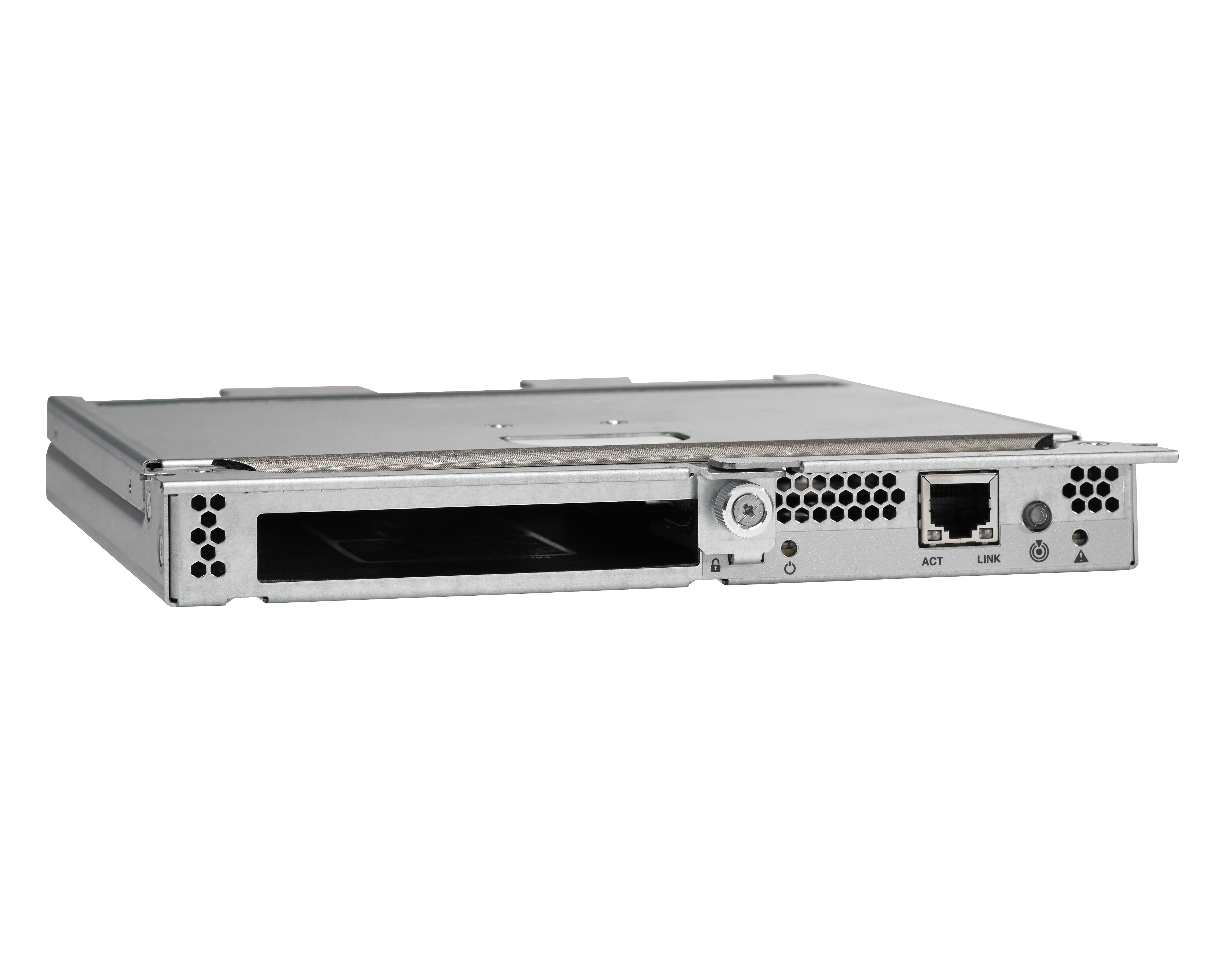
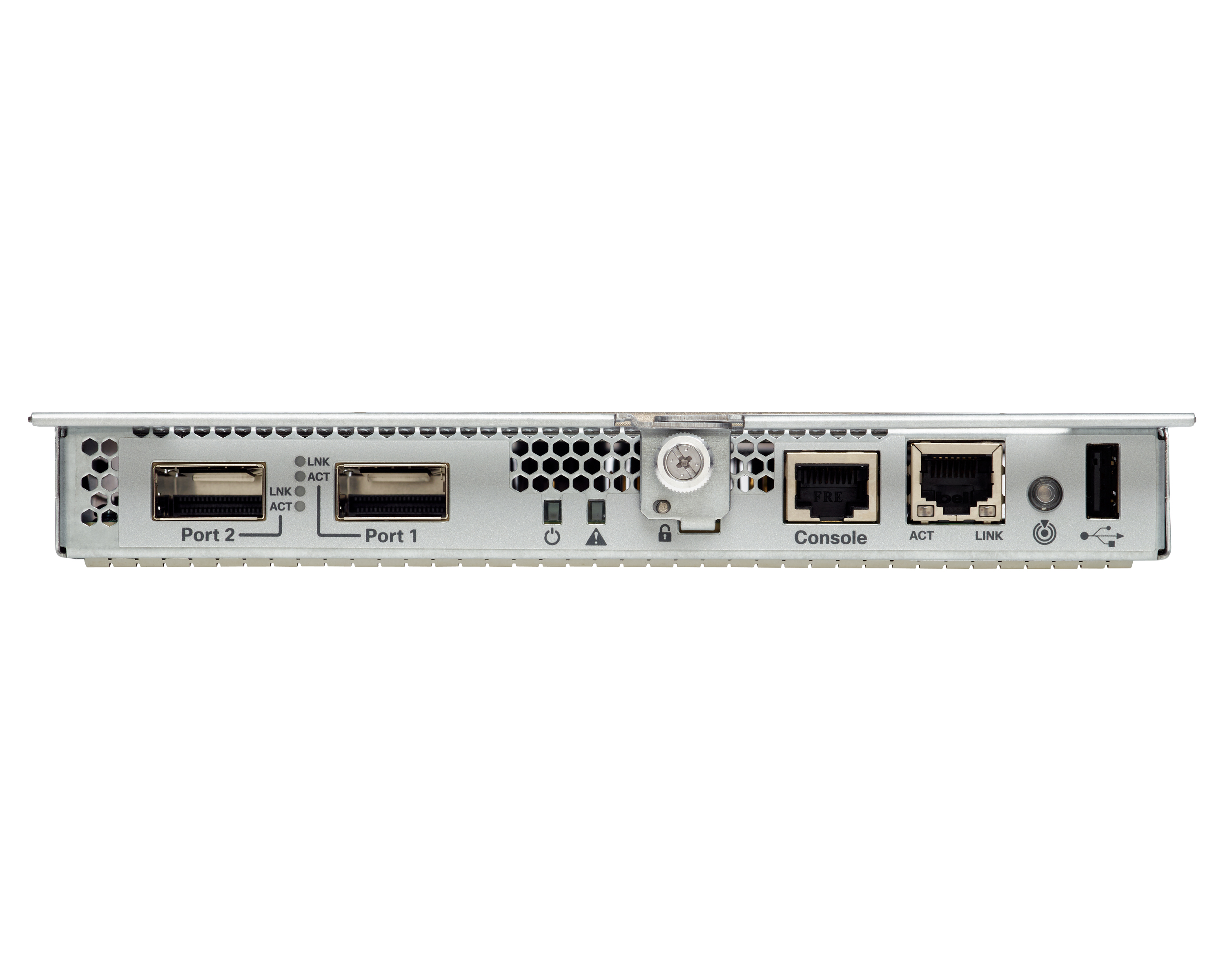
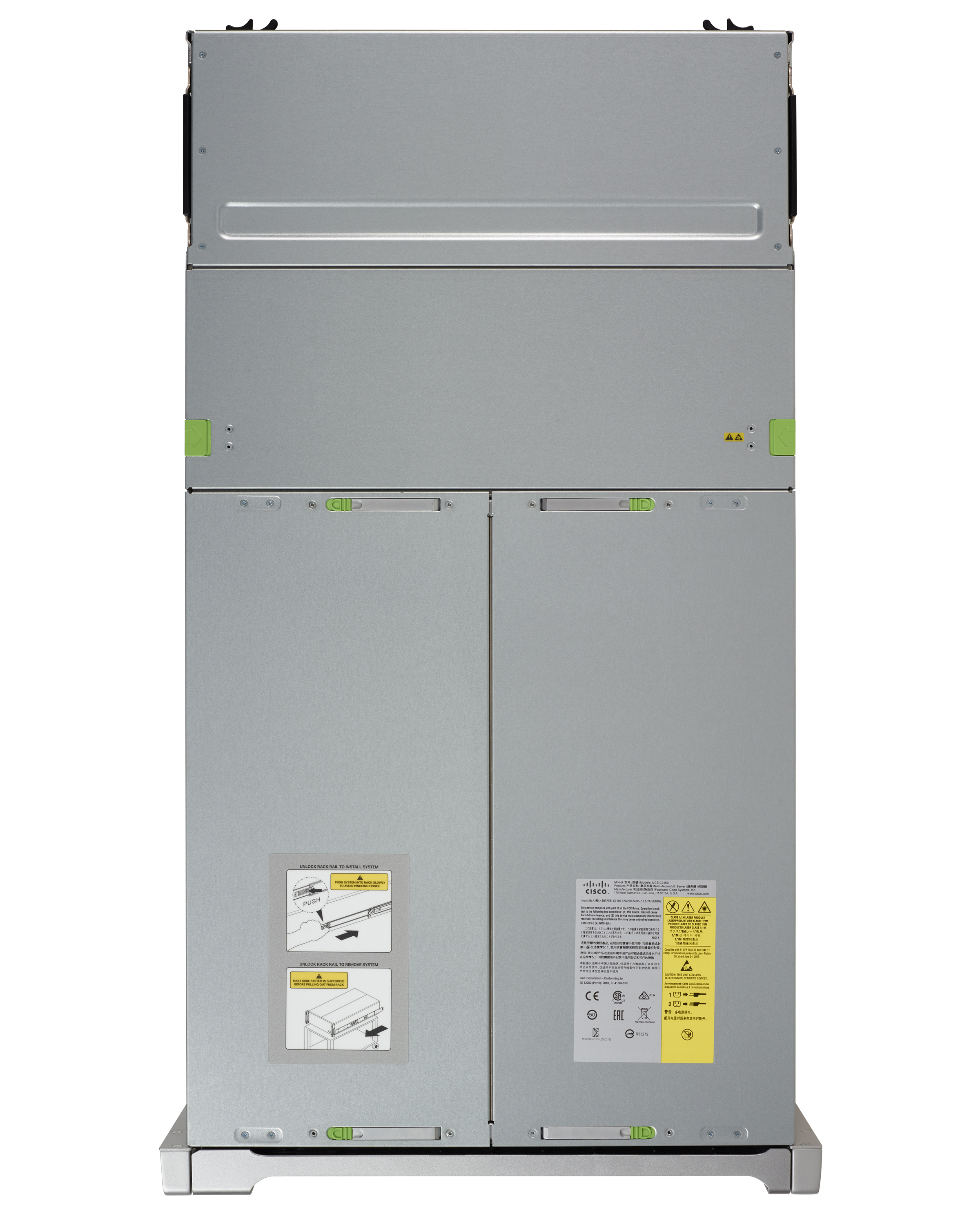
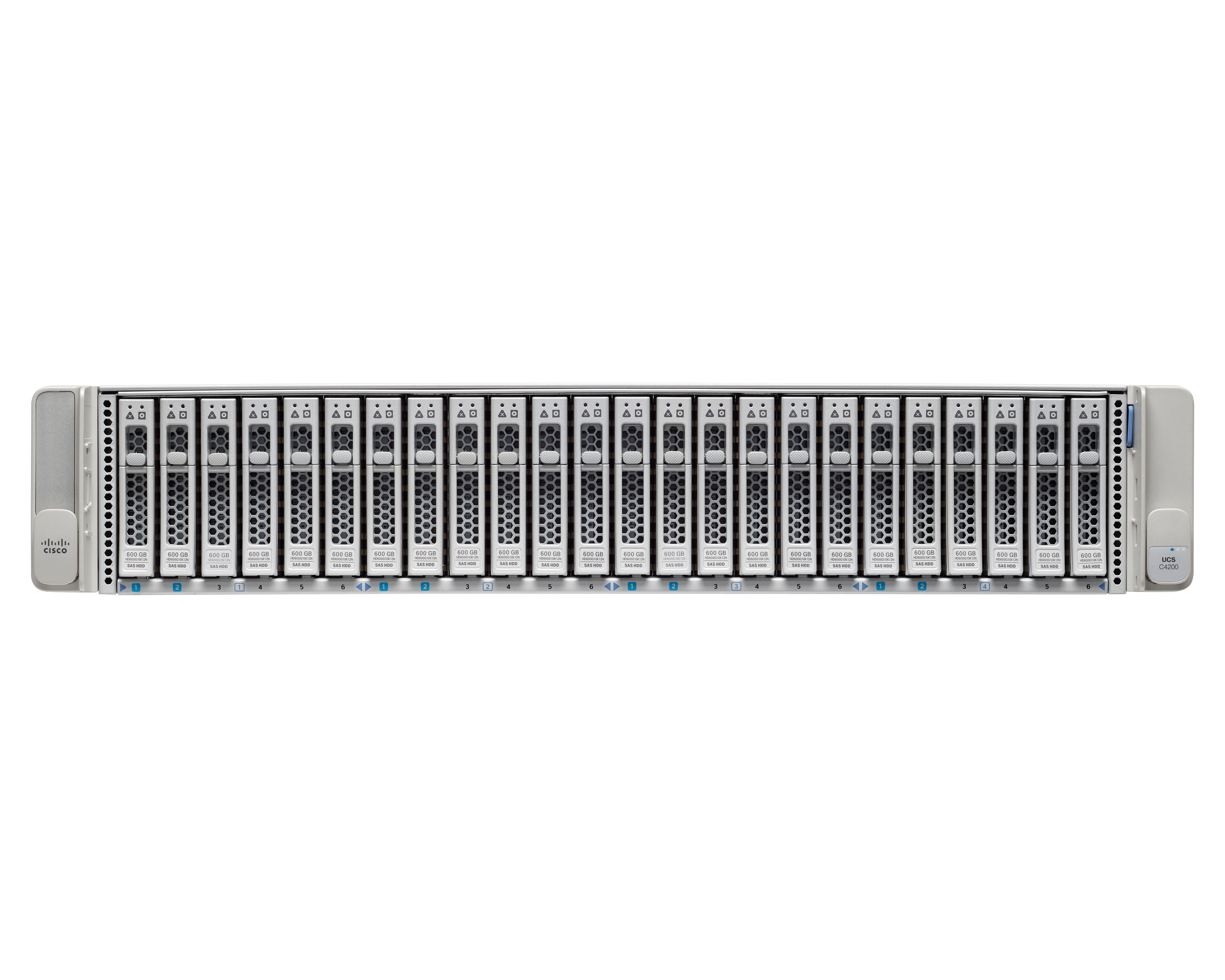
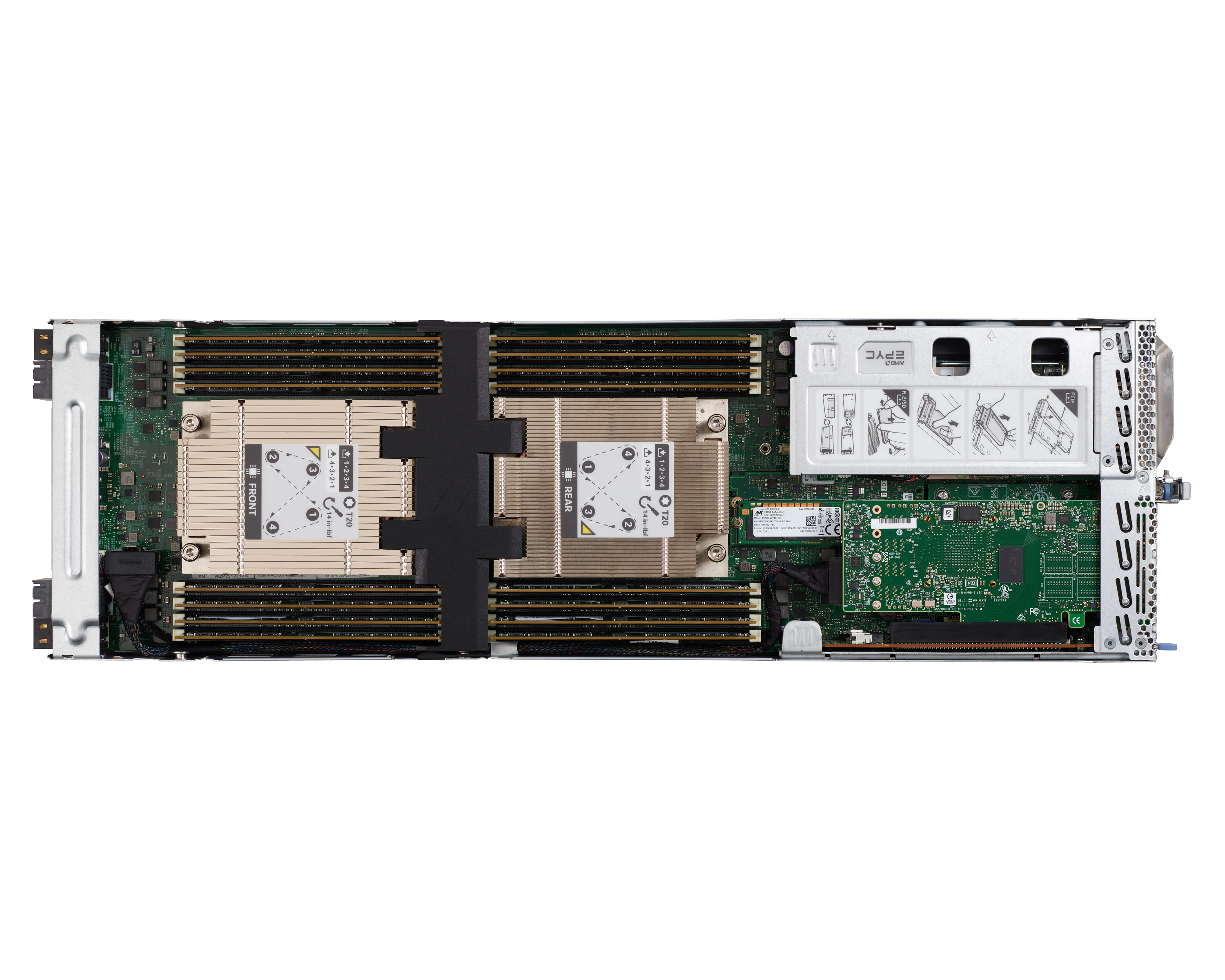
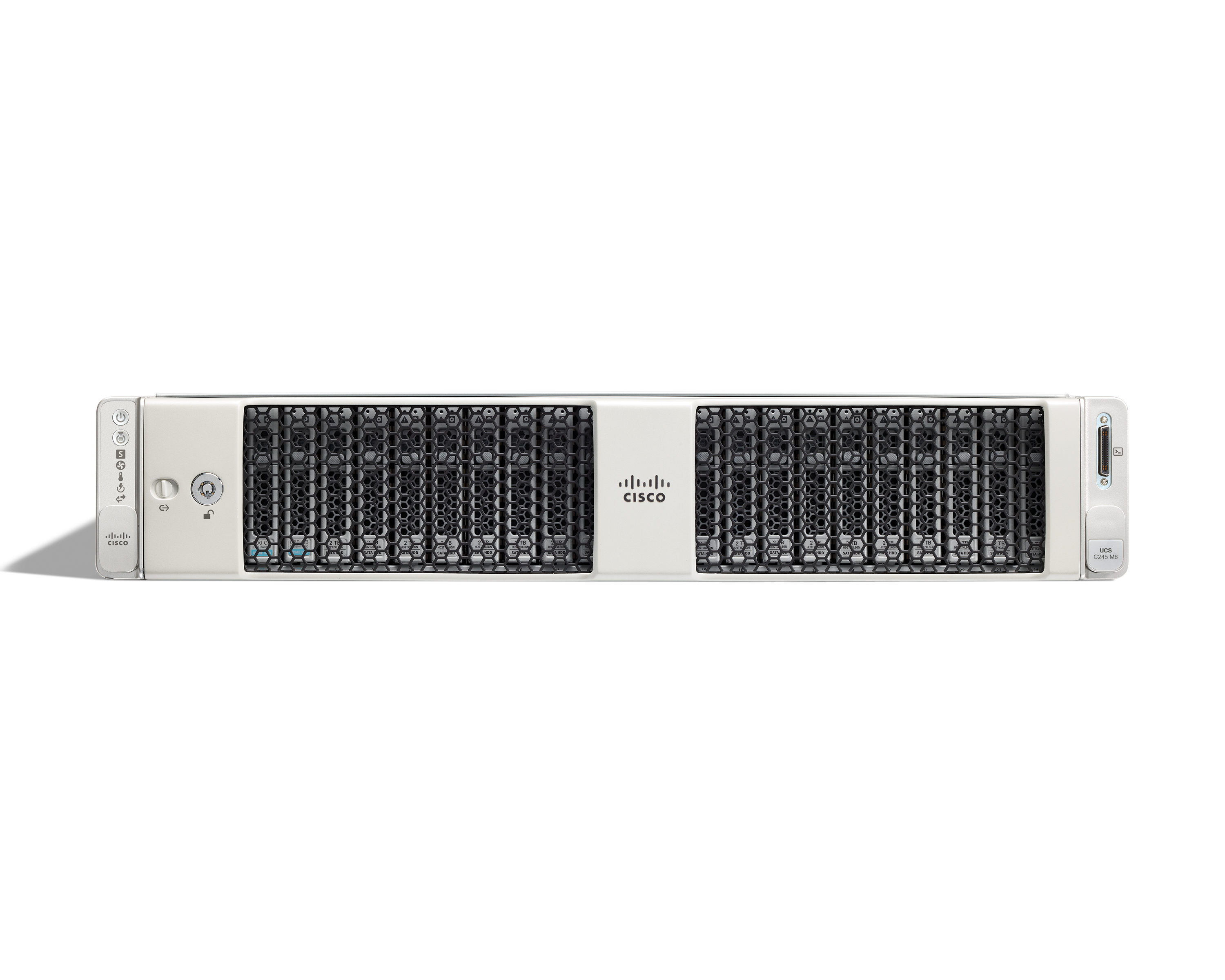
The Cisco UCS Series is a modular, high-density, high-availability, dual-node storage- optimized server suited for service providers, enterprises, and industry-specific environments. It provides dense, cost-effective storage to address your ever-growing data needs. Designed for a new class of data-intensive workloads, it is simple to deploy and excellent for applications for big data, data protection, software-defined storage environments, scale-out unstructured data repositories, media…
N/A
VMware ESXi
Score7.6 out of 10
N/A
A bare-metal hypervisor that installs directly onto a physical server. With direct access to and control of underlying resources, VMware ESXi partitions hardware to consolidate applications and cut costs.
N/A
Pricing
Cisco UCS Series
VMware ESXi
Editions & Modules
No answers on this topic
No answers on this topic
Offerings
Pricing Offerings
Cisco UCS Series
VMware ESXi
Free Trial
No
No
Free/Freemium Version
No
Yes
Premium Consulting/Integration Services
No
No
Entry-level Setup Fee
Optional
No setup fee
Additional Details
—
—
More Pricing Information
Community Pulse
Cisco UCS Series
VMware ESXi
Considered Both Products
Cisco
Verified User
Chose Cisco UCS Series
We found Cisco UCS to be more reliable and less fault-prone than Dell Poweredge Servers. Although, we have both of them in our cloud.
A de minimis incentive was given to thank the reviewer for their time. The incentive was not used to bias or drive a particular response, nor was the incentive contingent on a positive endorsement. More Info
Sr ICT Engineer in Engineering at JEDCO (Airlines/Aviation, 1001-5000 employees)
Chose Cisco UCS Series
UCS integrates with VMware vSphere while adding hardware automation and unified fabric. Why UCS?
Cisco UCS offers better infrastructure abstraction and automation via UCS Manager and Intersight. The integration of compute and fabric in a single system reduced configuration time …
A de minimis incentive was given to thank the reviewer for their time. The incentive was not used to bias or drive a particular response, nor was the incentive contingent on a positive endorsement. More Info
Verified User
Chose Cisco UCS Series
CIsco is much better than HPE. Easy to setup and manage
A de minimis incentive was given to thank the reviewer for their time. The incentive was not used to bias or drive a particular response, nor was the incentive contingent on a positive endorsement. More Info
Senior Data Center Engineer in Information Technology at Conscia Sverige AB (Information Technology & Services, 51-200 employees)
Chose Cisco UCS Series
I think the Cisco UCS Series is better or at least as good as other servers, but the management of the Cisco UCS Series servers have a simpler management when using Fabric Interconnects. No other manufacturer of Server hardware is close to doing anything close to what Cisco has …
A de minimis incentive was given to thank the reviewer for their time. The incentive was not used to bias or drive a particular response, nor was the incentive contingent on a positive endorsement. More Info
A de minimis incentive was given to thank the reviewer for their time. The incentive was not used to bias or drive a particular response, nor was the incentive contingent on a positive endorsement. More Info
Network Engineer in Engineering at Sistemas de Información Monarch (Information Technology & Services, 51-200 employees)
Chose Cisco UCS Series
I have always said that something that characterizes Cisco is the reliability of its products, but even better than this is the excellent support it provides to its customers and partners.
A de minimis incentive was given to thank the reviewer for their time. The incentive was not used to bias or drive a particular response, nor was the incentive contingent on a positive endorsement. More Info
Verified User
Chose Cisco UCS Series
RAID support, hot-swappable drives, CIMC management of hardware, and ESXi support make it the first choice.
A de minimis incentive was given to thank the reviewer for their time. The incentive was not used to bias or drive a particular response, nor was the incentive contingent on a positive endorsement. More Info
Systems Engineer in Information Technology at Schleswig-Holstein Netz AG (Oil & Energy, 1001-5000 employees)
Chose Cisco UCS Series
As we went to hyper-converged we decided to go for Cisco UCS Series and now we are only going with Cisco UCS Series to have all servers from one vendor. This way we do not have to have experience with many different techniques or partners.
A de minimis incentive was given to thank the reviewer for their time. The incentive was not used to bias or drive a particular response, nor was the incentive contingent on a positive endorsement. More Info
Verified User
Chose Cisco UCS Series
I think that the Cisco UCS Series of servers probably compare fairly evenly with the HPE ProLiant DL series, as both will have similar compute resources in the same size package. The advantage of the Cisco UCS Series for us is that we wanted to use them for Cisco virtual …
A de minimis incentive was given to thank the reviewer for their time. The incentive was not used to bias or drive a particular response, nor was the incentive contingent on a positive endorsement. More Info
Cisco UCS Series is well suited for Enterprise data centers, offering centralized management of server profiles and policies. 2-Enterprise data center, wherein rack space, cooling, and power are a challenge. 3- Mission-critical application, Cisco UCS Series is well suited, Cisco UCS Series is less appropriate in the following situations: 1. Small SMB (high upfront cost and complexity may be overkill). 2. Expensive solution for a small business. Most cost-effective to use traditional rack servers.
A de minimis incentive was given to thank the reviewer for their time. The incentive was not used to bias or drive a particular response, nor was the incentive contingent on a positive endorsement. More Info
If you're looking for the industry standard in server virtualization, I would recommend ESXi. After decades of expertise in the field, VMware continues to provide a strong product, production-ready, with an easy-to-learn interface that allows for quick management along with less costly upfront onboarding and training. Grab the free personal-use license and install in your homelab to start!
A de minimis incentive was given to thank the reviewer for their time. The incentive was not used to bias or drive a particular response, nor was the incentive contingent on a positive endorsement. More Info
It's very customizable. It's customizable as in you have a chassis, but you could pick and choose the size of your blades puff with full width depending on what your workloads are. So in a way, you're not locked in. It's not like you buy a chassis and you're stuck into one thing could go and put, you need something that's storage intensive or maybe you've got more graphics intensive workload. You could choose and mix and match in the same.
A de minimis incentive was given to thank the reviewer for their time. The incentive was not used to bias or drive a particular response, nor was the incentive contingent on a positive endorsement. More Info
Resource management. The automatic load balancing works very well to ensure no host is taxed disproportionately compared to the others.
Templates and cloning. It is very easy to set up a template and spin up new servers based on a specific setup. This makes server management very streamlined.
VM management. The vSphere interface is very easy to use and navigate. Everything is responsive and it works when you need it to. The options are also robust while also being arranged in a straightforward manner.
A de minimis incentive was given to thank the reviewer for their time. The incentive was not used to bias or drive a particular response, nor was the incentive contingent on a positive endorsement. More Info
Continue on development of platform management. Cisco has been notorious for terrible web applications but the functionality of this product is getting to where it is expected to be.
Recognition of this being a product in a competitive market. When I think of servers I do not think of Cisco. Cisco = Networking Dell,HP=Servers
3rd party interoperability. I love Cisco but being tied to proprietary hardware/software is not a functionality that the end user or customer benefits from.
A de minimis incentive was given to thank the reviewer for their time. The incentive was not used to bias or drive a particular response, nor was the incentive contingent on a positive endorsement. More Info
VMware ESXi can improve on the UI that is installed on the bare metal machine. The menus can be hard to navigate when looking for simple configuration items.
VMware ESXi can improve on the stability of their overall hypervisor. There have been a few times we had to reinstall due to corruption of VMware ESXi.
I would like to see VMware ESXi do better at adding more standard free features in their consumer version of VMware ESXi. For example, having the ability to back up virtual machines is good practice and something that would be very nice if offered in their free version.
A de minimis incentive was given to thank the reviewer for their time. The incentive was not used to bias or drive a particular response, nor was the incentive contingent on a positive endorsement. More Info
Cisco UCS has been a highly reliable compute platform for our workloads, handling MSSQL, SSIS, virtualization (VMware vSphere), and analytics workloads with low latency and high efficiency. UCS Service Profiles and centralized management (UCS Manager, Intersight) make it easy to provision, scale, and manage compute resources efficiently across production and non-production environments. Our UCS setup integrates well with Pure Storage and Nimble HF40, delivering high IOPS, low latency, and fast throughput for data-intensive workloads. Cisco UCS hardware and licensing can be expensive compared to some alternative compute platforms, especially when considering cloud-based or hyperconverged options. While UCS can work in a hybrid cloud setup, it doesn’t natively integrate as seamlessly with public cloud providers like Azure or AWS compared to some newer solutions. We may need to evaluate Azure Stack HCI or AWS Outposts for future flexibility.
A de minimis incentive was given to thank the reviewer for their time. The incentive was not used to bias or drive a particular response, nor was the incentive contingent on a positive endorsement. More Info
It is critical to our business, what started out as a way to do certain functions, it has now become core to ensuring our product is available to our customers and reducing our costs to operate and reduce our recovery time and provisioning servers. Their support is great and the costs to renew is reasonable.
A de minimis incentive was given to thank the reviewer for their time. The incentive was not used to bias or drive a particular response, nor was the incentive contingent on a positive endorsement. More Info
While Cisco's hardware is solid and long running, their software is usually the weak point. I will say that they are getting better with each release but if I had to find a problem with usability that would be it. Overall usability is good when you can work around software issues.
A de minimis incentive was given to thank the reviewer for their time. The incentive was not used to bias or drive a particular response, nor was the incentive contingent on a positive endorsement. More Info
The interface is fairly intuitive for most things, and the areas that are a little less obvious usually have fantastic documentation in the online knowledgebase. In 3-4 years of managing our ESXi hosts, I think that I have only opened 4-5 support cases for things that I could not figure out myself or find answers to on the website.
A de minimis incentive was given to thank the reviewer for their time. The incentive was not used to bias or drive a particular response, nor was the incentive contingent on a positive endorsement. More Info
The platform’s redundant fabric interconnects, power supplies, and built-in high-availability features ensure that systems remain online even during hardware failures or maintenance. Unplanned outages are rare, and when combined with proactive monitoring, UCS provides a very reliable environment for critical workloads.
A de minimis incentive was given to thank the reviewer for their time. The incentive was not used to bias or drive a particular response, nor was the incentive contingent on a positive endorsement. More Info
Without the need to patch the servers with bug fixes and enhancements we whave not experienced any downtime with VMware issues. Even the bug fixes and updates do not cause of downtime as we just migrate the servers to the opposite node and update the one and then move servers back. Very simple and painless.
A de minimis incentive was given to thank the reviewer for their time. The incentive was not used to bias or drive a particular response, nor was the incentive contingent on a positive endorsement. More Info
The system performs exceptionally well in terms of speed and efficiency, with pages loading quickly, and reports completing in a reasonable time frame, even with complex configurations. The integration of UCS with other systems, such as VMware vSphere and storage solutions, has generally not caused noticeable performance degradation. The scalability of UCS allows it to handle growing workloads without significant slowdowns. However, the performance could be slightly impacted during hardware or firmware upgrades, but these instances have been rare and well-managed. Overall, the performance has met our expectations and continues to provide reliable results.
A de minimis incentive was given to thank the reviewer for their time. The incentive was not used to bias or drive a particular response, nor was the incentive contingent on a positive endorsement. More Info
We do not notice any difference between a physical and virtual server running the same workload. In fact we can scale quicker with the virtual server than we can with the physical.
A de minimis incentive was given to thank the reviewer for their time. The incentive was not used to bias or drive a particular response, nor was the incentive contingent on a positive endorsement. More Info
Cisco TAC is simply unbeatable and that goes for Cisco UCS server support just as well as it does for Cisco CUCM software. TAC has a well-deserved, excellent reputation and I do not hesitate to call them or open a ticket online, because I always know that I will get the help that I need and get it quickly
A de minimis incentive was given to thank the reviewer for their time. The incentive was not used to bias or drive a particular response, nor was the incentive contingent on a positive endorsement. More Info
I can't say enough good about VMware's support team. To an individual they take ownership of the case, provide thorough answers, and follow up regularly. On one occasion, a problem we experienced with NSX Endpoint was escalated to development for a permanent resolution after a workaround was found. In my experience, most companies would have tried to find a way to close a case like that instead of taking it all the way. Most importantly, when production is down and every second counts, they VMware teams understand that urgency and treat your issue as if it were the only one they had to deal with. You can't ask for better.
A de minimis incentive was given to thank the reviewer for their time. The incentive was not used to bias or drive a particular response, nor was the incentive contingent on a positive endorsement. More Info
I would rate the in-person training as excellent. The sessions were well-structured, hands-on, and delivered by knowledgeable instructors who made UCS concepts easy to understand. It greatly improved our team’s confidence in managing the platform.
A de minimis incentive was given to thank the reviewer for their time. The incentive was not used to bias or drive a particular response, nor was the incentive contingent on a positive endorsement. More Info
The training materials provided were generally informative and covered the essential aspects of the UCS platform, such as UCS Manager, Service Profiles, and integration with other systems. However, some of the training modules could benefit from being more hands-on and interactive. Additionally, certain advanced topics, like complex network configurations or troubleshooting hardware issues, were not covered in as much depth. Overall, while the training was useful, there’s room for improvement in terms of depth and practical application for more advanced users.
A de minimis incentive was given to thank the reviewer for their time. The incentive was not used to bias or drive a particular response, nor was the incentive contingent on a positive endorsement. More Info
We were very satisfied with the implementation of Cisco UCS Series. The deployment was well-structured, Cisco’s support team was highly responsive, and the solution integrated smoothly with our existing infrastructure. The project was completed on time with minimal disruption to operations.
A de minimis incentive was given to thank the reviewer for their time. The incentive was not used to bias or drive a particular response, nor was the incentive contingent on a positive endorsement. More Info
Jsut read and follow anything your storage provider may require to allow the integration of VMware with storage operations, outside of that VMware jsut works.
A de minimis incentive was given to thank the reviewer for their time. The incentive was not used to bias or drive a particular response, nor was the incentive contingent on a positive endorsement. More Info
The Cisco UCS Series systems have far fewer hardware issues than the competition and seem to run longer than what we would be able to. They are also easier to manage from an admin perspective with easy to use tools, the right diagnostic and alerting and remote administration capabilities. They are a great product.
As long as you're using Nutanix AOS on Nutanix hardware and are paying their software support fees, AOS is a valid competitor to VMware and can save money due to not needing a license and having their server management system built into the base host management system. If you aren't using Nutanix hardware, however, VMWare is in most cases the best way to go. I cannot comment on HyperV, but most IT people I know either use it because they have to (most) or they like it better (not many).
A de minimis incentive was given to thank the reviewer for their time. The incentive was not used to bias or drive a particular response, nor was the incentive contingent on a positive endorsement. More Info
it has been fair and easy to understand. I know VMware is looking at wanting to change from CPU to core pricing so we will see what that looks like when it happens.
A de minimis incentive was given to thank the reviewer for their time. The incentive was not used to bias or drive a particular response, nor was the incentive contingent on a positive endorsement. More Info
Cisco UCS Series provides a highly flexible architecture with service profiles, fabric interconnects, and modular blades/rack servers, allowing organizations to scale compute and network resources across multiple departments and sites efficiently. The only minor limitation is that careful planning is required to maintain consistency at very large scales.
A de minimis incentive was given to thank the reviewer for their time. The incentive was not used to bias or drive a particular response, nor was the incentive contingent on a positive endorsement. More Info
We started out with a two-server cluster and adding a third or fourth is very straightforward and simple with no issues. You just need to be aware of the size of your Vcenter Server to handle the workload, but still the resources needed is very minimal
A de minimis incentive was given to thank the reviewer for their time. The incentive was not used to bias or drive a particular response, nor was the incentive contingent on a positive endorsement. More Info
I'm going to start with the negative impact. Maybe in order to have the ease of use, you have to get some time to prepare correctly and to correctly to design the correct design. But now that you've done this time, you don't have to take that to get back to this configuration. You are all free. And this is the positive side, it's that when everything is prepared correctly, everything is smooth. So the use of the profiles, the connection of new servers, the decommissioning and the adding of new servers, the modification of configuration, everything is more easy to use and the less we interrupt user access to our service, the more the hospital is working fine and we can achieve a better support to our end users. And then to the patients.
A de minimis incentive was given to thank the reviewer for their time. The incentive was not used to bias or drive a particular response, nor was the incentive contingent on a positive endorsement. More Info
VMWare ESXi licensing is affordable for our business - and the licensing model is simplistic. Not like that of Microsoft with having to keep track of server licenses and CAL licenses for users.
VMWare ESXi also has hardware-monitoring built-in, so that further saves us money from having to be spent with another vendor.
As much as I hate the saying "a single pane of glass" does fit for this product. You can manage your servers, monitor hardware status, create and export backup snapshots, manage virtual NICs, connect to various storage devices. We're very happy with this product.
A de minimis incentive was given to thank the reviewer for their time. The incentive was not used to bias or drive a particular response, nor was the incentive contingent on a positive endorsement. More Info