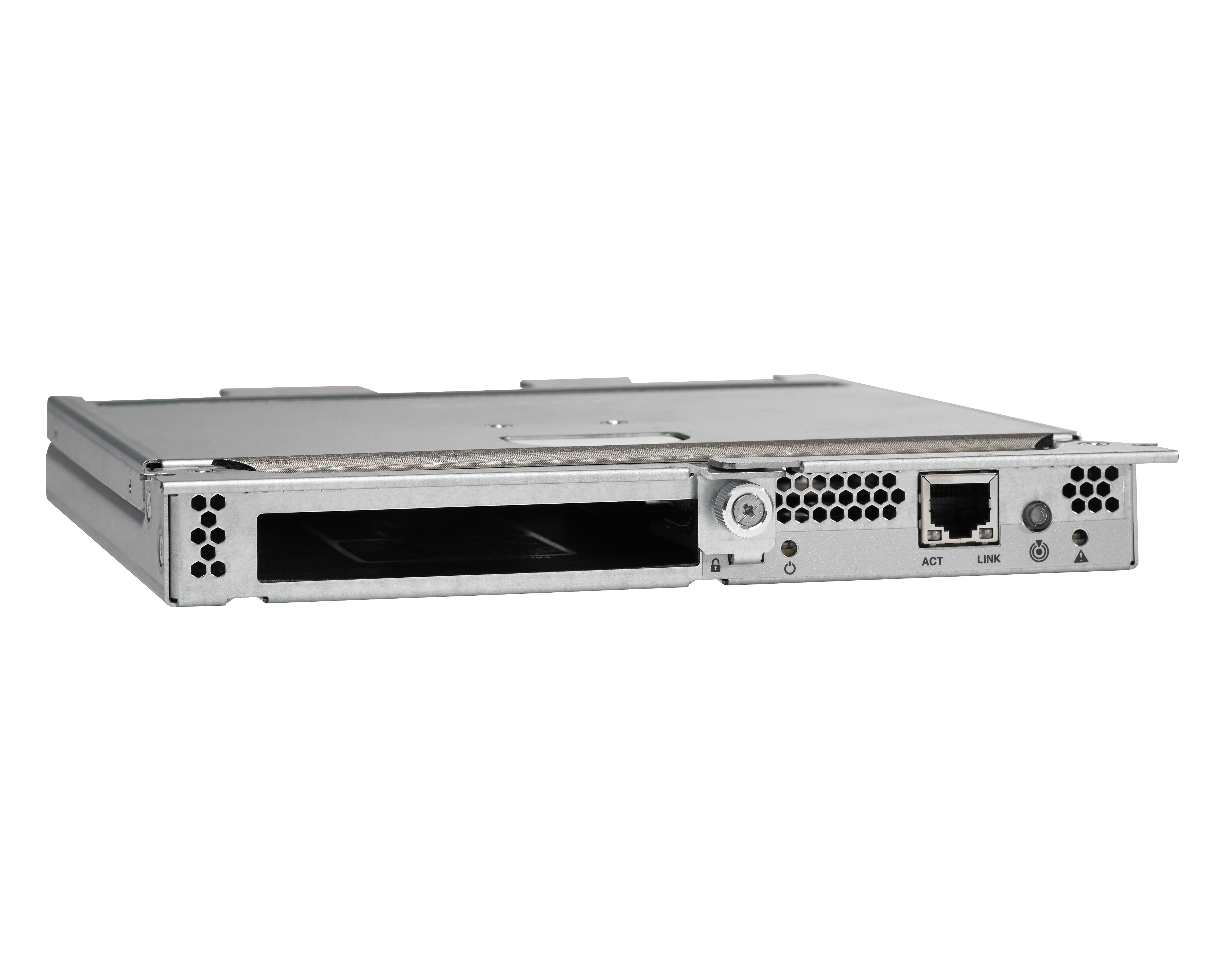
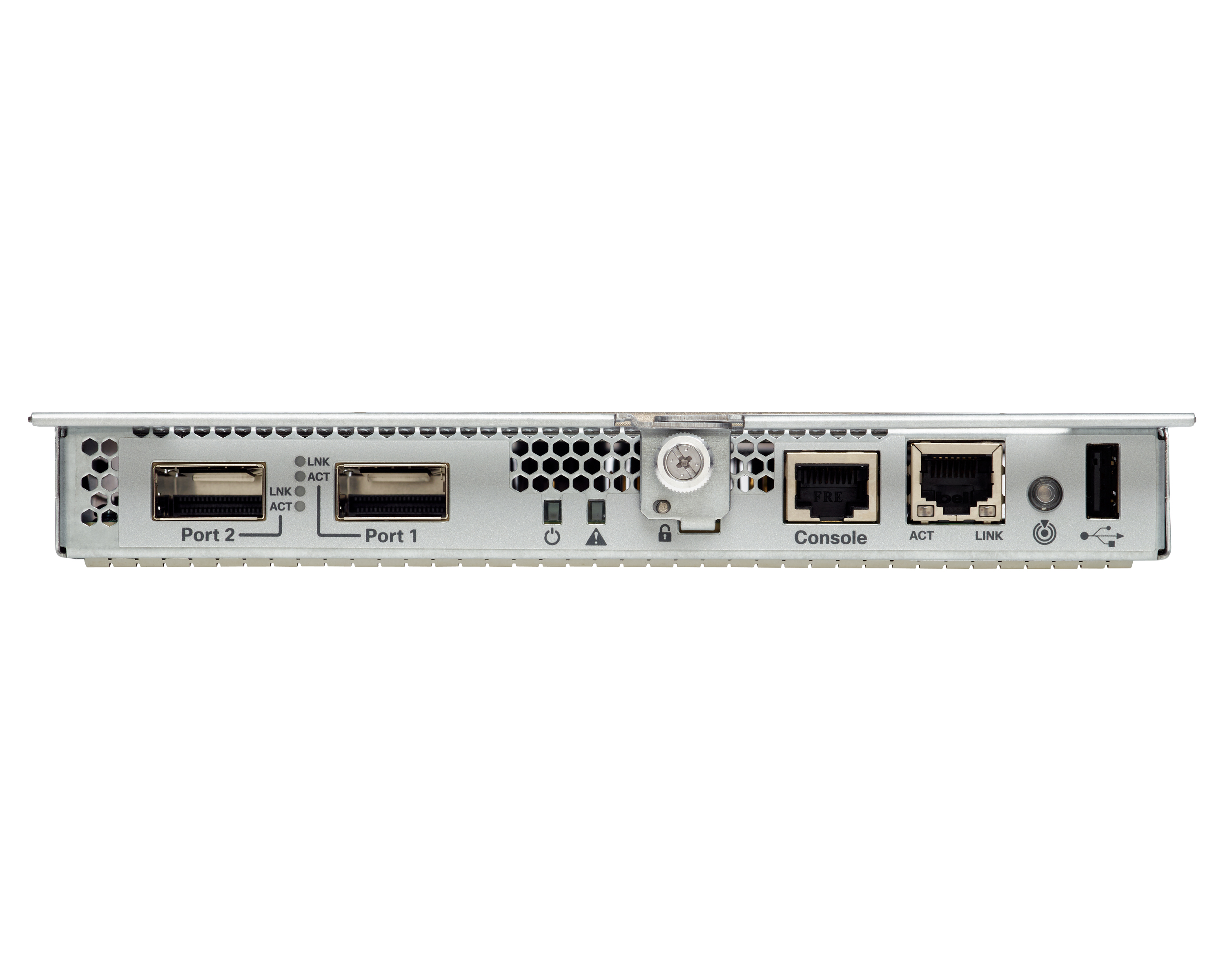
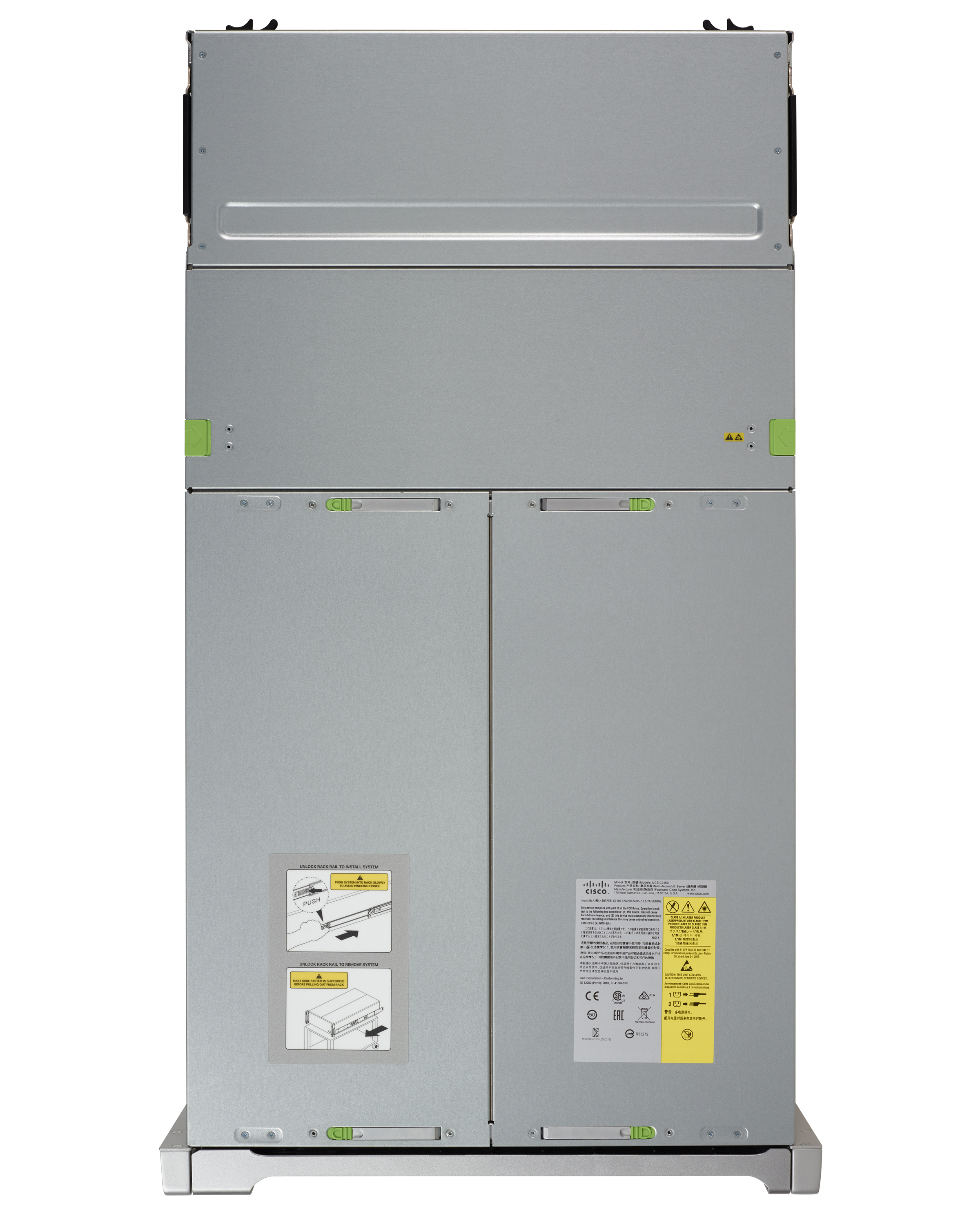
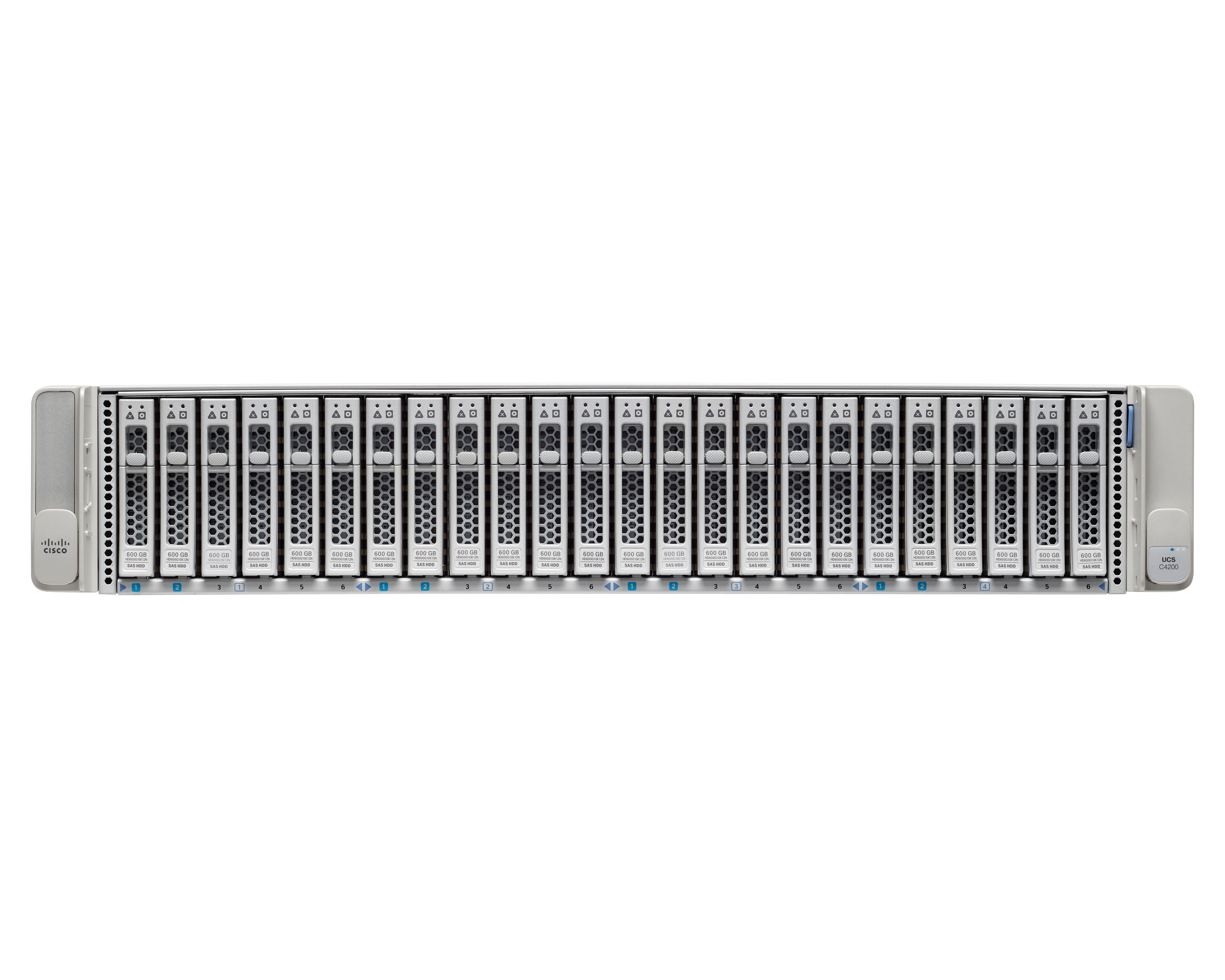
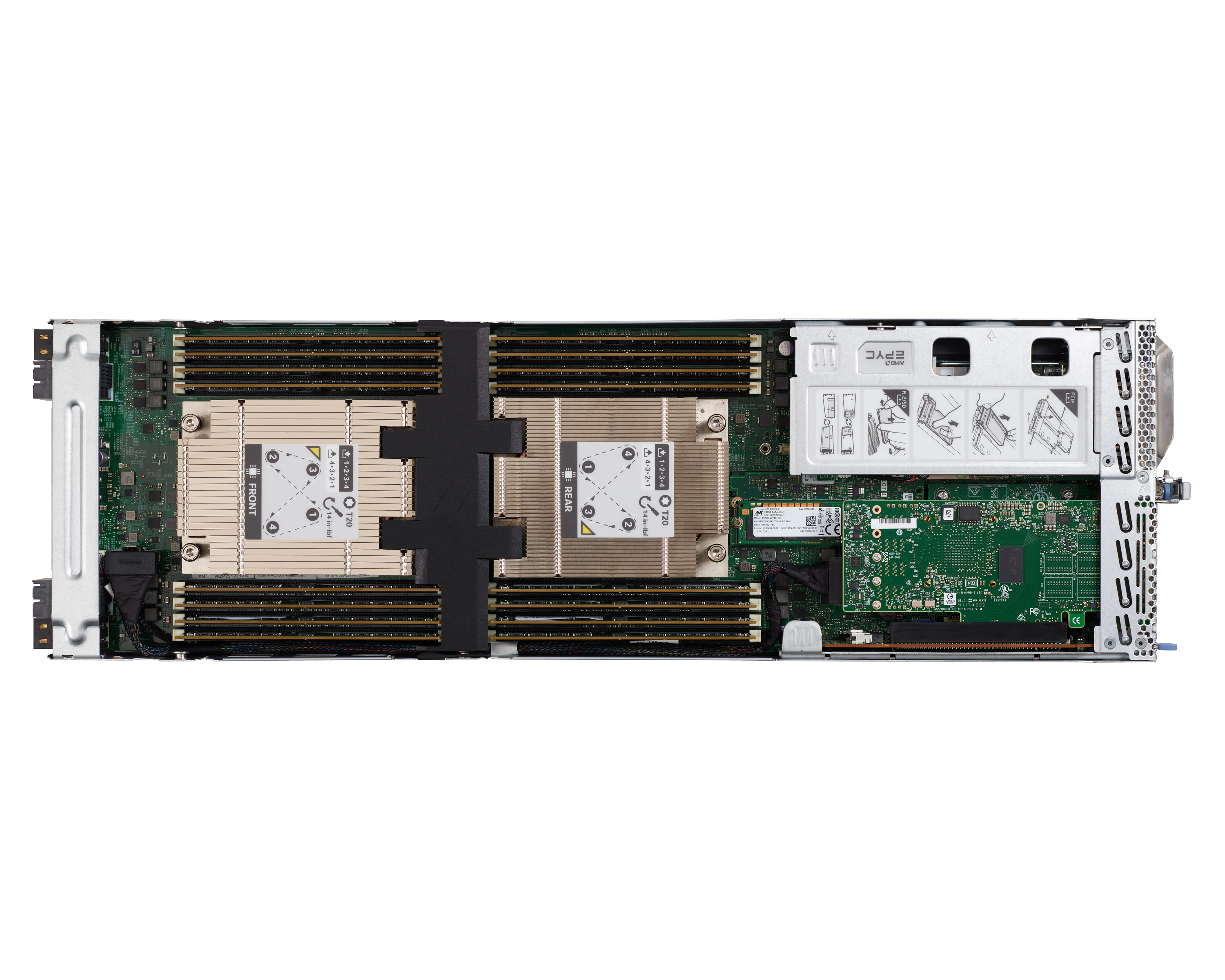
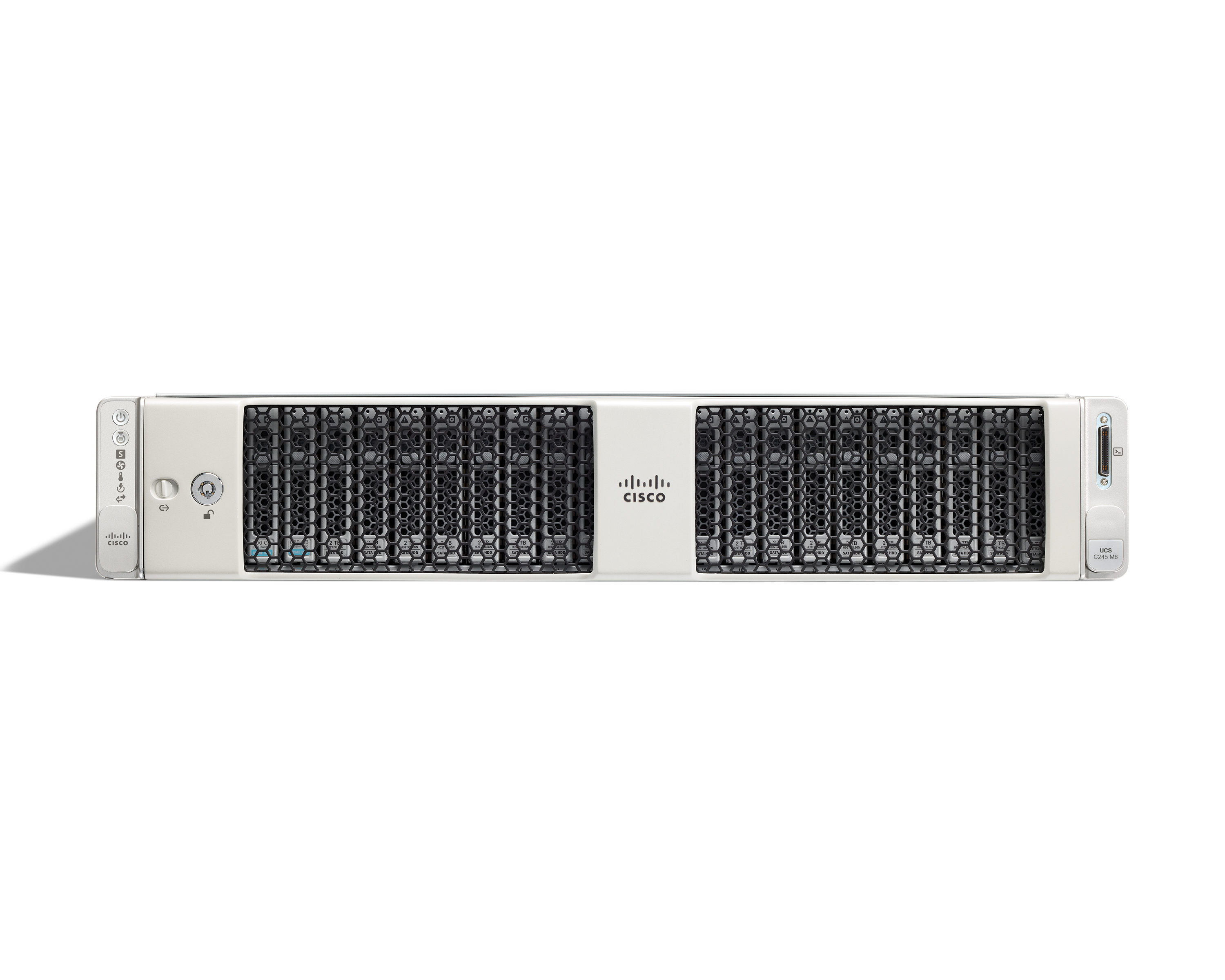
The Cisco UCS Series is a modular, high-density, high-availability, dual-node storage- optimized server suited for service providers, enterprises, and industry-specific environments. It provides dense, cost-effective storage to address your ever-growing data needs. Designed for a new class of data-intensive workloads, it is simple to deploy and excellent for applications for big data, data protection, software-defined storage environments, scale-out unstructured data repositories, media…
N/A
IBM Z
Score 9.3 out of 10
N/A
IBM Z is the company's mainframe enterprise server solution product line.
Cisco UCS Series is well suited for Enterprise data centers, offering centralized management of server profiles and policies. 2-Enterprise data center, wherein rack space, cooling, and power are a challenge. 3- Mission-critical application, Cisco UCS Series is well suited, Cisco UCS Series is less appropriate in the following situations: 1. Small SMB (high upfront cost and complexity may be overkill). 2. Expensive solution for a small business. Most cost-effective to use traditional rack servers.
Most of the time, server utilization is reliable and stable during peak times. Truly amazing, this product offers a lot and gets it done in no time without any confusion.It is reliable, too accurate and the performance is top-notch. It seems to be competitive in all virtual energy systems and its connectivity is also good. It's available at a low cost, but it's enough to have as many low-cost, more efficient systems as possible. It's a minor thing, but very rarely, it can cause work interruptions while it can get stuck due to more frequent use such as restless work. These power servers are very efficient and really help when things go wrong. I am using this product to retrieve data much faster.
It's very customizable. It's customizable as in you have a chassis, but you could pick and choose the size of your blades puff with full width depending on what your workloads are. So in a way, you're not locked in. It's not like you buy a chassis and you're stuck into one thing could go and put, you need something that's storage intensive or maybe you've got more graphics intensive workload. You could choose and mix and match in the same.
Continue on development of platform management. Cisco has been notorious for terrible web applications but the functionality of this product is getting to where it is expected to be.
Recognition of this being a product in a competitive market. When I think of servers I do not think of Cisco. Cisco = Networking Dell,HP=Servers
3rd party interoperability. I love Cisco but being tied to proprietary hardware/software is not a functionality that the end user or customer benefits from.
Cisco UCS has been a highly reliable compute platform for our workloads, handling MSSQL, SSIS, virtualization (VMware vSphere), and analytics workloads with low latency and high efficiency. UCS Service Profiles and centralized management (UCS Manager, Intersight) make it easy to provision, scale, and manage compute resources efficiently across production and non-production environments. Our UCS setup integrates well with Pure Storage and Nimble HF40, delivering high IOPS, low latency, and fast throughput for data-intensive workloads. Cisco UCS hardware and licensing can be expensive compared to some alternative compute platforms, especially when considering cloud-based or hyperconverged options. While UCS can work in a hybrid cloud setup, it doesn’t natively integrate as seamlessly with public cloud providers like Azure or AWS compared to some newer solutions. We may need to evaluate Azure Stack HCI or AWS Outposts for future flexibility.
The IBM Z mainframe capabilities are unmatched for cloud readiness and optimization the learning capabilities are matched perfectly with Watson and the expandability of the cloud makes it a perfect choice.
While Cisco's hardware is solid and long running, their software is usually the weak point. I will say that they are getting better with each release but if I had to find a problem with usability that would be it. Overall usability is good when you can work around software issues.
The platform’s redundant fabric interconnects, power supplies, and built-in high-availability features ensure that systems remain online even during hardware failures or maintenance. Unplanned outages are rare, and when combined with proactive monitoring, UCS provides a very reliable environment for critical workloads.
The system performs exceptionally well in terms of speed and efficiency, with pages loading quickly, and reports completing in a reasonable time frame, even with complex configurations. The integration of UCS with other systems, such as VMware vSphere and storage solutions, has generally not caused noticeable performance degradation. The scalability of UCS allows it to handle growing workloads without significant slowdowns. However, the performance could be slightly impacted during hardware or firmware upgrades, but these instances have been rare and well-managed. Overall, the performance has met our expectations and continues to provide reliable results.
Performance is a major part when you configure your system. IBM has many tools to study your system and suggest the appropriate configuration. With the right contract, you can add processing power dynamically and remove it when no longer needed
Cisco TAC is simply unbeatable and that goes for Cisco UCS server support just as well as it does for Cisco CUCM software. TAC has a well-deserved, excellent reputation and I do not hesitate to call them or open a ticket online, because I always know that I will get the help that I need and get it quickly
Support is usually superb, only occasionally dropping to very good. We participate in some of the CD (Continuous Delivery) aspects of z/OS, IMS, MQ, and DB2.
I would rate the in-person training as excellent. The sessions were well-structured, hands-on, and delivered by knowledgeable instructors who made UCS concepts easy to understand. It greatly improved our team’s confidence in managing the platform.
The training materials provided were generally informative and covered the essential aspects of the UCS platform, such as UCS Manager, Service Profiles, and integration with other systems. However, some of the training modules could benefit from being more hands-on and interactive. Additionally, certain advanced topics, like complex network configurations or troubleshooting hardware issues, were not covered in as much depth. Overall, while the training was useful, there’s room for improvement in terms of depth and practical application for more advanced users.
We were very satisfied with the implementation of Cisco UCS Series. The deployment was well-structured, Cisco’s support team was highly responsive, and the solution integrated smoothly with our existing infrastructure. The project was completed on time with minimal disruption to operations.
The Cisco UCS Series systems have far fewer hardware issues than the competition and seem to run longer than what we would be able to. They are also easier to manage from an admin perspective with easy to use tools, the right diagnostic and alerting and remote administration capabilities. They are a great product.
IBM Z is the best storage solution as it provides the best in class data protection with the cryptographic hardware keys, no loss in data while migration, and a user-friendly interface that makes it easy for develops to understand and has less of a learning curve. This makes it well above the competition.
Cisco UCS Series provides a highly flexible architecture with service profiles, fabric interconnects, and modular blades/rack servers, allowing organizations to scale compute and network resources across multiple departments and sites efficiently. The only minor limitation is that careful planning is required to maintain consistency at very large scales.
If you need more processing power, just add more CPU's or memory. The largest system can have close to 200 CPU's and 40 TB of memory. If that is not enough, you can add more physical computers, and connect them using a sysplex
I'm going to start with the negative impact. Maybe in order to have the ease of use, you have to get some time to prepare correctly and to correctly to design the correct design. But now that you've done this time, you don't have to take that to get back to this configuration. You are all free. And this is the positive side, it's that when everything is prepared correctly, everything is smooth. So the use of the profiles, the connection of new servers, the decommissioning and the adding of new servers, the modification of configuration, everything is more easy to use and the less we interrupt user access to our service, the more the hospital is working fine and we can achieve a better support to our end users. And then to the patients.