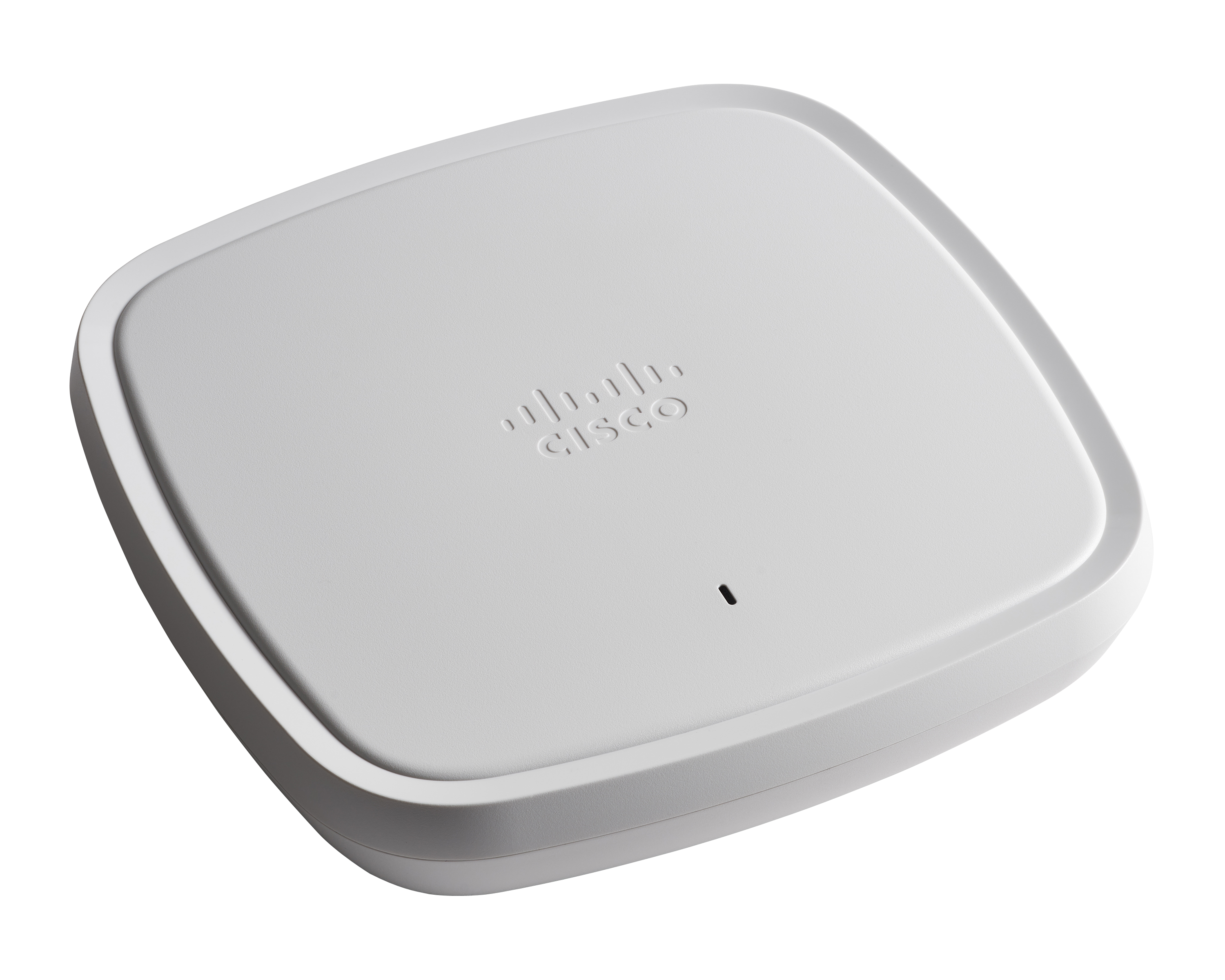
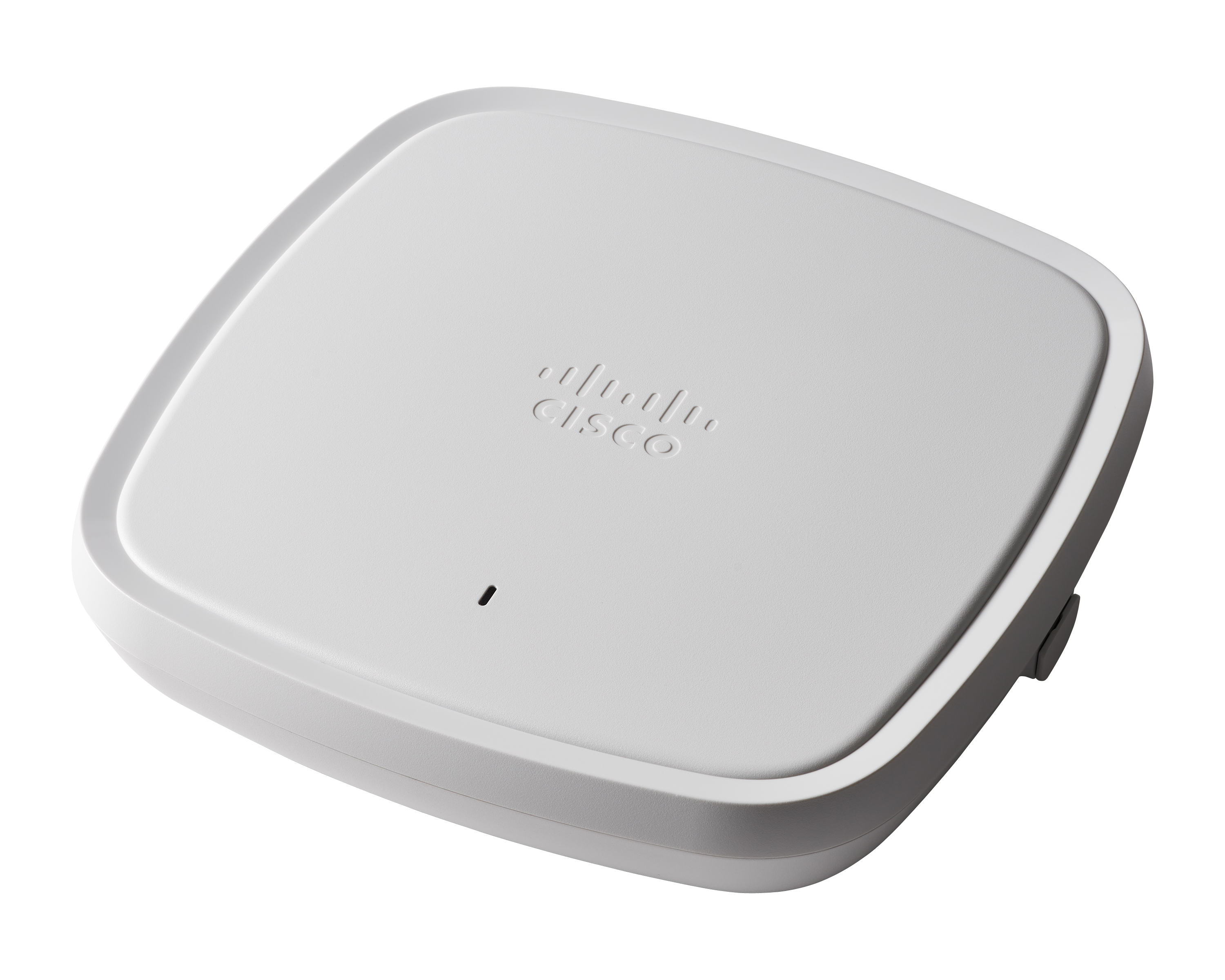
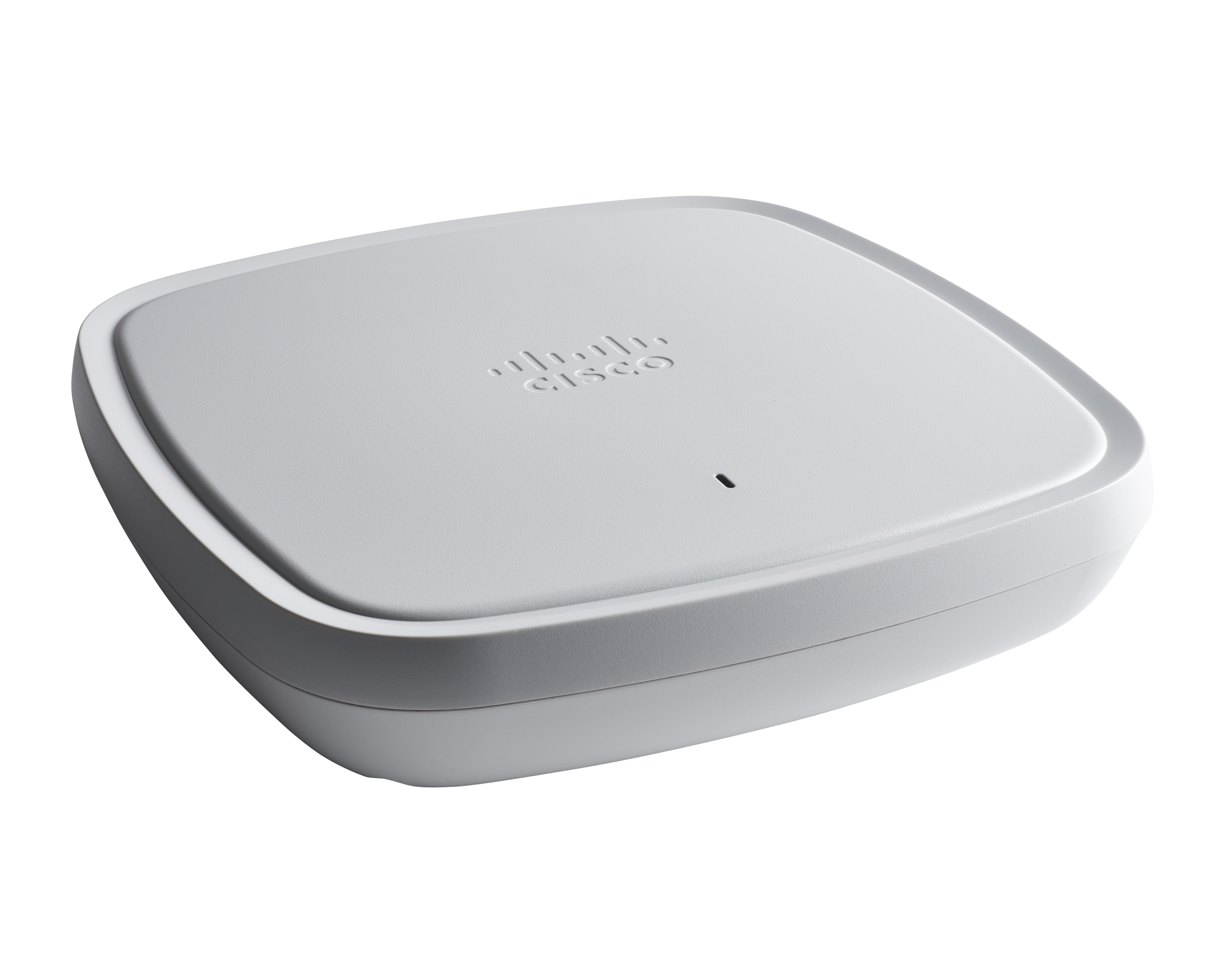
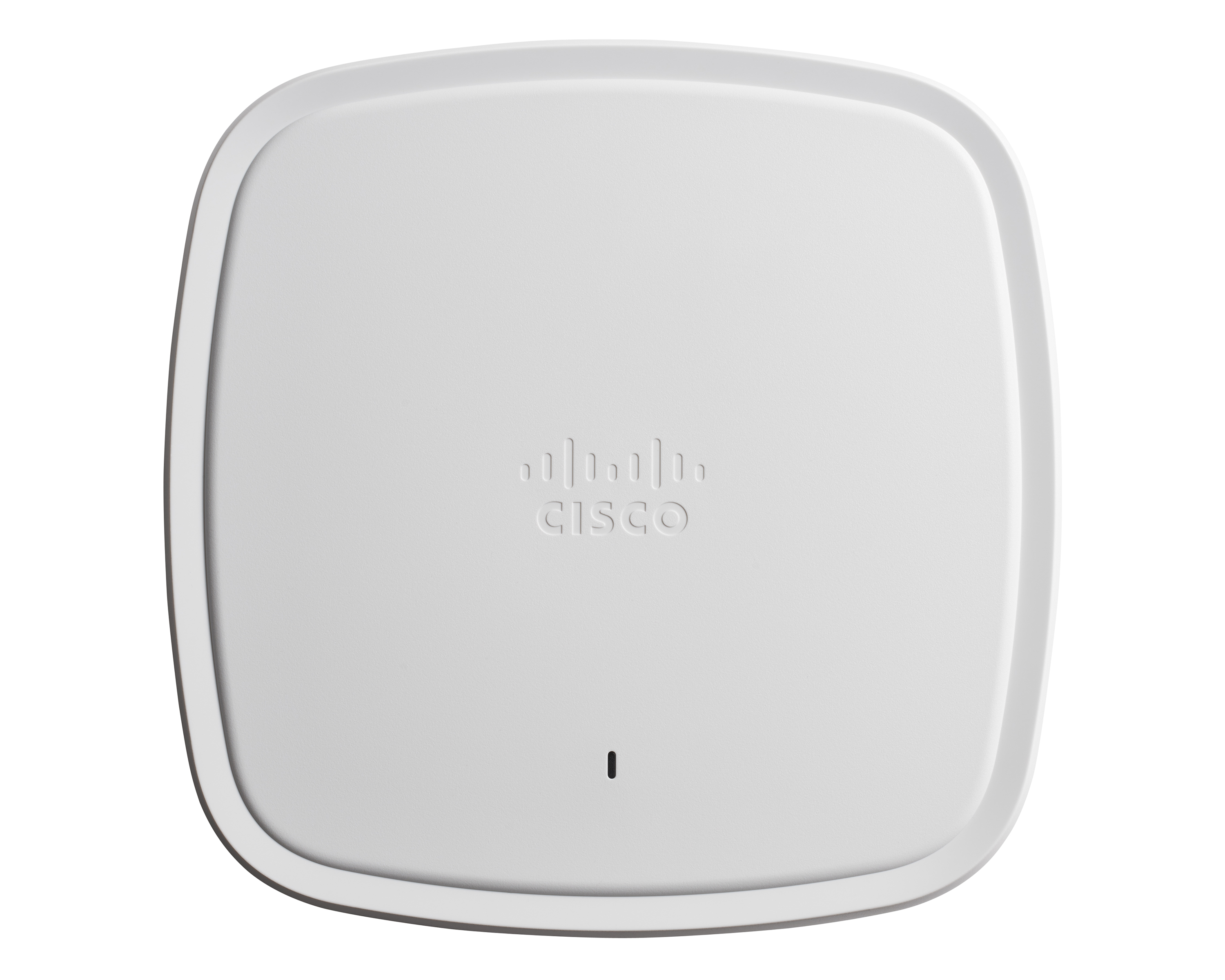
The Cisco Catalyst 9100 Access Points includes the 9115 and 9117, and designed to meet high demand network access.
N/A
UniFi WiFi Access Points
Score 8.7 out of 10
N/A
Ubiquiti Networks in San Jose provides the UniFi wi-fi access points. The enterprise products support 1,000+ client capacity, long-range 6 GHz performance, and 10 GbE PoE connectivity with native high availability architecture for critical enterprise environments.
N/A
Pricing
Cisco Catalyst 9100 Access Points
UniFi WiFi Access Points
Editions & Modules
No answers on this topic
No answers on this topic
Offerings
Pricing Offerings
Cisco Catalyst 9100 Access Points
UniFi WiFi Access Points
Free Trial
No
No
Free/Freemium Version
No
No
Premium Consulting/Integration Services
No
No
Entry-level Setup Fee
No setup fee
No setup fee
Additional Details
—
—
More Pricing Information
Community Pulse
Cisco Catalyst 9100 Access Points
UniFi WiFi Access Points
Considered Both Products
Cisco Catalyst 9100 Access Points
Verified User
Administrator
Chose Cisco Catalyst 9100 Access Points
Cisco Catalyst 9100 Access Points support more standards and are easier to configure than Ubiquiti APs. Ubiquiti APs also have some strange quirks or bugs if wired connection is lost.
Cisco Catalyst 9100 Access Points are well suited for dense Client solutions. We have used these in areas where we have a large number of guests that need top-notch connectivity without ever losing connection. The one area where we do have difficulty is in outdoor deployment, where large areas need to be covered, but we do not have physical connectivity in order to get the access points connected. This is not an access point issue but more of a physical connectivity limitation.
I love the equipment for small-scale commercial solutions and quality without the price tag. I might not recommend their products for a large organization with multiple locations and servers. However, the GUI interface will allow remote access and setup across the network. I think this is a great solution for small businesses and families or home office solutions, provided there is some IT knowledge for setup and maintenance.
So this product actually helps in healthcare facilities where we have a wireless, we call this WOW monitors. It's Wireless On Wheels. So we use those monitors to the patient's room to room. So in that case, rather than connecting it to wire, so it really helps us to connect through the WIFI and access the patients whenever we be needed.
They could definitely download their code faster. When we first get them out of the box and join them on the network, it takes probably 20, 30 minutes per access point to download the new code from the wireless controller and then reboot itself and then come back online.
When you're configuring it on the controller, if you want to switch access point groups, we have them broken out per site. Every time you add it to one of those groups, it also has to reboot. That's like downtime for us. That could be improved, I think.
Initial configuration of access points can be rather tricky. Each one I have installed was a complete pain to get setup and connected with the UniFi Controller software. I never worked out what causes me problems, but thankfully once I've stumbled through the correct procedure, it does work completely reliably after that, for years on end.
The UniFi Controller software will nag you to share usage data. When offered to opt-in, I choose not to do so, but you'll eventually be nagged again on a future login.
Some of the 'tooltips' within the Controller software could be more informative.
The Cisco Catalyst 9120 Access Points have been a solid deployment for me. Using their interface is a mix of new and old. They run IOS, so if you know the CLI, you can easily navigate around them. You can join them to an older controller if it supports a certain version, you can join it to a new 9800 controller--very straight forward--and you can run the embedded wireless controller on them directly. I've found this to be very useful at smaller sites. The Cisco Catalyst 9120 Access Points are not limited to feature sets like the older generations' mobility express platform.
Ubiquiti makes great Access points at various tiers provided far better coverage and throughput than consumer-grade wireless repeaters and routers. We have not had any performance complaints from guests or from the administration who use the wifi on a daily basis.
Using Cisco Catalyst 9100 Access Points you can expect good performance, if not excellent. Coupled with other tools and managment systems you can easily gain good insight and ease of management. Flexible deployment variations help you adopt the equipment to work for most any required scenario you could think of. It's a well designed and evolved product.
Cisco has been very good at correcting early issues with their code. Their TAC support has been fantastic when I would open a case with issues I was facing. Even though the hardware was new, they were very familiar with the interfaces and issues I was having. In the past I've been concerned about adopting a new product right away because of support issues. That was not the case here. Once I had the deployment up and running, they have had a good run of reliability.
Ubiquiti support is minimal, which is said to help decrease the cost of the equipment. However, with many reports of emails going directly to the Ubiquiti support line taking days to hear a response, you're better off either engaging with the community forums for help from fellow UniFi users or reaching out to a reseller that has training on the equipment that can assist.
We are migrating from Aironet platform to Cisco Catalyst 9100 Access Points. That's more flexible, and we do it to sync switching, SDWAN, and wifi under one family.
Ubiquiti is overall easier to work with. There is no special training needed to accomplish many of the things required with a Cisco product. Since my time is stretched thin, I need something that I can manage without being weighed down by command-line communications. Also, I am able to use my wireless devices to maintain every Ubiquiti device on my network.
These access points offer flexibility in deployment scenarios, supporting both standalone and controller-based architectures. Organisations can choose the model that best suits their current needs and scale as their requirements grow. Cisco Aironet Access Points are compatible with Cisco's Wireless LAN controllers, allowing for centralized management and monitoring of a large number of access points across the network. With the recent changes, it will even support cloud base controllers.