Meraki for the easier choice. Lately Meraki have climbed up the ladder with the new MS390 widening the offer. For me I see Meraki for the small/mid market customer and Cisco Classic more for the bigger customer with more specific needs. But security must follow along with the …
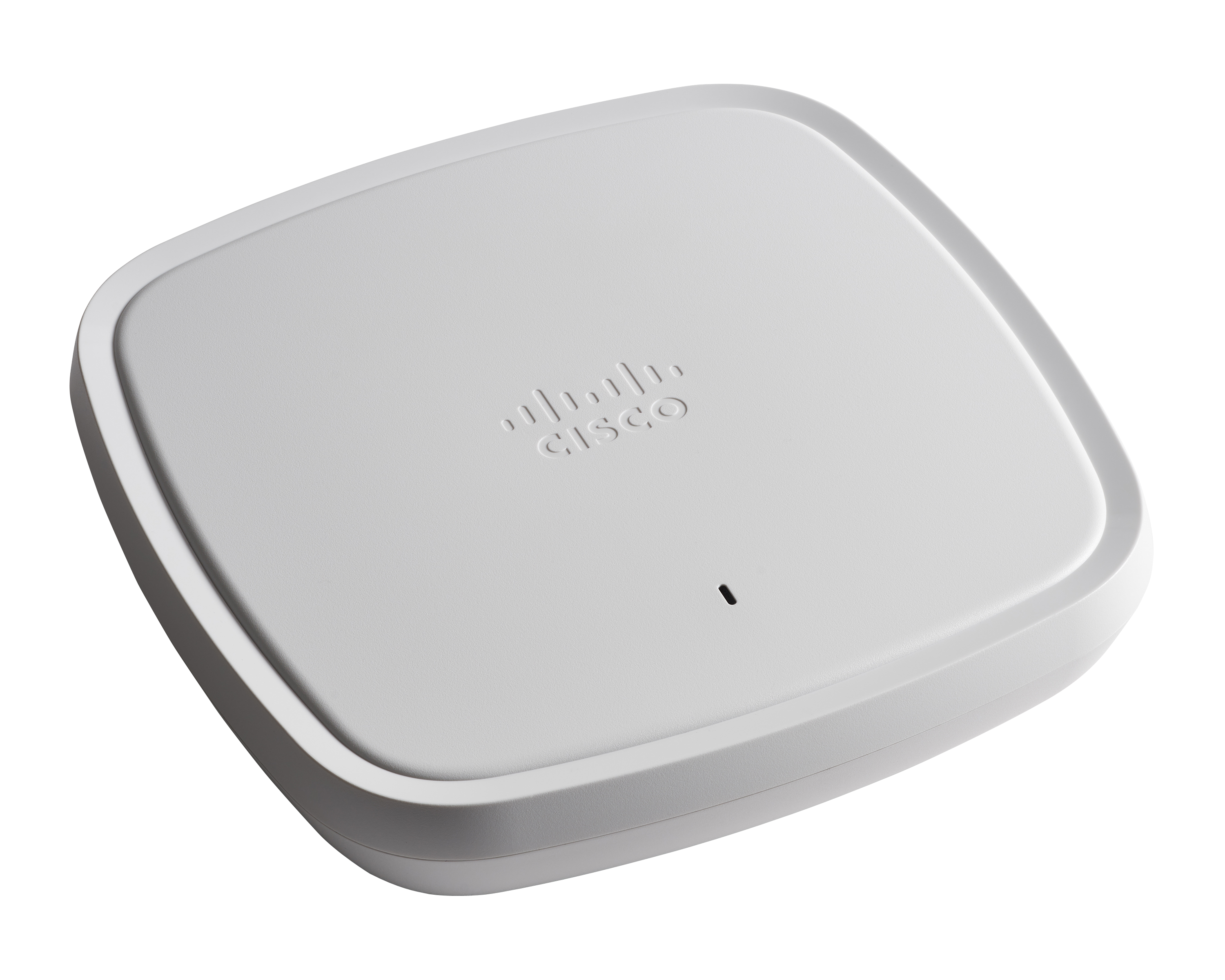
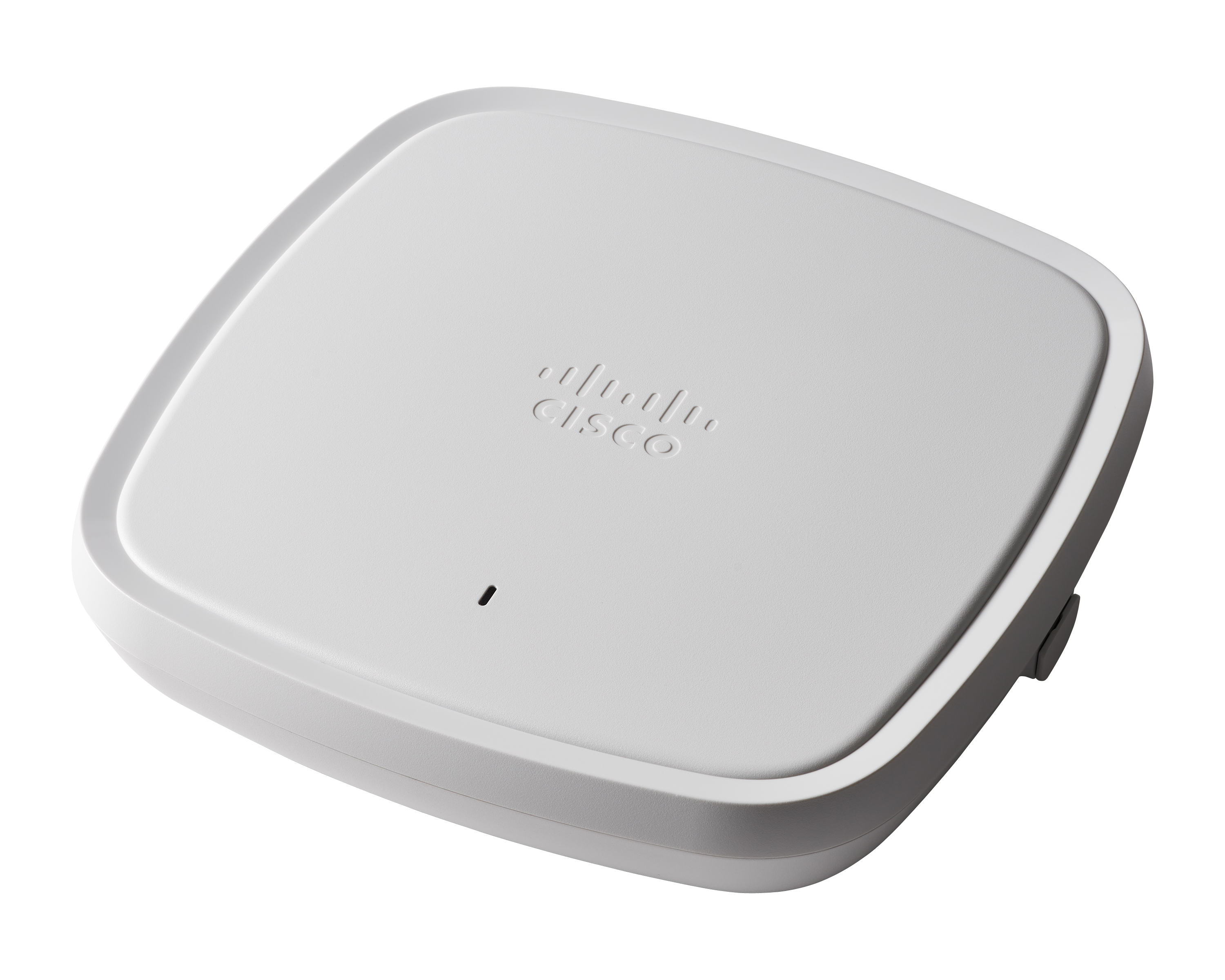
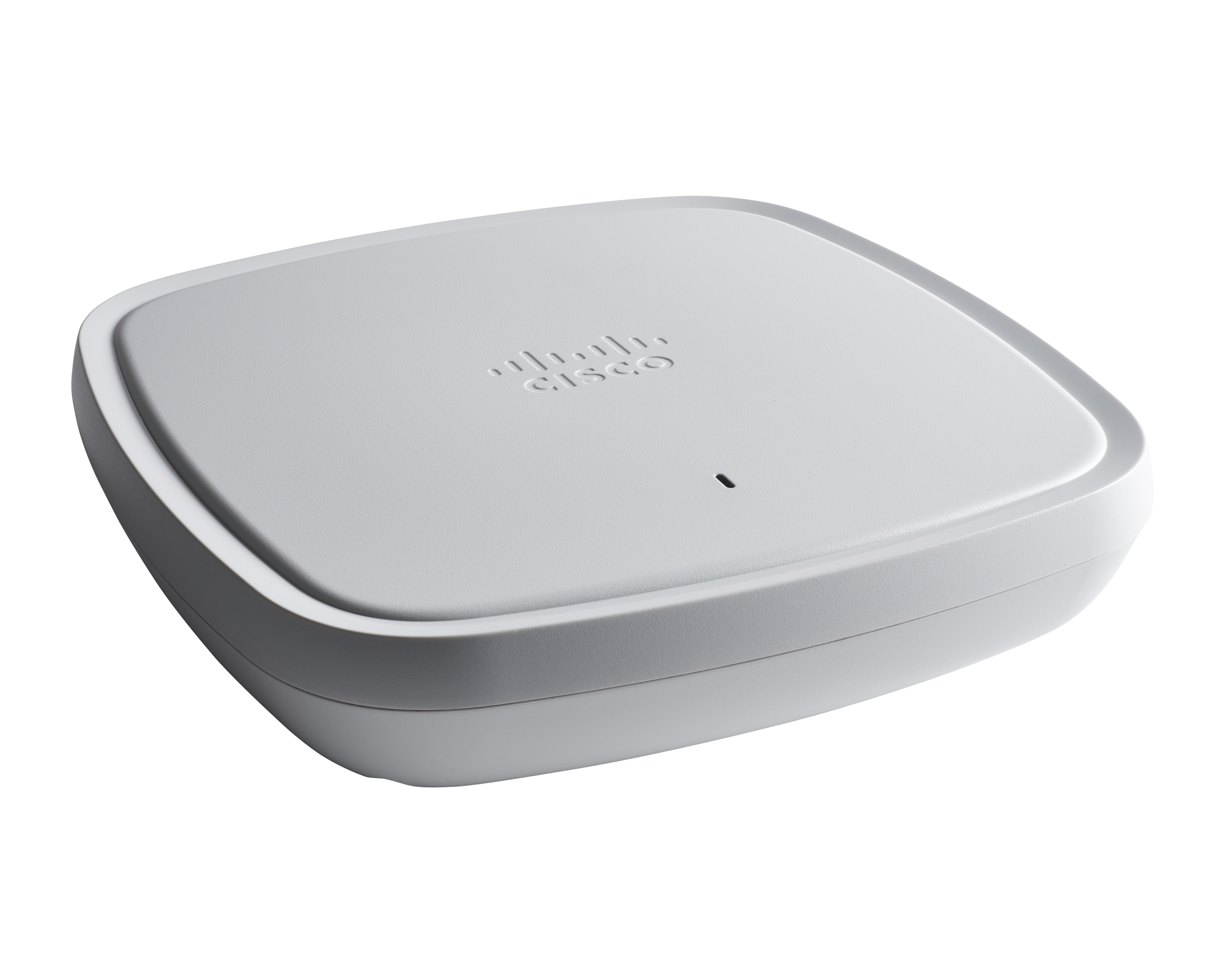
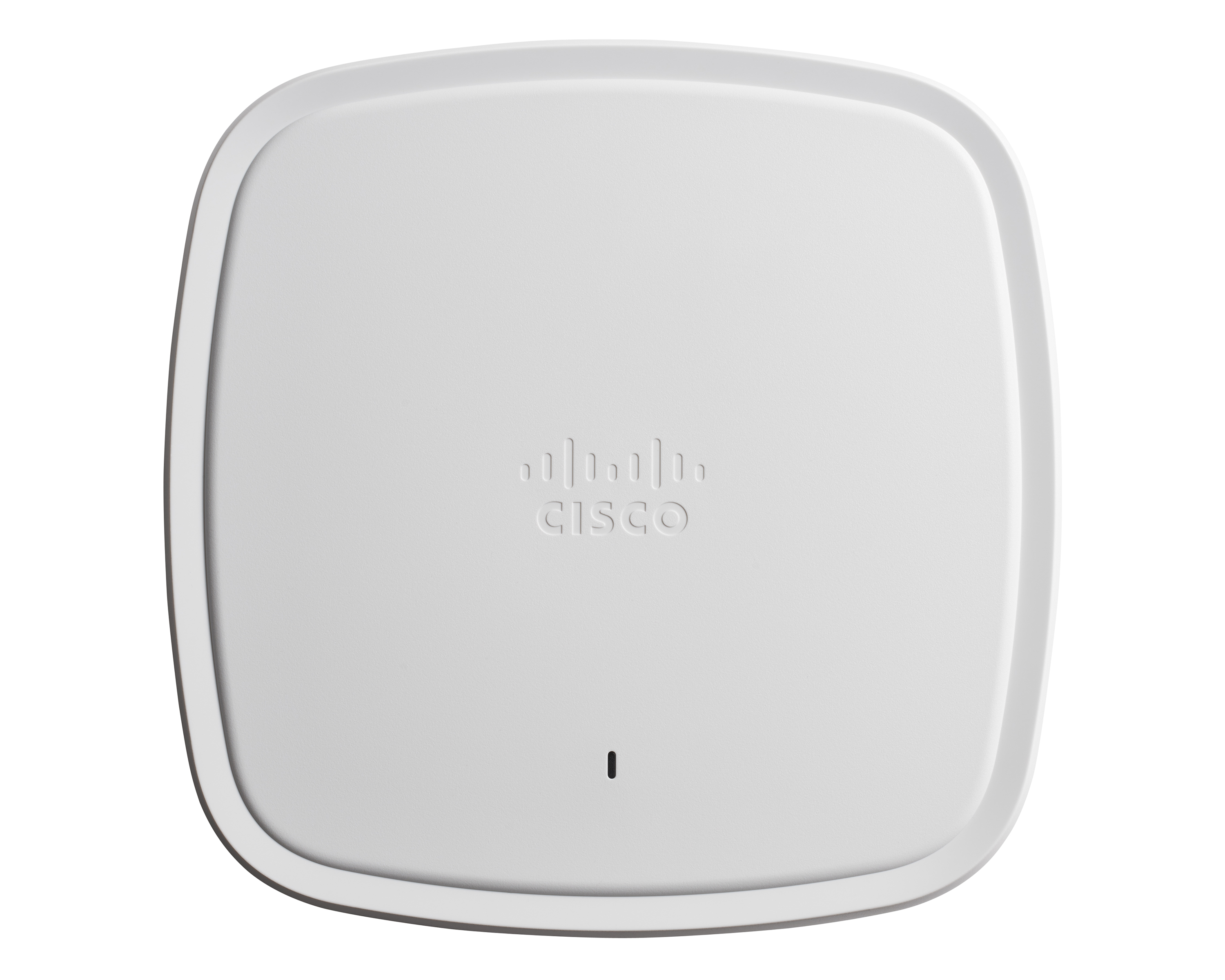
Cisco Catalyst 9100 Access Points are well suited for dense Client solutions. We have used these in areas where we have a large number of guests that need top-notch connectivity without ever losing connection. The one area where we do have difficulty is in outdoor deployment, where large areas need to be covered, but we do not have physical connectivity in order to get the access points connected. This is not an access point issue but more of a physical connectivity limitation.
It's ideal if the company frequently uses mobile devices that need to work on Wi-Fi. It's also ideal if a company has multiple locations. Cisco Meraki MR Wireless Access Points can then be easily deployed and managed via a central Meraki Dashboard. It also offers a powerful content filtering feature within the Cisco Meraki environment. This can be particularly useful for guest networks and in locations where certain content cannot be downloaded, such as a school.It's less suitable if a company has a limited IT budget and the network needs to be continuously expanded. In those cases, the associated license costs can quickly add up. In factories or other robustly built environments, RF tuning isn't feasible. As a result, the signal quality can sometimes be somewhat reduced.
So this product actually helps in healthcare facilities where we have a wireless, we call this WOW monitors. It's Wireless On Wheels. So we use those monitors to the patient's room to room. So in that case, rather than connecting it to wire, so it really helps us to connect through the WIFI and access the patients whenever we be needed.
It's cloud based, so as long as we have an internet connection, we can access it. Whenever we push a change, it's one stop like a single pane of glass to manage all our equipment. And so that's what I liked about it.
They could definitely download their code faster. When we first get them out of the box and join them on the network, it takes probably 20, 30 minutes per access point to download the new code from the wireless controller and then reboot itself and then come back online.
When you're configuring it on the controller, if you want to switch access point groups, we have them broken out per site. Every time you add it to one of those groups, it also has to reboot. That's like downtime for us. That could be improved, I think.
It is a solution that works very well. It is almost like setup and forget, since the solution works. When issues occur, documentation is available with detailed steps on how to solve this problems you are facing, of course Technical Support is always ready to help. We have had instances where an Access Point fails and within 2 days we have the replacement
The Cisco Catalyst 9120 Access Points have been a solid deployment for me. Using their interface is a mix of new and old. They run IOS, so if you know the CLI, you can easily navigate around them. You can join them to an older controller if it supports a certain version, you can join it to a new 9800 controller--very straight forward--and you can run the embedded wireless controller on them directly. I've found this to be very useful at smaller sites. The Cisco Catalyst 9120 Access Points are not limited to feature sets like the older generations' mobility express platform.
To get basic functionality doesn't take long. Set up a new Meraki Dashboard activate the licenses and get internet connection for the APs and you are more or less done. The Dashboard will find your items and you're good to go.
Using Cisco Catalyst 9100 Access Points you can expect good performance, if not excellent. Coupled with other tools and managment systems you can easily gain good insight and ease of management. Flexible deployment variations help you adopt the equipment to work for most any required scenario you could think of. It's a well designed and evolved product.
Cisco has been very good at correcting early issues with their code. Their TAC support has been fantastic when I would open a case with issues I was facing. Even though the hardware was new, they were very familiar with the interfaces and issues I was having. In the past I've been concerned about adopting a new product right away because of support issues. That was not the case here. Once I had the deployment up and running, they have had a good run of reliability.
We have not had any issues with the Meraki WiFi Access Point hardware but we did encounter a problem with a Meraki LAN switch that failed to power up. Upon a email into the Meraki Support, they promptly called back and we went over some quick tests to determine a power supply problem. A replacement LAN switch was sent to me the next day.
There were documents that detailed how the WiFi Access Point was to be installed and mounted. The only issue was to cable the device, we use a third party for this type of work and typically has to be performed after normal business hours. Other than that, the installation was easy.
We are migrating from Aironet platform to Cisco Catalyst 9100 Access Points. That's more flexible, and we do it to sync switching, SDWAN, and wifi under one family.
We were more on a Cisco Wireless Controller set up, which takes a lot longer to control and that's why we've actually gone through a cloud-based product, which is very easy compared with the old traditional way that we used to have. It's more ease of software. They've got very similar features, but it's easy to set up and maintain into the future.
These access points offer flexibility in deployment scenarios, supporting both standalone and controller-based architectures. Organisations can choose the model that best suits their current needs and scale as their requirements grow. Cisco Aironet Access Points are compatible with Cisco's Wireless LAN controllers, allowing for centralized management and monitoring of a large number of access points across the network. With the recent changes, it will even support cloud base controllers.
As far as I know, it's 10. I mean, because like I said, I manage stuff in the south. I have coworkers that manage it in the north. And so the scalability of it to be able to be go in and see the configurations of the ones in the north as well as they can see in the south. So across the board, it works really well for how widespread out it is.
Uptime has improved significantly. The dashboard automatically keeps devices up to date by scheduling upgrades at remote times (say 2am on a Sunday)
Swapping to Cisco Meraki MR Wireless Access Points has reduced the management overhead. No more long controller software hardware upgrades and obviously no more need for beefy central controllers.