Chrome Remote Desktop from Google is a cross-platform remote administration and remote desktop tool that requires the Chrome browser and an extension. It is free to use.
N/A
ScreenConnect
Score 8.5 out of 10
N/A
ConnectWise ScreenConnect is a remote support, access, and meeting solution. With it, users can utilize remote support and access to repair computers, provide updates, and manage machines. Users can also conduct online seminars and presentations using remote meetings.
$39
per month
Pricing
Chrome Remote Desktop
ScreenConnect
Editions & Modules
No answers on this topic
One
$39
per month
Standard
$59
per month
Premium
$69
per month
Offerings
Pricing Offerings
Chrome Remote Desktop
ScreenConnect
Free Trial
No
Yes
Free/Freemium Version
Yes
No
Premium Consulting/Integration Services
No
No
Entry-level Setup Fee
No setup fee
No setup fee
Additional Details
—
—
More Pricing Information
Community Pulse
Chrome Remote Desktop
ScreenConnect
Features
Chrome Remote Desktop
ScreenConnect
Remote Administration
Comparison of Remote Administration features of Product A and Product B
Chrome Remote Desktop
8.4
Ratings
3% above category average
ScreenConnect
7.0
Ratings
15% below category average
Screen sharing
6.00 Ratings
10.00 Ratings
File transfer
8.00 Ratings
9.40 Ratings
Instant message
8.00 Ratings
6.20 Ratings
Secure remote access with Smart Card authentication
Chrome Remote Desktop is great for accessing machines remotely which cannot be accessed via Microsoft's Remote Desktop. It's especially nice for accessing machines of varying operating systems from a machine of a single operating system. For example, if I'm on my Windows laptop, I can always use Microsoft Remote Desktop to connect to local machines (or machines via a VPN), but I can't do the same with Macs. I can do both from Chrome Remote Desktop though, and this program is very lightweight, which is nice.
I feel [ConnectWise Control (formerly ScreenConnect)] works on all sizes of implementations. I've used it with about 1000 endpoints and I've even used it for managing a couple family machines to make remote support easier. It works super well and does exactly what you want it to. It has not disappointed me at all and I'd recommend it to any employers I work for as well.
If CWC integrated with more RMM software other than LabTech it would be great as LabTech is way too expensive and convoluted at this point so we discontinued using it in favor of a simpler and much less expensive option.
Though it does support multiple monitors well, it would be nice to have the ability to have it automatically pop each remote monitor out to the local monitors if so desired.
Right now it uses email for multifactor authentication, I would rather it use an electronic key that can be stored on cell phone or user desktop.
The ability for it to automatically login to a Windows desktop would be a big help as well. It will store a username and password but you must manually send a control-alt-delete and then click a button to have it fill. Tying to something like Lastpass along with an autologin feature would be great.
A very easy lightweight tool that is completely scalable and deployed via google admin platform. The tool is free to use and works extremely well with the chrome devices we currently have deployed. Any organization using chrome or google suites should look into this tool as it's much easier to use then other remote software in the market
I would recommend this product for both internal remote control of end user workstations and remote access to other clients over the internet. It provides a secure and feature rich product that allows me to complete any necessary tasks without ever leaving the office. I will continue to renew as I'm eager to see what they do next. I would however wish the cloud service had a better API to work in conjunction with team collaboration or chat services to make it easier to connect with end users who use multiple workstations. (Slack or Stride provide this functionality)
Just a great product that has saved countless hours of commute to work and given the flexibility to be able to work from anywhere, whether at home or when away on holiday overseas. I love that it is a free product and is just as great as its competitors' products. It has also allowed me to prepare for work for the following day.
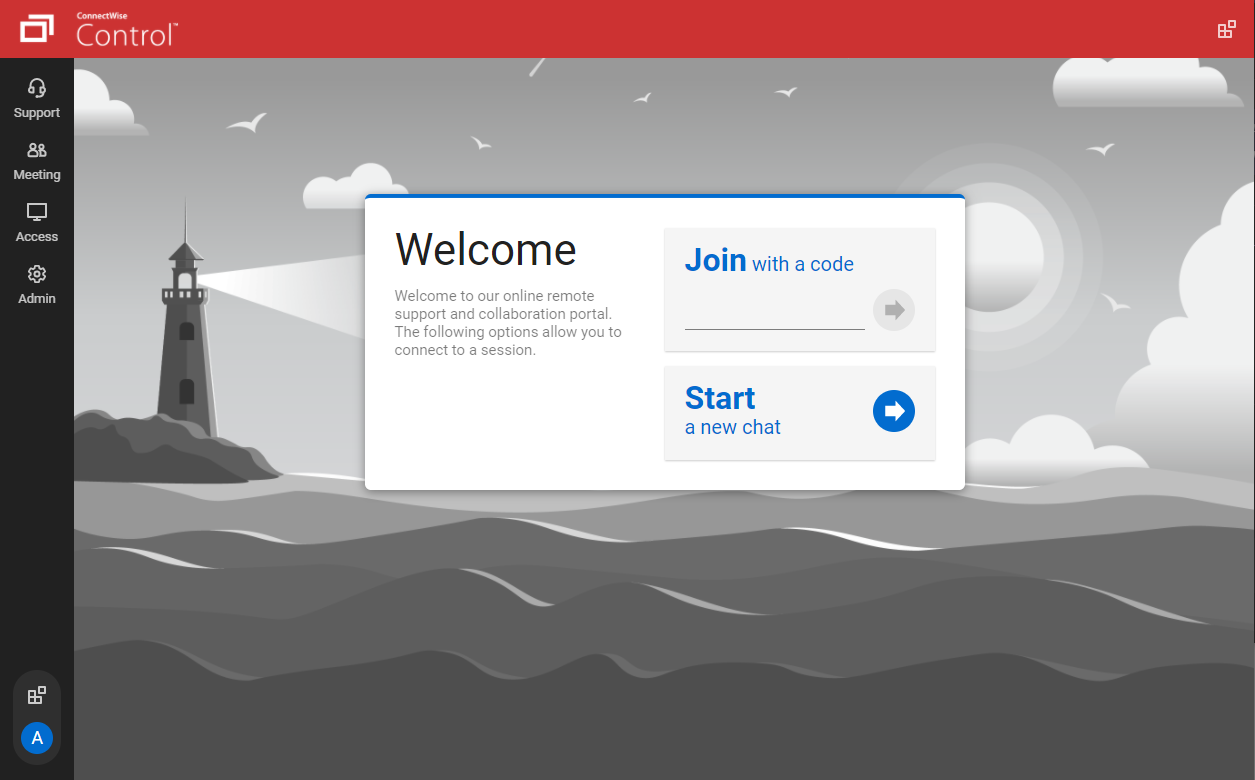
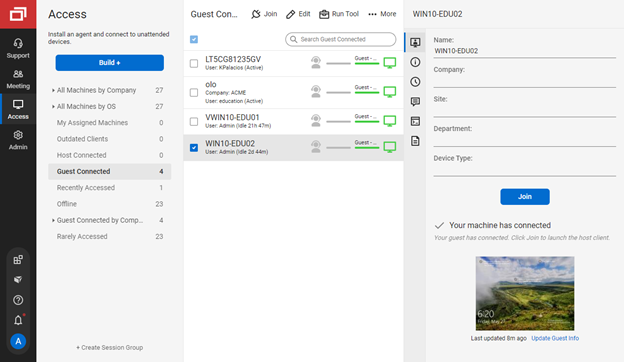
If you're a support noobie or a seasoned admin, this product is everything you are looking for. Join with a code - CHECK! Hop onto a permanent session installed on a PC/Server - YOU GOT IT! Wake up a remote sleeping computer - no problem. Need to customize access to different roles in your organization - BUILT RIGHT IN!
It performs well. It also has full control over windows security and does not get hung up like GoToMeeting when trying to install remote software at the prompt to install as admin / override. I have used TeamViewer, WebEx, LogMeIn and GoToMeeting. This is by far the best at spontaneous, remote control. It is also very easy to get a novice user connected to the session.
The only support I ever accessed were help files and web tutorials. I never tried to access personal support, mostly because I don't believe much of it is available. As a free service, my expectations for support are pretty low; that said, Chrome Remote Desktop is easy enough to configure and troubleshoot even with limited technical knowledge.
There have been two times when something has went wrong and I needed immediate assistance in order to be able to use Screenconnect to be able to help clients and response has not been immediate. The response time has been within 24 hours. Both times if there had been easier to navigate self help I would have been able to help myself. With better self help and a speedier response it would definitely be a 10 as they always respond and help. Just a little more difficult or slow than it should be at times
the one I attended didn't grab my attention the way I thought it would. Maybe because of the way I use the product; or because of how I am using an online instance, not a locally installed version. Some of the discussion got more technical and off the topic, it seemed.
ConnectWise has done everything they could to help us in any situation. Great support team and their new updates are always providing features that we need. Its a simple solution that works the way we need it to. Their legacy pricing model is still much better than their subscription based model however it is still fair pricing
Most of the other software solutions come at a cost for the licensing, and it is usually not cheap, given that you need to have commercial licensing for a business/organization. Also, with the other remote desktop solutions, there is more of a learning curve in order to use, them. With Chrome Remote Desktop that is not the case. Lastly, some of the problems that were seen in some of the paid commercial solutions, have not been seen with Chrome Remote Desktop.
We have used Beyond Trust occasionally for one of our White Label clients, but have found it is not as robust as ConnectWise Control. The seamless integration of Control with ConnectWise Automate makes it the best and most effective choice for our technical teams to deploy and manage our client machines.
As far as I can see there are no real barriers to scaling up - as and when we need more subscriptions, we can add them in with no negative impact to the existing way that we're using the tool
Quite simply our business could not function without a form of remote control software. Control has done an amazing job at filling a core foundation pillar of our business model as an MSP, having some clients in very remote destinations, we can still service them through the use of Control.
We pay per technician for an unlimited number of endpoints, and this pricing model has served us very admirably. As a smaller startup MSP, the cost of paying per endpoint would only serve to hurt our growth. Being able to pay a flat rate based on staffing is very desirable.
The whole experience using Control is polished and speedy. I couldn't imaging going back to a slower solution, the value Control brings is palpable in our business model.