
Checkmk vs. SysKit Monitor
Checkmk vs. SysKit Monitor
| Product | Rating | Most Used By | Product Summary | Starting Price |
|---|---|---|---|---|
 Checkmk | N/A | Checkmk is a solution for IT Monitoring of servers, applications, networks, cloud infrastructures (public, private, hybrid), containers, storage, databases and environment sensors. It can be deployed under all major Linux distributions or users can run it as Docker container or virtual appliance on other operating systems including Windows. The tool is available as a Raw Edition, which is open-source, and as an Enterprise Edition with a many additional enterprise features. The… | $0 up to 10 systems | |
 SysKit Monitor | Enterprise companies (1,001+ employees) | SysKit Monitor enables users to monitor and administer their entire server environment. It’s an agentless enterprise solution which helps users monitor server performance, track user activity, analyze application usage, document environment, and more. Additionally, it enables users to manage servers remotely with the help of PowerShell, serving as GUI for PowerShell reporting with advanced possibilities. SysKit comes with a quick installation containing built-in prerequisites, and it’s available… | $299 per server |
| Checkmk | SysKit Monitor | |||||||||||||||
|---|---|---|---|---|---|---|---|---|---|---|---|---|---|---|---|---|
| Editions & Modules |
|
| ||||||||||||||
| Offerings |
| |||||||||||||||
| Entry-level Setup Fee | $600 for up to 3,000 Services / around 100 hosts | No setup fee | ||||||||||||||
| Additional Details | — | — | ||||||||||||||
| More Pricing Information | ||||||||||||||||
| Checkmk | SysKit Monitor | |
|---|---|---|
| Small Businesses |  Veeam ONE Score 8.2 out of 10 | Veeam ONE Score 8.2 out of 10 |
| Medium-sized Companies |  Icinga Score 7.8 out of 10 | Icinga Score 7.8 out of 10 |
| Enterprises |  Zabbix Score 8.7 out of 10 | Zabbix Score 8.7 out of 10 |
| All Alternatives | View all alternatives | View all alternatives |
| Checkmk | SysKit Monitor | |
|---|---|---|
| Likelihood to Recommend | 10.0 (0 ratings) | - (0 ratings) |
| Likelihood to Renew | 10.0 (0 ratings) | - (0 ratings) |
| Usability | 9.0 (0 ratings) | - (0 ratings) |
| Checkmk | SysKit Monitor | |
|---|---|---|
| Likelihood to Recommend | 
| No answers on this topic |
| Pros |
| No answers on this topic |
| Cons |
| No answers on this topic |
| Likelihood to Renew |
| No answers on this topic |
| Usability |
| No answers on this topic |
| Alternatives Considered |
| No answers on this topic |
| Return on Investment |
| No answers on this topic |
| ScreenShots | SysKit Monitor Screenshots 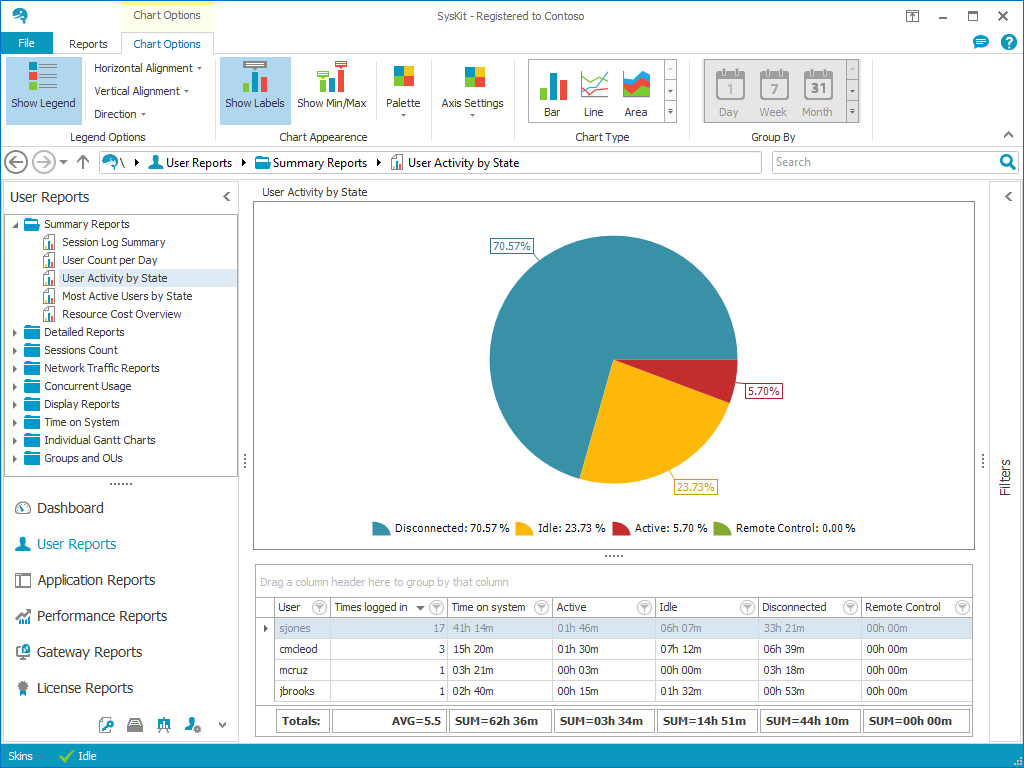 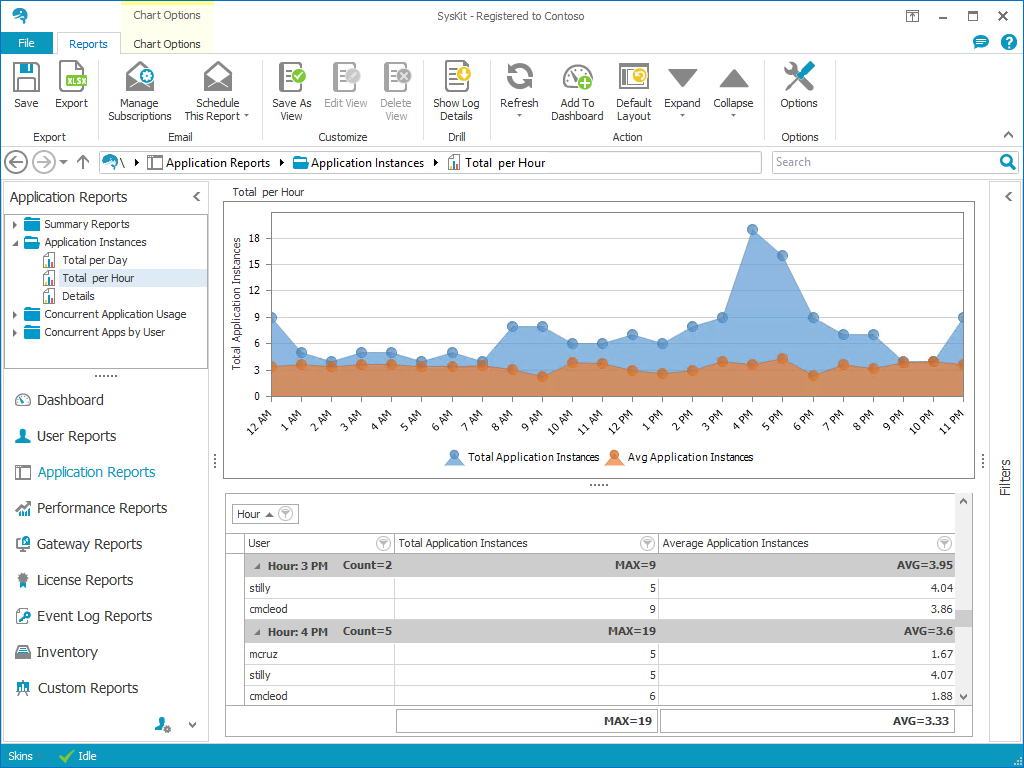  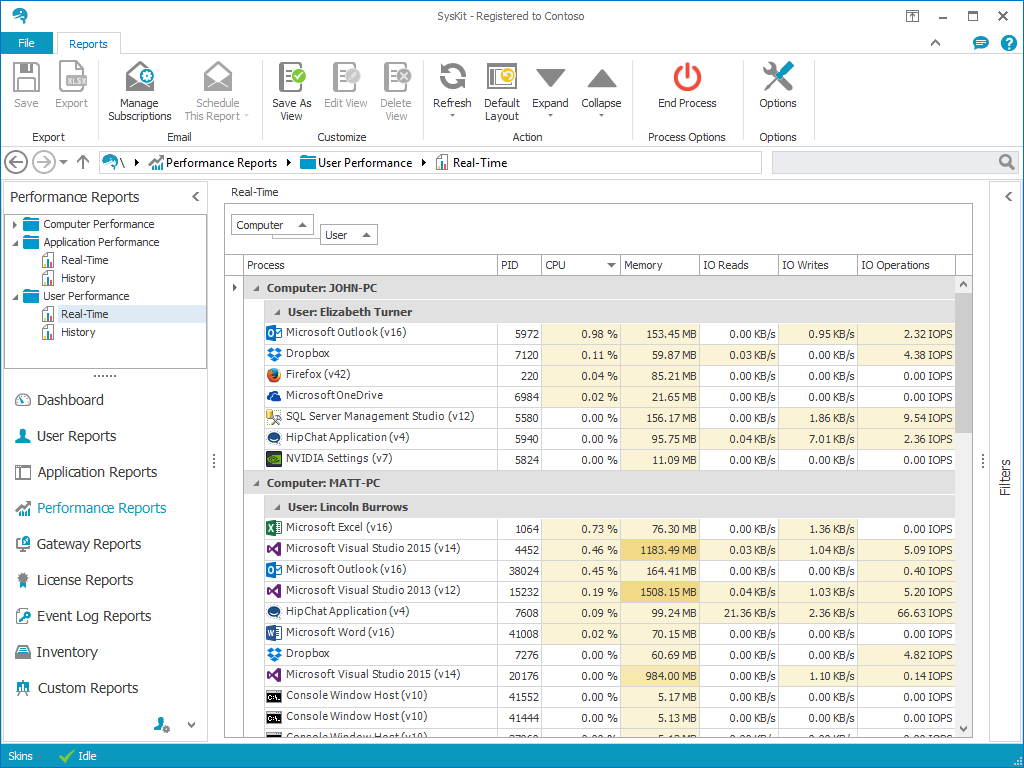 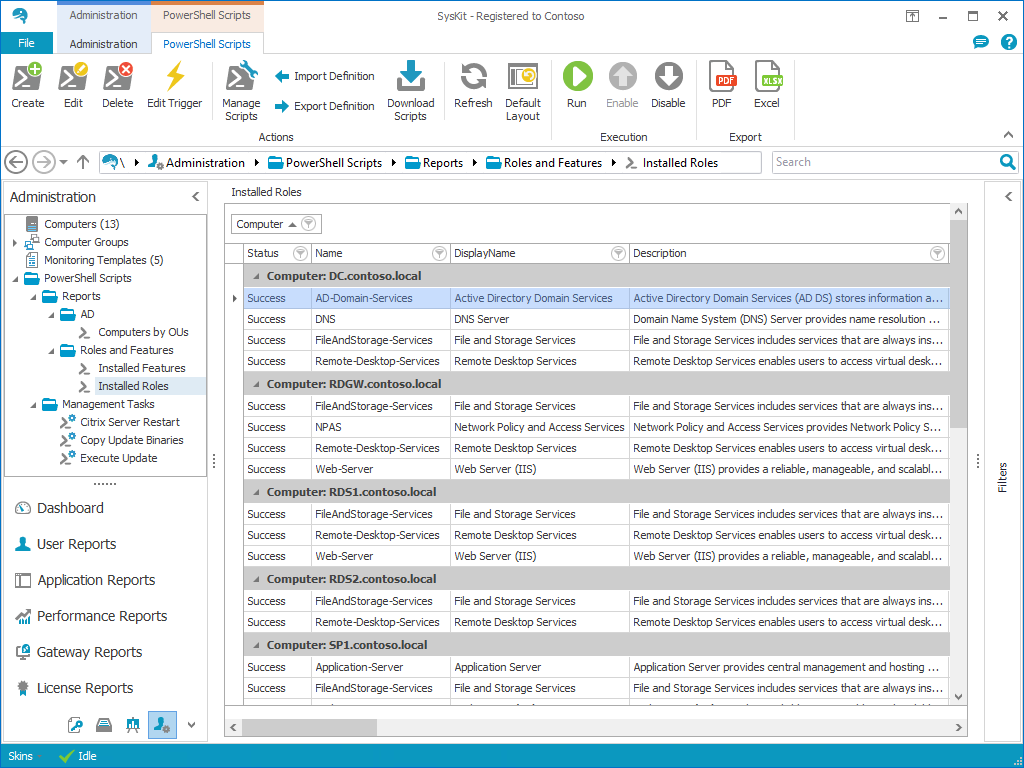 |