CheckMark Payroll vs. Darwinbox

Overview
ProductRatingMost Used ByProduct SummaryStarting Price
CheckMark Payroll
Score 0.0 out of 10
N/A
Engineered for small businesses, CheckMark Payroll software for Macintosh and Windows is a solution for small business owners, accountants, and payroll professionals. Features include direct deposit, MICR encoding blank check stock printing and users can process as many payrolls as desired for employees and companies. Up-to-date Federal and State tax withholding tables and printable IRS forms are included.
$509
per year
Darwinbox
Score 8.4 out of 10
N/A
Darwinbox headquartered in Hyderabad offers an end-to-end HRMS software provide core HR functionality (e.g. employee data management), support for recruitment and onboarding, payroll management, time & attendance tracking, as well as comprehensive talent management and employee engagement features.N/A
Pricing
CheckMark PayrollDarwinbox
Editions & Modules
CheckMark Payroll 2023 Edition
$509
per year
No answers on this topic
Offerings
Pricing Offerings
CheckMark PayrollDarwinbox
Free Trial
YesNo
Free/Freemium Version
NoNo
Premium Consulting/Integration Services
YesNo
Entry-level Setup FeeNo setup feeNo setup fee
Additional Details
More Pricing Information
Community Pulse
CheckMark PayrollDarwinbox
Features
CheckMark PayrollDarwinbox
Human Resource Management
Comparison of Human Resource Management features of Product A and Product B
CheckMark Payroll
-
Ratings
Darwinbox
9.4
5 Ratings
18% above category average
Employee demographic data00 Ratings9.15 Ratings
Employment history00 Ratings9.24 Ratings
Job profiles and administration00 Ratings10.05 Ratings
Workflow for transfers, promotions, pay raises, etc.00 Ratings9.45 Ratings
Organizational charting00 Ratings9.84 Ratings
Organization and location management00 Ratings9.04 Ratings
Payroll Management
Comparison of Payroll Management features of Product A and Product B
CheckMark Payroll
-
Ratings
Darwinbox
9.3
5 Ratings
15% above category average
Pay calculation00 Ratings9.95 Ratings
Support for external payroll vendors00 Ratings9.03 Ratings
Off-cycle/On-Demand payment00 Ratings9.03 Ratings
Benefit plan administration00 Ratings8.92 Ratings
Salary revision and increment management00 Ratings9.95 Ratings
Reimbursement management00 Ratings9.04 Ratings
Leave and Attendance Management
Comparison of Leave and Attendance Management features of Product A and Product B
CheckMark Payroll
-
Ratings
Darwinbox
9.3
5 Ratings
15% above category average
Approval workflow00 Ratings9.05 Ratings
Balance details00 Ratings9.84 Ratings
Annual carry-forward and encashment00 Ratings9.05 Ratings
Employee Self Service
Comparison of Employee Self Service features of Product A and Product B
CheckMark Payroll
-
Ratings
Darwinbox
8.8
5 Ratings
9% above category average
View and generate pay and benefit information00 Ratings9.84 Ratings
Update personal information00 Ratings8.65 Ratings
View company policy documentation00 Ratings9.15 Ratings
Employee recognition00 Ratings10.03 Ratings
View job history00 Ratings6.84 Ratings
Asset Management
Comparison of Asset Management features of Product A and Product B
CheckMark Payroll
-
Ratings
Darwinbox
9.8
4 Ratings
19% above category average
Tracking of all physical assets00 Ratings9.84 Ratings
HR Reporting
Comparison of HR Reporting features of Product A and Product B
CheckMark Payroll
-
Ratings
Darwinbox
8.0
3 Ratings
6% above category average
Report builder00 Ratings7.63 Ratings
Pre-built reports00 Ratings6.43 Ratings
Ability to combine HR data with external data00 Ratings10.02 Ratings
Onboarding
Comparison of Onboarding features of Product A and Product B
CheckMark Payroll
-
Ratings
Darwinbox
9.2
3 Ratings
15% above category average
New hire portal00 Ratings9.23 Ratings
Manager tracking tools00 Ratings9.23 Ratings
Performance and Goals
Comparison of Performance and Goals features of Product A and Product B
CheckMark Payroll
-
Ratings
Darwinbox
8.9
4 Ratings
12% above category average
Corporate goal setting00 Ratings10.03 Ratings
Individual goal setting00 Ratings10.04 Ratings
Line-of sight-visibility00 Ratings7.43 Ratings
Performance tracking00 Ratings8.24 Ratings
Performance Management
Comparison of Performance Management features of Product A and Product B
CheckMark Payroll
-
Ratings
Darwinbox
9.4
4 Ratings
18% above category average
Performance plans00 Ratings10.04 Ratings
Performance improvement plans00 Ratings10.03 Ratings
Review status tracking00 Ratings10.03 Ratings
Review reminders00 Ratings6.83 Ratings
Multiple review frequency00 Ratings10.03 Ratings
Succession Planning
Comparison of Succession Planning features of Product A and Product B
CheckMark Payroll
-
Ratings
Darwinbox
9.8
2 Ratings
23% above category average
Create succession plans/pools00 Ratings10.02 Ratings
Candidate ranking00 Ratings10.02 Ratings
Candidate search00 Ratings10.02 Ratings
Candidate development00 Ratings9.02 Ratings
Recruiting / ATS
Comparison of Recruiting / ATS features of Product A and Product B
CheckMark Payroll
-
Ratings
Darwinbox
9.4
3 Ratings
19% above category average
Job Requisition Management00 Ratings9.23 Ratings
Company Website Posting00 Ratings9.23 Ratings
Publish to Social Media00 Ratings9.23 Ratings
Job Search Site Posting00 Ratings9.02 Ratings
Duplicate Candidate Prevention00 Ratings9.02 Ratings
Applicant Tracking00 Ratings10.03 Ratings
Notifications and Alerts00 Ratings10.03 Ratings
Best Alternatives
CheckMark PayrollDarwinbox
Small Businesses
Dayforce Powerpay
Dayforce Powerpay
Score 9.5 out of 10
Dayforce Powerpay
Dayforce Powerpay
Score 9.5 out of 10
Medium-sized Companies
Paypro Workforce Management
Score 9.7 out of 10
Paypro Workforce Management
Score 9.7 out of 10
Enterprises
Infor Human Resources
Score 7.1 out of 10
PeopleStrong
PeopleStrong
Score 9.9 out of 10
All AlternativesView all alternativesView all alternatives
User Ratings
CheckMark PayrollDarwinbox
Likelihood to Recommend
-
(0 ratings)
8.6
(5 ratings)
Usability
-
(0 ratings)
8.0
(2 ratings)
User Testimonials
CheckMark PayrollDarwinbox
Likelihood to Recommend
CheckMark
No answers on this topic
Darwinbox
Darwinbox provides multiple functions and features related to Human resources and I Like the best where it maintains Attendance records and employees smartly. Darwinbox helps us to brings all the organization level activity on one platform which helps the management to take the crucial decisions. Sometimes it hangs and does not function properly due to an internet connectivity issue.
Read full review
Pros
CheckMark
No answers on this topic
Darwinbox
  • Maintaining Attendance from payroll with HR.
  • Employees self portal to ask for PTO or to check hours.
  • User Interface is user friendly for our employees.
Read full review
Cons
CheckMark
No answers on this topic
Darwinbox
  • The UI is very buggy at times
  • Some of the process flows need improvement such as being able to save the draft at the time of performance reviews
  • Better report generation
Read full review
Usability
CheckMark
No answers on this topic
Darwinbox
It overall helps me with applying for holidays and shows how many holidays I have left, whether it's an earned leave or casual leave, and even tells what all are the upcoming holidays. It helps me to read the firm's documentation and helps in writing things for my appraisal cycle, It even tells the performance and the tasks in my queue.
Read full review
Alternatives Considered
CheckMark
No answers on this topic
Darwinbox
Darwinbox helps to maintain all the things at one platform and easy to use too. It provide better usability compared with Moday.com. Darwinbox provides more functionality compared with monday.com. It is also user friendly as well. All the things we are getting one platform and on one place.
Read full review
Return on Investment
CheckMark
No answers on this topic
Darwinbox
  • The ability to view the organization structure and functional structure for the entire company.
  • One-stop solution for talent acquisition, payroll, leaves, reimbursements, attendance (time-sheet), holidays, etc. So I don't have to open a lot of different apps.
Read full review
ScreenShots

CheckMark Payroll Screenshots

Screenshot of A dashboard giving access to setup, payroll processing, and reporting functions. A News Feed is constantly updated with important payroll changes. Other useful information is listed for quick reference including the number of active employees and where the data is being saved. Quick links in the upper right-hand corner provide access to order paper products, contact support, browse the Knowledge Base, open the Payroll Manual.Screenshot of A Company or Trade Name can be used to print on checks and reports. Also, an encrypted password keeps information away from prying eyes.Screenshot of 20 Additional Income categories can be set up for the company and up to 8 per employee assigned. Offers a list of pre-set categories to use or modify.Screenshot of Set up to 30 Deduction categories for the company and assign up to 16 per employee. Users can set up an Employer Match for categories like a 401(k).Screenshot of Sort employees by their last name, employee number, or department. Separate active or inactive employees, track accrued hours and assign specific Incomes and Deductions for each employee.Screenshot of Input hours in a spreadsheet-type format or import them from a time and attendance system. Option to sort hourly employees first vs. those set up as salary for easier input.

Darwinbox Screenshots

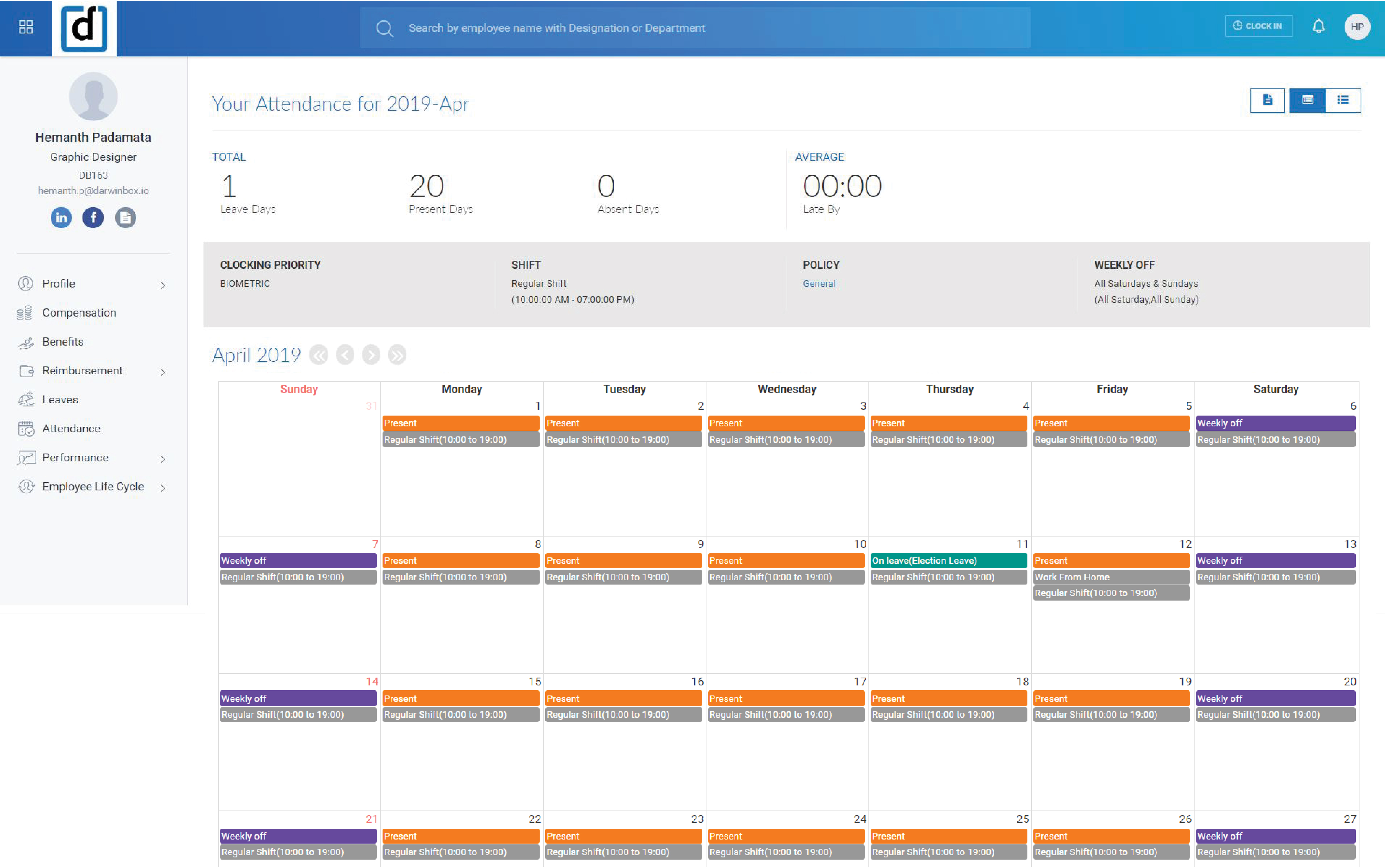
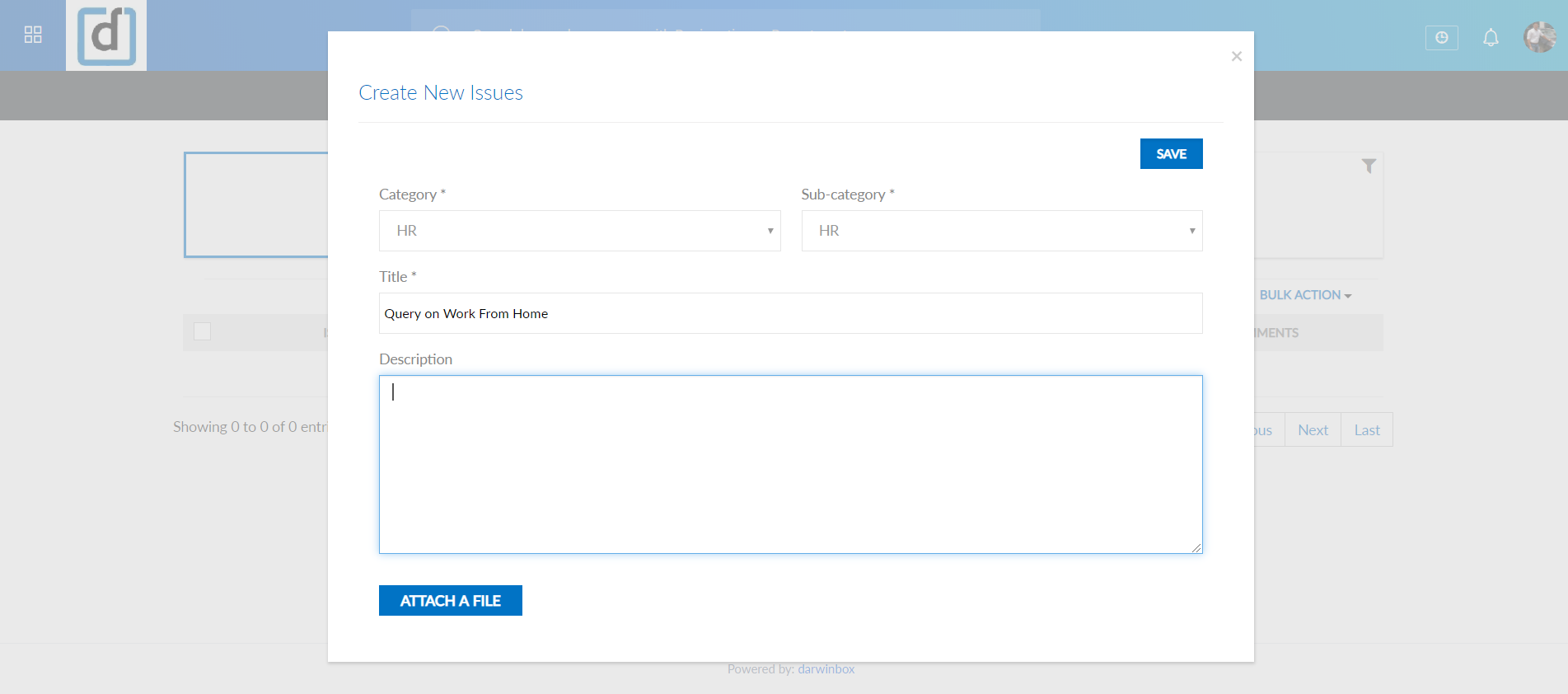
Screenshot of Screenshot of Screenshot of Screenshot of Screenshot of Screenshot of