Check Point's Harmony Browse is ta web security solution that protects users and their browsers against web-based attacks, in a way designed to not compromise workers’ productivity. Harmony Browse aims to enable users to safely browse the internet no matter where they are. It protects
organizations and their employees from web-based threats by inspecting all SSL web traffic directly on the endpoint, using a nano agent deployed within any browser. Harmony Browse prevents users from visiting zero…
N/A
Keeper
Score8.8 out of 10
N/A
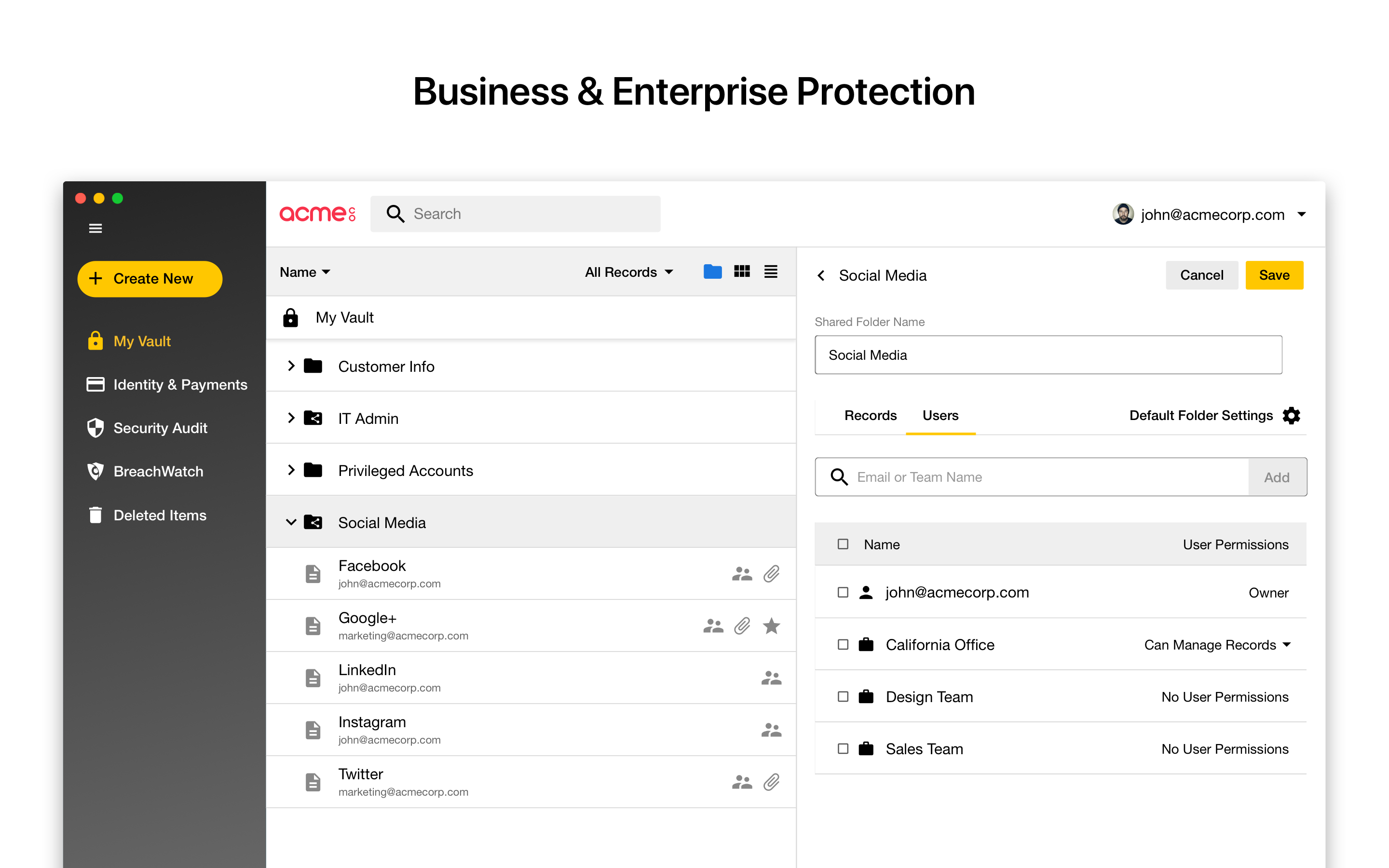
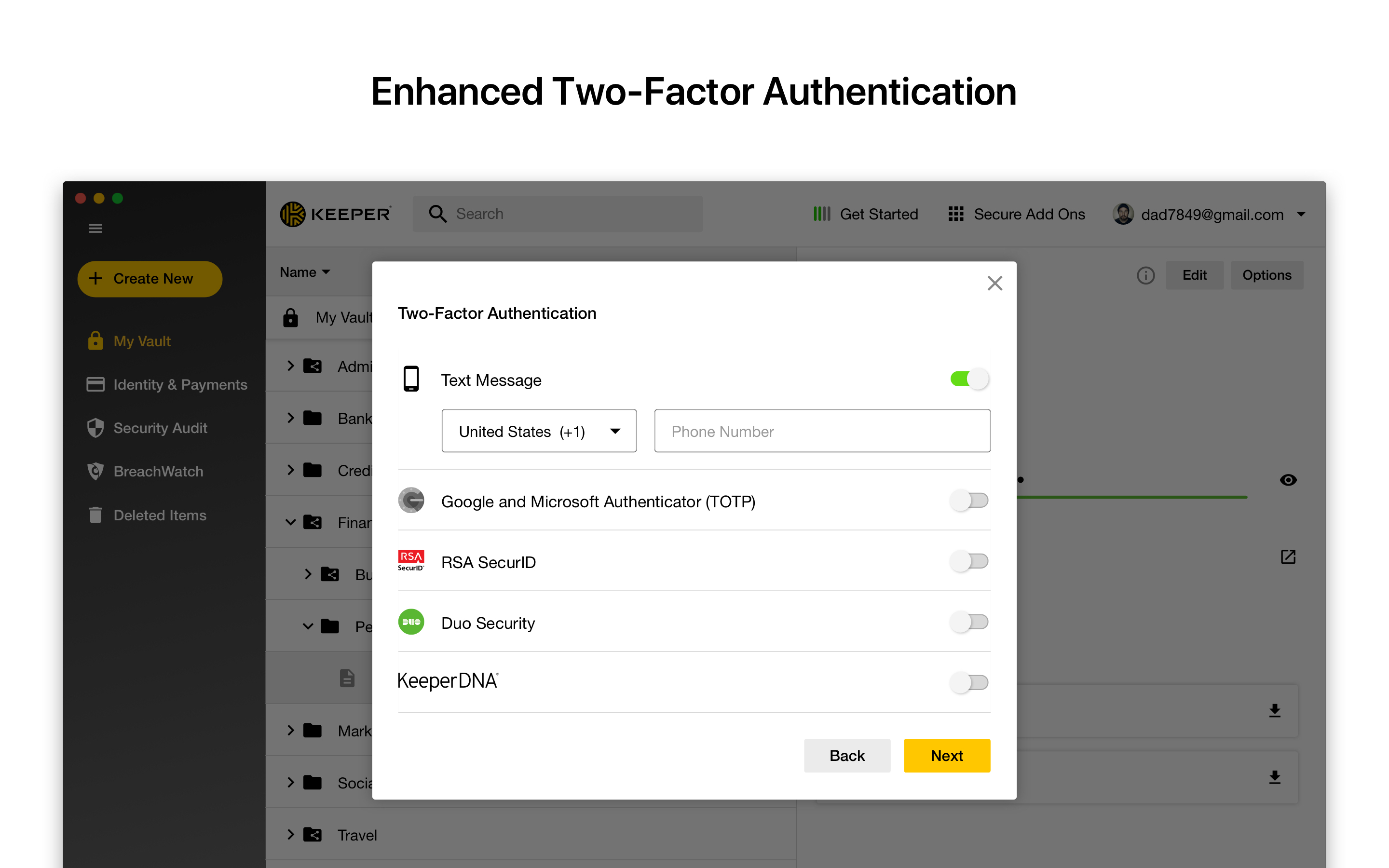
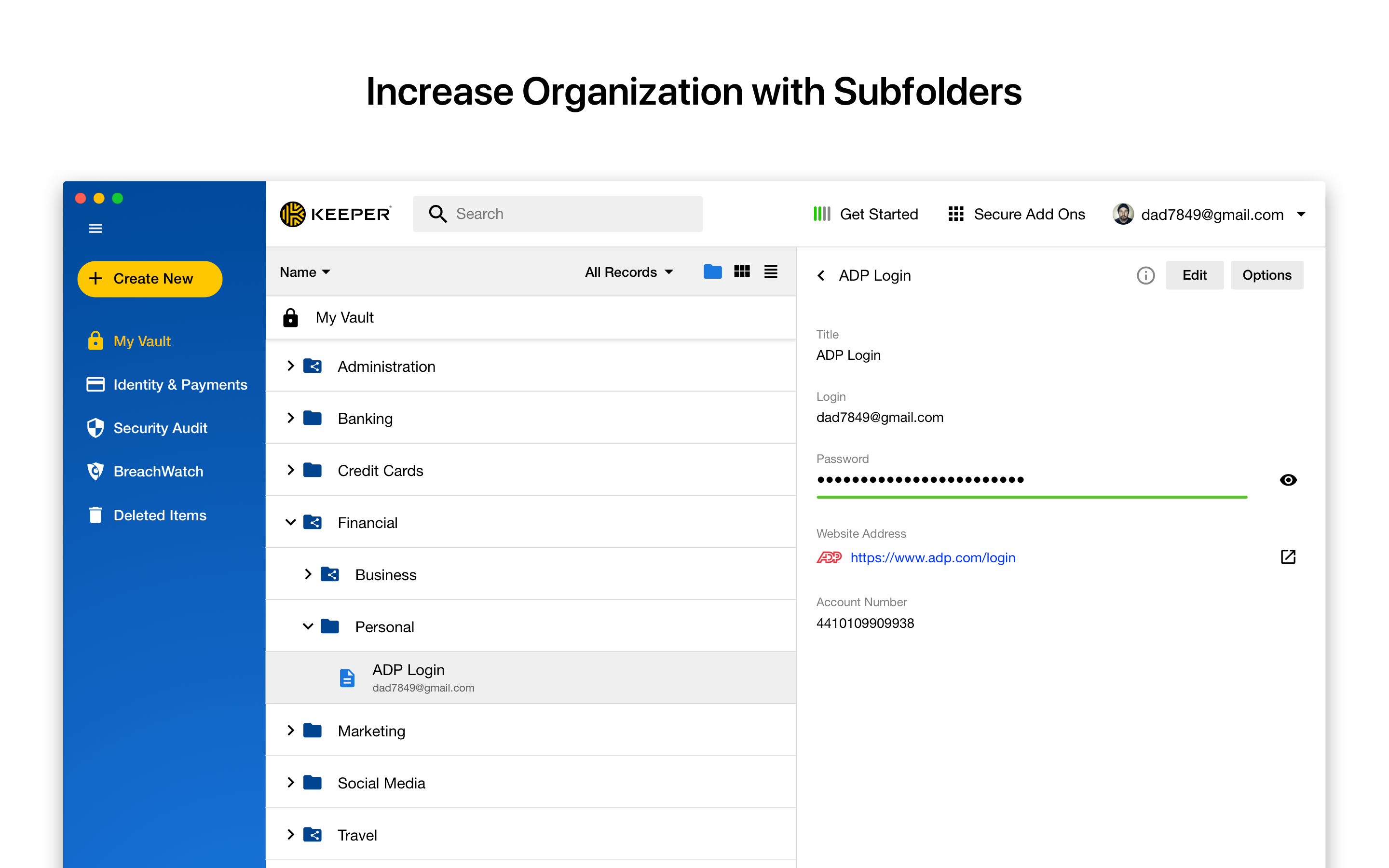
Keeper's password security and management platform boasts millions of people and thousands of businesses as users, who manage, secure and enforce strong passwords across all employee logins, applications and sites. Employees can access Keeper natively on all mobile operating systems, desktops and browsers. Keeper enables businesses to auto-generate high-strength passwords, protect sensitive files in an encrypted digital vault, securely share records with teams and integrate with SSO, LDAP and…
Check Point Harmony Browse is particularly well suited for protecting against the various zero-day attack vectors, which is what it is designed to do. It offers very good protection against users visiting phishing sites, malware sites, downloading or opening ransomware, and just generally providing the safety net required in a corporate environment against users visiting potentially harmful websites.
A de minimis incentive was given to thank the reviewer for their time. The incentive was not used to bias or drive a particular response, nor was the incentive contingent on a positive endorsement. More Info
I can only think of scenarios where Keeper is well-suited, in my experience. I work in small business (i.e., sole proprietor, 1 employee) environments and Keeper is well-suited to my needs. I imagine it would also be well-suited to multi-user environments, but would require a great deal more management and organization in such environments.
A de minimis incentive was given to thank the reviewer for their time. The incentive was not used to bias or drive a particular response, nor was the incentive contingent on a positive endorsement. More Info
A de minimis incentive was given to thank the reviewer for their time. The incentive was not used to bias or drive a particular response, nor was the incentive contingent on a positive endorsement. More Info
A de minimis incentive was given to thank the reviewer for their time. The incentive was not used to bias or drive a particular response, nor was the incentive contingent on a positive endorsement. More Info
A de minimis incentive was given to thank the reviewer for their time. The incentive was not used to bias or drive a particular response, nor was the incentive contingent on a positive endorsement. More Info
It's just easy to use, plain and simple. It has the complexity and user-interface that gives you confidence in its build but the ease-of-use that keep things from getting too complicated. A huge plus when you have to onboard new members of the team or summer interns when you need them to step in and make orders on your behalf.
A de minimis incentive was given to thank the reviewer for their time. The incentive was not used to bias or drive a particular response, nor was the incentive contingent on a positive endorsement. More Info
We were already in the Check Point ecosystem and therefore did not look into alternatives like CrowdStrike or Kaspersky. Looking back, Check Point stacks up very nicely with the competitors on the market in terms of features, but I can't speak to actual real work performance having not used the others.
A de minimis incentive was given to thank the reviewer for their time. The incentive was not used to bias or drive a particular response, nor was the incentive contingent on a positive endorsement. More Info
I have used the Apple cloud, but if you forget your password into that, once again, you’re at the mercy of calling customer service. With Keeper, you can use the thumbprint option to log on, and there’s any of your needed passwords. It’s fast and simple, and you don’t have to wait online to unlock the app you’ve locked yourself out of.
Improved security posture overall with reduced risk.
Relatively low cost and easy implementation easily recouped by allowing us to shift resources to other priorities and away from manual monitoring tasks.
Peace of mind for our users knowing they have a safety net in place.
A de minimis incentive was given to thank the reviewer for their time. The incentive was not used to bias or drive a particular response, nor was the incentive contingent on a positive endorsement. More Info
The spreadsheets and printed papers being passed around the office with passwords on them have gone! This is a huge security hole plugged.
Users actively use the software which says something - it is easy to use and intuitive. When software is not intuitive, it tends to not get used.
It gives IT control over who does what with passwords, and while difficult to quantify it is certainly a dramatically positive impact on the organization.
A de minimis incentive was given to thank the reviewer for their time. The incentive was not used to bias or drive a particular response, nor was the incentive contingent on a positive endorsement. More Info