ChartHop vs. Hubstaff

Overview
ProductRatingMost Used ByProduct SummaryStarting Price
ChartHop
Score 7.9 out of 10
N/A
ChartHop, from the company of the same name in New York, is an organization management platform, providing org chart that integrates with HRIS systems, workforce analytics with custom reporting, and tools to support people and succession planning, compensation plans, and process performance reviews and data.
$0
per month per seat
Hubstaff
Score 9.4 out of 10
Small Businesses (1-50 employees)
Hubstaff is a workforce analytics software tailored to boost productivity in remote, hybrid, and in-house teams while fostering a positive employee experience. Integrating with over 30 apps, Hubstaff's key features include time tracking, screenshots, activity tracking, URL and app monitoring, workforce analytics, automatic payroll and invoicing, scheduling, GPS and location monitoring, and timesheets. Hubstaff is compatible with Mac, Windows, Linux, Chrome, iOS, and…
$7
per month per user (2 seat minimum)
Pricing
ChartHopHubstaff
Editions & Modules
ChartHop Basic
$0
per month per seat
ChartHop Modules
Contact us
Starter
$7
per month per user (2 seat minimum)
Grow
$9
per month per user (2 seat minimum)
Team
$12
per month per user (2 seat minimum)
Enterprise
$300
per year per seat
Offerings
Pricing Offerings
ChartHopHubstaff
Free Trial
NoYes
Free/Freemium Version
YesYes
Premium Consulting/Integration Services
NoNo
Entry-level Setup FeeNo setup feeNo setup fee
Additional DetailsDiscount available for annual pricing.
More Pricing Information
Community Pulse
ChartHopHubstaff
Features
ChartHopHubstaff
Workforce Analytics
Comparison of Workforce Analytics features of Product A and Product B
ChartHop
8.4
Ratings
1% below category average
Hubstaff
-
Ratings
Automated data collection9.20 Ratings00 Ratings
Data analysis9.00 Ratings00 Ratings
Data integration8.00 Ratings00 Ratings
Predictive analytics6.70 Ratings00 Ratings
Benchmarking7.10 Ratings00 Ratings
Report designer9.00 Ratings00 Ratings
Pre-built content10.00 Ratings00 Ratings
Data management8.50 Ratings00 Ratings
Self-service insights8.00 Ratings00 Ratings
Best Alternatives
ChartHopHubstaff
Small Businesses
Rippling
Rippling
Score 8.9 out of 10
Traqq
Traqq
Score 9.1 out of 10
Medium-sized Companies
Predictive Index Behavioral Assessment
Score 6.3 out of 10
TimeClock Plus
TimeClock Plus
Score 9.5 out of 10
Enterprises
Predictive Index Behavioral Assessment
Score 6.3 out of 10
Zoho People
Zoho People
Score 8.4 out of 10
All AlternativesView all alternativesView all alternatives
User Ratings
ChartHopHubstaff
Likelihood to Recommend
9.0
(0 ratings)
9.4
(0 ratings)
Usability
9.0
(0 ratings)
9.5
(0 ratings)
Support Rating
-
(0 ratings)
10.0
(0 ratings)
User Testimonials
ChartHopHubstaff
Likelihood to Recommend
Not Suited - The tool is suited for organizations with an employee count of more than >500. There are much cheaper tools out there for a company size of below 500 employees. Integration with other tools can be improved. Suited - From an admin POV who sometimes works closely with HRs, customization and storing information is great.
Read full review
It enables you to monitor workers' time on every project. It monitors productivity even if an internet connection is not available. It provides a customizable interface. Every task is customizable to suit project requirements. It allows you to track time from anywhere in the world. In this way, it provides powerful insights to determine how many hours are required to do a project.
Read full review
Pros
  • The org chart is very easy to use
  • It can be integrated into other things like internal company websites
  • The UI looks nice
Read full review
  • It has all the features that need to have while managing the project like screen capturing, sending invoices, create and view reports, pay and quick insights.
  • It also gives me the reports of my team effectiveness.
  • It tracks all the project progress along with team effectiveness and productivity at the workplace, gives me all the insights into team performance, and also helps me to track team productivity easily.
  • Another great feature that Hubstaff has which is its integration module.
Read full review
Cons
  • It took us a lot of time to implement and onboard this tool. Though we love the tool now, the onboarding could have been smoother.
  • UI looks outdated, room for improvement. Difficult to navigate.
Read full review
  • [Hubstaff] is limited to integrations, while working on the projects I face difficulty to drag the drop because sometimes the plan requires to be discussed and it becomes a necessity to insert various attachments on the spot so that we could achieve the maximum.
  • Further live chats should be made available.
Read full review
Likelihood to Renew
No answers on this topic
Because it's easy to implement and use. It does not disrupt your work.
Read full review
Usability
For teams and people who have enough time to learn the platform or enough patience to read through documentation or to watch through tutorials, the platform is pretty usable and it is relatively easy to pick up new concepts and how to do certain things, specifically around self-service if there is some problem. With that being said, the platform can sometimes be inherently unintuitive with certain edge cases
Read full review
I give it 9 because it is really good for time tracking and managing remote teams. It helps me to manage my team very efficiently. Still, prices are high, so don't give 10. I need more discounts to add more team. Also need more accuracy as users are now fooling the tools with various cheats. Overall it is good and helfull
Read full review
Reliability and Availability
No answers on this topic
I've never had any issues and always received proper support. They let you know in advance when they'll be in maintenance and it's always in odd hours, so it's good. You still can use it when they are maintaining it.
Read full review
Performance
No answers on this topic
I've never had any issues. It loads correctly and works like a charm.
Read full review
Support Rating
No answers on this topic
Hubstaff has always responded to support requests in a timely manner and has kept me in the loop of changes. When contacting them about future changes/features they've always been upfront on whether that is a change they are looking to make and when that change may occur. Finally, if the person I have communicated with was unable to resolve, they always escalated to the next best person who can answer/resolve.
Read full review
Implementation Rating
No answers on this topic
None, everything went smoothly.
Read full review
Alternatives Considered
ChartHop is generally better than these products because of its usability and clarity of documentation. Our use cases can be very specific sometimes, so for example ChartHop is intuitively better for org charts and smaller organizational visualizations. There is also more support for workflow creations. There is special attention to making sure there are not too many functions and things that can confuse the user compared to the other products.
Read full review
Hubstaff is a better tool than Hubstaff. There
are certain details which if present can enhance the overall user experience
and I must mention that Hubstaff has carefully taken into account and has given
attention to detail by even making easy to understand training videos available
for beginners that can further help and aid them in training.
Read full review
Return on Investment
  • This relationship is not as clear
  • When comparing this service to others, it may simply be a matter of preference
  • This visualization platform is only a way to enables ideas that will increase things like ROI. I don't see it as something that impacts revenue.
Read full review
  • The availability of the recording feature is the biggest plus of this software so that I can easily record things that can be proved helpful to me further.
  • It has replaced timesheets with spreadsheets and this is how it makes my work easier and interesting for me.
Read full review
ScreenShots

ChartHop Screenshots

Screenshot of Rich employee profiles: Used to drive connections across the employee base while humanizing people dataScreenshot of Visualizations: Familiar formats like org charts, graphs, and maps enable anyone to understand the data.Screenshot of Consolidated data: Data is accessed in one place through ChartHop’s integrations with existing HR systems, including HRIS, compensation, equity, engagement, and performance.Screenshot of Flexible reporting: Data can be sliced and diced across any dimension, through custom configurations or by using out-of-the-box options

Hubstaff Screenshots

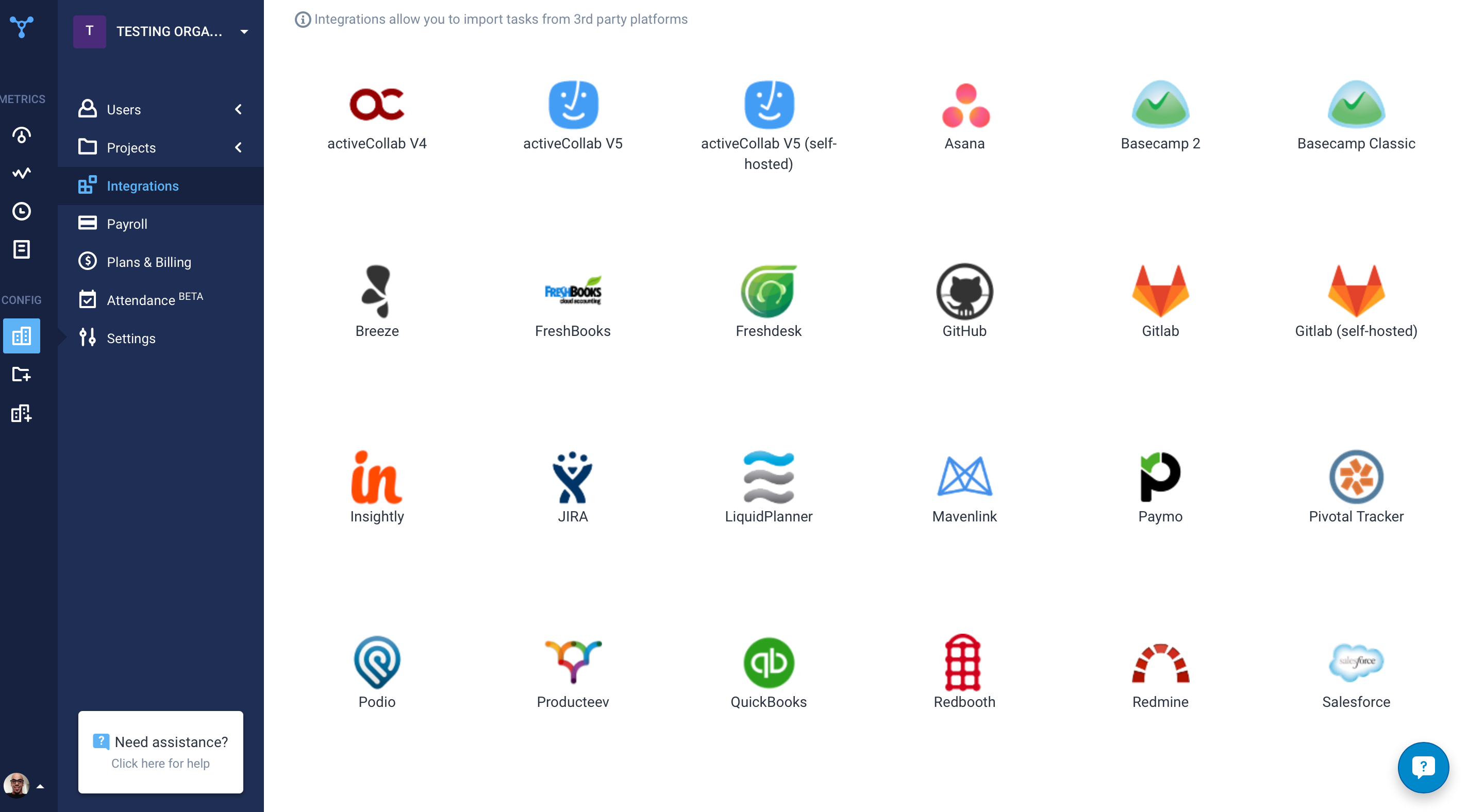
Screenshot of the time tracking interface, with screenshotsScreenshot of the remote work dashboardScreenshot of Hubstaff's 30 project management integrations