
Chartbeat vs. GTmetrix
| Product | Rating | Most Used By | Product Summary | Starting Price |
|---|---|---|---|---|
 Chartbeat | Score6.9 out of 10 | N/A | Chartbeat delivers real-time analytics, insights, and transformative tools for content teams around the world, to help improve audience engagement, inform editorial decisions, and increase loyalty. | N/A |
 GTmetrix | Score9.9 out of 10 | N/A | Gtmetrix is an analytics tool focused on determining website performance with features like page load speed details, video capture, and the ability to test from multiple regions around the world. | $10.67 per month |
| Chartbeat | GTmetrix | |||||||||||||||
|---|---|---|---|---|---|---|---|---|---|---|---|---|---|---|---|---|
| Editions & Modules | No answers on this topic |
| ||||||||||||||
| Offerings |
| |||||||||||||||
| Entry-level Setup Fee | No setup fee | No setup fee | ||||||||||||||
| Additional Details | Chartbeat pricing is based on monthly site page views. Discounts are applied to multi-year contracts. The Basic Plan includes the Real-time Dashboard, Historical Dashboard, Heads Up Display, Reports, Big Board, iOS and Android app, and Real-time API endpoints. The Plus Plan includes all of the Basic Plan features, plus ONE of the following Premium features: Headline Testing, Advanced Queries, or Multi-Site View. The Premium Plan includes all of the Basic Plan features, plus ALL Premium features: Headline Testing, Advanced Queries, Multi-Site View, and enterprise-level support and custom trainings. | — | ||||||||||||||
| More Pricing Information | ||||||||||||||||
| Chartbeat | GTmetrix | |
|---|---|---|
| Considered Both Products | No answer on this topic | No answer on this topic |
| Key User Insights | ||
| Would buy again | ||
98% Would buy again 47 Answers | 100% Would buy again 6 Answers | |
| Delivers good value for the price | ||
100% Delivers good value for the price 21 Answers | 100% Delivers good value for the price 6 Answers | |
| Happy with the feature set | ||
96% Happy with the feature set 46 Answers | 100% Happy with the feature set 6 Answers | |
| Lived up to sales and marketing promises | ||
100% Lived up to sales and marketing promises 20 Answers | 100% Lived up to sales and marketing promises 6 Answers | |
| Implementation went as expected | ||
100% Implementation went as expected 24 Answers | 100% Implementation went as expected 6 Answers | |
| Chartbeat | GTmetrix | |||||||||||||||||||||||||||||||||||||||||||||||||||||||||||||
|---|---|---|---|---|---|---|---|---|---|---|---|---|---|---|---|---|---|---|---|---|---|---|---|---|---|---|---|---|---|---|---|---|---|---|---|---|---|---|---|---|---|---|---|---|---|---|---|---|---|---|---|---|---|---|---|---|---|---|---|---|---|---|
| Web Analytics |
| |||||||||||||||||||||||||||||||||||||||||||||||||||||||||||||
| Testing and Experimentation |
| |||||||||||||||||||||||||||||||||||||||||||||||||||||||||||||
| Audience Segmentation & Targeting |
| |||||||||||||||||||||||||||||||||||||||||||||||||||||||||||||
| Results and Analysis |
| |||||||||||||||||||||||||||||||||||||||||||||||||||||||||||||
| Chartbeat | GTmetrix | |
|---|---|---|
| Small Businesses |  StatCounter Score9 out of 10 |  Google Optimize Score6.7 out of 10 |
| Medium-sized Companies |  Siteimprove Score10 out of 10 |  AB Tasty Score8.8 out of 10 |
| Enterprises |  Alexa Internet (discontinued) Score7.9 out of 10 |  Google Content Experiments (discontinued) Score7.3 out of 10 |
| All Alternatives | View all alternatives | View all alternatives |
| Chartbeat | GTmetrix | |
|---|---|---|
| Likelihood to Recommend | 8.6 | 10.0 |
| Likelihood to Renew | 9.9 | - |
| Usability | 7.8 | 9.1 |
| Support Rating | 8.1 | 4.0 |
| Chartbeat | GTmetrix | |
|---|---|---|
| Likelihood to Recommend |
|
|
| Pros |
|
|
| Cons |
|
|
| Likelihood to Renew |
| No answers on this topic |
| Usability |
|
|
| Support Rating |
|
|
| Alternatives Considered |
|
|
| Return on Investment |
|
|
| ScreenShots | Chartbeat Screenshots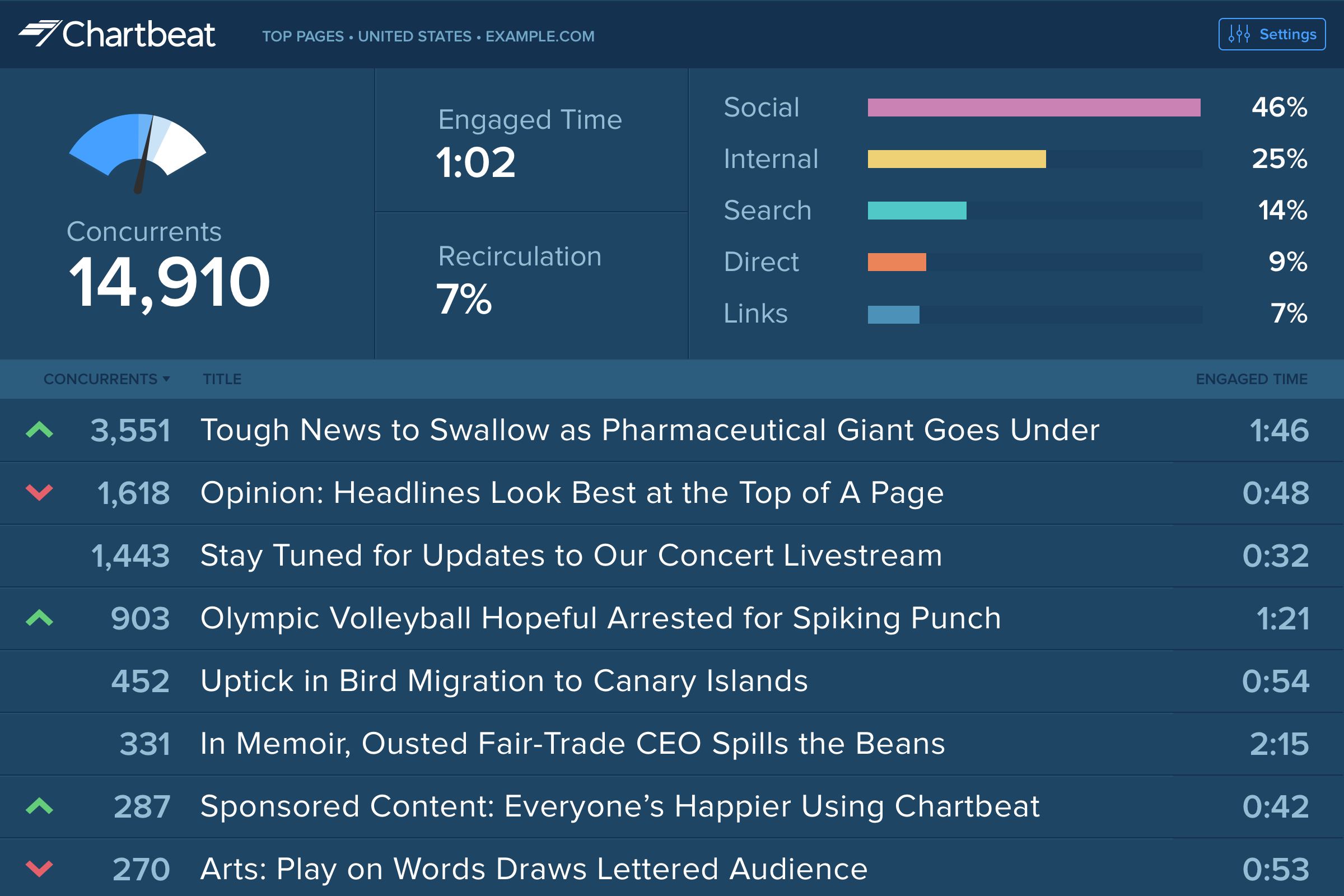 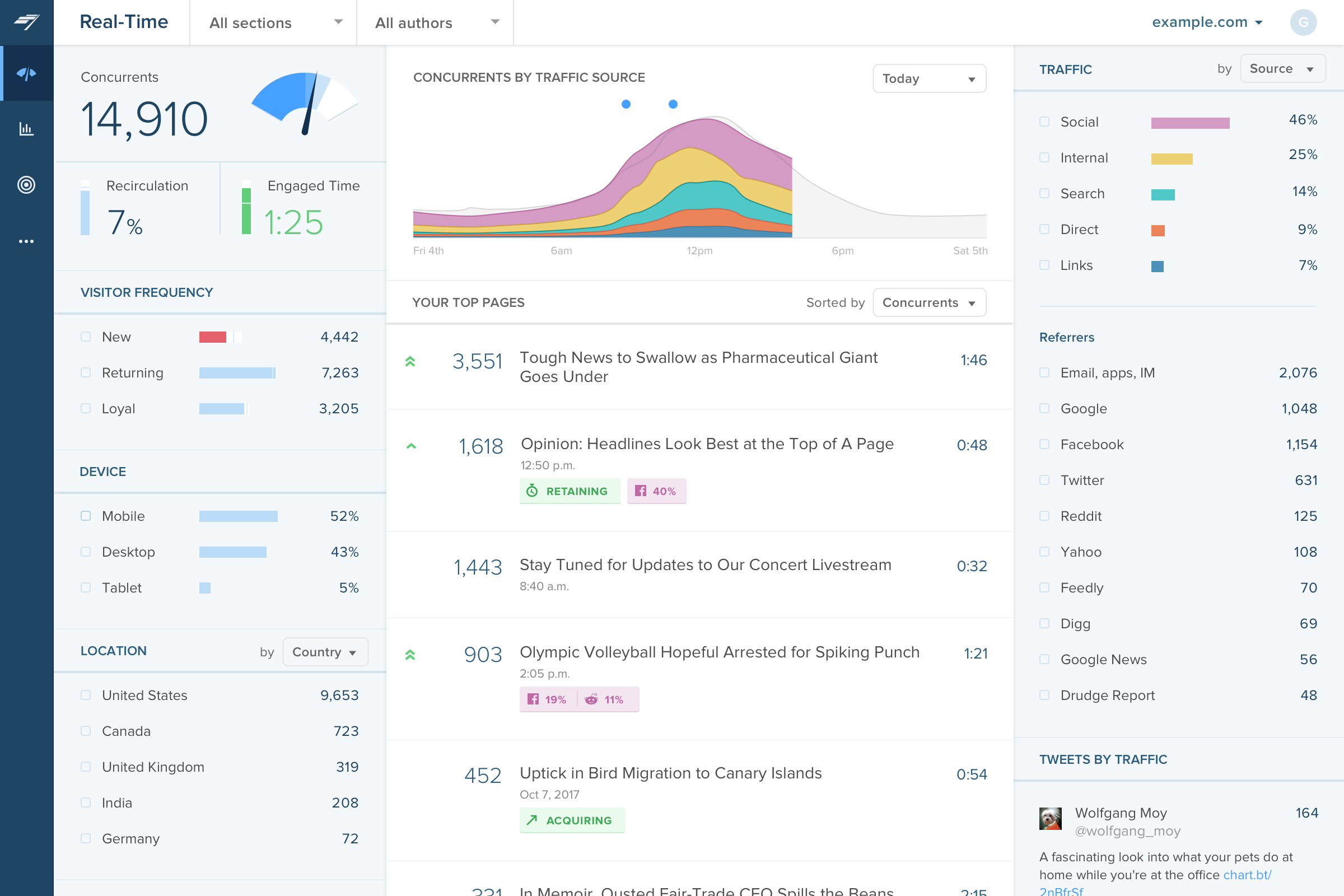     |



