Chartbeat vs. Google Content Experiments (discontinued)

Overview
ProductRatingMost Used ByProduct SummaryStarting Price
Chartbeat
Score 6.9 out of 10
N/A
Chartbeat delivers real-time analytics, insights, and transformative tools for content teams around the world, to help improve audience engagement, inform editorial decisions, and increase loyalty.N/A
Google Content Experiments (discontinued)
Score 7.3 out of 10
N/A
Google Content Experiments was a tool that can be used to create A/B test from within Google Analytics. It has been discontinued since 2019, and Google now recommends using its Google Optimize service for A/B testing.N/A
Pricing
ChartbeatGoogle Content Experiments (discontinued)
Editions & Modules
No answers on this topic
Offerings
Pricing Offerings
ChartbeatGoogle Content Experiments (discontinued)
Free Trial
YesNo
Free/Freemium Version
NoNo
Premium Consulting/Integration Services
NoNo
Entry-level Setup FeeNo setup feeNo setup fee
Additional DetailsChartbeat pricing is based on monthly site page views. Discounts are applied to multi-year contracts. The Basic Plan includes the Real-time Dashboard, Historical Dashboard, Heads Up Display, Reports, Big Board, iOS and Android app, and Real-time API endpoints. The Plus Plan includes all of the Basic Plan features, plus ONE of the following Premium features: Headline Testing, Advanced Queries, or Multi-Site View. The Premium Plan includes all of the Basic Plan features, plus ALL Premium features: Headline Testing, Advanced Queries, Multi-Site View, and enterprise-level support and custom trainings.
More Pricing Information
Community Pulse
ChartbeatGoogle Content Experiments (discontinued)
Features
ChartbeatGoogle Content Experiments (discontinued)
Web Analytics
Comparison of Web Analytics features of Product A and Product B
Chartbeat
7.4
Ratings
8% below category average
Google Content Experiments (discontinued)
-
Ratings
Lead Conversion Tracking6.10 Ratings00 Ratings
Bounce Rate Measurement6.80 Ratings00 Ratings
Device and Browser Reporting7.00 Ratings00 Ratings
Pageview Tracking7.90 Ratings00 Ratings
Event Tracking7.00 Ratings00 Ratings
Reporting in real-time9.10 Ratings00 Ratings
Referral Source Tracking8.00 Ratings00 Ratings
Customizable Dashboards7.60 Ratings00 Ratings
Testing and Experimentation
Comparison of Testing and Experimentation features of Product A and Product B
Chartbeat
-
Ratings
Google Content Experiments (discontinued)
9.2
Ratings
12% above category average
a/b experiment testing00 Ratings9.00 Ratings
Split URL testing00 Ratings10.00 Ratings
Multivariate testing00 Ratings10.00 Ratings
Multi-page/funnel testing00 Ratings9.00 Ratings
Cross-browser testing00 Ratings8.00 Ratings
Mobile app testing00 Ratings8.00 Ratings
Test significance00 Ratings9.00 Ratings
Visual / WYSIWYG editor00 Ratings10.00 Ratings
Advanced code editor00 Ratings9.00 Ratings
Page surveys00 Ratings8.00 Ratings
Visitor recordings00 Ratings8.00 Ratings
Preview mode00 Ratings8.00 Ratings
Test duration calculator00 Ratings10.00 Ratings
Experiment scheduler00 Ratings10.00 Ratings
Experiment workflow and approval00 Ratings8.00 Ratings
Dynamic experiment activation00 Ratings10.00 Ratings
Client-side tests00 Ratings10.00 Ratings
Server-side tests00 Ratings10.00 Ratings
Mutually exclusive tests00 Ratings10.00 Ratings
Audience Segmentation & Targeting
Comparison of Audience Segmentation & Targeting features of Product A and Product B
Chartbeat
-
Ratings
Google Content Experiments (discontinued)
10.0
Ratings
16% above category average
Standard visitor segmentation00 Ratings10.00 Ratings
Behavioral visitor segmentation00 Ratings10.00 Ratings
Traffic allocation control00 Ratings10.00 Ratings
Website personalization00 Ratings10.00 Ratings
Results and Analysis
Comparison of Results and Analysis features of Product A and Product B
Chartbeat
-
Ratings
Google Content Experiments (discontinued)
9.9
Ratings
16% above category average
Click analytics00 Ratings10.00 Ratings
Form fill analysis00 Ratings10.00 Ratings
Conversion tracking00 Ratings10.00 Ratings
Goal tracking00 Ratings10.00 Ratings
Test reporting00 Ratings9.00 Ratings
Results segmentation00 Ratings10.00 Ratings
CSV export00 Ratings10.00 Ratings
Experiments results dashboard00 Ratings10.00 Ratings
Best Alternatives
ChartbeatGoogle Content Experiments (discontinued)
Small Businesses
StatCounter
StatCounter
Score 9.0 out of 10
Convert Experiences
Convert Experiences
Score 9.9 out of 10
Medium-sized Companies
Siteimprove
Siteimprove
Score 10.0 out of 10
Dynamic Yield
Dynamic Yield
Score 8.3 out of 10
Enterprises
Optimal
Optimal
Score 9.0 out of 10
Dynamic Yield
Dynamic Yield
Score 8.3 out of 10
All AlternativesView all alternativesView all alternatives
User Ratings
ChartbeatGoogle Content Experiments (discontinued)
Likelihood to Recommend
8.6
(0 ratings)
9.0
(0 ratings)
Likelihood to Renew
9.9
(0 ratings)
7.5
(0 ratings)
Usability
7.9
(0 ratings)
-
(0 ratings)
Support Rating
8.1
(0 ratings)
8.0
(0 ratings)
User Testimonials
ChartbeatGoogle Content Experiments (discontinued)
Likelihood to Recommend
It is well suited to keeping me toward a specified goal, and gives me concrete numbers and gives me an idea of what we need to do to meet our goals. It's less appropriate if you want something more than pageviews, and doesn't really do a lot for video views.
Read full review
Google Content Experiments is suited for large and small organizations, no matter your organizational goals. It is not recommended for organizations that are only interested in qualitative data, as there are other tools for receiving specific user experience feedback. It is also not recommended that you implement tests without some sort of goal in mind.
Read full review
Pros
  • Provides easy at-a-glance look at what people are reading right now
  • Heads-up Display allows you to make sure the homepage is showing the content people want to read
  • Headline testing tool provides fascinating insight into what makes people read a story and improves headline-writing ability
Read full review
  • When you need to measure against event-based goals
  • If you need to see how the test variations performed against secondary goals
  • Given that the the platform requires you actually code a new page with a unique URL, this tool can be good for radical redesigns.
  • Great insights into other information about your testing groups, like whether or not they're mobile, screen size, browser, or really any dimension available in GA.
Read full review
Cons
  • Source of traffic needs improvement. Search and social make sense, but "internal" and "links" is a grey area. It would be helpful to define those with an organization and provide an information icon so users can easily remember what each of those buckets is tracking.
  • More ways to customize the real-time board. For example, with video content, that's great that I can see a user has started a video, but what is the completion rate, was that only on O&O or can that track Facebook, too?
  • Would like to see demo (age) information included as a way to slice the data so I can see what's working with my older and younger demo.
Read full review
  • You can only optimise for one goal, so if you have several conversions, like phone call and email you need to do it manually.
  • It seems not to work that well for pages with lower amounts of traffic - not great for new or niche sites.
Read full review
Likelihood to Renew
I gave Chartbeat a 5 for a renewal rating, because, while it delivers clear and understandable content, Google Analytics also provides many of the same features for free. For a small to medium website, I believe it would be more cost effective to use Google Analytics. A website with a high amount of traffic, however, could merit spending the money on Chartbeat to maximize their potential.
Read full review
Content Experiments just makes it is simple and easy to implement A|B tests. We will be evaluating other tools in search of a more robust system for multivariate and cross-page testing, such as Optimizely or Visual Website Optimizer. However, for basic testing, you can't really beat it.
Read full review
Usability
Chartbeat is really pretty straightforward. The only things that may cause confusion are the string of sidebar features and tools at the left of the screen. I mostly use the big leader board in real-time and the historical feature (looking at the monthly or weekly performance of my team's content) and then generate reports automatically from there.
Read full review
No answers on this topic
Support Rating
I have had limited experience of support for Chartbeat but whenever I have needed help it has been there. Recently there was an issue of seeing different forms of data in real time - app and otherwise effectively, and the issue was being clearly dealt with and communicated back to us.
Read full review
Using the free tool, overall "live support" is limited. However, there are plenty of online resources to get started. If you need handheld support, it is best to upgrade the service or hire a developer through one of Google's partner agencies. There could be more support for understanding what makes a test useful or not.
Read full review
Alternatives Considered
Google Analytics has gradually become much more difficult to use, and much slower in its realtime reporting. It was the changes that came in with Google Analytics 4 that gave us the final push to work with Chartbeat - a product some of us were already familiar with from previous jobs. Things are just much harder to find in GA, and when time is always tight you can't afford to spend a long time looking for particular data - it should be quick and easy to locate
Read full review
Google Website Optimizer was a better product but has been discontinued. We have also used Test and Target , which has more features but we have been doing fine with Google Content Experiments. Most testing situations can be handled with Google Content Experiments.
Read full review
Return on Investment
  • It has helped us save time in report generation and performance analysis.
  • By helping us evaluate our contributors, we're able to get our money's worth.
  • Seeing our numbers on the Big Board fosters healthy competition among brands, motivating us to distribute our stories better.
Read full review
  • Doing good experiments/Optimize has helped to take out the guesswork of the things we want to implement.
  • We have done fairly complex changes such as changing navigation and managed to see improvements outcomes immediately before we have to request developer.
  • Our teams have become more data centric in how they approach changes.
Read full review
ScreenShots

Chartbeat Screenshots

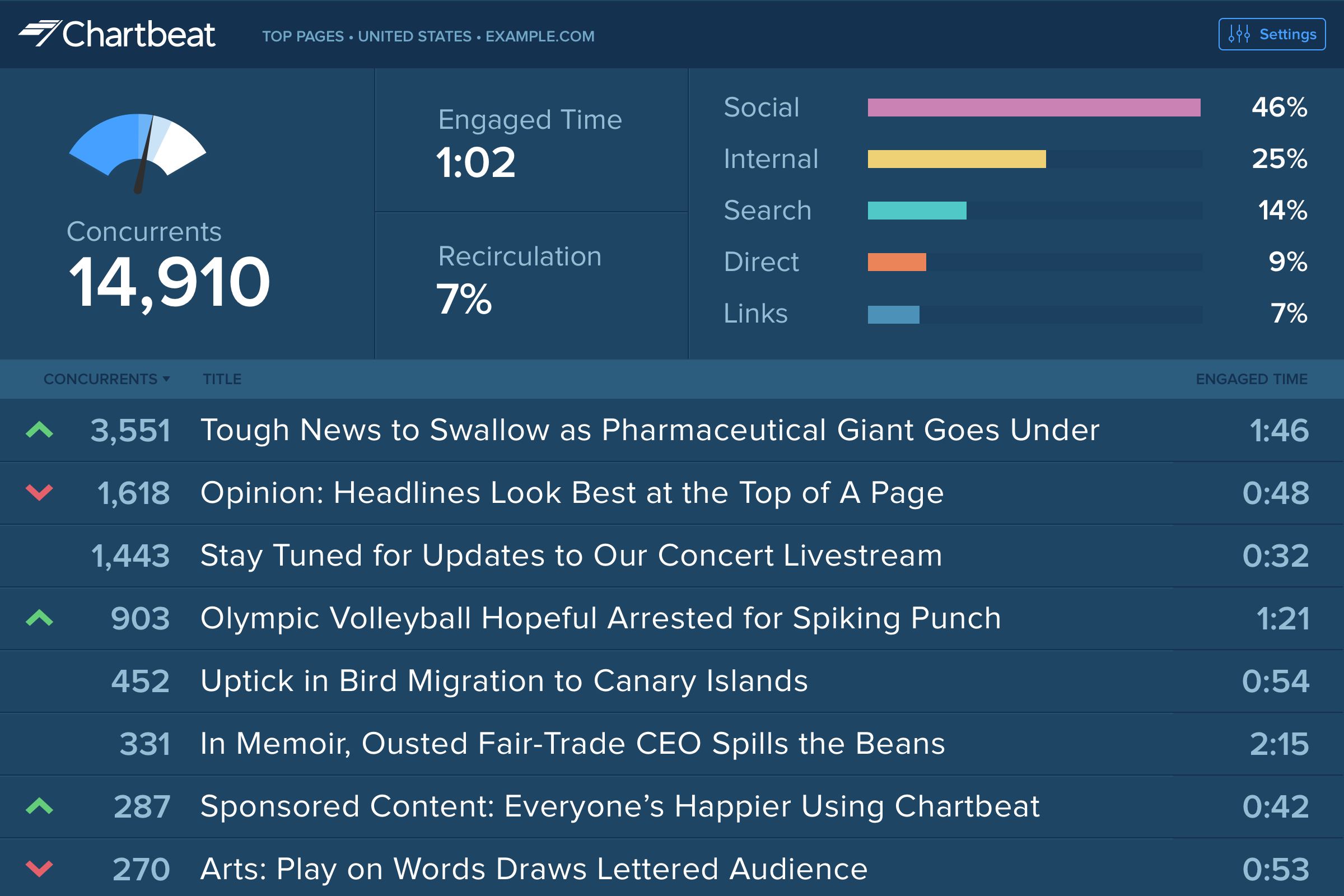
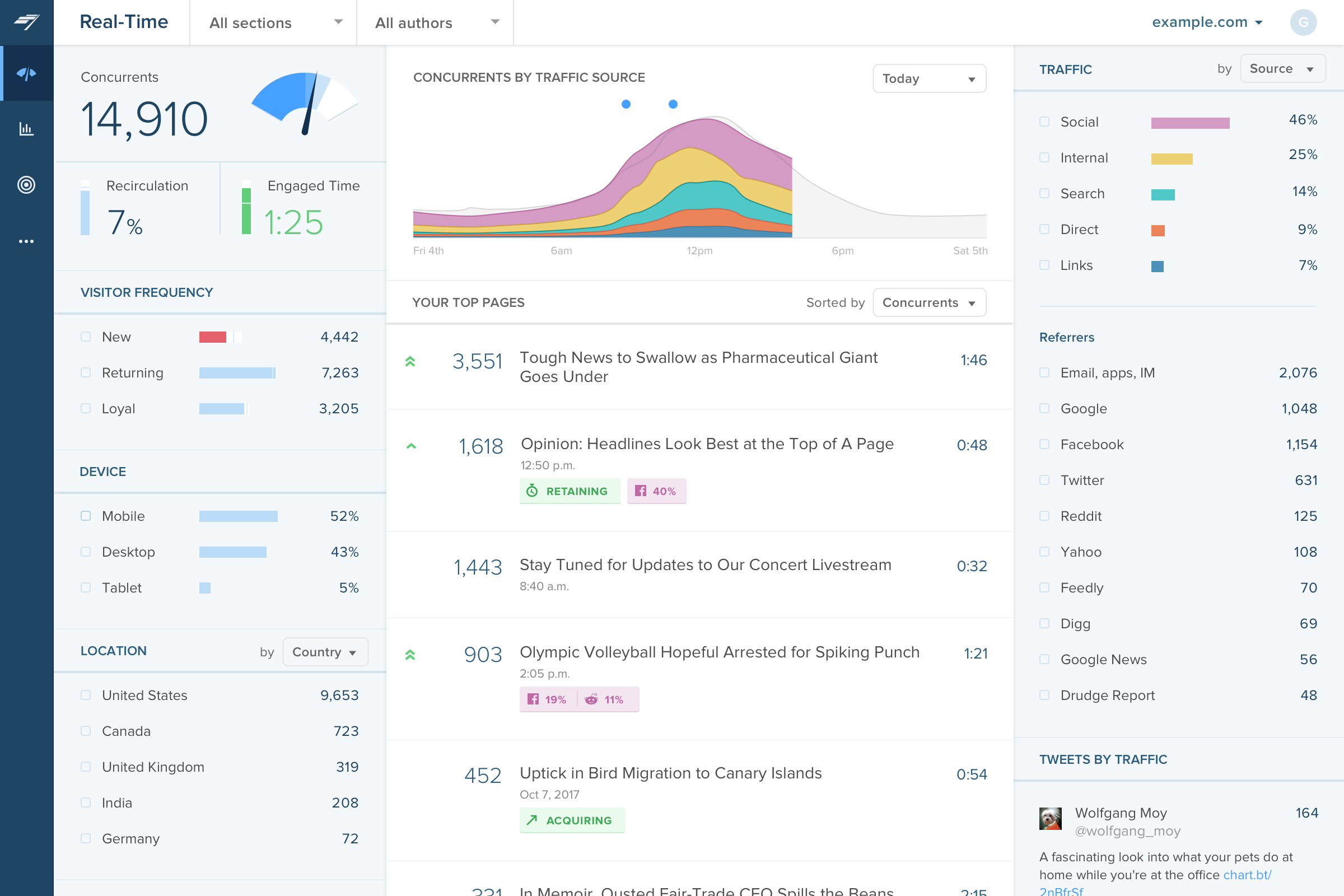
Screenshot of Big Board: For newsrooms, the leaderboard-style visualization shows the top stories on the biggest screen.Screenshot of Real-time dashboard: Displays how an audience is connecting with content in the moment – across platforms, channels, and devices.Screenshot of Historical Dashboard: To assess content performance, KPIs, and valuable trends over the long term.Screenshot of Heads Up Display: Shows which homepage articles are the top performers, how stories are trending up or down in traffic, and how far visitors are scrolling down the page.Screenshot of Video Dashboard: Reveals how video content captures viewer attention.Screenshot of Conversion Dashboard: Tracks conversion metrics and insights.